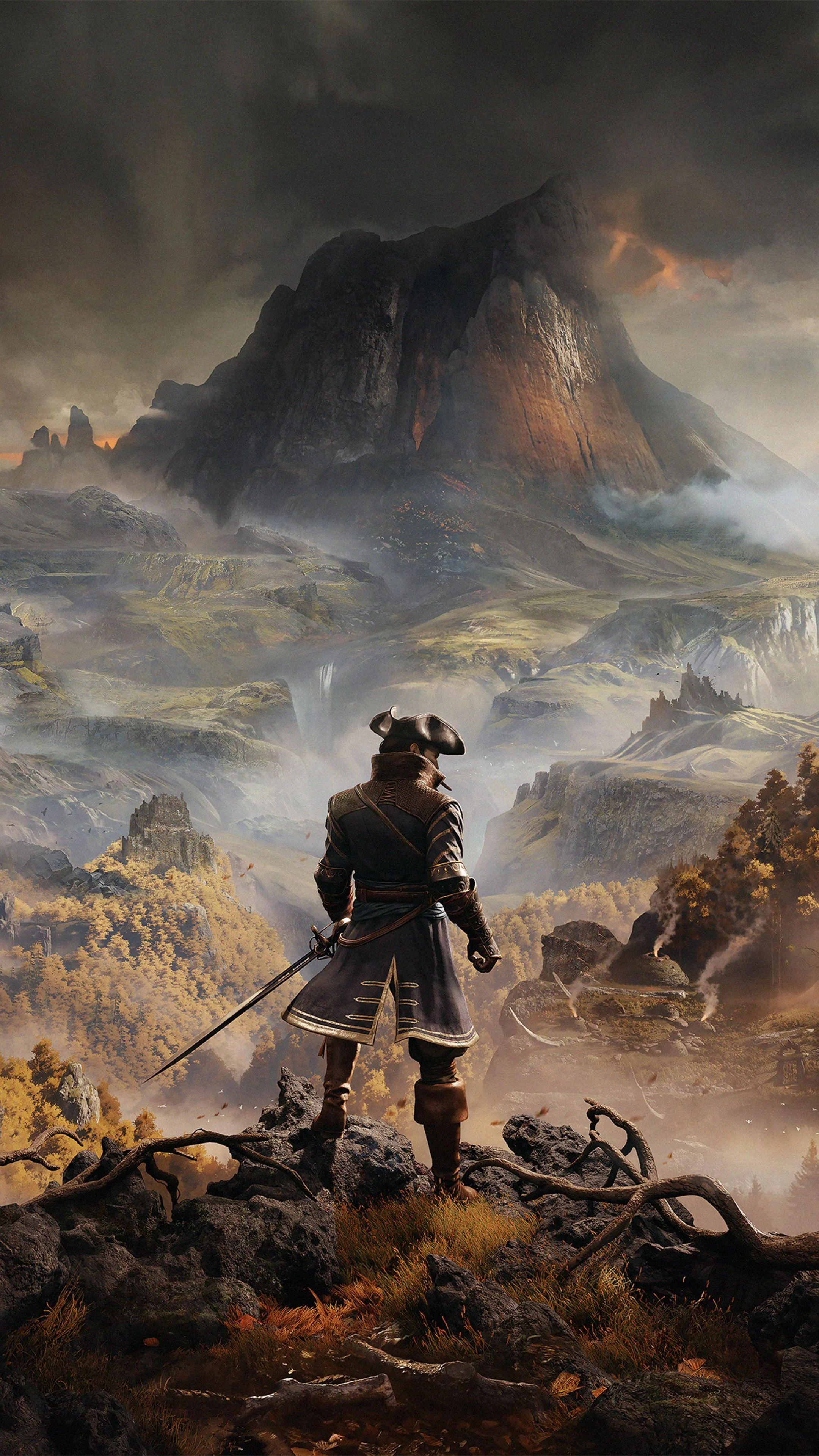
Greedfall
This combination offers playable performance with an average of 38 FPS, though you may want to lower settings for smoother gameplay.
Average FPS: resolution vs quality settings
| Ultra | High | Medium | Low | |
|---|---|---|---|---|
| 4K Ultra HD | 13 | 23 | 22 | 31 |
| 1440p QHD | 22 | 33 | 43 | 53 |
| 1080p Full HD | 35 | 53 | 55 | 74 |
Cell color: green is 120+ FPS, teal is 60+, amber is 30+, red is below 30.
Greedfall with AMD Ryzen 5 5600G + NVIDIA GeForce GTX 1650, In-Depth Analysis
Greedfall on the AMD Ryzen 5 5600G and NVIDIA GeForce GTX 1650 is a demanding combination, with the measured results showing a system that is heavily constrained by the GPU. The data indicates that players must make significant compromises to achieve playable frame rates, and the optimal experience hinges on selecting a preset that balances visual fidelity with the hardware’s limits. The benchmark results show clear performance tiers across resolutions, with the GTX 1650’s 4 GB VRAM and 128-bit memory interface acting as the primary bottlenecks.
Settings Recommendations
The measured FPS data points to the Low preset at 1920x1080 as the only configuration that provides a consistently comfortable experience, delivering an average of 73.8 FPS. This is the only settings combination across all tested resolutions that breaks the 60 FPS threshold, making it the definitive choice for smooth, responsive gameplay. While the Medium preset at 1080p (54.9 FPS) and High at 1080p (53.3 FPS) are technically playable, they hover near the 50 FPS mark, which can lead to noticeable judder in a fast-paced action RPG. The Ultra preset at 1080p, with an average of 35.2 FPS, should be avoided as it falls below the threshold for comfortable play.
At 2560x1440, the Low preset is the only viable option, producing 53 FPS. The Medium preset at this resolution drops to 42.7 FPS, and High falls further to 33.4 FPS, indicating that the GPU struggles significantly as resolution scales up. The Ultra preset at 1440p is effectively unplayable at 21.9 FPS. For players who prioritize visual quality over frame rate, the Medium preset at 1080p offers a reasonable middle ground, but the data strongly suggests that the performance headroom is minimal. The Low preset at 1080p is the recommended starting point, as it provides the largest margin for stable performance, and users can then attempt to raise settings to Medium if they are willing to accept a 19 FPS drop in average frame rate.
FAQ
Q: What is the best resolution for this hardware combination?
A: The data shows 1920x1080 is the only resolution where the GTX 1650 can achieve an average above 60 FPS (73.8 FPS on Low). At 2560x1440, the best average is 53 FPS on Low, while 3840x2160 yields a maximum average of only 31.4 FPS, making 1080p the only sensible choice.
Q: Why is the Ultra preset so much slower than Low?
A: The performance delta is severe across all resolutions. At 1080p, Ultra averages 35.2 FPS compared to 73.8 FPS on Low, a drop of 38.6 FPS. At 4K, Ultra averages just 13.4 FPS versus 31.4 FPS on Low, indicating that the GPU’s shading units and memory bandwidth are overwhelmed by the higher graphical load.
Q: How does the system perform at 4K resolution?
A: The measured results show that 3840x2160 is not viable for this hardware. The Low preset averages 31.4 FPS, High averages 22.7 FPS, and Medium is slightly lower at 22.1 FPS. The Ultra preset drops to a slideshow-like 13.4 FPS, confirming that the GTX 1650 lacks the necessary resources for 4K gaming.
Q: Is the CPU a limiting factor in this game?
A: The Ryzen 5 5600G’s benchmark scores (e.g., 16,758 in Cinebench R23 multi-core, 3,177 in PassMark single-thread) are relatively strong, and its percentile rank of 78 against all CPUs suggests it is a capable processor. The massive FPS drops when moving from 1080p to 1440p and 4K indicate the GPU is the primary bottleneck, not the CPU.
Q: What preset offers the closest to a 60 FPS experience at 1440p?
A: None of the tested presets reach 60 FPS at 2560x1440. The Low preset comes closest at 53 FPS, but even that is 7 FPS short. The Medium preset at 42.7 FPS and High at 33.4 FPS show that visual quality must be sacrificed to approach playability.
Q: How does the GTX 1650 compare to its nearest rivals in raw benchmark scores?
A: The GTX 1650 has an average benchmark score of 8,713, placing it in the 43rd percentile of all GPUs. It is nearly identical to the NVIDIA GeForce RTX 3050 A Mobile (8,746 score, -0.4% delta) and the AMD Radeon 550X (8,749 score, -0.4% delta), while being slightly ahead of the NVIDIA Quadro P2200 (8,671 score, +0.5% delta). This suggests it is a baseline entry-level GPU.
GPU Role
The NVIDIA GeForce GTX 1650 is the clear performance bottleneck in this configuration. Its 4 GB of GDDR5 memory on a 128-bit bus provides a bandwidth of 128.1 GB/s, which is insufficient for Greedfall’s higher texture and shading demands, especially at higher presets. The GPU’s boost clock of 1665 MHz and 896 shading units deliver a raw FP32 compute of 2.984 TFLOPS, which is modest by current standards. The benchmark results show that the GPU’s memory subsystem is severely strained; the transition from Low to Ultra at 1080p causes a 52% drop in average FPS (from 73.8 to 35.2), which is a classic symptom of VRAM capacity and bandwidth saturation.
The GPU’s position in the market is reflected in its 43rd percentile rank among all GPUs, meaning it performs better than only 43% of the database. It sits in a tight cluster with the RTX 3050 A Mobile and Radeon 550X, with a delta of -0.4% against both, and it outperforms the Quadro P2200 by 0.5%. This indicates that the GTX 1650 is at the bottom rung of modern gaming GPUs, and its 4 GB VRAM is particularly problematic for a title like Greedfall, which can exceed that capacity at high resolutions. The data shows that the GPU’s limitations are exposed aggressively when settings are raised, confirming that its role is purely to enable low-to-medium fidelity gaming at 1080p.
Measured FPS Breakdown
The measured FPS data provides a complete picture of the system’s capabilities. At 1920x1080, the Low preset achieves an average of 73.8 FPS, which is the highest score in the entire dataset. The Medium preset averages 54.9 FPS, while High is nearly identical at 53.3 FPS, suggesting that the difference between these two settings is minimal in terms of GPU load. The Ultra preset falls to 35.2 FPS, a significant step down that makes the game feel sluggish.
Moving to 2560x1440, the Low preset averages 53 FPS, which is a 21 FPS drop from the same setting at 1080p. The Medium preset drops to 42.7 FPS, and High falls to 33.4 FPS. The Ultra preset averages 21.9 FPS, which is barely above the 4K Low result. At 3840x2160, the performance collapses. The Low preset averages 31.4 FPS, High averages 22.7 FPS, and Medium is marginally slower at 22.1 FPS. The Ultra preset averages 13.4 FPS, making it the worst-performing configuration in the test. Notably, the Medium preset at 4K is slower than High at the same resolution, which is an anomaly likely caused by inconsistent optimization within the game engine for the specific GPU load.
Resolution Scaling
The FPS drop from 1080p to 4K is steep and reveals the limiting component clearly. At the Low preset, moving from 1080p (73.8 FPS) to 1440p (53 FPS) results in a 28.2% performance loss, and then to 4K (31.4 FPS) results in a further 40.8% loss from the 1440p figure. This scaling behavior indicates that the GPU is being pushed to its absolute limits, as the pixel count increase from 2.07 million (1080p) to 8.29 million (4K) is a 4x jump, but the FPS does not scale linearly due to memory bandwidth constraints.
For the High preset, the drop is even more pronounced: 53.3 FPS at 1080p, 33.4 FPS at 1440p, and 22.7 FPS at 4K. This represents a 57.4% loss from 1080p to 4K, which is less severe than the Low preset’s 57.4% loss (from 73.8 to 31.4), but the absolute numbers are far lower. The Ultra preset shows the worst scaling, with 35.2 FPS at 1080p, 21.9 FPS at 1440p, and 13.4 FPS at 4K. The fact that the Ultra preset loses 61.9% of its performance from 1080p to 4K suggests that the GPU’s shading units are completely saturated, and the 4 GB VRAM is overflowing, forcing the system to rely on slower memory paging. The consistent pattern across all presets is that the GTX 1650 is the limiting factor; the CPU’s benchmark scores, such as the 16,758 in Cinebench R23 multi-core, are far ahead of what is needed for this game, confirming that no amount of CPU headroom can compensate for the GPU’s deficiencies at higher resolutions.
Hardware Specifications
AMD Ryzen 5 5600G
NVIDIA GeForce GTX 1650
FPS Benchmarks by Resolution & Settings
Performance data for AMD Ryzen 5 5600G + NVIDIA GeForce GTX 1650 in Greedfall
| Resolution | Settings | Avg FPS |
|---|---|---|
| 3840x2160 | Low | 31.4 |
| 3840x2160 | High | 22.7 |
| 3840x2160 | Medium | 22.1 |
| 3840x2160 | Ultra | 13.4 |
| 2560x1440 | Low | 53.0 |
| 2560x1440 | Medium | 42.7 |
| 2560x1440 | High | 33.4 |
| 2560x1440 | Ultra | 21.9 |
| 1920x1080 | Low | 73.8 |
| 1920x1080 | Medium | 54.9 |
| 1920x1080 | High | 53.3 |
| 1920x1080 | Ultra | 35.2 |
Greedfall with Ryzen 5 5600G + Other GPUs
See how Greedfall performs with the same CPU but different graphics cards.
Greedfall with GTX 1650 + Other CPUs
See how Greedfall performs with the same GPU but different processors.
Other Games with Ryzen 5 5600G + GTX 1650
Explore FPS benchmarks for other games using this same hardware combination.