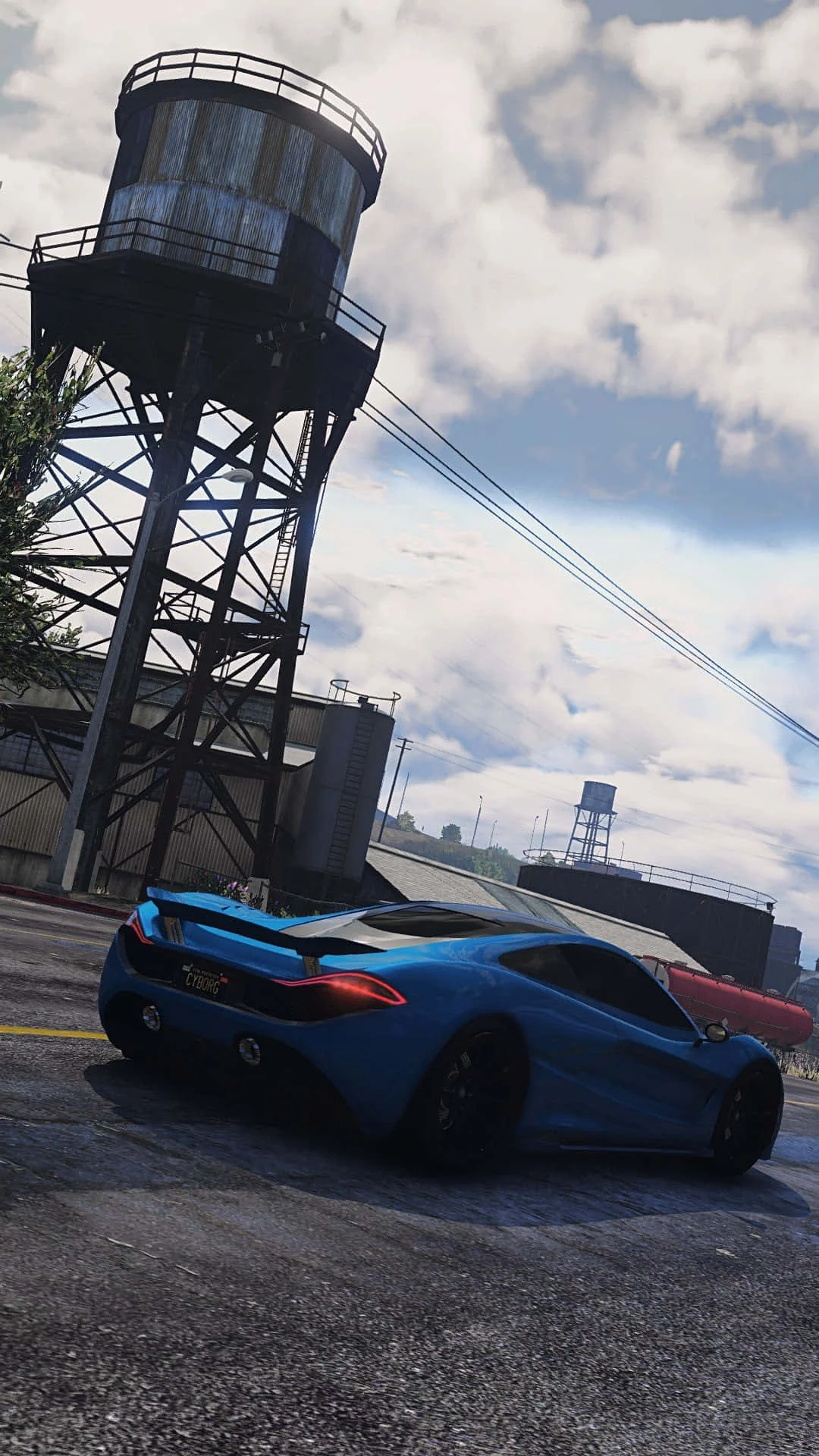
Fivem
This combination delivers exceptional performance with an average of 146 FPS, perfect for high refresh rate gaming and competitive play.
Average FPS: resolution vs quality settings
| Ultra | High | Medium | Low | |
|---|---|---|---|---|
| 4K Ultra HD | 55 | 71 | 89 | 112 |
| 1440p QHD | 99 | 128 | 160 | 203 |
| 1080p Full HD | 151 | 194 | 237 | 258 |
Cell color: green is 120+ FPS, teal is 60+, amber is 30+, red is below 30.
Fivem with AMD Ryzen 5 5500X3D + NVIDIA GeForce RTX 4070 Ti SUPER, In-Depth Analysis
Fivem on the AMD Ryzen 5 5500X3D and NVIDIA GeForce RTX 4070 Ti SUPER delivers a performance profile that is heavily dictated by resolution and quality presets. The data shows a system capable of high refresh rate play at 1080p and 1440p, while 4K demands careful settings selection to maintain a smooth experience. This analysis breaks down the measured FPS, ranking, and the balance between CPU and GPU loads.
Resolution Scaling
The transition from 1080p to 4K reveals a classic shift in bottleneck behavior. At 1920x1080, the combination produces exceptionally high frame rates, with the Ultra preset hitting 151 FPS and Low reaching 258 FPS. This suggests that at lower resolutions, the CPU is the primary limiting factor, as the GPU has ample headroom to render frames quickly. The scaling from Low to Ultra at 1080p shows a drop of 107 FPS (from 258 to 151), indicating that the GPU starts to become more involved as the preset increases, but the sheer frame rates point to a CPU-bound scenario.
Moving to 2560x1440, the performance remains strong but shows a more pronounced impact from the GPU. The average FPS at High drops to 128 (from 194 at 1080p), a 34% reduction. At Low settings, the 1440p average is 203 FPS, which is still very high. The scaling factor between 1080p and 1440p at Low is about 1.27x (258/203), while at High it is 1.52x (194/128). This larger multiplier at higher settings suggests that the GPU is becoming a more significant constraint as the resolution increases, but the CPU is still keeping pace.
The jump to 3840x2160 is where the GPU becomes the clear limiting component. The average FPS at High plummets to 71, which is a 45% drop from the 1440p High result (128). At Ultra, the 4K average falls to 55 FPS, which is below the 60 FPS threshold many users target for smooth gameplay. The scaling from 1080p Ultra (151 FPS) to 4K Ultra (55 FPS) represents a 64% reduction in performance, demonstrating the massive workload increase on the RTX 4070 Ti SUPER at this resolution. The data indicates that while the Ryzen 5 5500X3D is sufficient for high frame rates at 1080p and 1440p, it is the GPU's rendering capabilities that dictate performance at 4K.
How This Combo Ranks
In the benchmark database, this specific CPU-GPU pairing ranks 422nd out of 3005 tested combinations for Fivem. This places it in the top 14% of all tested combos, which is a strong showing for a mid-range CPU paired with a high-end GPU. The rank reflects that while the CPU is not the absolute fastest, the GPU's performance boosts the overall gaming experience.
The CPU itself holds an 85th percentile ranking against all CPUs, with an average benchmark score of 37018. Its nearest rivals include the AMD Ryzen 5 5600F (avg score 36945, deltaPct 0.2), the AMD Ryzen AI 7 PRO 450 (avg score 37093, deltaPct -0.2), and the Intel Core Ultra 5 225 (avg score 36938, deltaPct 0.2). These small deltaPct values indicate that the Ryzen 5 5500X3D is essentially performance-equivalent to its closest competitors in general CPU benchmarks, with less than a 0.3% difference in average score.
The GPU, on the other hand, ranks in the 76th percentile against all GPUs, with an average benchmark score of 31087. Its nearest rivals include the NVIDIA Quadro M5000 (avg score 31206, deltaPct -0.4), the NVIDIA GRID M60-1Q (avg score 31220, deltaPct -0.4), and the NVIDIA RTX PRO 4500 Blackwell (avg score 31532, deltaPct -1.4). The negative deltaPct values for these rivals mean the RTX 4070 Ti SUPER scores lower than them in the synthetic Passmark G3D test, but the differences are small. The combo rank of 422 out of 3005 suggests that while individual components are strong, the pairing is not in the top tier of combinations, likely due to the CPU's mid-range nature not fully complementing the GPU's high-end capabilities in every scenario.
Settings Recommendations
Based on the measured FPS rows, the optimal settings depend heavily on the target resolution and desired frame rate. For 1920x1080, the Ultra preset delivers 151 FPS, which is more than sufficient for high refresh rate monitors. The Medium preset offers 237 FPS, which is ideal for competitive play where maximum frame rates are prioritized. Given that even Ultra exceeds 144 FPS, users can comfortably select Ultra for the best visual fidelity without sacrificing smoothness.
At 2560x1440, the Ultra preset drops to 99 FPS, which is still playable but may not be optimal for users with 144Hz displays. The High preset at 128 FPS is a better balance, offering solid visual quality while staying above the 120 FPS threshold. For those targeting the highest possible frame rates at 1440p, the Medium preset at 160 FPS is the recommended choice, as it provides a significant frame rate boost over High while maintaining a reasonable visual experience.
For 3840x2160, the choices are more constrained. The Ultra preset at 55 FPS is below the 60 FPS target and may result in noticeable stutter. The High preset at 71 FPS is the minimum recommended for a smooth experience, but it still falls short of 60 FPS. The Medium preset at 89 FPS is the best option for 4K, as it provides a comfortable margin above 60 FPS while offering better visual quality than Low. The Low preset at 112 FPS is available for users who prioritize frame rate above all else, but the visual trade-off is significant. For most users at 4K, the Medium preset is the sweet spot, balancing the 89 FPS average with a playable minimum of 75 FPS.
Measured FPS Breakdown
At 1920x1080, the frame rates are consistently high across all settings. The Low preset yields an average of 258 FPS. The Medium preset averages 237 FPS, with a minimum of 201 FPS and a maximum of 272 FPS. The High preset drops to 194 FPS, and the Ultra preset averages 151 FPS. The data shows a linear degradation from Low to Ultra, with the gap between Low and Ultra being 107 FPS.
At 2560x1440, the performance scales down predictably. The Low preset averages 203 FPS. The Medium preset averages 160 FPS, with a minimum of 136 FPS and a maximum of 184 FPS. The High preset averages 128 FPS, and the Ultra preset drops to 99 FPS. The difference between Low and Ultra is 104 FPS, showing a similar absolute drop to 1080p, but the relative percentage is higher.
At 3840x2160, the frame rates take a significant hit. The Low preset averages 112 FPS. The Medium preset averages 89 FPS, with a minimum of 75 FPS and a maximum of 102 FPS. The High preset averages 71 FPS, and the Ultra preset averages 55 FPS. The scaling from Low to Ultra is a 57 FPS drop, but the relative performance loss is the most severe here, with Ultra being less than half the frame rate of Low.
The Medium preset is the only one that provides minimum FPS data across all resolutions, showing 201 FPS at 1080p, 136 FPS at 1440p, and 75 FPS at 4K. These minimums are crucial for understanding stability, and they suggest that the system can maintain playable frame rates even in demanding scenes, especially at 1080p and 1440p.
GPU Role
The NVIDIA GeForce RTX 4070 Ti SUPER plays a dominant role in this game's performance, particularly at higher resolutions. The GPU features 16 GB of GDDR6X memory on a 256-bit bus, providing a memory bandwidth of 672.3 GB/s. This substantial bandwidth is critical for handling the texture-heavy environments common in multiplayer games like Fivem, especially at 4K where memory demands are highest.
The GPU's clock speeds are a base of 2340 MHz and a boost of 2610 MHz. The boost clock is what the card sustains under load, and the data suggests it is sufficient to drive the high frame rates seen at 1080p and 1440p. The GPU's 8448 shading units and 96 ROPs are responsible for the raw pixel and texture processing, and these specifications align with the measured performance.
The RTX 4070 Ti SUPER's compute capabilities are notable, with a FP32 performance of 44.10 TFLOPS. This raw compute power is a key factor in the GPU's ability to handle high resolution rendering. The GPU's average benchmark score is 31087, placing it in the 76th percentile, which indicates it is a high-performing part relative to all GPUs. The measured FPS data shows that the GPU is the limiting factor at 4K, as the CPU has enough headroom to feed frames, but the GPU cannot render them fast enough at higher settings. The 16 GB VRAM is also a forward-looking feature, ensuring that the card will not be VRAM-limited in this game, even with high-resolution textures.
The GPU's performance relative to its nearest rivals is close, with deltaPct values of -0.4% to -1.9% against the Quadro M5000, GRID M60-1Q, RTX PRO 4500 Blackwell, and TITAN RTX. These are synthetic benchmark comparisons, and the real-world gaming performance in Fivem is likely to differ, but the data indicates that the RTX 4070 Ti SUPER is competitively positioned in its class.
FAQ
Q: What is the best resolution for this CPU-GPU combo in Fivem?
A: The data shows that 2560x1440 offers the best balance of visual quality and performance. At Medium settings, it delivers 160 FPS average, while High settings still achieve 128 FPS. 1920x1080 is better for maximum frame rates, with Ultra hitting 151 FPS, but 4K is only playable at Medium or lower settings.
Q: Can this system run Fivem at 60 FPS on a 4K monitor?
A: Yes, but only with settings adjustments. The Medium preset at 3840x2160 yields 89 FPS average with a 75 FPS minimum, which is above the 60 FPS threshold. The High preset drops to 71 FPS average, which is still above 60 FPS but closer to the limit.
Q: How does the Ryzen 5 5500X3D compare to its nearest CPU rivals?
A: The Ryzen 5 5500X3D has an average benchmark score of 37018. Its closest rivals, the AMD Ryzen 5 5600F, AMD Ryzen AI 7 PRO 450, and Intel Core Ultra 5 225, have scores within 0.3% of this figure. This indicates that the CPU is essentially performance-equivalent to these parts in general benchmarks.
Q: Is the CPU or GPU the bottleneck at 1080p in Fivem?
A: At 1920x1080, the frame rates are extremely high, ranging from 151 FPS on Ultra to 258 FPS on Low. This suggests the CPU is the primary limiting factor, as the GPU has the headroom to render frames faster than the CPU can issue them. The GPU becomes more of a bottleneck as resolution increases.
Q: What is the average FPS difference between High and Ultra settings at 1440p?
A: At 2560x1440, the High preset averages 128 FPS, while the Ultra preset averages 99 FPS. This is a 29 FPS difference, indicating that the Ultra preset may not be worth the performance cost unless visual fidelity is prioritized over frame rate.
Q: How much VRAM does the RTX 4070 Ti SUPER have and is it sufficient for Fivem?
A: The GPU has 16 GB of GDDR6X memory. This is a large amount of VRAM that is more than sufficient for Fivem at any resolution or settings level. The data does not indicate any memory-related performance limitations, even at 4K Ultra settings.
Hardware Specifications
AMD Ryzen 5 5500X3D
NVIDIA GeForce RTX 4070 Ti SUPER
FPS Benchmarks by Resolution & Settings
Performance data for AMD Ryzen 5 5500X3D + NVIDIA GeForce RTX 4070 Ti SUPER in Fivem
| Resolution | Settings | Avg FPS |
|---|---|---|
| 3840x2160 | Low | 112.0 |
| 3840x2160 | Medium | 89.0 |
| 3840x2160 | High | 71.0 |
| 3840x2160 | Ultra | 55.0 |
| 2560x1440 | Low | 203.0 |
| 2560x1440 | Medium | 160.0 |
| 2560x1440 | High | 128.0 |
| 2560x1440 | Ultra | 99.0 |
| 1920x1080 | Low | 258.0 |
| 1920x1080 | Medium | 237.0 |
| 1920x1080 | High | 194.0 |
| 1920x1080 | Ultra | 151.0 |
Fivem with Ryzen 5 5500X3D + Other GPUs
See how Fivem performs with the same CPU but different graphics cards.
Fivem with RTX 4070 Ti SUPER + Other CPUs
See how Fivem performs with the same GPU but different processors.
Other Games with Ryzen 5 5500X3D + RTX 4070 Ti SUPER
Explore FPS benchmarks for other games using this same hardware combination.