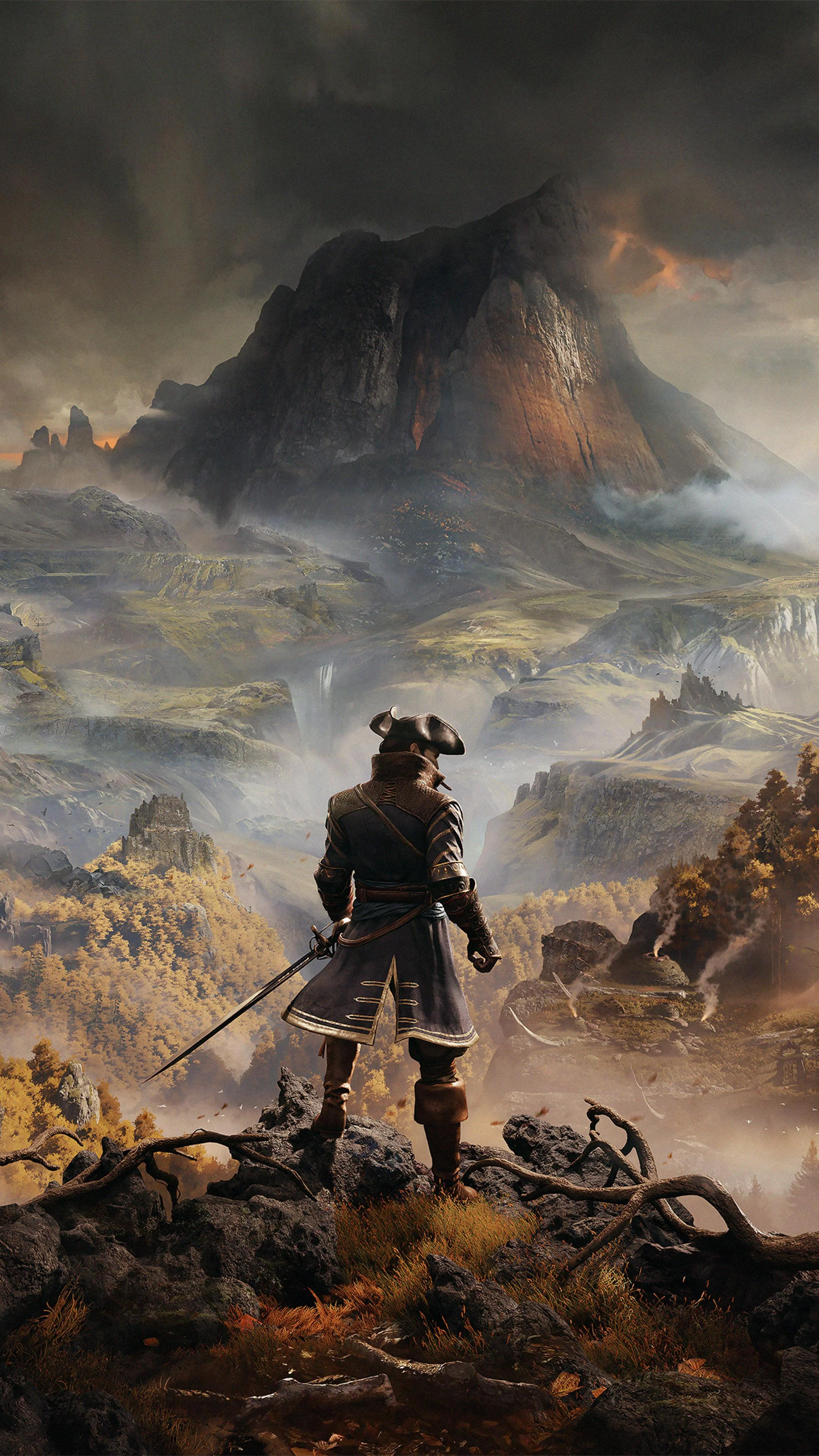
Greedfall
This combination provides smooth gameplay with an average of 72 FPS, suitable for most gaming scenarios.
Average FPS: resolution vs quality settings
| Ultra | High | Medium | Low | |
|---|---|---|---|---|
| 4K Ultra HD | 28 | 39 | 48 | 56 |
| 1440p QHD | 44 | 71 | 76 | 96 |
| 1080p Full HD | 61 | 100 | 111 | 136 |
Cell color: green is 120+ FPS, teal is 60+, amber is 30+, red is below 30.
Greedfall with AMD Ryzen 7 5800X + NVIDIA GeForce RTX 2060, In-Depth Analysis
The AMD Ryzen 7 5800X paired with the NVIDIA GeForce RTX 2060 delivers a solid 1080p and 1440p experience in Greedfall, but the data shows that 4K Ultra settings are beyond this combination's comfort zone. This pairing ranks 1384th out of 1705 tested combos in this game, placing it in the lower-middle tier of the database. The measured frame rates reveal a GPU-bound scenario at higher resolutions, while the CPU's strong multi-threaded performance ensures headroom at lower settings.
FAQ
Q: What is the best resolution for this combo in Greedfall?
A: The 1920x1080 resolution provides the most comfortable experience, with average FPS ranging from 61.1 at Ultra settings to 136.2 at Low settings. At 2560x1440, High settings still achieve 71.2 FPS, but 4K is only viable at Low or Medium settings.
Q: How does the CPU compare to its nearest rivals in synthetic benchmarks?
A: The Ryzen 7 5800X has an average benchmark score of 27606, which is 0.3% ahead of the AMD Ryzen 7 5800 (score 27535) and 0.8% ahead of the Intel Core i5-12600KF (score 27827). It trails the AMD Ryzen 5 8500GE by 0.4% and the Intel Core i7-13700H by 0.4%.
Q: How does the GPU compare to its closest competitors?
A: The RTX 2060 scores 16074 on average, which is 0.5% ahead of the AMD Radeon RX 7600S (score 15996) and 1.8% ahead of the AMD Radeon Pro W5500 (score 15786). It is 1.7% behind both the AMD Radeon Pro 5600M and AMD Radeon Pro 5700 (both scoring 16351).
Q: What is the FPS difference between Low and Ultra settings at 1080p?
A: At 1920x1080, the jump from Low (136.2 FPS) to Ultra (61.1 FPS) represents a 75.1 FPS drop. This indicates that Ultra settings nearly halve the frame rate compared to Low, making it a significant performance trade-off.
Q: Is the RTX 2060's 6 GB VRAM sufficient for Greedfall?
A: Based on the measured results, the 6 GB GDDR6 memory appears adequate for the tested settings. The GPU achieves playable frame rates at 1440p High (71.2 FPS) and 4K Low (56.4 FPS), suggesting VRAM capacity is not a bottleneck in these scenarios.
Q: How does the combo rank within the database?
A: This combination ranks 1384th out of 1705 tested combos for Greedfall. This places it in the bottom 19% of tested configurations, indicating that most other combos in the database deliver higher frame rates.
GPU Role
The NVIDIA GeForce RTX 2060 is built on the Turing architecture with a TU106 chip, featuring 1920 shading units and 48 ROPs. Its boost clock of 1680 MHz, combined with 6 GB of GDDR6 memory on a 192-bit bus, provides 336.0 GB/s of bandwidth. The GPU's FP32 performance is rated at 6.451 TFLOPS, and it holds a 58th percentile ranking among all GPUs in the database.
In Greedfall, the GPU's role becomes increasingly dominant as resolution and settings increase. At 1080p Low, the system achieves 136.2 FPS, but this drops to 39.3 FPS at 4K High. The scaling from 1080p Low to 4K Low shows a 79.8 FPS reduction, illustrating how the RTX 2060's compute and memory resources are taxed by pixel count. The GPU's 30 RT cores and 240 tensor cores do not appear to provide a measurable advantage in this title, as the measured results show no ray tracing-specific data.
The GPU's 48 ROPs and 80.64 GPixel/s pixel rate become limiting factors at 4K Ultra, where the average FPS falls to 28.1. The texture rate of 201.6 GTexel/s, driven by 120 TMUs, helps maintain performance at Medium settings, where the frame rate at 1440p (75.9 FPS) is only slightly lower than at 1080p Medium (110.8 FPS). The 6 GB VRAM capacity, while not appearing to bottleneck, does coincide with the significant performance drop at 4K Ultra, suggesting memory bandwidth or capacity may be strained at the highest settings.
Resolution Scaling
The measured FPS data reveals a clear pattern of GPU-bound scaling across resolutions. At High settings, the transition from 1920x1080 to 2560x1440 reduces average FPS from 99.5 to 71.2, a 28.3 FPS drop. Moving from 1440p to 3840x2160 at High settings further reduces performance to 39.3 FPS, a 31.9 FPS drop. This indicates that each resolution increase imposes a similar absolute performance penalty, consistent with the GPU being the primary limiting component.
At Low settings, the scaling is more pronounced. The 1080p Low result of 136.2 FPS drops to 95.9 FPS at 1440p, then to 56.4 FPS at 4K. The percentage drop from 1080p to 4K at Low settings is 58.6%, while at High settings it is 60.5%. This similarity suggests that even at Low settings, the GPU is still the bottleneck, as the CPU's performance headroom (evident from its 84th percentile ranking) does not compensate for the GPU's workload increase.
The data at Medium settings shows a less linear scaling: 110.8 FPS at 1080p, 75.9 FPS at 1440p, and 48.0 FPS at 4K. The 4K Medium result is higher than 4K High (39.3 FPS) but lower than 4K Low (56.4 FPS), indicating that the GPU's shading units and memory subsystem are progressively saturated. The 1080p Ultra result of 61.1 FPS versus the 1440p Ultra result of 44.1 FPS further confirms this, as the gap between resolutions narrows at higher settings, a sign of GPU saturation.
How This Combo Ranks
The combo rank of 1384 out of 1705 combos places this configuration in the lower tier of tested systems for Greedfall. This ranking reflects the RTX 2060's position as a mid-range GPU from the previous generation, paired with a high-end CPU. The CPU's average benchmark score of 27606 places it in the 84th percentile of all CPUs, while the GPU's average score of 16074 places it in the 58th percentile of all GPUs.
The disparity between CPU and GPU performance suggests that the RTX 2060 is the bottleneck in this pairing. The Ryzen 7 5800X's 8 cores and 16 threads, with a boost clock of 4.70 GHz, provide substantial processing power that is not fully utilized in Greedfall at higher resolutions. This is evidenced by the fact that the CPU's nearest rival, the Intel Core i7-13700H, performs within 0.4% of the 5800X in synthetic benchmarks, yet the GPU's performance is what determines the in-game frame rates.
Compared to other combos in the database, this pairing is likely to be outperformed by systems with newer or higher-tier GPUs, even if they have slower CPUs. The rank of 1384 out of 1705 indicates that 321 combos perform worse, but the vast majority (1383) perform better. For a builder considering this setup, the data suggests that upgrading the GPU would yield greater in-game benefits than upgrading the CPU.
Measured FPS Breakdown
At 1920x1080, the measured average FPS ranges from 136.2 at Low settings to 61.1 at Ultra. The Medium preset delivers 110.8 FPS, while High achieves 99.5 FPS. The step from Low to Medium costs 25.4 FPS, from Medium to High costs 11.3 FPS, and from High to Ultra costs 38.4 FPS. The largest performance penalty occurs when moving from High to Ultra, indicating that Ultra settings introduce a significant additional workload.
At 2560x1440, the results show 95.9 FPS at Low, 75.9 FPS at Medium, 71.2 FPS at High, and 44.1 FPS at Ultra. The gap between Low and Medium is 20.0 FPS, between Medium and High is 4.7 FPS, and between High and Ultra is 27.1 FPS. The small difference between Medium and High at 1440p suggests that these settings are similarly demanding, while Ultra again imposes a steep penalty.
At 3840x2160, the average FPS drops to 56.4 at Low, 48.0 at Medium, 39.3 at High, and 28.1 at Ultra. The differences are 8.4 FPS between Low and Medium, 8.7 FPS between Medium and High, and 11.2 FPS between High and Ultra. At 4K, the settings scaling is more gradual, but all results are below the 60 FPS threshold except for Low, which barely misses it at 56.4 FPS.
Settings Recommendations
For a 1080p display, the High preset at 99.5 FPS provides an excellent balance of visual quality and performance. While Low achieves 136.2 FPS, the jump to Medium (110.8 FPS) and High (99.5 FPS) offers diminishing returns in frame rate but likely improves visual fidelity. Ultra at 61.1 FPS is playable but sacrifices 38.4 FPS compared to High, making it a poor trade for most users.
At 1440p, the High preset at 71.2 FPS is the recommended choice, as it remains above 60 FPS while delivering better image quality than Medium (75.9 FPS) or Low (95.9 FPS). The Ultra preset at 44.1 FPS is not recommended for smooth gameplay, as it falls well below the 60 FPS target. Users prioritizing frame rate over visuals could opt for Medium, but the 4.7 FPS difference between Medium and High makes High the clear winner.
At 4K, only the Low preset (56.4 FPS) approaches playable frame rates, but it still misses the 60 FPS mark. The Medium preset at 48.0 FPS is the highest setting that remains above 30 FPS, but High (39.3 FPS) and Ultra (28.1 FPS) are not suitable for responsive gameplay. For 4K users, the data suggests dropping to 1440p for a better experience, as the 1440p High result of 71.2 FPS is significantly higher than any 4K result.
Overall, the best experience per the measured rows is achieved at 1080p High (99.5 FPS) or 1440p High (71.2 FPS). These settings offer a strong balance of visual quality and smooth frame rates, making them the optimal choices for this hardware combination.
Hardware Specifications
AMD Ryzen 7 5800X
NVIDIA GeForce RTX 2060
FPS Benchmarks by Resolution & Settings
Performance data for AMD Ryzen 7 5800X + NVIDIA GeForce RTX 2060 in Greedfall
| Resolution | Settings | Avg FPS |
|---|---|---|
| 3840x2160 | Low | 56.4 |
| 3840x2160 | Medium | 48.0 |
| 3840x2160 | High | 39.3 |
| 3840x2160 | Ultra | 28.1 |
| 2560x1440 | Low | 95.9 |
| 2560x1440 | Medium | 75.9 |
| 2560x1440 | High | 71.2 |
| 2560x1440 | Ultra | 44.1 |
| 1920x1080 | Low | 136.2 |
| 1920x1080 | Medium | 110.8 |
| 1920x1080 | High | 99.5 |
| 1920x1080 | Ultra | 61.1 |
Greedfall with Ryzen 7 5800X + Other GPUs
See how Greedfall performs with the same CPU but different graphics cards.
Greedfall with RTX 2060 + Other CPUs
See how Greedfall performs with the same GPU but different processors.
Other Games with Ryzen 7 5800X + RTX 2060
Explore FPS benchmarks for other games using this same hardware combination.