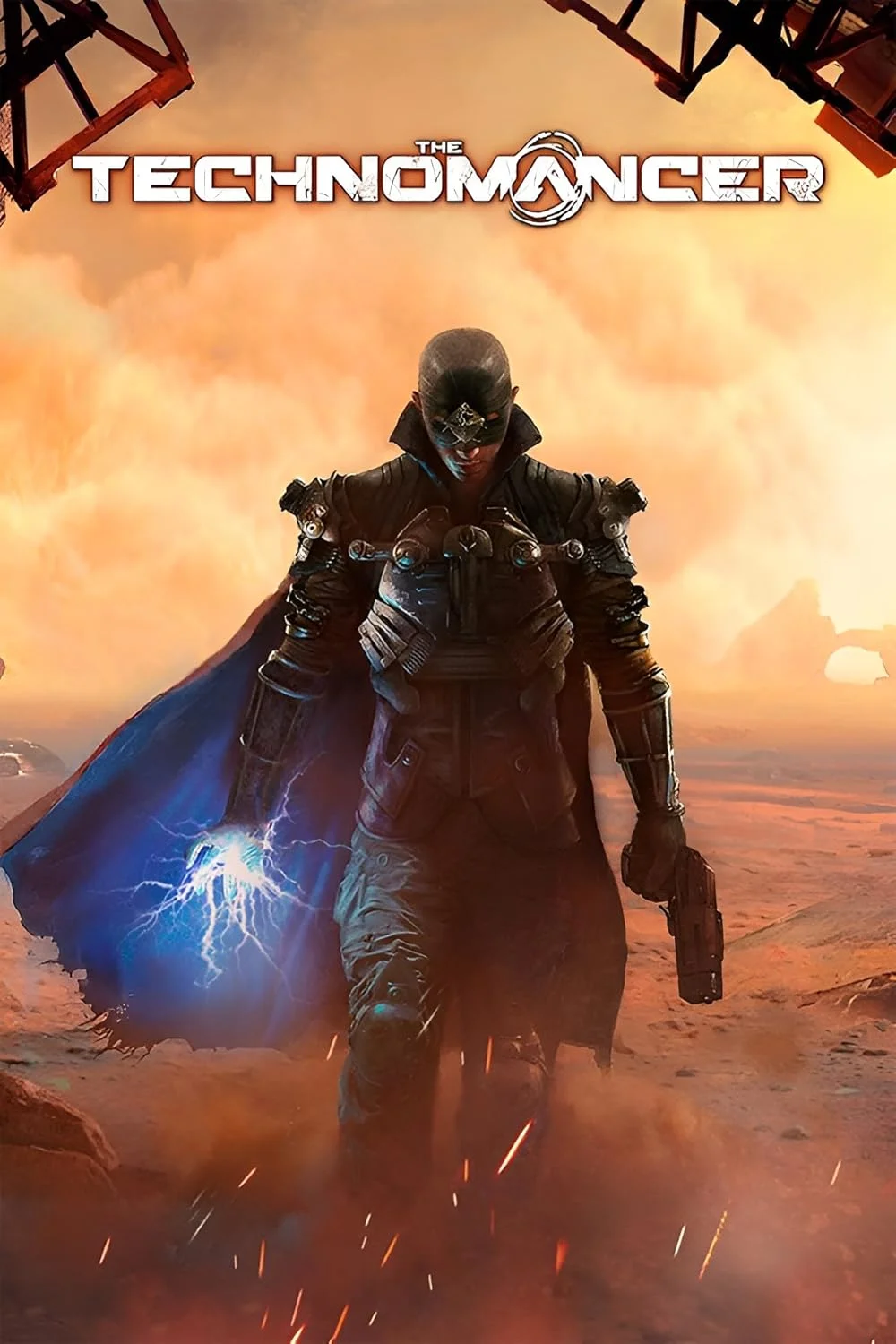
The Technomancer
This combination provides smooth gameplay with an average of 79 FPS, suitable for most gaming scenarios.
Average FPS: resolution vs quality settings
| Ultra | High | Medium | Low | |
|---|---|---|---|---|
| 4K Ultra HD | 30 | 39 | 41 | 56 |
| 1440p QHD | 57 | 69 | 80 | 105 |
| 1080p Full HD | 83 | 106 | 123 | 161 |
Cell color: green is 120+ FPS, teal is 60+, amber is 30+, red is below 30.
The Technomancer with Intel Core i5-11400F + NVIDIA GeForce GTX 1080 Ti, In-Depth Analysis
The Technomancer is an Action RPG from 2016 that stresses GPUs heavily, and this pairing of an Intel Core i5-11400F with an NVIDIA GeForce GTX 1080 Ti produces a clear pattern: the graphics card is the primary bottleneck at higher resolutions, while the processor has enough headroom to push very high frame rates at 1080p. The measured data shows a system that is capable of smooth 1440p play and can hit high refresh rates at 1080p, but 4K remains a stretch unless settings are dropped significantly.
Resolution Scaling
The frame rate drop from 1080p to 4K is steep, confirming that the GTX 1080 Ti is the limiting component in this configuration. At High settings, the average FPS falls from 106.3 at 1920x1080 to 68.7 at 2560x1440, a reduction of 35.4%. Moving to 3840x2160, the average drops further to 38.7 FPS, which is just 36.4% of the 1080p performance. This scaling pattern is typical of a GPU-bound scenario; the i5-11400F is not the constraint here.
The gap between Low and Ultra settings widens dramatically as resolution increases. At 1080p, the difference between Low (161.3 FPS) and Ultra (83.4 FPS) is 77.9 FPS. At 1440p, that spread grows to 48.1 FPS (104.6 vs 56.5). At 4K, the spread narrows to 25.9 FPS (55.8 vs 29.9), which indicates that at 4K Ultra, the GPU is so saturated that even lowering settings yields diminishing returns. The data suggests that for 4K gaming, dropping from Ultra to Low only recovers about 25.9 FPS, whereas at 1080p the same settings change recovers 77.9 FPS.
The 1080 Ti's 11 GB of GDDR5X memory and 484.4 GB/s bandwidth are sufficient for 1440p, but the 4K results show the raw compute limits of the GP102 chip. The pixel rate of 139.2 GPixel/s and texture rate of 354.4 GTexel/s are being fully utilized at 4K, as evidenced by the sub-40 FPS averages on High settings.
FAQ
Q: Can this system run The Technomancer at 4K?
A: Yes, but only at lower settings. At 3840x2160, the average FPS is 55.8 on Low, 41.3 on Medium, 38.7 on High, and 29.9 on Ultra. For a playable experience, Low or Medium settings are required.
Q: What is the best resolution for this combo?
A: 2560x1440 offers the best balance. At Medium settings, the average is 80.3 FPS, and at High it is 68.7 FPS. Both are well within smooth gameplay territory, and the jump from 1080p is visually significant.
Q: How does the i5-11400F perform in this game?
A: The processor is not the bottleneck. With 6 cores and 12 threads, it has enough headroom to feed the GTX 1080 Ti up to 161.3 FPS at 1080p Low. The data shows the GPU is the limiting factor at all tested resolutions.
Q: Is there a big difference between Medium and High settings?
A: At 1080p, the difference is 16.3 FPS (122.6 vs 106.3). At 1440p, it is 11.6 FPS (80.3 vs 68.7). At 4K, it is only 2.6 FPS (41.3 vs 38.7). The gap narrows as resolution increases because the GPU becomes more saturated.
Q: What frame rate can I expect at 1080p with Ultra settings?
A: The average is 83.4 FPS. This is still above 60 FPS, but the jump from High (106.3 FPS) to Ultra costs 22.9 FPS, which may not be worth the visual gain depending on the scene.
Q: How does this combo rank among all tested configurations?
A: It ranks 998 out of 1656 combos. This places it in the lower-middle portion of the database, which is consistent with a CPU that is a few generations old paired with a GPU that, while once flagship, is now mid-range.
CPU Role
The Intel Core i5-11400F is a 6-core, 12-thread processor from the Rocket Lake architecture. Its base clock of 2.60 GHz and boost clock of 4.40 GHz provide solid single-thread performance, which is what most games from this era rely on. The CPU's benchmark results support this: a 3DMark single-thread score of 868 and a Cinebench R23 single-core score of 2029 indicate strong per-core capability.
In The Technomancer, the CPU's role is to feed the GPU with draw calls and game logic. The measured FPS data shows that at 1080p Low, the system reaches 161.3 FPS, which is well beyond what most displays can show. This indicates the CPU is not holding back the GTX 1080 Ti at lower resolutions. Even at 1080p Ultra, the 83.4 FPS average is likely CPU-limited in certain scenes, but the overall performance is still high.
The CPU's 12 MB of shared L3 cache and dual-channel DDR4 memory support with 51.2 GB/s bandwidth are adequate for this workload. The Passmark multithread score of 16908 and Cinebench R20 multicore score of 6036 show that the processor has enough aggregate throughput for modern game engines that use more than 4 threads. The Technomancer, being a 2016 title, is unlikely to fully utilize all 12 threads, but the headroom ensures consistent frame pacing.
The CPU sits at the 75th percentile among all CPUs in the database, with an average benchmark score of 17181. Its nearest rivals include the AMD Ryzen 7 5700U (deltaPct 0) and Intel Core i7-1260P (deltaPct -0.2), which are comparable in average score. This places the i5-11400F in a competitive position for gaming, even if newer chips are faster.
How This Combo Ranks
The combination of the i5-11400F and GTX 1080 Ti ranks 998 out of 1656 tested combos in The Technomancer. This puts it in the 60th percentile roughly, meaning about 40% of tested systems perform better. The ranking reflects the age of both components: the CPU from 2021 and the GPU from 2017.
The GTX 1080 Ti's percentile of 61 among all GPUs is slightly higher than the combo's overall rank suggests. This indicates that the CPU is dragging down the system's relative performance compared to other pairings. A newer CPU with higher single-thread performance would likely push this combo higher in the rankings. However, the data shows that the GPU is still the primary bottleneck in this specific game, so the CPU's impact on the final ranking is limited.
The GPU's nearest rivals include the NVIDIA GeForce GTX 780 (deltaPct 0) and AMD Radeon Pro 560X (deltaPct -0.1), which are significantly older and slower cards. This suggests that the 1080 Ti still holds up well in raw compute tasks, but its age shows in newer, more demanding titles. In The Technomancer, the 1080 Ti's 11 GB of VRAM and 3584 shading units are enough to handle the game's graphics load at 1440p, but not at 4K Ultra.
Measured FPS Breakdown
At 1920x1080, the system delivers high frame rates across all settings. Low settings produce an average of 161.3 FPS, which is excellent for high-refresh-rate monitors. Medium averages 122.6 FPS, High averages 106.3 FPS, and Ultra averages 83.4 FPS. All of these are playable, and even Ultra stays above 60 FPS with headroom.
At 2560x1440, performance remains strong. Low averages 104.6 FPS, Medium averages 80.3 FPS, High averages 68.7 FPS, and Ultra averages 56.5 FPS. The Ultra setting dips below 60 FPS, which may be noticeable on a 60 Hz display, but High settings provide a solid 68.7 FPS average.
At 3840x2160, the GPU is clearly overburdened. Low averages 55.8 FPS, Medium averages 41.3 FPS, High averages 38.7 FPS, and Ultra averages 29.9 FPS. Only Low settings provide a consistently playable experience above 50 FPS. Medium is borderline, and High and Ultra are not recommended for smooth gameplay.
The scaling from Low to Ultra at each resolution shows diminishing returns. At 1080p, the gap between Low and Ultra is 77.9 FPS. At 1440p, it is 48.1 FPS. At 4K, it is 25.9 FPS. This confirms that the GPU is the limiting factor at higher resolutions, and the CPU's performance is sufficient to maintain high frame rates when the GPU has spare capacity.
Settings Recommendations
For 1080p gaming, the data supports using High settings as the best compromise. The average of 106.3 FPS is well above 60 FPS and leaves headroom for demanding scenes. Ultra is playable at 83.4 FPS, but the visual difference between High and Ultra is often minor in this game, and the 22.9 FPS cost may not be justified.
For 1440p, High settings at 68.7 FPS is the recommended choice. This provides a smooth experience on 60 Hz displays and is close to 70 FPS for slightly higher refresh rates. Medium at 80.3 FPS is also a good option if you prefer higher frame rates over visual fidelity. Ultra at 56.5 FPS is borderline and should only be used if you are willing to accept occasional dips below 60 FPS.
For 4K, Low settings at 55.8 FPS is the only option that consistently stays above 50 FPS. Medium at 41.3 FPS is playable but may have stutter in heavy scenes. High and Ultra are not recommended, as the 38.7 FPS and 29.9 FPS averages are too low for smooth gameplay. If you own a 4K display, consider lowering the resolution to 1440p for a significantly better experience. The data clearly shows that this system is best suited for 1080p and 1440p gaming, with 4K reserved for less demanding titles or lower settings.
Hardware Specifications
Intel Core i5-11400F
NVIDIA GeForce GTX 1080 Ti
FPS Benchmarks by Resolution & Settings
Performance data for Intel Core i5-11400F + NVIDIA GeForce GTX 1080 Ti in The Technomancer
| Resolution | Settings | Avg FPS |
|---|---|---|
| 3840x2160 | Low | 55.8 |
| 3840x2160 | Medium | 41.3 |
| 3840x2160 | High | 38.7 |
| 3840x2160 | Ultra | 29.9 |
| 2560x1440 | Low | 104.6 |
| 2560x1440 | Medium | 80.3 |
| 2560x1440 | High | 68.7 |
| 2560x1440 | Ultra | 56.5 |
| 1920x1080 | Low | 161.3 |
| 1920x1080 | Medium | 122.6 |
| 1920x1080 | High | 106.3 |
| 1920x1080 | Ultra | 83.4 |
The Technomancer with ii5-11400F + Other GPUs
See how The Technomancer performs with the same CPU but different graphics cards.
The Technomancer with GTX 1080 Ti + Other CPUs
See how The Technomancer performs with the same GPU but different processors.
Other Games with ii5-11400F + GTX 1080 Ti
Explore FPS benchmarks for other games using this same hardware combination.