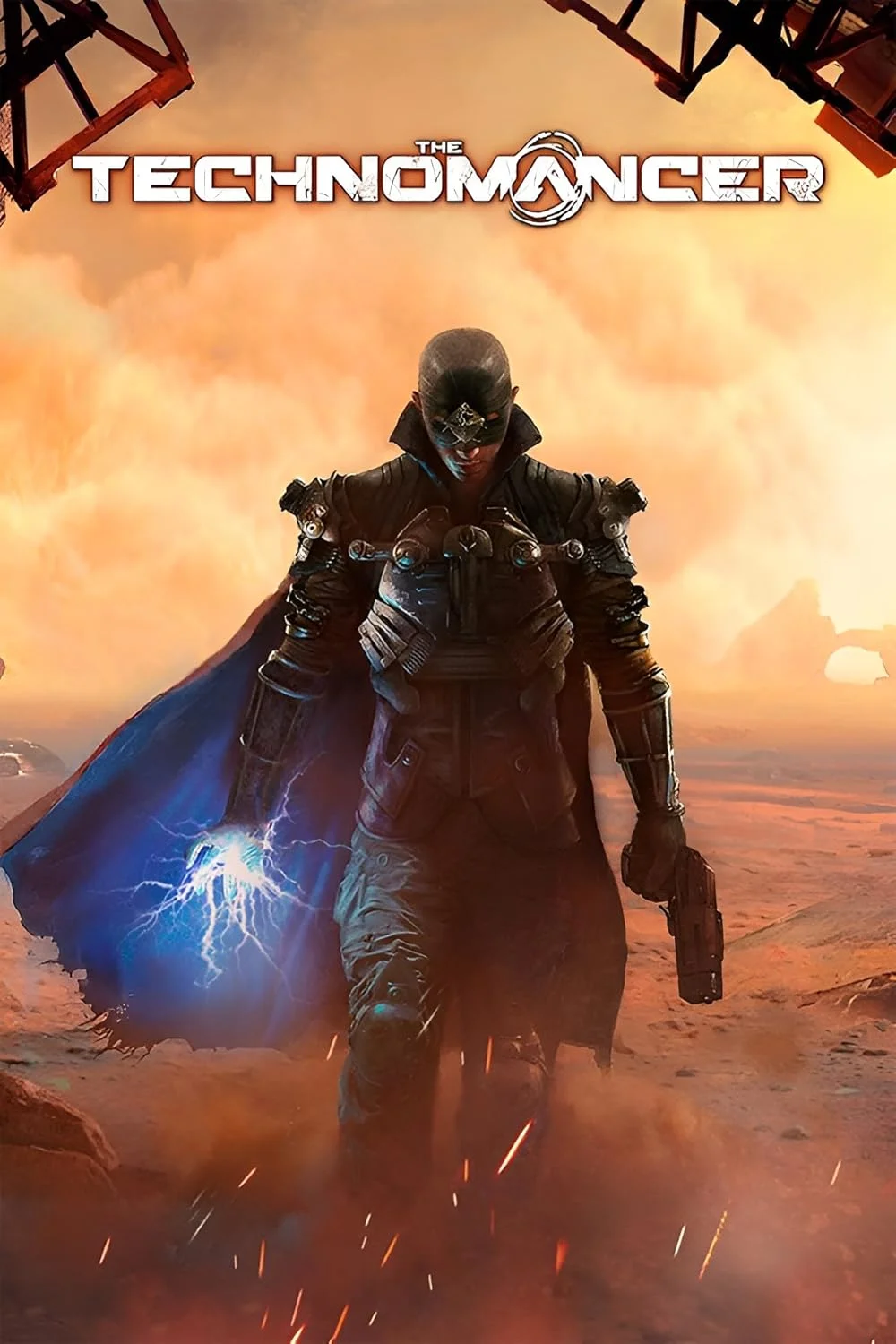
The Technomancer
This combination may struggle with this title, averaging 27 FPS. Consider upgrading hardware or significantly lowering settings.
Average FPS: resolution vs quality settings
| Ultra | High | Medium | Low | |
|---|---|---|---|---|
| 4K Ultra HD | 10 | 13 | 15 | 20 |
| 1440p QHD | 18 | 24 | 28 | 36 |
| 1080p Full HD | 28 | 36 | 42 | 55 |
Cell color: green is 120+ FPS, teal is 60+, amber is 30+, red is below 30.
The Technomancer with AMD Ryzen 5 7400F + NVIDIA GeForce GTX 1050 Ti, In-Depth Analysis
The Technomancer, a 2016 Action RPG, is a demanding title that heavily stresses GPU capabilities. The measured data for the AMD Ryzen 5 7400F and NVIDIA GeForce GTX 1050 Ti combination reveals a system that is strictly limited by the graphics card across all resolutions and settings. The GTX 1050 Ti, which ranks in the 25th percentile of all GPUs, struggles to maintain playable frame rates even at 1080p, making this pairing only suitable for low-detail 1080p gaming. The CPU, a modern 6-core, 12-thread Zen 4 part, is essentially idle in comparison, as the game's performance ceiling is defined by the GPU's 4 GB of VRAM and 112.1 GB/s memory bandwidth. The benchmark results show a clear hierarchy where the GPU is the primary bottleneck, and any attempt to increase visual fidelity results in severe frame rate drops.
FAQ
Q: What is the best-case performance for this hardware combo in The Technomancer?
A: The best measured average frame rate is 55 FPS, achieved at 1920x1080 resolution with Low settings. This is the only preset that approaches a smooth 60 FPS target. All other settings at 1080p result in average frame rates below 42 FPS, and at higher resolutions, the averages drop even further.
Q: How does the GTX 1050 Ti compare to its nearest GPU rivals in terms of overall benchmark score?
A: The GTX 1050 Ti has an average benchmark score of 4193. This puts it 0.6% ahead of the AMD Radeon R5 M330 (4170) and 1% ahead of the NVIDIA Quadro K2100M (4151). Conversely, it is 1.1% behind the NVIDIA Quadro K3000M (4241) and 1.8% behind the AMD Radeon Vega 3 (4268). These deltas are small, indicating that the GPU's performance is closely grouped with these older or entry-level parts.
Q: What is the impact of switching from Ultra to Low settings at 1440p?
A: The data shows a significant performance gain. At 2560x1440, the Ultra preset yields an average of 18 FPS, while the Low preset doubles that figure to an average of 36 FPS. This 18 FPS increase demonstrates that the GTX 1050 Ti is extremely sensitive to settings changes at this resolution.
Q: Is the Ryzen 5 7400F a strong performer in synthetic CPU benchmarks?
A: Yes, the CPU's benchmark scores are robust. It achieves 21,765 points in Cinebench R23 multi-core and 3,072 points in single-core. Its overall average benchmark score is 32,750, placing it in the 83rd percentile of all CPUs and making it a high-performing processor in the context of this database.
Q: Which component is the limiting factor for performance in The Technomancer?
A: The GPU is the definitive limiting factor. The GTX 1050 Ti's low scores (25th percentile) and the steep frame rate drops with resolution increases point to it as the bottleneck. In contrast, the Ryzen 5 7400F is in the 83rd percentile of CPUs and provides ample processing power that is not being fully utilized by this older game.
Q: How much faster is the Ryzen 5 7400F than its closest rivals in synthetic benchmarks?
A: The Ryzen 5 7400F's average benchmark score of 32,750 is 0.1% higher than the Intel Core i5-14600T (32,707) and 0.2% higher than the Intel Core Ultra 7 155H (32,697). It is also 0.3% higher than the AMD Ryzen AI 7 PRO 360 (32,662), but 0.2% lower than the AMD Ryzen 7 PRO 6850H (32,812). The performance difference between all these CPUs is negligible.
Settings Recommendations
The measured FPS data provides a clear directive for this hardware combination: prioritize the Low settings preset for any playable experience. The only configuration that achieves an average FPS above 50 is 1080p with Low settings, hitting 55 FPS. This is the sole preset where the game feels responsive. The Medium preset at 1080p drops to an average of 42 FPS, which is still playable for some, but the jump to High at 1080p reduces the average to 36 FPS, a noticeable step back in fluidity.
The Ultra preset is not a viable option for this GPU. At 1080p, it manages only 28 FPS on average, which is below the threshold for comfortable play. Moving to 1440p makes all presets worse, with the Low preset yielding 36 FPS and the High preset falling to 24 FPS. The situation becomes untenable at 4K, where even the Low preset only achieves 20 FPS, and the Medium preset has a minimum FPS of 13. The data suggests that the GTX 1050 Ti's 4 GB of VRAM is insufficient for the higher texture loads of the Medium, High, and Ultra presets, and its raw compute power (2.138 TFLOPS) is too low to handle the rendering load.
For the best experience, users should select 1920x1080 resolution and the Low settings preset. This is the only combination that offers an average frame rate in a playable range. While the Medium preset at 1080p might be considered a compromise, its 42 FPS average is less stable and will be more prone to noticeable dips during intense scenes. The data strongly suggests that sacrificing visual quality for performance is the correct choice with this GPU. Any attempt to use higher settings will result in a sub-optimal experience, as the frame rate will consistently fall below the standard for smooth gameplay.
Resolution Scaling
The FPS data shows a classic pattern of GPU-bound scaling, where the frame rate drops dramatically as the resolution increases. The performance decline is steep and consistent across all settings, confirming that the GTX 1050 Ti's rendering capabilities are overwhelmed by the increased pixel count. This scaling is the primary indicator that the GPU, not the CPU, is the limiting component in this system.
Starting at 1920x1080, the Low preset achieves 55 FPS. Moving to 2560x1440, the same preset drops to 36 FPS, a 34.5% reduction. At 3840x2160, the Low preset falls to 20 FPS, which is a 63.6% reduction from the 1080p baseline. This trend is even more pronounced at higher settings. The High preset at 1080p yields 36 FPS, which drops to 24 FPS at 1440p (a 33.3% reduction) and then to 13 FPS at 4K (a 63.9% reduction from 1080p). The Ultra preset follows the same pattern, going from 28 FPS at 1080p to 18 FPS at 1440p and finally to 10 FPS at 4K.
This consistent ~33% drop when moving from 1080p to 1440p and a further ~45% drop from 1440p to 4K indicates that the GPU is working at its absolute limit. The frame rate is not just dipping; it is collapsing under the load. A system that is not GPU-limited would show a smaller performance gap between resolutions, as the CPU would be able to feed frames faster. Here, the rendering pipeline is completely saturated by the GPU's workload. The 4 GB VRAM capacity is also likely a factor, as the higher resolutions require more memory for textures and frame buffers, potentially causing the GPU to swap data and further reducing performance. The data conclusively shows that this is a GPU-limited scenario, and the resolution must be sacrificed to achieve acceptable performance.
Measured FPS Breakdown
The complete set of measured FPS data for The Technomancer with this hardware is as follows. At 1920x1080, the Low settings preset produces an average of 55 FPS. The Medium preset yields an average of 42 FPS, with a minimum of 36 FPS and a maximum of 49 FPS. The High preset returns an average of 36 FPS, and the Ultra preset drops to an average of 28 FPS. This shows a clear performance hierarchy where each settings tier costs a significant amount of frame rate.
At 2560x1440, the performance is considerably lower. The Low preset averages 36 FPS, and the Medium preset averages 28 FPS, with a minimum of 23 FPS and a maximum of 32 FPS. The High preset drops to an average of 24 FPS, and the Ultra preset manages only 18 FPS. These numbers illustrate that 1440p is too demanding for this GPU, as even the Low preset cannot consistently maintain a 60 FPS target, and the higher presets are firmly in unplayable territory.
At 3840x2160, the results are as expected, with all presets failing to provide a playable experience. The Low preset averages 20 FPS. The Medium preset averages 15 FPS, with a minimum of 13 FPS and a maximum of 17 FPS. The High preset averages 13 FPS, and the Ultra preset averages just 10 FPS. The data shows a linear and steep decline in performance with each step up in resolution and settings. For example, the difference between the Low and Ultra presets at 1080p is 27 FPS, while at 4K, the difference is only 10 FPS, indicating that the GPU is so overwhelmed at high resolutions that even lowering settings has a diminishing return.
GPU Role
The NVIDIA GeForce GTX 1050 Ti is unequivocally the primary determinant of performance in The Technomancer. Its specifications, which are from the Pascal architecture, are modest by modern standards and are the reason for the low frame rates observed. The GPU has 4 GB of GDDR5 memory on a 128-bit bus, yielding a bandwidth of 112.1 GB/s. This is a severe limitation for a modern game, especially at higher resolutions and detail settings. The game's texture and geometry data likely exceed the 4 GB VRAM capacity, forcing the GPU to use slower system memory and causing stutters and frame rate drops.
The GPU's compute capabilities are also limited. It has 768 shading units and a peak FP32 performance of 2.138 TFLOPS. This raw compute power is insufficient for the demands of the game's rendering engine at higher settings. The base clock is 1291 MHz and the boost clock is 1392 MHz. While these clock speeds are reasonable for the architecture, the underlying hardware is too limited. The GPU's overall benchmark average is 4193, placing it in the 25th percentile of all GPUs. Its nearest rivals, such as the AMD Radeon R5 M330 (4170) and NVIDIA Quadro K3000M (4241), are similarly low-performing parts, confirming its entry-level status.
The 3DMark Steel Nomad DX12 score of 305 further illustrates the GPU's low performance in modern API loads. The data shows that the GPU is the bottleneck at every resolution. At 1080p Low, the 55 FPS average is likely the best this GPU can do, as the CPU is not holding it back. The frame rate drop from 1080p to 1440p is a direct consequence of the GPU's fill rate and memory bandwidth being unable to keep up with the increased pixel count. The GTX 1050 Ti is an end-of-life product, and its performance in this game reflects its age and limited capabilities.
CPU Role
In stark contrast to the GPU, the AMD Ryzen 5 7400F plays a secondary role in determining The Technomancer's frame rates. The CPU is a modern, high-performance part that far exceeds the requirements of this 2016 game. With 6 cores and 12 threads based on the Zen 4 architecture, it has a base clock of 3.70 GHz and a boost clock of 4.70 GHz. Its performance in synthetic benchmarks is excellent, with a Cinebench R23 multi-core score of 21,765 and a single-core score of 3,072. This places the CPU in the 83rd percentile of all CPUs, indicating that it is a powerful processor that is not a limiting factor.
The CPU's average benchmark score of 32,750 is nearly identical to its closest rivals, with a delta of only 0.1% to 0.3% compared to the Intel Core i5-14600T, Intel Core Ultra 7 155H, and AMD Ryzen 7 PRO 6850H. This shows that the CPU is a top-tier performer in its class. In the context of The Technomancer, the CPU's 32 MB of shared L3 cache and dual-channel DDR5 memory support provide more than enough bandwidth and processing power for the game's logic and physics.
The evidence for the CPU not being a bottleneck is that the frame rates are consistently low across all settings and resolutions. If the CPU were the limiting factor, we would expect to see less of a performance drop when increasing the resolution, as the CPU's workload would remain constant. Instead, we see significant FPS drops with higher resolutions, which is a clear sign of GPU limitation. The 55 FPS average at 1080p Low is likely the maximum the GPU can output, and the CPU is capable of far more. The data shows that the Ryzen 5 7400F is a future-proof component that is being held back by the GTX 1050 Ti, and its performance is more than adequate for this game.
Hardware Specifications
AMD Ryzen 5 7400F
NVIDIA GeForce GTX 1050 Ti
FPS Benchmarks by Resolution & Settings
Performance data for AMD Ryzen 5 7400F + NVIDIA GeForce GTX 1050 Ti in The Technomancer
| Resolution | Settings | Avg FPS |
|---|---|---|
| 3840x2160 | Low | 20.0 |
| 3840x2160 | Medium | 15.0 |
| 3840x2160 | High | 13.0 |
| 3840x2160 | Ultra | 10.0 |
| 2560x1440 | Low | 36.0 |
| 2560x1440 | Medium | 28.0 |
| 2560x1440 | High | 24.0 |
| 2560x1440 | Ultra | 18.0 |
| 1920x1080 | Low | 55.0 |
| 1920x1080 | Medium | 42.0 |
| 1920x1080 | High | 36.0 |
| 1920x1080 | Ultra | 28.0 |
The Technomancer with Ryzen 5 7400F + Other GPUs
See how The Technomancer performs with the same CPU but different graphics cards.
The Technomancer with GTX 1050 Ti + Other CPUs
See how The Technomancer performs with the same GPU but different processors.
Other Games with Ryzen 5 7400F + GTX 1050 Ti
Explore FPS benchmarks for other games using this same hardware combination.