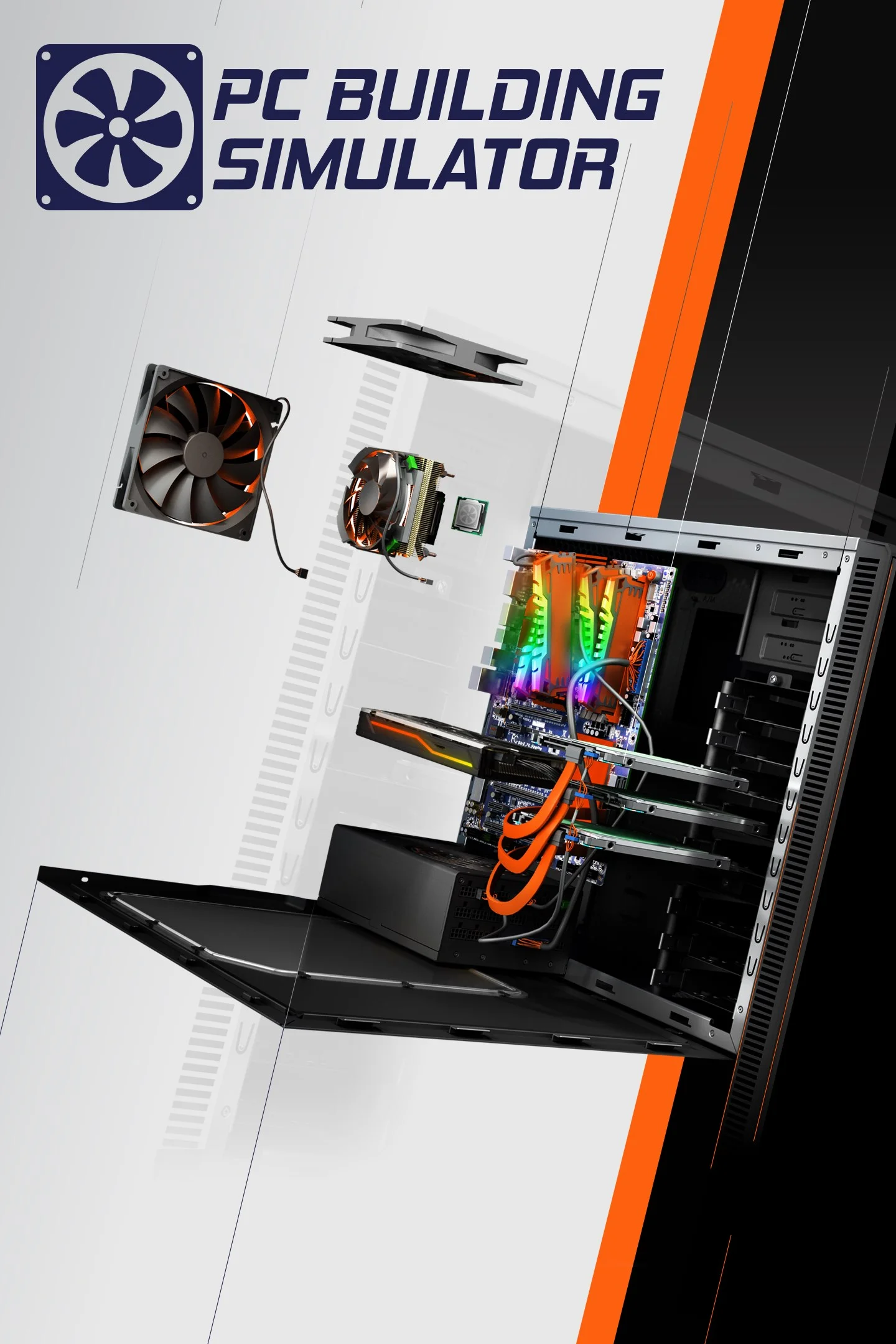
Pc Building Simulator
FPS performance data for different CPU and GPU combinations
Build your dream machine and run a virtual repair shop in this ultimate hardware simulation featuring real-world licensed parts.
Minimum Requirements
- CPU: Intel Core i5-2500K / AMD Athlon X4 740
- GPU: NVIDIA GeForce GTX 660 (2GB) / AMD Radeon R9 285 (2GB)
- RAM: 4 GB
- Storage: 30 GB available space
FPS Performance Dashboard
Compare FPS performance across different hardware configurations. Add systems to see how they perform at various resolutions and quality settings.
About Pc Building Simulator
PC Building Simulator is the definitive simulation experience for tech enthusiasts, placing players in the shoes of a technician taking over their uncle's PC repair business. The game tasks players with diagnosing hardware issues, managing finances, and assembling dream machines using an extensive library of fully licensed, real-world components from manufacturers like NVIDIA, ASUS, and AMD. Whether playing through the structured Career Mode to fix customer rigs or experimenting in Free Build, the game offers a hyper-realistic environment to learn the intricacies of computer hardware without the risk of damaging physical parts.
The title has achieved significant popularity for its therapeutic, "zen-like" gameplay loop and its utility as an educational tool for first-time builders. While it lacks a traditional competitive multiplayer scene, the community is highly active, often sharing complex custom water-cooling loops and competing to achieve the highest scores in the game's meta-simulation of 3DMark. Its appeal lies in the satisfaction of perfect cable management and the ability to virtually "test drive" expensive hardware configurations before buying them in real life.
From a benchmarking perspective, PC Building Simulator is relatively accessible and does not require a high-end workstation to run. Built on the Unity engine, it is generally well-optimized, though performance can fluctuate depending on the complexity of the PC builds on screen and the number of active lighting effects. For a smooth experience, a stable 60 FPS is recommended to ensure precise cursor control when clicking on small screws and connectors. Users on entry-level hardware can improve performance significantly by lowering shadow quality and anti-aliasing settings.