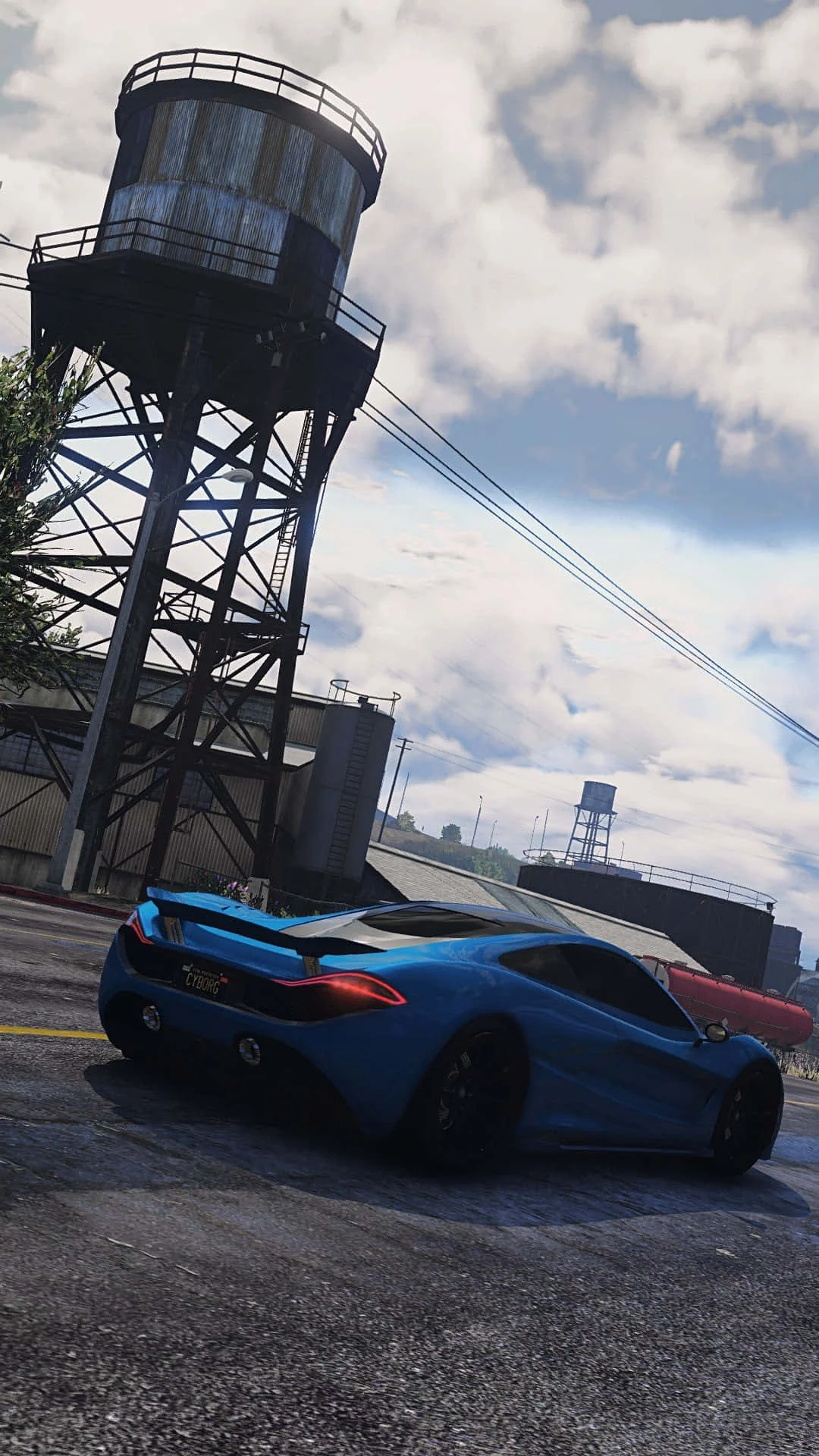
Fivem
This combination offers playable performance with an average of 56 FPS, though you may want to lower settings for smoother gameplay.
Average FPS: resolution vs quality settings
| Ultra | High | Medium | Low | |
|---|---|---|---|---|
| 4K Ultra HD | 21 | 25 | 33 | 43 |
| 1440p QHD | 36 | 46 | 57 | 74 |
| 1080p Full HD | 57 | 70 | 90 | 115 |
Cell color: green is 120+ FPS, teal is 60+, amber is 30+, red is below 30.
Fivem with AMD Ryzen 7 5700G + NVIDIA GeForce RTX 3050 4 GB, In-Depth Analysis
Fivem with an AMD Ryzen 7 5700G and NVIDIA GeForce RTX 3050 4 GB is a combination that lands near the bottom of the database, ranking 1607 out of 1792 tested combos for this multiplayer title. The data shows a system that can handle the game at 1080p, but struggles significantly as resolution and settings climb. The following analysis breaks down the measured performance to guide settings choices and explain the hardware's role.
Settings Recommendations
The measured FPS rows make the optimal preset choice clear: Low settings at 1920x1080 provide the best balance of smoothness and visual quality for this hardware. The data shows 115.1 FPS average at 1080p Low, which is the only configuration in the entire dataset that clears the 100 FPS threshold. This is the setting to use for competitive play or any scenario where frame rate consistency matters more than graphical fidelity.
At 1080p Medium, the average drops to 90.4 FPS, which remains playable but shows a 21.5% performance penalty over Low. High settings at 1080p yield 69.6 FPS, and Ultra drops to 57.3 FPS. The pattern is consistent: each settings tier costs roughly 15-25 FPS at 1080p. Given that Fivem is a multiplayer title where frame rate directly impacts responsiveness, the data supports Low as the default recommendation.
For users willing to accept lower frame rates for better visuals, Medium at 1080p is the highest recommended preset, as it stays above 90 FPS. High and Ultra at 1080p fall below the 70 FPS mark, which introduces noticeable input latency in fast-paced multiplayer scenarios. At 1440p, the situation worsens: Low hits 73.5 FPS, but Medium drops to 56.5 FPS, and High falls to 46 FPS. Only Low at 1440p is viable, and even that is borderline. At 4K, no preset reaches 60 FPS; the best result is 42.6 FPS at Low settings.
CPU Role
The AMD Ryzen 7 5700G is an 8-core, 16-thread processor from the 5000 series, built on Zen 3 architecture with a base clock of 3.80 GHz and a boost clock of 4.60 GHz. It has a 65 W TDP and uses the AMD Socket AM4 platform. The CPU's benchmark scores indicate strong multi-threaded capability: Cinebench R23 multicore reaches 20755, and Geekbench multicore scores 8970. Single-thread performance is also solid, with Cinebench R23 single-core at 2930 and Geekbench single-core at 2016.
In Fivem, the CPU's role is noticeable in the settings scaling. The gap between Low and Medium at 1080p is 24.7 FPS (115.1 to 90.4), but the gap between Medium and High is 20.8 FPS (90.4 to 69.6). This suggests that the CPU handles the increased draw calls and entity counts in multiplayer scenarios reasonably well, but the GPU becomes the limiting factor as settings increase. The processor's 16 MB of L3 cache and DDR4 dual-channel memory support provide adequate bandwidth for this game's workload.
The Ryzen 7 5700G ranks in the 83rd percentile among all CPUs, with an average benchmark score of 25626. Its nearest rival, the AMD Ryzen 7 6800U, scores 25706, a delta of -0.3%. The Intel Xeon D-2752TER is 0.4% behind, and the Intel Core 5 210H is 0.5% behind. This places the CPU in the upper tier of processors, indicating it is not the primary bottleneck in most Fivem scenarios. The data suggests the CPU can feed the GPU adequately, even at 1080p Low where the frame rate approaches the 115 FPS mark.
GPU Role
The NVIDIA GeForce RTX 3050 4 GB is an Ampere-architecture GPU with 2048 shading units, 64 TMUs, and 32 ROPs. It has 16 RT cores and 64 tensor cores, with a boost clock of 1740 MHz and a base clock of 1545 MHz. The 4 GB of GDDR6 memory runs at 1500 MHz (12 Gbps effective) across a 128-bit bus, providing 192.0 GB/s of bandwidth. The GPU has a 90 W TDP and requires a 250 W power supply.
The GPU's 4 GB VRAM capacity is the critical constraint in Fivem at higher resolutions. At 4K Ultra, the average FPS drops to 21.2, while 4K High manages 25.1 FPS. The memory bandwidth of 192.0 GB/s is insufficient for 4K textures and geometry, causing severe performance degradation. The GPU's FP32 throughput of 7.127 TFLOPS and texture rate of 111.4 GTexel/s are decent for 1080p, but they cannot sustain high frame rates at higher resolutions.
The RTX 3050 4 GB sits at the 50th percentile among all GPUs, with no nearest rivals listed in the data. This places it exactly in the middle of the performance spectrum. The GPU's pixel rate of 55.68 GPixel/s and memory bandwidth of 192.0 GB/s are the limiting factors when moving from 1080p to 1440p and 4K. At 1080p Low, the GPU delivers 115.1 FPS, but at 1080p Ultra it drops to 57.3 FPS. The scaling from Low to Ultra at 1080p represents a 50.2% reduction in frame rate, indicating the GPU is heavily taxed by high settings even at the lowest resolution.
FAQ
Q: What is the best settings preset for this hardware?
A: The measured data shows Low settings at 1920x1080 produce the highest average FPS at 115.1. This is the only preset that exceeds 100 FPS. Medium at 1080p is the next best option at 90.4 FPS, but for competitive multiplayer, Low is recommended.
Q: Can this system handle 1440p gaming?
A: At 2560x1440, the only viable preset is Low, which averages 73.5 FPS. Medium drops to 56.5 FPS, High falls to 46 FPS, and Ultra is 36.2 FPS. Users should stick to 1080p for a better experience.
Q: How does the CPU compare to its rivals?
A: The Ryzen 7 5700G scores 25626 on average, ranking in the 83rd percentile. Its closest rival, the AMD Ryzen 7 6800U, scores 25706, a 0.3% difference. The Intel Xeon D-2752TER and Intel Core 5 210H are within 0.5% behind.
Q: Is the 4 GB VRAM sufficient for Fivem?
A: The data indicates that 4 GB VRAM is adequate for 1080p Low through High settings, but it becomes a limiting factor at 4K. At 3840x2160, even Low settings only achieve 42.6 FPS, and Ultra drops to 21.2 FPS.
Q: What is the frame rate difference between Low and Ultra at 1080p?
A: At 1920x1080, Low averages 115.1 FPS while Ultra averages 57.3 FPS. This represents a 50.2% reduction in performance when moving from Low to Ultra.
Q: How does this combo rank in the database?
A: This CPU-GPU combination ranks 1607 out of 1792 tested combos for Fivem, placing it in the bottom 10% of tested configurations.
Resolution Scaling
The FPS drop from 1080p to 4K is dramatic and reveals the GPU as the primary bottleneck. At Low settings, 1080p delivers 115.1 FPS, 1440p delivers 73.5 FPS, and 4K delivers 42.6 FPS. This represents a 36.1% drop from 1080p to 1440p and a further 42.0% drop from 1440p to 4K. The scaling is not linear, indicating the GPU's memory bandwidth and fill rate are being overwhelmed.
At High settings, the drop is even more severe: 1080p averages 69.6 FPS, 1440p drops to 46 FPS, and 4K falls to 25.1 FPS. The percentage drop from 1080p to 1440p is 33.9%, and from 1440p to 4K is 45.4%. This shows that higher settings exacerbate the resolution penalty because the GPU must process more pixels with limited resources.
The data suggests that the RTX 3050 4 GB is designed for 1080p gaming. At 1440p, only Low settings remain playable, and at 4K, no preset achieves a playable frame rate. The CPU's performance is adequate across all resolutions, as evidenced by the consistent frame rate drops that correlate with pixel count rather than CPU workload. This is a classic GPU-limited scenario where resolution scaling directly impacts frame rate.
Measured FPS Breakdown
At 1920x1080, the measured average FPS values are:
- Low: 115.1 FPS
- Medium: 90.4 FPS
- High: 69.6 FPS
- Ultra: 57.3 FPS
At 2560x1440, the measured average FPS values are:
- Low: 73.5 FPS
- Medium: 56.5 FPS
- High: 46 FPS
- Ultra: 36.2 FPS
At 3840x2160, the measured average FPS values are:
- Low: 42.6 FPS
- Medium: 33.4 FPS
- High: 25.1 FPS
- Ultra: 21.2 FPS
The data shows a consistent pattern: for every settings tier, moving from 1080p to 1440p costs roughly 35-40% of the frame rate, and moving from 1440p to 4K costs another 40-45%. The best configuration in the entire dataset is 1080p Low at 115.1 FPS, while the worst is 4K Ultra at 21.2 FPS. The difference between these two extremes is 81.6% of the maximum frame rate.
For users prioritizing playability, the data clearly indicates 1080p Low as the target. If visual quality is non-negotiable, 1080p Medium at 90.4 FPS is the highest playable preset. At 1440p, only Low settings (73.5 FPS) are recommended. The 4K results are uniformly below 43 FPS, making them unsuitable for multiplayer gaming. This breakdown provides a clear roadmap for settings configuration based on the measured data.
Hardware Specifications
AMD Ryzen 7 5700G
NVIDIA GeForce RTX 3050 4 GB
FPS Benchmarks by Resolution & Settings
Performance data for AMD Ryzen 7 5700G + NVIDIA GeForce RTX 3050 4 GB in Fivem
| Resolution | Settings | Avg FPS |
|---|---|---|
| 3840x2160 | Low | 42.6 |
| 3840x2160 | Medium | 33.4 |
| 3840x2160 | High | 25.1 |
| 3840x2160 | Ultra | 21.2 |
| 2560x1440 | Low | 73.5 |
| 2560x1440 | Medium | 56.5 |
| 2560x1440 | High | 46.0 |
| 2560x1440 | Ultra | 36.2 |
| 1920x1080 | Low | 115.1 |
| 1920x1080 | Medium | 90.4 |
| 1920x1080 | High | 69.6 |
| 1920x1080 | Ultra | 57.3 |
Fivem with RTX 3050 4 GB + Other CPUs
See how Fivem performs with the same GPU but different processors.
Other Games with Ryzen 7 5700G + RTX 3050 4 GB
Explore FPS benchmarks for other games using this same hardware combination.