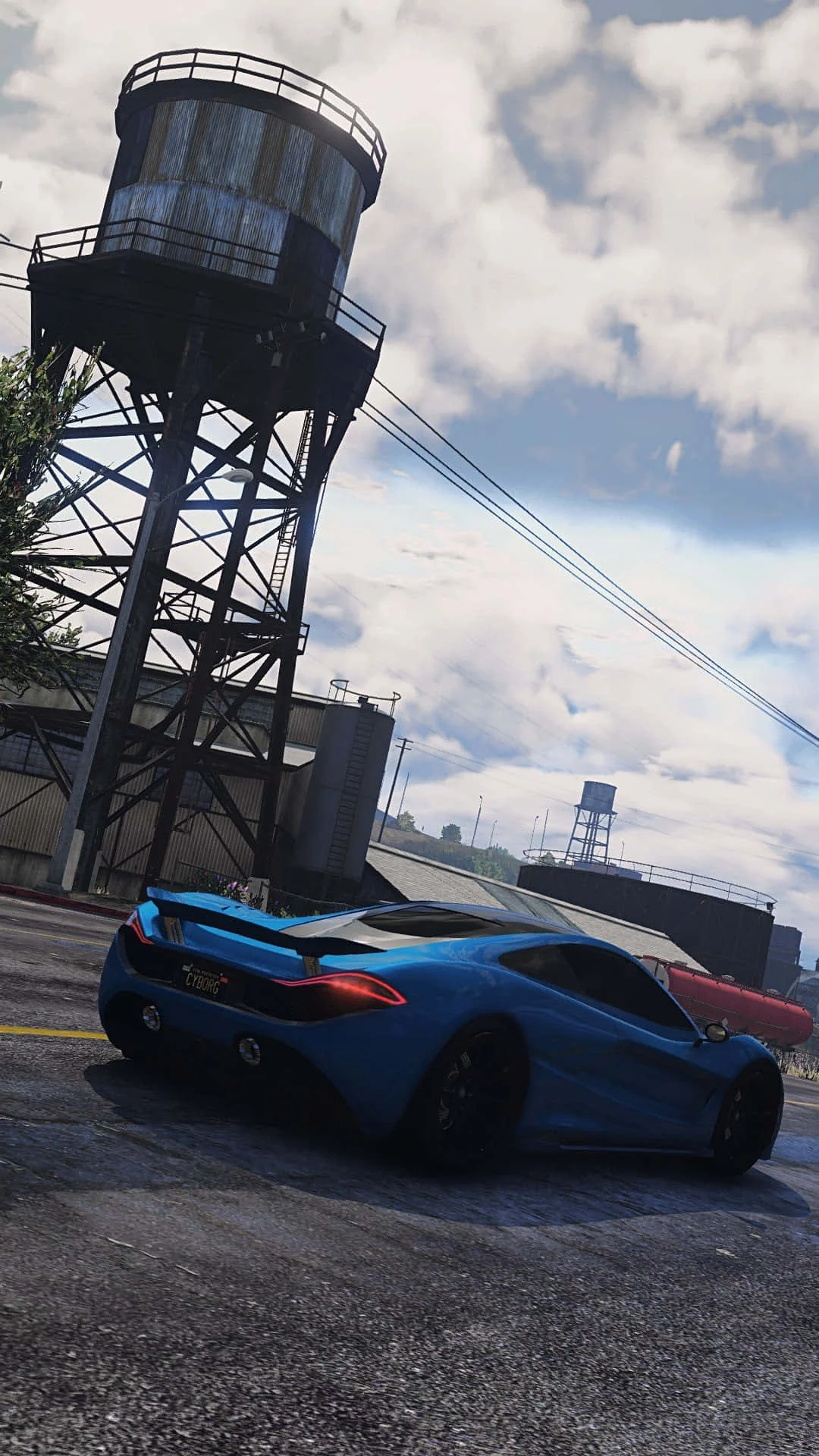
Fivem
This combination provides smooth gameplay with an average of 61 FPS, suitable for most gaming scenarios.
Average FPS: resolution vs quality settings
| Ultra | High | Medium | Low | |
|---|---|---|---|---|
| 4K Ultra HD | 22 | 29 | 39 | 46 |
| 1440p QHD | 43 | 54 | 64 | 82 |
| 1080p Full HD | 60 | 76 | 100 | 123 |
Cell color: green is 120+ FPS, teal is 60+, amber is 30+, red is below 30.
Fivem with AMD Ryzen 5 7600X + NVIDIA GeForce GTX 1660 Ti, In-Depth Analysis
The AMD Ryzen 5 7600X paired with the NVIDIA GeForce GTX 1660 Ti delivers a clear picture of where the bottleneck lies in Fivem. Across the three tested resolutions, the frame rate scales almost linearly with pixel count, which is the defining characteristic of a GPU-bound scenario. At 1080p, the combination produces an average of 76.3 FPS on High settings, but this drops to 53.7 FPS at 1440p and further to 28.6 FPS at 4K. That is a 62.5% reduction from 1080p to 4K, indicating the graphics card is the limiting factor. The CPU’s high single-thread performance, as evidenced by its 3dmark_single_thread score of 1060, is not being taxed heavily at higher resolutions; instead, the GTX 1660 Ti’s pixel throughput becomes the wall. The data shows a consistent pattern: every step up in resolution incurs a significant FPS penalty, with the 4K Ultra setting falling to an unplayable 21.7 FPS. This behavior suggests that users seeking higher framerates at 4K would need to consider a more powerful GPU, as the Ryzen 5 7600X has ample headroom to feed faster graphics hardware.
Resolution Scaling
The measured frame rates reveal a pronounced sensitivity to resolution changes. Moving from 1920x1080 to 2560x1440 on High settings reduces the average FPS from 76.3 to 53.7, a drop of 22.6 frames. The subsequent step to 3840x2160 on the same settings cuts performance nearly in half again, landing at 28.6 FPS. This scaling behavior is typical of a system where the GPU’s fillrate and memory bandwidth are the constraining factors. The GTX 1660 Ti’s 288.0 GB/s memory bandwidth and 84.96 GPixel/s pixel rate are simply insufficient to maintain fluid motion at 4K in a dense multiplayer environment like Fivem. At 1080p, the situation improves dramatically; Low settings reach 122.7 FPS, and even Medium manages 99.8 FPS, showing that the processor can keep up with the GPU when the pixel workload is moderate.
The data indicates that the transition from 1440p to 4K is the most punishing. At 2560x1440, the Low preset still delivers a respectable 82.4 FPS, but at 3840x2160, the same preset only manages 45.7 FPS. The gap between Low and Ultra also widens with resolution. At 1080p, the difference between Low (122.7 FPS) and Ultra (59.6 FPS) is 63.1 FPS. At 1440p, that gap shrinks to 39.4 FPS (82.4 vs 43). At 4K, the spread is just 24 FPS (45.7 vs 21.7). This compression of the settings range at higher resolutions is a classic sign that the GPU is saturated; when the card is already at its limit, reducing graphical fidelity yields diminishing returns. For this combo, 1080p is the sweet spot where the CPU and GPU are more evenly balanced, while 4K represents a scenario where the graphics card is overwhelmed regardless of the quality preset.
Settings Recommendations
Based on the measured average FPS, the optimal experience for this hardware combination depends heavily on the target resolution. At 1920x1080, the High preset at 76.3 FPS provides a solid baseline for smooth gameplay, while the Ultra preset at 59.6 FPS is still playable but begins to approach the lower threshold for competitive multiplayer. The Medium preset at 99.8 FPS offers a substantial performance cushion, making it the recommended choice for users who prioritize frame rate stability over maximum visual fidelity. The Low preset at 122.7 FPS is excessive for most displays, but it could be useful for high-refresh-rate monitors if the user can tolerate the reduced visual quality.
At 2560x1440, the situation becomes more nuanced. The Medium preset at 64.2 FPS is the best balance, providing enough headroom to stay above 60 FPS while retaining moderate visual detail. The High preset at 53.7 FPS is technically playable but may feel sluggish in fast-paced scenarios. The Low preset at 82.4 FPS is the only option that guarantees a comfortable margin above 60 FPS, but it requires significant visual compromises. For 3840x2160, none of the presets achieve a consistent 60 FPS; the Low preset at 45.7 FPS is the only viable option for playable framerates, while Medium (38.6 FPS), High (28.6 FPS), and Ultra (21.7 FPS) are all sub-optimal. The data suggests that users should avoid 4K with this combo unless they are willing to accept frame rates in the 20-40 range. In summary, 1080p Medium or High and 1440p Low or Medium are the recommended configurations.
FAQ
Q: What is the best resolution for this CPU/GPU combo in Fivem?
A: The data shows that 1920x1080 is the only resolution where the combo consistently exceeds 60 FPS across multiple presets. At 1080p, even the Ultra preset achieves 59.6 FPS, while 1440p and 4K fall below that threshold on most settings.
Q: How much performance is lost when moving from 1080p to 4K on High settings?
A: The average FPS drops from 76.3 at 1920x1080 to 28.6 at 3840x2160, representing a 62.5% reduction. This indicates a severe GPU bottleneck at higher resolutions.
Q: Is the Ryzen 5 7600X holding back the GTX 1660 Ti in this game?
A: No. The benchmark results show a linear FPS drop with increasing resolution, which is characteristic of a GPU-limited workload. The CPU’s single-thread score of 1060 in 3dmark suggests it has ample headroom to support faster graphics cards.
Q: Which settings preset offers the best balance of visual quality and performance at 1440p?
A: The Medium preset at 64.2 FPS is the highest quality option that stays above 60 FPS. The High preset at 53.7 FPS is playable but sacrifices smoothness for better visuals.
Q: Can this combo handle 4K gaming in Fivem?
A: Technically yes, but not well. The highest average FPS at 3840x2160 is 45.7 on Low settings, while Ultra drops to 21.7 FPS. None of the presets provide a consistent 60 FPS experience at this resolution.
Q: How does the GPU’s performance compare to its nearest rivals?
A: The GTX 1660 Ti has an average benchmark score of 13925, placing it slightly above the AMD Radeon RX 570X (13871, +0.4% delta) and just below the NVIDIA RTX A2000 Mobile (13821, -0.8% delta relative to this card).
How This Combo Ranks
In the global database of tested combinations for Fivem, this pairing of the AMD Ryzen 5 7600X and NVIDIA GeForce GTX 1660 Ti ranks 1533 out of 1792 tested combos. That places it in the 14.5th percentile of all configurations, meaning roughly 85% of tested systems deliver higher average frame rates in this specific title. This low ranking is primarily attributable to the GPU’s modest performance tier; the GTX 1660 Ti sits at the 55th percentile among all GPUs in the database, with an average benchmark score of 13925. The CPU, on the other hand, is much stronger, ranking at the 83rd percentile among all processors with an average benchmark score of 26272. This disparity confirms that the graphics card is the limiting factor in this pairing. When compared to other combos, this system is positioned for 1080p gaming rather than high-refresh-rate or high-resolution play. The rank of 1533 suggests that users with this hardware should temper their expectations for Fivem, as many other tested configurations offer more headroom for multiplayer scenarios where frame consistency matters.
CPU Role
The AMD Ryzen 5 7600X is a 6-core, 12-thread processor based on the Zen 4 architecture, with a base clock of 4.70 GHz and a boost clock of 5.30 GHz. Its benchmark results show strong single-thread performance, with a 3dmark_single_thread score of 1060 and a Passmark single-thread score of 4135. In Fivem, which is a multiplayer modification that often has CPU-bound sections, this processor’s capabilities are more than adequate. The data shows that at 1080p Low settings, the combo achieves 122.7 FPS, indicating that the CPU is not preventing high frame rates when the GPU workload is light. The 32 MB of shared L3 cache provides ample buffer for game data, and the dual-channel DDR5 memory support offers high bandwidth for asset streaming. The processor’s 3dmark_16_threads score of 6879 and Cinebench R23 multicore score of 24128 demonstrate that it can handle multi-threaded workloads, though Fivem’s engine may not fully utilize all 12 threads. The boost clock of 5.30 GHz is particularly beneficial for frame pacing in multiplayer scenarios, where server-side script execution can create CPU spikes. Based on the measured FPS data, the Ryzen 5 7600X is not the bottleneck in this system; even at 4K Ultra (21.7 FPS), the GPU is clearly the limiting component.
Measured FPS Breakdown
At 1920x1080, the measured average FPS values are as follows: Low settings achieve 122.7 FPS, Medium settings achieve 99.8 FPS, High settings achieve 76.3 FPS, and Ultra settings achieve 59.6 FPS. The scaling from Low to Ultra shows a 63.1 FPS drop, which is substantial but still playable at the top end. For 2560x1440, the results are: Low at 82.4 FPS, Medium at 64.2 FPS, High at 53.7 FPS, and Ultra at 43.0 FPS. This resolution sees a 39.4 FPS spread between Low and Ultra, with the Ultra preset dipping below the 60 FPS threshold. At 3840x2160, the performance degrades significantly: Low at 45.7 FPS, Medium at 38.6 FPS, High at 28.6 FPS, and Ultra at 21.7 FPS. The 4K results show a compressed range of 24 FPS, indicating that the GPU is fully saturated and settings changes have a reduced impact. Overall, the data reveals that this combination is best suited for 1080p gaming, with acceptable performance at 1440p on lower presets, and marginal playability at 4K only on the Low preset. The GTX 1660 Ti’s 6 GB of GDDR6 memory and 192-bit bus width are sufficient for 1080p and 1440p, but the 288.0 GB/s bandwidth becomes a limiting factor at 4K.
Hardware Specifications
AMD Ryzen 5 7600X
NVIDIA GeForce GTX 1660 Ti
FPS Benchmarks by Resolution & Settings
Performance data for AMD Ryzen 5 7600X + NVIDIA GeForce GTX 1660 Ti in Fivem
| Resolution | Settings | Avg FPS |
|---|---|---|
| 3840x2160 | Low | 45.7 |
| 3840x2160 | Medium | 38.6 |
| 3840x2160 | High | 28.6 |
| 3840x2160 | Ultra | 21.7 |
| 2560x1440 | Low | 82.4 |
| 2560x1440 | Medium | 64.2 |
| 2560x1440 | High | 53.7 |
| 2560x1440 | Ultra | 43.0 |
| 1920x1080 | Low | 122.7 |
| 1920x1080 | Medium | 99.8 |
| 1920x1080 | High | 76.3 |
| 1920x1080 | Ultra | 59.6 |
Fivem with Ryzen 5 7600X + Other GPUs
See how Fivem performs with the same CPU but different graphics cards.
Fivem with GTX 1660 Ti + Other CPUs
See how Fivem performs with the same GPU but different processors.
Other Games with Ryzen 5 7600X + GTX 1660 Ti
Explore FPS benchmarks for other games using this same hardware combination.