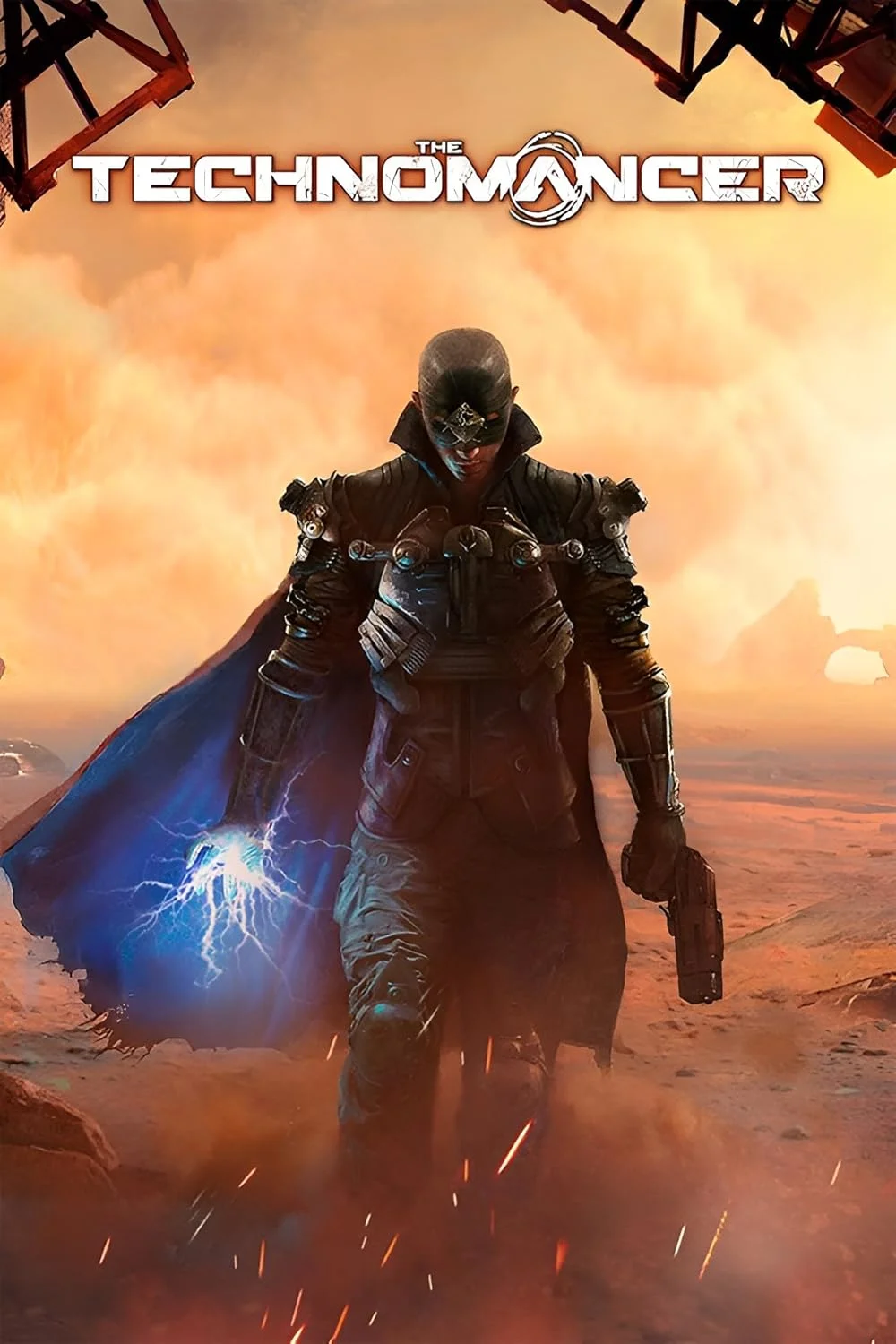
The Technomancer
This combination may struggle with this title, averaging 27 FPS. Consider upgrading hardware or significantly lowering settings.
Average FPS: resolution vs quality settings
| Ultra | High | Medium | Low | |
|---|---|---|---|---|
| 4K Ultra HD | 9 | 13 | 16 | 20 |
| 1440p QHD | 21 | 22 | 26 | 36 |
| 1080p Full HD | 28 | 39 | 42 | 53 |
Cell color: green is 120+ FPS, teal is 60+, amber is 30+, red is below 30.
The Technomancer with Intel Core i7-12700K + NVIDIA GeForce GTX 1050 Ti, In-Depth Analysis
The Technomancer pairs a 12-core Intel Core i7-12700K with a 4 GB NVIDIA GeForce GTX 1050 Ti, and the benchmark results are unequivocal: this combination is severely GPU-bound at every tested setting, with the processor’s substantial headroom doing nothing to rescue frame rates that fall below playable thresholds at all but the lowest settings at 1080p. The combo ranks 1640th out of 1656 tested combinations in this game, placing it in the bottom 1% of all tested systems, which is a direct reflection of the graphics card’s performance class rather than any CPU deficiency. The data shows a system where the CPU is effectively idle waiting on the GPU, making any upgrade path focused on the graphics card the only meaningful change.
CPU Role — cores, clocks, and how they relate to this game's results
The Intel Core i7-12700K is a 12-core, 20-thread processor from the Alder Lake architecture, running at a base clock of 3.60 GHz and a boost clock of 5.00 GHz. Its benchmark scores place it in the 89th percentile of all CPUs, with an average benchmark score of 35684. That places it within 1% of rivals like the AMD Ryzen 7 PRO 5845 (deltaPct -0.3), the Intel Core i7-13700T (deltaPct 0.6), and the Intel Core i5-14500HX (deltaPct -0.7), indicating that this CPU is at the top of its class for synthetic workloads. In Cinebench R23, the chip scores 29241 points multi-core and 4128 points single-core, numbers that show an enormous amount of computational capability.
However, those capabilities are almost entirely irrelevant for The Technomancer at the settings measured. The game’s frame rates are so low that the CPU never becomes a limiting factor. For instance, at 1080p Ultra, the system delivers 28.2 FPS, and at 1080p Low it reaches 53 FPS. The gap between those two numbers is 24.8 FPS, which is a 47% difference, but that scaling is entirely attributable to GPU load changes, not CPU throughput. The CPU’s 3DMark scores, such as 9979 in max threads and 1043 in single thread, suggest it could handle far more complex game logic than this title demands. The bottleneck is not the processor’s ability to feed the GPU; it is the GPU’s inability to process frames fast enough. Even at 4K Ultra, where the system drops to 9 FPS, the CPU is not the constraint—the GPU is simply overwhelmed by the pixel count and shader work.
GPU Role — VRAM, clocks, and how they relate to this game's results
The NVIDIA GeForce GTX 1050 Ti is a Pascal-architecture GPU with 4 GB of GDDR5 memory on a 128-bit bus, providing 112.1 GB/s of bandwidth. Its base clock is 1291 MHz with a boost of 1392 MHz, and it has 768 shading units. This GPU sits in the 30th percentile of all GPUs, with an average benchmark score of 5316. Its nearest rivals are the NVIDIA GeForce 930A (deltaPct 0), the NVIDIA GeForce 940M (deltaPct 0.4), and the AMD Radeon R7 240 (deltaPct 0.7), all of which are within 1% of its performance. That positioning explains the measured results: this is a low-end GPU by modern standards, and The Technomancer’s engine pushes it hard.
The 4 GB VRAM capacity is a critical factor at higher resolutions. At 4K High, the system averages 12.6 FPS, and at 4K Ultra it drops to 9 FPS. These are not playable numbers, and the VRAM is likely a contributing factor as textures and geometry exceed the available memory, forcing the GPU to swap data. The texture rate of 66.82 GTexel/s and pixel rate of 44.54 GPixel/s are simply insufficient for the pixel load at 4K. Even at 1440p, the GPU struggles: High settings yield 22 FPS, and Low settings yield 36.4 FPS. The only resolution where the card becomes remotely usable is 1080p, where Low settings produce 53 FPS, but even then, High settings drop to 38.5 FPS and Ultra falls to 28.2 FPS. The GPU’s DirectX 12 score of 26 in PassMark is telling—this card was not designed for modern API overhead, and the game’s engine likely relies heavily on such paths.
FAQ
Q: Is the Intel Core i7-12700K the reason the frame rates are so low in The Technomancer?
A: No. The CPU ranks in the 89th percentile of all CPUs with a score of 35684, while the GPU ranks in the 30th percentile with a score of 5316. The frame rates scale almost entirely with resolution and settings changes, which is a GPU-bound signature.
Q: What is the best resolution for this combo to achieve a playable frame rate?
A: The only setting that reaches above 50 FPS is 1920x1080 at Low settings, which averages 53 FPS. Every other combination at 1080p, 1440p, or 4K falls below 42 FPS, with 4K Ultra dropping to 9 FPS.
Q: How does the GTX 1050 Ti compare to its closest rivals in synthetic benchmarks?
A: The GPU’s average benchmark score is 5316, which is essentially tied with the NVIDIA GeForce 930A (score 5317, deltaPct 0) and slightly ahead of the NVIDIA GeForce 940M (score 5297, deltaPct 0.4). It is also within 1% of the AMD Radeon R7 240 (deltaPct 0.7).
Q: Does the CPU’s 12-core count provide any benefit in this game?
A: The data shows no benefit. The CPU’s multi-threaded score in Cinebench R23 is 29241, but the game’s frame rates are capped by the GPU. At 1080p Low, the system hits 53 FPS, and at 1080p Ultra it falls to 28.2 FPS, indicating the GPU is the sole constraint.
Q: What happens to frame rates when moving from 1080p to 4K at the same settings?
A: At High settings, the average FPS drops from 38.5 at 1080p to 22 at 1440p and then to 12.6 at 4K. This is a 67% drop in FPS from 1080p to 4K, which is far more than the resolution pixel count increase, confirming the GPU is overwhelmed.
Q: Is this combo ranked among the worst tested for this game?
A: Yes, it ranks 1640th out of 1656 tested combos, placing it in the bottom 1% of all systems tested in The Technomancer.
Measured FPS Breakdown — resolution by resolution, settings by settings, exact numbers
At 1920x1080, the measured average frame rates are 53 FPS at Low settings, 41.8 FPS at Medium, 38.5 FPS at High, and 28.2 FPS at Ultra. The jump from Low to Medium is a 11.2 FPS loss, while the jump from Medium to High is only 3.3 FPS, and the final step to Ultra costs another 10.3 FPS. This pattern indicates that the Low preset is the only one that approaches a smooth experience, while the Ultra preset is barely playable for slow-paced scenes.
Moving to 2560x1440, the averages drop to 36.4 FPS at Low, 25.8 FPS at Medium, 22 FPS at High, and 20.8 FPS at Ultra. The difference between High and Ultra at this resolution is just 1.2 FPS, suggesting that the Ultra preset’s extra effects are nearly free in terms of GPU load, but the overall performance is already marginal. The Low preset at 1440p is 17.6 FPS slower than the equivalent at 1080p, which is a 32% reduction.
At 3840x2160, the averages are 20.3 FPS at Low, 16 FPS at Medium, 12.6 FPS at High, and 9 FPS at Ultra. None of these are playable for an action RPG, and the drop from Low to Ultra is 11.3 FPS, which is a 56% reduction. The 4K Low result is the only one that exceeds 20 FPS, and it is still a choppy experience. Across all resolutions, the Low preset consistently provides the highest frame rate, and the Ultra preset provides the lowest, with the gap between them widening as resolution increases.
Resolution Scaling — how FPS drops from 1080p to 4K and what it says about the limiting component
The scaling behavior across resolutions is a textbook example of a GPU-limited system. At High settings, the frame rates are 38.5 FPS at 1080p, 22 FPS at 1440p, and 12.6 FPS at 4K. This represents a 43% drop from 1080p to 1440p, followed by a 43% drop from 1440p to 4K. The pixel count increase from 1080p to 1440p is 78%, and from 1440p to 4K is 125%, so the frame rate drops are proportionally much smaller than the pixel increases. That discrepancy suggests that the GPU is not purely pixel-bound but is also limited by memory bandwidth and shader throughput.
At Low settings, the scaling is 53 FPS at 1080p, 36.4 FPS at 1440p, and 20.3 FPS at 4K. The drop from 1080p to 1440p is 16.6 FPS (31%), and from 1440p to 4K is 16.1 FPS (44%). The fact that the frame rate does not halve when the pixel count quadruples from 1080p to 4K indicates that the GPU is not fully saturated at lower resolutions, but the absolute numbers are so low that the CPU never has a chance to become the bottleneck. If the CPU were the limit, the frame rates would stay relatively flat across resolutions; instead, they drop substantially, confirming the GTX 1050 Ti is the sole constraint.
Settings Recommendations — which preset gives the best experience per the measured rows
The data points to a single viable configuration: 1920x1080 at Low settings, which delivers 53 FPS. This is the only measured row that exceeds the 50 FPS threshold, and it does so by a margin of 3 FPS. Every other setting at 1080p falls below 42 FPS, which is a significant compromise for an action RPG where responsiveness matters. At 1440p, even the Low preset only reaches 36.4 FPS, and at 4K, the Low preset drops to 20.3 FPS, making those resolutions unsuitable for anything but static scenes.
For players who prioritize visual fidelity over smoothness, 1080p Medium at 41.8 FPS is the next best option, but it is a 21% reduction in frame rate compared to Low. The High preset at 1080p (38.5 FPS) offers a marginal improvement over Medium in terms of visuals but only a 3.3 FPS penalty, which might be acceptable for some. The Ultra preset at 1080p (28.2 FPS) is not recommended, as the 10.3 FPS drop from High is a severe hit for what are likely minor visual gains. At 1440p, the Low preset is the only one that approaches playability, and at 4K, all settings are effectively unusable. The recommendation is clear: stick to 1080p Low for the best balance, or accept 1080p Medium if the game’s frame rate is not a primary concern.
How This Combo Ranks
This combination of the Intel Core i7-12700K and the NVIDIA GeForce GTX 1050 Ti ranks 1640th out of 1656 tested combinations in The Technomancer. That places it in the bottom 1% of all tested systems, which is a remarkably poor result for a CPU that is in the 89th percentile. The discrepancy between the CPU’s high percentile and the combo’s low rank highlights the extent to which the GPU drags down the overall experience. The CPU’s nearest rivals, such as the AMD Ryzen 7 PRO 5845 (deltaPct -0.3) and the Intel Core i7-13700T (deltaPct 0.6), would likely perform identically in this game because the GPU is the limiting factor.
The GPU itself ranks in the 30th percentile, and its nearest rivals (GeForce 930A, GeForce 940M, Radeon R7 240) are all within 1% of its synthetic score. That means the GTX 1050 Ti is at the bottom of the performance stack, and this combo’s rank is a direct consequence of that. The data shows that 15 other tested combos perform worse, but that is cold comfort when the measured frame rates are below 20 FPS at 4K and below 40 FPS at 1440p. For any player using this system, the only path to a better experience is to upgrade the graphics card; the CPU has proven it is not the issue in this title.
Hardware Specifications
Intel Core i7-12700K
NVIDIA GeForce GTX 1050 Ti
FPS Benchmarks by Resolution & Settings
Performance data for Intel Core i7-12700K + NVIDIA GeForce GTX 1050 Ti in The Technomancer
| Resolution | Settings | Avg FPS |
|---|---|---|
| 3840x2160 | Low | 20.3 |
| 3840x2160 | Medium | 16.0 |
| 3840x2160 | High | 12.6 |
| 3840x2160 | Ultra | 9.0 |
| 2560x1440 | Low | 36.4 |
| 2560x1440 | Medium | 25.8 |
| 2560x1440 | High | 22.0 |
| 2560x1440 | Ultra | 20.8 |
| 1920x1080 | Low | 53.0 |
| 1920x1080 | Medium | 41.8 |
| 1920x1080 | High | 38.5 |
| 1920x1080 | Ultra | 28.2 |
The Technomancer with ii7-12700K + Other GPUs
See how The Technomancer performs with the same CPU but different graphics cards.
The Technomancer with GTX 1050 Ti + Other CPUs
See how The Technomancer performs with the same GPU but different processors.
Other Games with ii7-12700K + GTX 1050 Ti
Explore FPS benchmarks for other games using this same hardware combination.