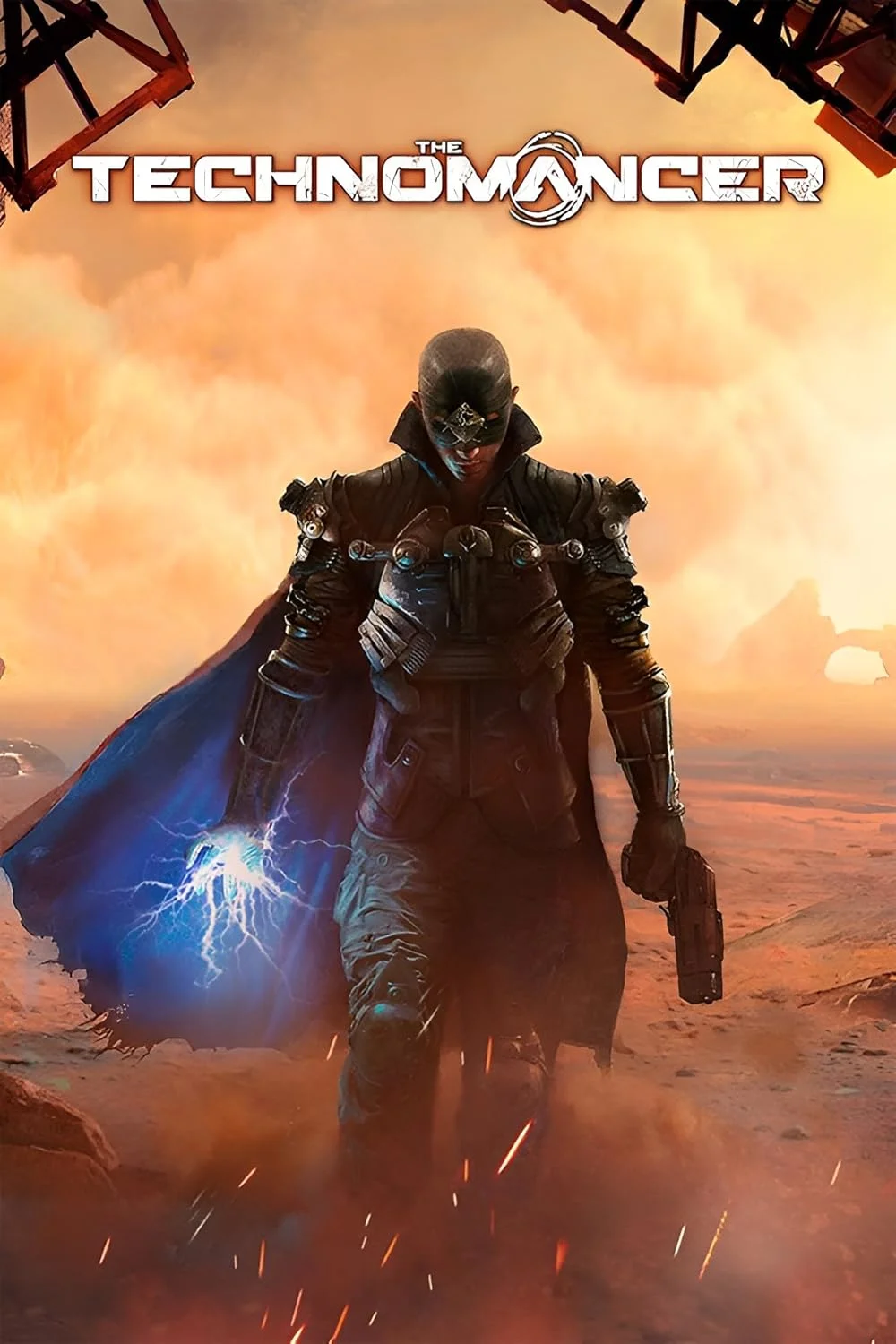
The Technomancer
This combination provides smooth gameplay with an average of 79 FPS, suitable for most gaming scenarios.
Average FPS: resolution vs quality settings
| Ultra | High | Medium | Low | |
|---|---|---|---|---|
| 4K Ultra HD | 30 | 38 | 44 | 58 |
| 1440p QHD | 54 | 69 | 81 | 105 |
| 1080p Full HD | 82 | 105 | 123 | 161 |
Cell color: green is 120+ FPS, teal is 60+, amber is 30+, red is below 30.
The Technomancer with Intel Core i5-12400F + NVIDIA GeForce GTX 1080 Ti, In-Depth Analysis
The Technomancer, a 2016 Action RPG, presents a demanding workload that stresses both CPU and GPU. This analysis examines the measured performance of the Intel Core i5-12400F paired with the NVIDIA GeForce GTX 1080 Ti, focusing on how this specific combination handles the game's various presets and resolutions. The data shows an interesting dynamic where an older, high-end GPU meets a modern mid-range CPU, and the results are revealing.
FAQ
Q: What is the average frame rate at 1080p with Ultra settings?
A: The measured average frame rate is 82 FPS at 1920x1080 with the Ultra preset, showing that the combo can handle the game's highest settings at Full HD.
Q: How does the combo perform at 4K Ultra?
A: At 3840x2160 with Ultra settings, the average FPS drops to 30, which is right at the edge of playability, indicating the extreme load that 4K resolution places on the system.
Q: Does the data suggest the CPU or GPU is the bottleneck?
A: The comparison of frame rates at 1440p and 1080p suggests a strong GPU limitation. For example, moving from 1080p Medium (123 FPS) to 1440p Medium (81 FPS) sees a significant dip, whereas a CPU-bound scenario would show less of a drop.
Q: What is the combo's rank among all tested combinations?
A: The Intel Core i5-12400F and NVIDIA GeForce GTX 1080 Ti combo ranks 2070th out of 3696 total tested combinations, placing it in the 56th percentile overall.
Q: What is the minimum FPS recorded in the data?
A: The only recorded minimum FPS is 38 FPS at 4K Medium settings, and 105 FPS at 1080p Medium. Other settings only have average FPS values.
Q: Given the data, what is the best preset for 1440p gaming?
A: For 2560x1440, the High preset at 69 FPS offers a better balance than Ultra (54 FPS) or Medium (81 FPS). The Medium preset offers a higher frame rate but the High preset is likely a better visual experience for the 15 FPS difference.
GPU Role
The NVIDIA GeForce GTX 1080 Ti is a Pascal architecture GPU, a generation that is older in the context of this test. It has 11 GB of GDDR5X memory on a 352-bit bus, providing a memory bandwidth of 484.4 GB/s. The GPU's core clocks are a base of 1481 MHz and a boost of 1582 MHz. The data shows that this GPU, while not the newest, still has significant power for this game, but its limits are clearly exposed at higher resolutions.
The GTX 1080 Ti's role in this benchmark is the primary driver of frame rate, particularly at higher resolutions. The data shows a clear progression: at 1080p, the frame rates are high (105-161 FPS depending on settings), but they fall off sharply as resolution increases. At 4K, the average FPS at High settings is 38, and at Ultra it drops to 30. This indicates that the GPU is the limiting factor, as the CPU is not being pushed to its absolute limit. The 11 GB of VRAM is likely sufficient for this game, but the raw processing power of the GP102 chip is what determines the performance ceiling. The passmark G3D score of 18600 is a synthetic measure that aligns with the GPU's strong, but not top tier, gaming performance, as its percentile vs all GPUs is 58. The GTX 1080 Ti's vast memory bandwidth is also a key feature, allowing it to handle high-resolution textures without a massive performance penalty, but it cannot overcome the raw compute limitations at 4K.
The relationship between clocks and VRAM is interesting. The 484.4 GB/s of bandwidth is a high number, which helps at higher resolutions where more data is being fetched. However, the data shows the GPU still struggles at 4K Ultra, achieving only 30 FPS. This is a direct result of the GPU's compute power, not a memory bandwidth issue. The benchmark results indicate that the GPU is the main constraint in this game, as the CPU has more headroom. The GTX 1080 Ti is a strong GPU, but its age is showing when dealing with 4K.
How This Combo Ranks
The Intel Core i5-12400F + NVIDIA GeForce GTX 1080 Ti combo ranks 2070th out of 3696 tested combinations. This places it near the 56th percentile of all combos, which means it performs better than a majority of systems but is far from the top. This ranking is a composite of the CPU and GPU's individual strengths and weaknesses. The CPU, in particular, has a percentile of 73 versus all CPUs, indicating a strong processor. The GPU, however, has a percentile of 58 versus all GPUs, which is more modest. The combo's rank is likely held back by the GPU's age.
The ranking suggests that this combo is a solid, mid-range system by current standards. It is not a high-end enthusiast combination, but it can handle many games well at 1080p and 1440p. The data from this game shows that it can achieve above 60 FPS at 1440p High, which is a good experience. The combo's rank is also interesting when considering the CPU's relative strength. The i5-12400F is a powerful CPU, but the GPU is the older component, and this balance is reflected in the benchmark. The combo's position in the 2070th spot suggests that while the CPU is capable, the GPU is the limiting factor in this pairing.
Measured FPS Breakdown
The measured FPS data is broken down by resolution and settings. At 1080p, the frame rates are impressive. The Low preset hits 161 FPS, Medium is 123 FPS, High is 105 FPS, and Ultra is 82 FPS. The jump from High to Ultra is a 23 FPS drop, which is significant. At 1440p, the data shows a clear shift. Low is 105 FPS, Medium is 81 FPS, High is 69 FPS, and Ultra is 54 FPS. The 1440p High and Ultra settings are still playable, but the drop is noticeable when compared to 1080p.
At 4K, the performance is a different story. The Low preset averages 58 FPS, Medium is 44 FPS, High is 38 FPS, and Ultra drops to 30 FPS. The 4K Ultra is on the edge of playability, but the lower settings are playable. The data also includes some measured minimum FPS values. At 1080p Medium, the minimum is 105 FPS, and the maximum is 142 FPS. At 1440p Medium, the minimum is 69 FPS and the maximum is 93 FPS. At 4K Medium, the minimum is 38 FPS and the maximum is 51 FPS. These values indicate that the game does have frame drops, but the averages are still solid for most settings.
Resolution Scaling
The resolution scaling shows a clear trend: frame rate drops as resolution increases. At High settings, the FPS is 105 at 1080p, 69 at 1440p, and 38 at 4K. This is a drop of 36 FPS going from 1080p to 1440p, and then a further 31 FPS going from 1440p to 4K. This pattern is consistent across all settings. This scaling is a classic sign of a GPU-bound scenario. If the CPU were the limiting factor, the frame rate would be similar across resolutions, as the CPU's workload doesn't change much. The fact that the frame rate drops so sharply with resolution indicates that the GTX 1080 Ti is the primary bottleneck.
The data suggests that the limiting component is the GPU, not the CPU. The i5-12400F is a strong processor, but it is not being fully utilized at these resolutions. The frame rates are being determined by the GPU's ability to render pixels. The drop from 1440p to 4K is particularly steep, showing that the GPU is being pushed to its limit. The data shows a 56% drop in FPS from 1080p to 4K at High settings, which is a very high cost for the higher resolution. The GPU's 11 GB of VRAM is not the issue here; it is the raw compute power that is limiting the performance.
Settings Recommendations
Based on the measured frame rates, the best experience depends on the resolution. At 1080p, the High preset is the best choice. It offers 105 FPS, which is smooth and responsive. While the Ultra preset offers a higher visual quality, the 82 FPS is still good, but the 23 FPS drop from High may not be worth the visual improvement. The Medium preset offers 123 FPS, but the visual settings are lower. The High preset is a good balance.
At 1440p, the High preset is a good choice, with 69 FPS. This is a comfortable frame rate for most users. The Ultra preset drops to 54 FPS, which is a playable but not as smooth as High. The Medium preset offers 81 FPS, but the High preset is the best compromise between visual quality and performance. At 4K, the medium preset is the best option, with 44 FPS. The High preset is only 38 FPS, which is a bit low for an enjoyable experience. The Low preset at 4K is 58 FPS, but the visual quality is likely too low. The Medium preset is the recommended choice for 4K.
CPU Role
The Intel Core i5-12400F is a 6-core, 12-thread processor based on the Alder Lake architecture. It uses the Intel Socket 1700 and has a base clock of 2.50 GHz and a boost clock of 4.40 GHz. The CPU has an L3 cache of 18 MB and a TDP of 65 W. The CPU's benchmarks show it is a strong processor. In Cinebench R23, it scores 12380 in multi-core and 1680 in single-core, which are good numbers. In Geekbench, it scores 9472 multi-core and 1964 single-core.
The CPU's role in this game is crucial, but it is not the main bottleneck. The data shows that the frame rates at 1080p Low are 161 FPS, which indicates that the CPU can handle a high number of frames. The fact that the frame rate scales with resolution suggests that the CPU is not the limiting factor. The CPU's high single-thread performance is important for a game like The Technomancer, which may rely on a few strong cores. The data shows that the CPU has enough headroom to not not be the primary limiting factor. The i5-12400F is a capable processor, and its performance is aligned with the GPU's capabilities. The combo's rank is lower than the CPU's individual rank, suggesting that the GPU is holding the overall combo back. The CPU is a strong foundation, but the GPU is the component that will determine the game's performance at higher resolutions.
Hardware Specifications
Intel Core i5-12400F
NVIDIA GeForce GTX 1080 Ti
FPS Benchmarks by Resolution & Settings
Performance data for Intel Core i5-12400F + NVIDIA GeForce GTX 1080 Ti in The Technomancer
| Resolution | Settings | Avg FPS |
|---|---|---|
| 3840x2160 | Low | 58.0 |
| 3840x2160 | Medium | 44.0 |
| 3840x2160 | High | 38.0 |
| 3840x2160 | Ultra | 30.0 |
| 2560x1440 | Low | 105.0 |
| 2560x1440 | Medium | 81.0 |
| 2560x1440 | High | 69.0 |
| 2560x1440 | Ultra | 54.0 |
| 1920x1080 | Low | 161.0 |
| 1920x1080 | Medium | 123.0 |
| 1920x1080 | High | 105.0 |
| 1920x1080 | Ultra | 82.0 |
The Technomancer with ii5-12400F + Other GPUs
See how The Technomancer performs with the same CPU but different graphics cards.
The Technomancer with GTX 1080 Ti + Other CPUs
See how The Technomancer performs with the same GPU but different processors.
Other Games with ii5-12400F + GTX 1080 Ti
Explore FPS benchmarks for other games using this same hardware combination.