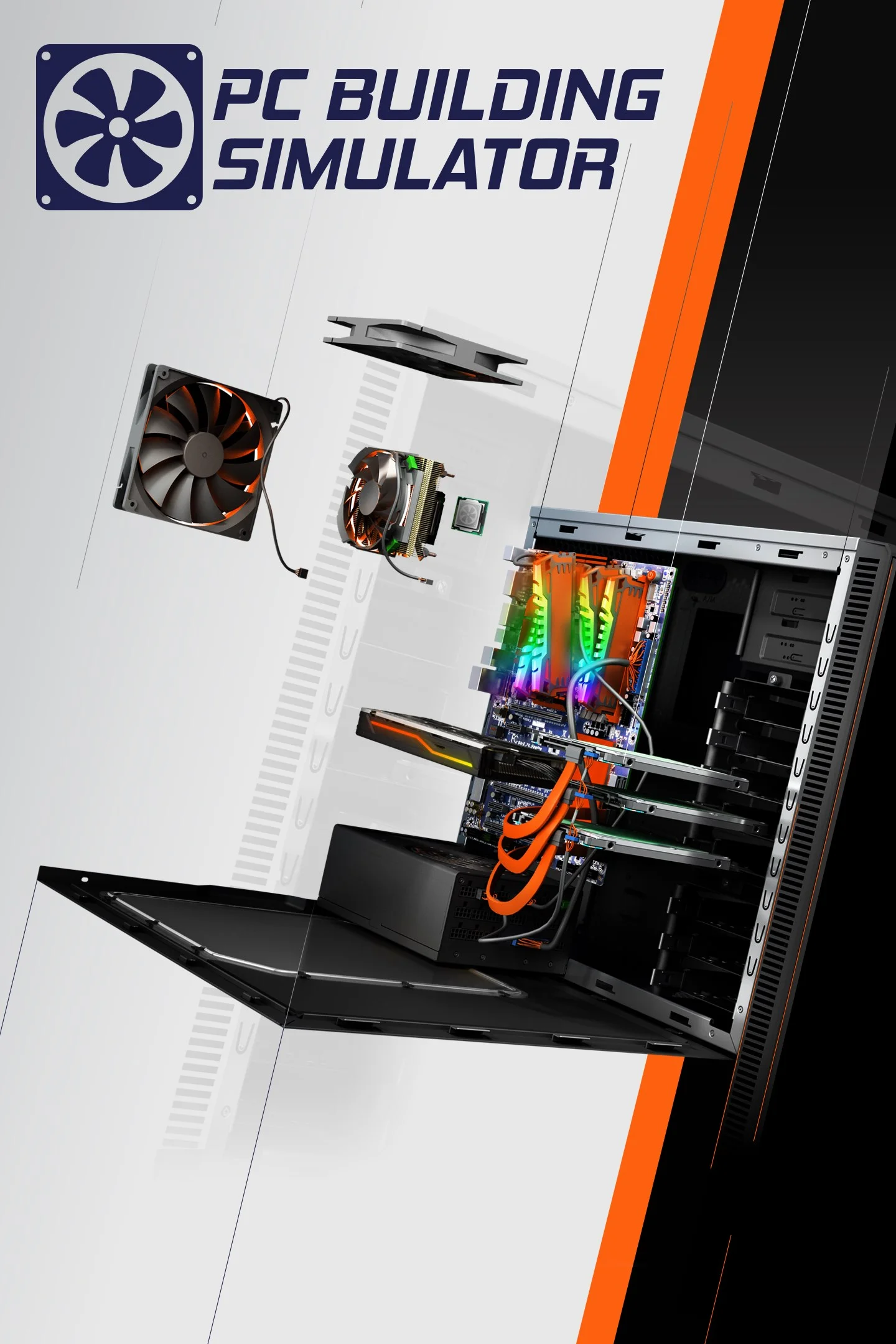
Pc Building Simulator
This combination delivers exceptional performance with an average of 245 FPS, perfect for high refresh rate gaming and competitive play.
Performance Analysis
When running Pc Building Simulator, the AMD EPYC 7F72 alongside NVIDIA Quadro GV100 provides remarkable performance in Pc Building Simulator. At 4K resolution, this setup achieves 127 FPS on average, enabling smooth ultra-high-definition gaming. 1440p performance is excellent at 240 FPS, ideal for high-refresh gaming. 1080p gaming excels with 367 FPS, perfect for competitive play. The AMD EPYC 7F72 brings 24 cores, 48 threads, 3.7 GHz boost to handle game logic and physics. Meanwhile, the NVIDIA Quadro GV100 with 32 GB VRAM, 1627 MHz boost clock handles rendering duties. Ultra settings are fully playable, delivering 177 FPS without compromise.
Hardware Specifications
AMD EPYC 7F72
NVIDIA Quadro GV100
FPS Benchmarks by Resolution & Settings
Performance data for AMD EPYC 7F72 + NVIDIA Quadro GV100 in Pc Building Simulator
| Resolution | Settings | Avg FPS |
|---|---|---|
| 3840x2160 | Ultra | 91.0 |
| 3840x2160 | High | 94.0 |
| 3840x2160 | Medium | 133.0 |
| 3840x2160 | Low | 189.0 |
| 2560x1440 | Ultra | 171.0 |
| 2560x1440 | High | 181.0 |
| 2560x1440 | Medium | 254.0 |
| 2560x1440 | Low | 355.0 |
| 1920x1080 | Ultra | 270.0 |
| 1920x1080 | High | 283.0 |
| 1920x1080 | Medium | 391.0 |
| 1920x1080 | Low | 522.0 |