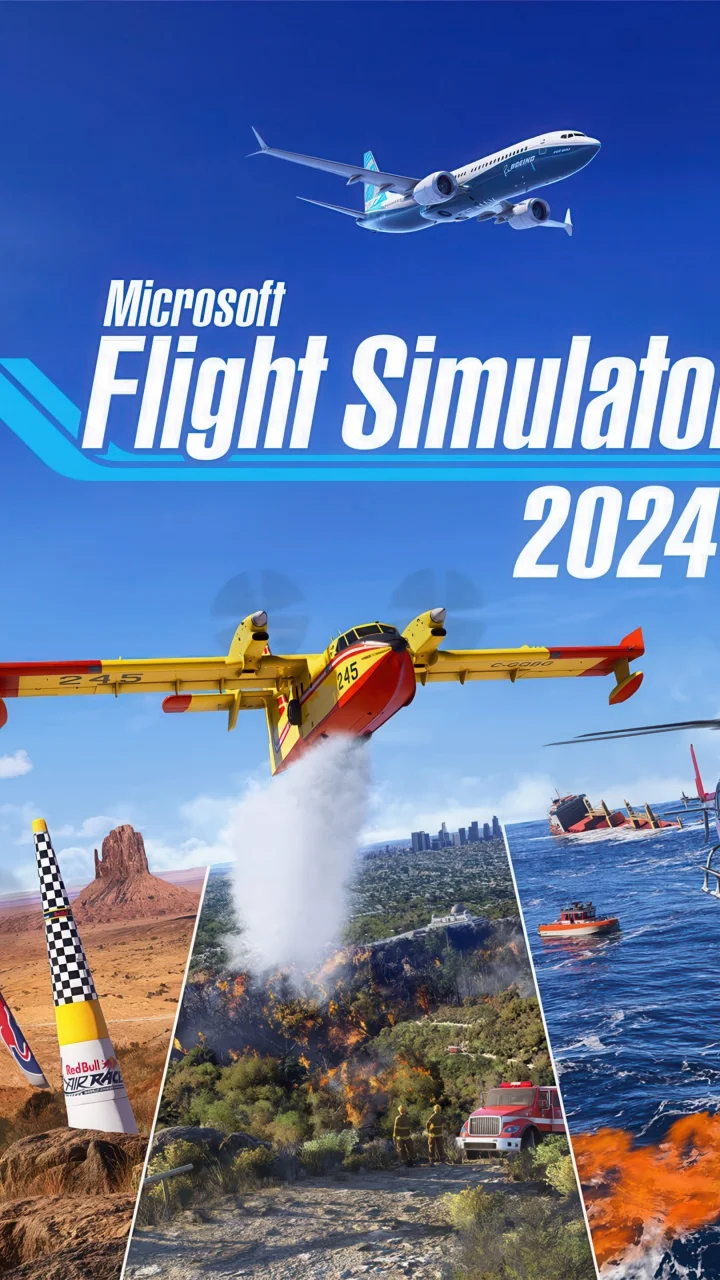
Microsoft Flight Simulator
FPS performance data for different CPU and GPU combinations
Take to the skies in a 1:1 recreation of Earth, powered by satellite data and Azure AI in this photorealistic simulation.
Minimum Requirements
- CPU: Intel Core i5-4460 / AMD Ryzen 3 1200
- GPU: NVIDIA GTX 770 / AMD Radeon RX 570
- RAM: 8 GB
- Storage: 150 GB
FPS Performance Dashboard
Compare FPS performance across different hardware configurations. Add systems to see how they perform at various resolutions and quality settings.
About Microsoft Flight Simulator
Microsoft Flight Simulator is the premier entry in the amateur flight simulation genre, offering an unprecedented 1:1 recreation of the entire planet Earth. Unlike traditional games with a narrative arc or protagonists, the star of this title is the world itself. Utilizing two petabytes of Bing Maps satellite data and Microsoft's Azure cloud computing, the game procedurally generates terrain, cities, and airports in photorealistic detail. Players can pilot a wide variety of highly detailed aircraft, from light planes like the Cessna 152 to massive wide-body jets like the Boeing 747-8, creating their own journeys across a living, breathing world.
The title has achieved immense popularity not just among aviation enthusiasts, but also with general gamers drawn to its visual splendor and the freedom of exploration. The gameplay loop centers on mastering aviation mechanics, navigating real-time weather systems, and communicating with Air Traffic Control. While there is no traditional competitive scene, the community is incredibly active through networks like VATSIM, where pilots and controllers simulate realistic air traffic procedures. The game also supports a massive ecosystem of third-party add-ons and mods, keeping the player base engaged with new aircraft and handcrafted airports.
From a hardware perspective, Microsoft Flight Simulator is notoriously demanding and is often considered the modern benchmark for system performance. It is CPU-bound, relying heavily on single-core performance to calculate complex flight physics and draw calls for dense scenery, while the GPU handles intense volumetric clouds and lighting effects. A fast SSD and high-speed internet connection are crucial, as the game streams texture data in real-time. To achieve smooth framerates, users often need to balance 'Terrain Level of Detail' and 'Volumetric Clouds' settings, noting that for a non-combat flight simulator, a stable 30-40 FPS is generally considered an acceptable and smooth experience.
FPS Benchmarks
| CPU | GPU | Resolution | Settings | Avg FPS |
|---|---|---|---|---|
| Intel Core Ultra 7 265K | NVIDIA GeForce GTX 1050 Ti | 1920x1080 | High | 21.8 |
| AMD Ryzen 7 5700X3D | NVIDIA GeForce GTX 1050 Ti | 1920x1080 | High | 21.3 |
| AMD Ryzen 7 9700X | NVIDIA GeForce GTX 1050 Ti | 1920x1080 | High | 21.2 |
| AMD Ryzen 7 7800X3D | NVIDIA GeForce GTX 1050 Ti | 1920x1080 | High | 21.1 |
| AMD Ryzen 5 5500 | NVIDIA GeForce GTX 1050 Ti | 1920x1080 | High | 21.1 |
| Intel Core i5-13400F | NVIDIA GeForce GTX 1050 Ti | 1920x1080 | High | 21.0 |
| Intel Core i7-12700KF | NVIDIA GeForce GTX 1050 Ti | 1920x1080 | High | 20.9 |
| AMD Ryzen 7 5700G | NVIDIA GeForce GTX 1050 Ti | 1920x1080 | High | 20.8 |
| AMD Ryzen 7 5700X | NVIDIA GeForce GTX 1050 Ti | 1920x1080 | High | 20.6 |
| AMD Ryzen 9 5950X | NVIDIA GeForce GTX 1050 Ti | 1920x1080 | High | 20.4 |