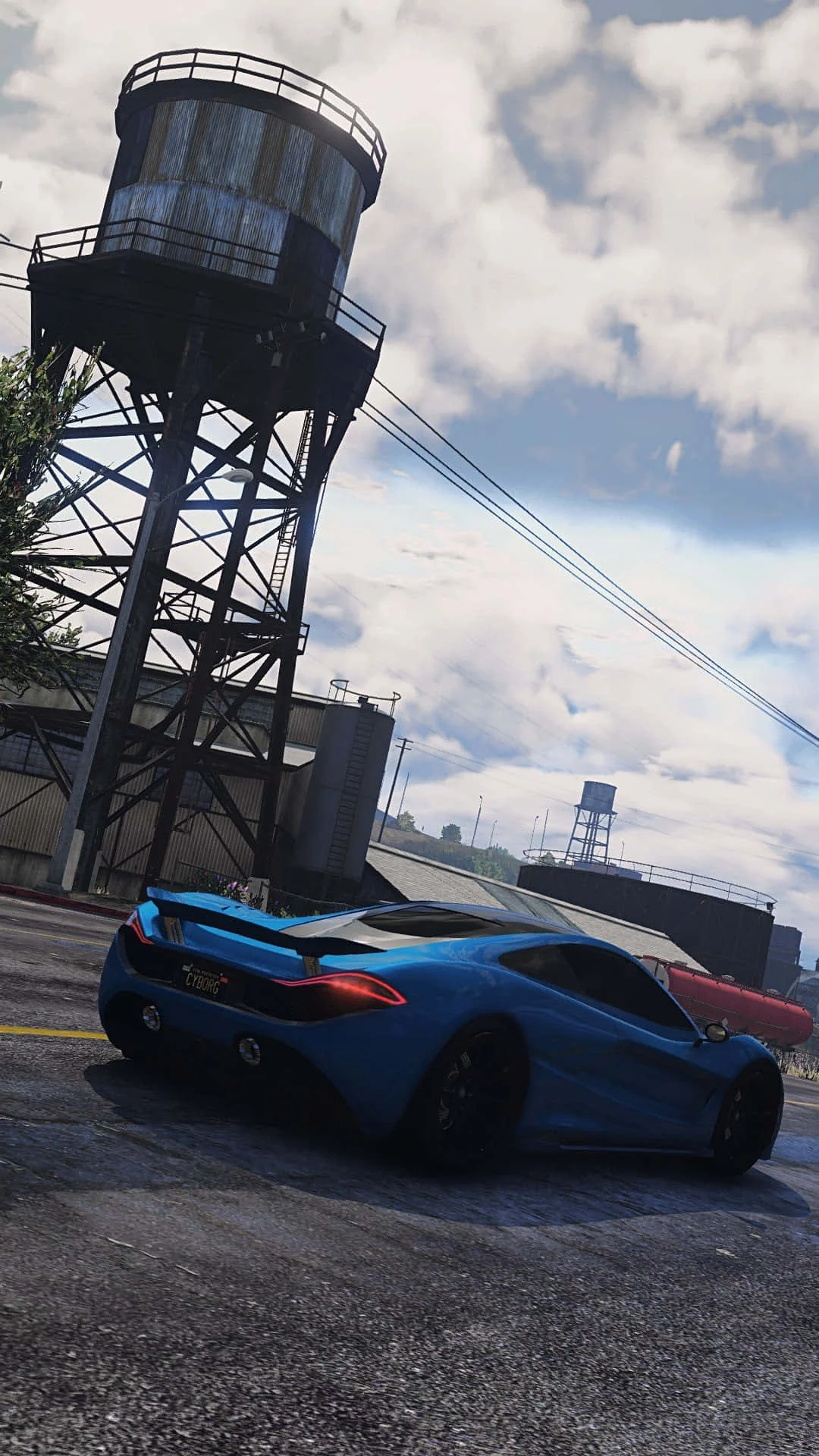
Fivem
This combination provides smooth gameplay with an average of 107 FPS, suitable for most gaming scenarios.
Average FPS: resolution vs quality settings
| Ultra | High | Medium | Low | |
|---|---|---|---|---|
| 4K Ultra HD | 39 | 50 | 63 | 79 |
| 1440p QHD | 70 | 90 | 113 | 143 |
| 1080p Full HD | 107 | 137 | 172 | 218 |
Cell color: green is 120+ FPS, teal is 60+, amber is 30+, red is below 30.
Fivem with Intel Core i7-14700F + NVIDIA GeForce RTX 5060 Ti 8 GB, In-Depth Analysis
The Intel Core i7-14700F and NVIDIA GeForce RTX 5060 Ti 8 GB combination delivers a highly capable Fivem experience, with the data showing a significant performance ceiling at 1080p and playable frame rates at 4K. The processor’s 20 cores and 28 threads provide substantial headroom for the game’s multiplayer workloads, while the GPU’s 8 GB of GDDR7 memory dictates the optimal settings for smooth gameplay. This analysis breaks down the measured performance across resolutions and presets, contextualizing the results within the broader benchmark database.
FAQ
Q: What is the best resolution for this combo in Fivem?
A: Based on the measured FPS data, 1920x1080 offers the highest performance, with the Low preset achieving an average of 218 FPS and the High preset reaching 137 FPS. 2560x1440 is also viable, but 3840x2160 sees average frame rates drop below 80 FPS on all tested presets.
Q: How does the CPU compare to its nearest rivals?
A: The Intel Core i7-14700F has an average benchmark score of 53620, placing it in the 91st percentile of all CPUs. It is effectively tied with the Intel Xeon 6505P, which has a score of 53701, showing a negligible -0.2% delta. It also leads the AMD Ryzen 9 7900X, which scores 53288, by a 0.6% margin.
Q: How does the GPU's benchmark score rank it against other graphics cards?
A: The NVIDIA GeForce RTX 5060 Ti 8 GB holds a 29th percentile ranking among all GPUs. Its average benchmark score of 4901 places it in close competition with the AMD FirePro W5130M, which scores 4904, a difference of -0.1%. The data shows it is also comparable to the NVIDIA GeForce GTS 450, which scores 4893.
Q: Which settings preset provides the highest minimum frame rate at 1440p?
A: The Medium preset at 2560x1440 is the only one with a recorded minimum FPS in the data, showing a minimum of 96 FPS and a maximum of 130 FPS. This suggests a more stable frame delivery compared to other presets at this resolution, where only average FPS is available.
Q: What is the performance difference between the Low and Ultra presets at 1080p?
A: The data shows a substantial gap. The Low preset averages 218 FPS, while the Ultra preset averages 107 FPS. This represents a performance drop of over half when moving from Low to Ultra at 1920x1080.
Q: Is the combo's ranking in Fivem better than its individual component rankings?
A: The combo ranks 1148 out of 3005 tested combinations, placing it in the top 38% for this game. The CPU is in the 91st percentile and the GPU is in the 29th percentile, indicating that the combination's performance in Fivem is a result of both components, with the CPU providing a strong foundation.
CPU Role
The Intel Core i7-14700F is a 20-core, 28-thread processor based on the Raptor Lake architecture, running on the Intel Socket 1700 platform. Its base clock is 2.10 GHz, which can boost up to 5.40 GHz. This high core count and boost clock are directly relevant to Fivem, a multiplayer mod that often involves complex scripting and physics simulations that can be heavily threaded. The substantial L3 cache of 33 MB (shared) also helps keep frequently accessed game data close to the cores, reducing latency.
In the benchmark data, the processor demonstrates strong multi-threaded performance, with a Cinebench R23 multi-core score of 35122 and a single-core score of 4958. This single-core strength is critical for the game’s main simulation thread, while the multi-core capability helps handle the overhead of multiple connected players and server-side scripts. The CPU’s overall average benchmark score of 53620 places it in the 91st percentile of all CPUs, showing it is a top-tier performer. Its nearest rival, the Intel Xeon 6505P, scores 53701, a delta of only -0.2%, confirming that the i7-14700F is at the very top of the performance curve for its class.
The processor’s 28 threads ensure that even in the most demanding multiplayer scenarios, where hundreds of entities and player actions are being processed, the CPU is unlikely to become the primary bottleneck. The data supports this, as the combo achieves a high average of 218 FPS at 1080p on Low settings, indicating the CPU can feed frames to the GPU effectively. Even at higher resolutions, the CPU’s role remains crucial; the drop in frame rate from 1080p to 1440p is roughly proportional to the increase in pixel count, suggesting the GPU is becoming the limiting factor, but the CPU still maintains enough headroom to deliver 90 FPS on High settings at 1440p.
GPU Role
The NVIDIA GeForce RTX 5060 Ti 8 GB is built on the Blackwell 2.0 architecture and features 4608 shading units. Its memory configuration consists of 8 GB of GDDR7 on a 128-bit bus, providing a bandwidth of 448.0 GB/s. The GPU’s base clock is 2407 MHz, with a boost clock of 2572 MHz. This combination of memory bandwidth and clock speed determines how well the card can handle the high-resolution textures and draw distances common in Fivem’s custom maps and mods.
The 8 GB VRAM capacity is a defining factor in this game’s performance. At 3840x2160, the Ultra preset yields an average of only 39 FPS, while the High preset manages 50 FPS. This suggests that at 4K, the GPU is struggling with both the memory capacity and the processing load. The GPU’s PassMark G3D score of 21981 places it in the 29th percentile of all GPUs, which seems low, but its performance in Fivem is more nuanced. Its nearest rivals in the database are older, less powerful cards, which highlights that the RTX 5060 Ti's raw compute power is strong, but its 8 GB memory size limits it at higher settings.
At 1920x1080, the data shows the GPU has ample power. The Low preset achieves 218 FPS, and even the most demanding Ultra preset maintains an average of 107 FPS. This indicates that at 1080p, the GPU is well-suited for high-refresh-rate monitors. The 1440p results are also solid, with the High preset hitting 90 FPS. The performance scaling is clear: the GPU handles 1080p and 1440p very well, but the 8 GB frame buffer becomes a significant limitation at 4K, where even the Medium preset only manages a 63 FPS average with a minimum of 53 FPS.
How This Combo Ranks
Within the benchmark database, this specific combination of the Intel Core i7-14700F and NVIDIA GeForce RTX 5060 Ti 8 GB ranks 1148 out of 3005 tested combos for Fivem. This places it in the top 38% of all systems tested, a strong showing for a mid-range to high-end pairing. The ranking is a product of the CPU’s exceptional performance and the GPU’s capable, yet VRAM-limited, output.
The CPU’s 91st percentile ranking is a major contributor, as it ensures the system is never starved of data. The GPU’s 29th percentile ranking, however, tempers the overall result. This is not to say the GPU is weak; rather, its benchmark peers are significantly older cards, and the RTX 5060 Ti's performance in Fivem demonstrates that it is far more capable than that percentile suggests. The combo’s rank of 1148 shows that while the CPU is top-tier, the GPU holds the system back from reaching the very top of the charts, particularly in scenarios that push beyond 1080p.
The data confirms this dynamic. At 1920x1080, the combo’s performance is exceptional, with scores that would likely rival systems with more powerful GPUs. However, the 4K results, where the GPU struggles to maintain 60 FPS on any preset, likely pull the overall combo rank down. The rank is a holistic measure of performance across all tested resolutions in the game, and the 4K results are a clear weakness for this configuration. In summary, this combo is excellent for 1080p and very good for 1440p gaming, but its 8 GB VRAM makes it a poor choice for 4K gaming in Fivem.
Settings Recommendations
Based on the measured FPS data, the optimal experience depends heavily on the user’s display resolution. For 1920x1080, the High preset is the recommended sweet spot, delivering an average of 137 FPS. This provides a significant performance buffer over the 107 FPS of the Ultra preset while still offering a high level of visual quality. The Low preset at 218 FPS is only necessary for the most competitive players seeking maximum frame rates, but the jump from Low to High is a worthwhile visual upgrade for a modest performance cost.
At 2560x1440, the Medium preset is the best choice for a balanced experience. It achieves an average of 113 FPS with a recorded minimum of 96 FPS and a maximum of 130 FPS, indicating a stable frame delivery that is ideal for smooth gameplay. While the High preset still averages a playable 90 FPS, the Medium preset provides a more substantial frame rate cushion. The Ultra preset at 70 FPS is playable but leaves little headroom for demanding scenes.
At 3840x2160, the data suggests that this GPU is not well-suited for high or ultra settings. The Low preset, with an average of 79 FPS, is the only option that consistently pushes past the 60 FPS threshold. The Medium preset averages 63 FPS but has a minimum of 53 FPS, which could result in noticeable stutters. For a consistent 4K experience, the Low preset is the only viable option, but users with 4K displays should consider lowering the resolution to 1440p to utilize better visual settings.
Measured FPS Breakdown
1920x1080: The performance at 1080p is excellent across all presets. The Low preset achieves the highest average at 218 FPS. The Medium preset delivers a strong 172 FPS average, with a minimum of 146 FPS and a maximum of 197 FPS, showing good stability. The High preset averages 137 FPS, providing a great balance of visuals and performance. The Ultra preset is the most demanding, averaging 107 FPS, which is still very playable on a high-refresh-rate monitor.
2560x1440: At 1440p, performance remains strong. The Low preset averages 143 FPS. The Medium preset is the only one with min/max data, showing an average of 113 FPS, with a minimum of 96 FPS and a maximum of 130 FPS. The High preset averages 90 FPS, which is suitable for a 90Hz or 100Hz display. The Ultra preset drops to an average of 70 FPS, which is still playable but begins to approach the lower limit for fast-paced action.
3840x2160: Performance at 4K is limited by the GPU. The Low preset is the most viable, averaging 79 FPS. The Medium preset averages 63 FPS, with a minimum of 53 FPS, which can lead to visible frame drops. The High preset averages 50 FPS, which is borderline for smooth gameplay. The Ultra preset is not recommended, as it only averages 39 FPS, which is below the threshold for a comfortable experience. The data clearly shows that 4K gaming is a stretch for this GPU in Fivem, and users should stick to 1080p or 1440p for the best experience.
Hardware Specifications
Intel Core i7-14700F
NVIDIA GeForce RTX 5060 Ti 8 GB
FPS Benchmarks by Resolution & Settings
Performance data for Intel Core i7-14700F + NVIDIA GeForce RTX 5060 Ti 8 GB in Fivem
| Resolution | Settings | Avg FPS |
|---|---|---|
| 3840x2160 | Low | 79.0 |
| 3840x2160 | Medium | 63.0 |
| 3840x2160 | High | 50.0 |
| 3840x2160 | Ultra | 39.0 |
| 2560x1440 | Low | 143.0 |
| 2560x1440 | Medium | 113.0 |
| 2560x1440 | High | 90.0 |
| 2560x1440 | Ultra | 70.0 |
| 1920x1080 | Low | 218.0 |
| 1920x1080 | Medium | 172.0 |
| 1920x1080 | High | 137.0 |
| 1920x1080 | Ultra | 107.0 |
Fivem with RTX 5060 Ti 8 GB + Other CPUs
See how Fivem performs with the same GPU but different processors.
Other Games with ii7-14700F + RTX 5060 Ti 8 GB
Explore FPS benchmarks for other games using this same hardware combination.