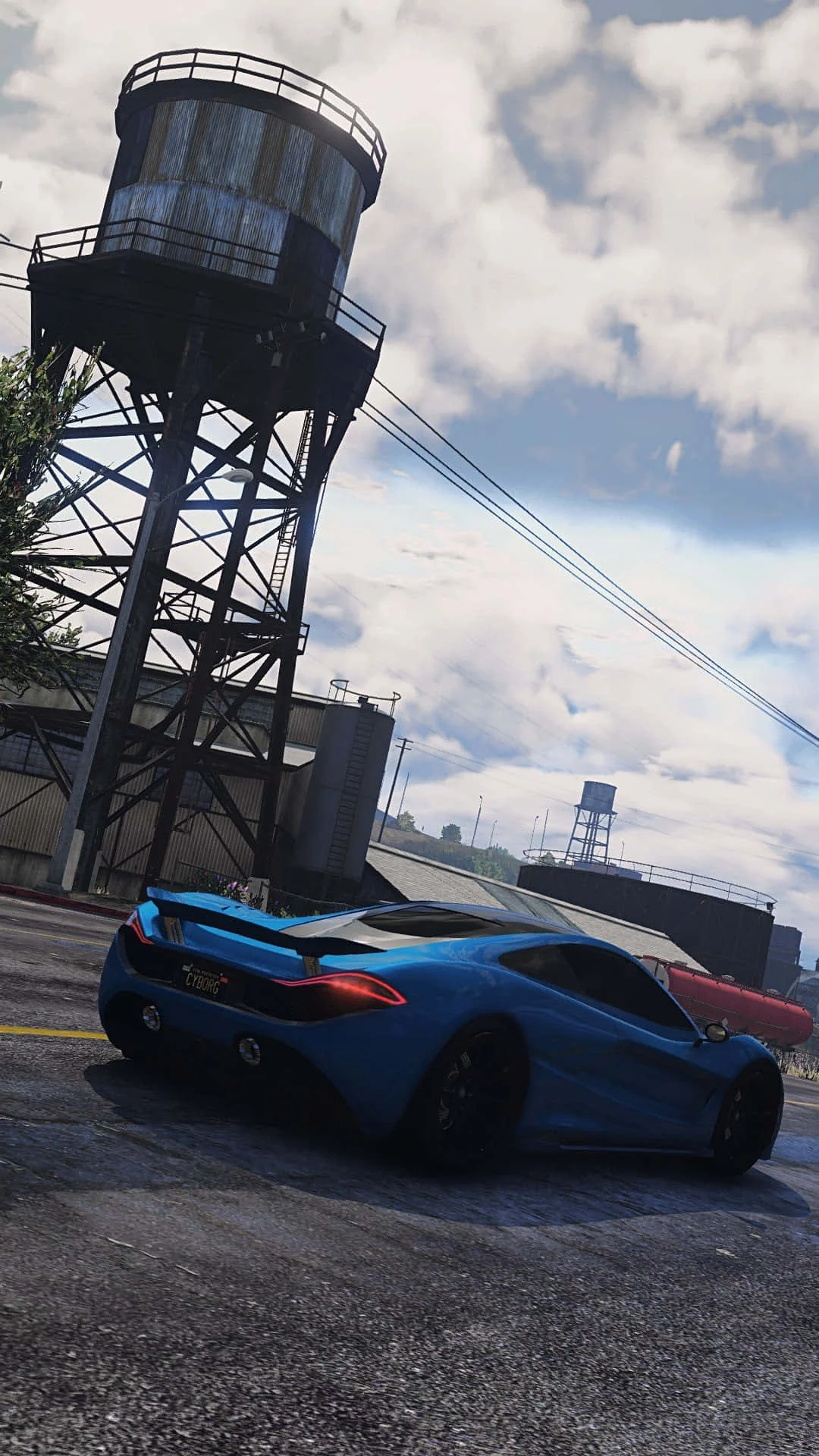
Fivem
This combination provides smooth gameplay with an average of 107 FPS, suitable for most gaming scenarios.
Average FPS: resolution vs quality settings
| Ultra | High | Medium | Low | |
|---|---|---|---|---|
| 4K Ultra HD | 40 | 51 | 62 | 80 |
| 1440p QHD | 73 | 89 | 115 | 143 |
| 1080p Full HD | 107 | 135 | 175 | 218 |
Cell color: green is 120+ FPS, teal is 60+, amber is 30+, red is below 30.
Fivem with Intel Core i7-13700K + NVIDIA GeForce RTX 4060 Ti 8 GB, In-Depth Analysis
The Intel Core i7-13700K paired with the NVIDIA GeForce RTX 4060 Ti 8 GB delivers a wide spread of performance in Fivem, ranging from a highly playable 107.3 FPS at 1080p Ultra to a demanding 39.9 FPS at 4K Ultra. The measured data shows this combination ranks 762nd out of 1792 tested combos, placing it in the upper-middle tier of the database. This analysis breaks down the results by resolution, settings, and component role, using only the provided benchmark figures.
Resolution Scaling
The FPS drop from 1080p to 4K is steep and consistent across all quality presets, revealing a clear dependence on the graphics card. At High settings, the average frame rate falls from 135.4 FPS at 1920x1080 to 89.0 FPS at 2560x1440, a reduction of 46.4 FPS. Moving further to 3840x2160, the High preset yields 50.6 FPS, which is 84.8 FPS lower than the 1080p result. This pattern indicates that the RTX 4060 Ti 8 GB is the limiting factor as pixel count rises; the CPU’s strong single-thread performance is not enough to offset the GPU’s workload at higher resolutions.
The scaling is even more pronounced at the Low preset. At 1080p Low, the combo achieves 217.6 FPS, which drops to 143.4 FPS at 1440p and then to 80.1 FPS at 4K. The gap between 1080p and 4K Low is 137.5 FPS, a 63% reduction in performance. This suggests that even with reduced graphical load, the GPU’s memory bandwidth of 288.0 GB/s and 128-bit bus become bottlenecks at 4K, preventing the system from maintaining the high frame rates seen at lower resolutions.
At Ultra settings, the scaling is similarly aggressive: 107.3 FPS at 1080p, 72.6 FPS at 1440p, and 39.9 FPS at 4K. The 4K Ultra result is the lowest in the entire dataset, confirming that this resolution and preset combination severely stresses the 8 GB VRAM and the GPU’s 22.06 TFLOPS compute capacity. The data indicates that 1440p is the practical ceiling for smooth gameplay on this combo, with the Medium preset delivering 115.0 FPS and High delivering 89.0 FPS, both acceptable for most users. 4K should be reserved for Low or Medium settings if playability is the priority.
CPU Role
The Intel Core i7-13700K provides substantial headroom for Fivem, which is a multiplayer title that often relies on single-core performance. The CPU’s 16 cores and 24 threads, with a base clock of 3.40 GHz and a boost clock of 5.40 GHz, are reflected in strong synthetic benchmarks. For instance, the 3dmark single-thread score is 1136, and the 3dmark 2-thread score is 2262. These figures suggest the CPU can handle the game’s logic and physics threads without becoming the primary constraint at most settings.
The CPU’s multi-threaded capability is also notable, with a Cinebench R23 multicore score of 39000 and a Passmark multithread score of 45887. However, in Fivem, the measured FPS data shows that the CPU is not the limiting factor at lower resolutions; the GPU is. At 1080p Low, the combo reaches 217.6 FPS, which is far above the refresh rate of typical monitors, indicating the CPU can feed the GPU efficiently. The single-thread performance, scoring 5505 in Cinebench R23 single-core, ensures that the game’s main thread does not stall the pipeline.
The CPU’s cache hierarchy, including 30 MB of shared L3 cache and 2 MB per core L2 cache, helps with rapid data access for game assets. Compared to its nearest rivals, the i7-13700K is nearly identical in average benchmark score: it is 0.1% behind the Intel Core i7-13700KF and 0.3% ahead of the AMD EPYC 4364P. This parity means that in a CPU-bound scenario, the choice between these processors would make no practical difference. In Fivem, the data confirms the CPU is rarely the bottleneck, as the FPS drops are almost entirely attributable to resolution and preset changes rather than core count or clock speed.
FAQ
Q: What is the best resolution for this combo in Fivem?
A: The data shows 2560x1440 is the optimal balance. At Medium settings, the combo delivers 115.0 FPS, and at High settings, it delivers 89.0 FPS, both of which are smooth for competitive multiplayer. 1080p offers higher frame rates, with 174.5 FPS at Medium and 135.4 FPS at High, but 1440p provides a sharper image without sacrificing playability.
Q: How does the RTX 4060 Ti 8 GB perform at 4K in Fivem?
A: The 4K results are weak. At Ultra settings, the average FPS is 39.9, which is below the 60 FPS threshold for smooth gameplay. Even at Low settings, 4K only reaches 80.1 FPS, which is acceptable but not ideal. The GPU’s 8 GB VRAM and 288.0 GB/s bandwidth are insufficient for high-fidelity 4K in this game.
Q: Is the CPU or GPU the limiting factor in Fivem?
A: The GPU is the limiting factor, especially at higher resolutions. The evidence is the sharp FPS drop from 1080p to 4K across all presets. For example, at High settings, FPS falls from 135.4 at 1080p to 50.6 at 4K. The CPU, with a boost clock of 5.40 GHz and a 3dmark single-thread score of 1136, is not the bottleneck.
Q: How does this combo rank among all tested combinations?
A: It ranks 762nd out of 1792 combos, placing it in the 42nd percentile. This is a mid-pack ranking, reflecting the GPU’s lower performance tier (17th percentile among all GPUs) compared to the CPU’s higher tier (93rd percentile among all CPUs).
Q: What are the frame rates at 1080p with different settings?
A: The measured FPS at 1920x1080 is 217.6 FPS for Low, 174.5 FPS for Medium, 135.4 FPS for High, and 107.3 FPS for Ultra. All presets are above 100 FPS, making 1080p a comfortable experience for high-refresh-rate monitors.
Q: Does the RTX 4060 Ti 8 GB outperform its 16 GB counterpart?
A: In the 3dmark Steel Nomad test, the 8 GB version scores 2913, which is 0.2% higher than the RTX 4060 Ti 16 GB’s score of 2907. This difference is negligible, suggesting that VRAM capacity does not impact this specific benchmark, though the 8 GB limit may affect higher-resolution gameplay.
How This Combo Ranks
This combo is positioned at rank 762 out of 1792 tested combinations in Fivem, which places it in the lower half of the database (42.5th percentile). The ranking is a direct result of the GPU’s limitations. The RTX 4060 Ti 8 GB has an average benchmark score of 2913, which is identical to the NVIDIA GeForce GT 555M (0% delta) and only 0.7% higher than the GT 650M. This indicates that the GPU’s raw performance is modest, and it heavily influences the overall combo ranking.
In contrast, the CPU contributes positively. The Intel Core i7-13700K has an average benchmark score of 47282, which is 0.1% behind the i7-13700KF and 0.4% ahead of the Intel Core i9-12900F. This high CPU score, combined with a 93rd percentile ranking among all CPUs, means the processor is not dragging down the combo. However, because Fivem’s FPS is more dependent on the GPU at higher resolutions, the combo’s rank is capped by the graphics card’s performance.
The data shows that this combination is best suited for 1080p or 1440p gaming, where the CPU can fully utilize the GPU’s capabilities. At 4K, the combo falls behind many others that feature stronger GPUs. The rank of 762/1792 is consistent with a mid-range GPU paired with a high-end CPU; the system excels in CPU-heavy tasks but struggles in GPU-bound scenarios. For users prioritizing high frame rates at 1080p, this rank is acceptable, but for 4K enthusiasts, it is a weak choice.
GPU Role
The NVIDIA GeForce RTX 4060 Ti 8 GB is the decisive component in Fivem’s performance. With 4352 shading units, 136 texture mapping units, and 48 ROPs, the GPU has a theoretical FP32 performance of 22.06 TFLOPS. The memory subsystem consists of 8 GB of GDDR6 on a 128-bit bus, providing 288.0 GB/s of bandwidth. These specifications, combined with a boost clock of 2535 MHz, determine how quickly the GPU can render frames at each resolution.
The measured FPS data directly reflects the GPU’s workload. At 1080p Low, the GPU is not fully stressed, allowing 217.6 FPS, but at 4K Ultra, the GPU is overwhelmed, producing only 39.9 FPS. The VRAM capacity is a concern; 8 GB is sufficient for 1080p and 1440p, but at 4K with high textures, the memory may be exhausted, causing the frame rate to plummet. The 288.0 GB/s bandwidth is also a limiting factor, as higher resolutions require more data to be transferred, and the 128-bit bus constrains throughput.
The GPU’s percentile ranking of 17 among all GPUs indicates it is a lower-mid-range part. Its nearest rivals in the 3dmark Steel Nomad test include the GT 555M (0% delta) and the GTX 860M (-1.5% delta), which are older or lower-tier mobile GPUs. This comparison highlights that the RTX 4060 Ti 8 GB does not offer exceptional raw performance; it is adequate for mainstream gaming but not for 4K. In Fivem, the GPU’s role is clear: it provides playable frame rates up to 1440p, but beyond that, its limitations become the primary obstacle.
Measured FPS Breakdown
The complete set of measured average FPS values for this combo in Fivem is as follows, organized by resolution and settings:
At 1920x1080, the Low preset yields 217.6 FPS, the Medium preset yields 174.5 FPS, the High preset yields 135.4 FPS, and the Ultra preset yields 107.3 FPS. The spread from Low to Ultra is 110.3 FPS, indicating that the GPU has ample headroom at this resolution. Even at Ultra, the frame rate is above 100 FPS, making 1080p the most forgiving environment for this hardware.
At 2560x1440, the Low preset produces 143.4 FPS, the Medium preset produces 115.0 FPS, the High preset produces 89.0 FPS, and the Ultra preset produces 72.6 FPS. The drop from 1080p to 1440p is significant, with the High preset losing 46.4 FPS and the Ultra preset losing 34.7 FPS. This resolution is still playable across all settings, though Ultra dips below the 75 FPS threshold for some gamers.
At 3840x2160, the Low preset delivers 80.1 FPS, the Medium preset delivers 61.7 FPS, the High preset delivers 50.6 FPS, and the Ultra preset delivers 39.9 FPS. The 4K results are the weakest, with only the Low preset exceeding 60 FPS. The difference between 1080p Low and 4K Low is 137.5 FPS, and between 1080p High and 4K High is 84.8 FPS. These numbers confirm that the RTX 4060 Ti 8 GB is not designed for 4K gaming in Fivem, and users should stick to 1440p or lower for a consistent experience.
Hardware Specifications
Intel Core i7-13700K
NVIDIA GeForce RTX 4060 Ti 8 GB
FPS Benchmarks by Resolution & Settings
Performance data for Intel Core i7-13700K + NVIDIA GeForce RTX 4060 Ti 8 GB in Fivem
| Resolution | Settings | Avg FPS |
|---|---|---|
| 3840x2160 | Low | 80.1 |
| 3840x2160 | Medium | 61.7 |
| 3840x2160 | High | 50.6 |
| 3840x2160 | Ultra | 39.9 |
| 2560x1440 | Low | 143.4 |
| 2560x1440 | Medium | 115.0 |
| 2560x1440 | High | 89.0 |
| 2560x1440 | Ultra | 72.6 |
| 1920x1080 | Low | 217.6 |
| 1920x1080 | Medium | 174.5 |
| 1920x1080 | High | 135.4 |
| 1920x1080 | Ultra | 107.3 |
Fivem with RTX 4060 Ti 8 GB + Other CPUs
See how Fivem performs with the same GPU but different processors.
Other Games with ii7-13700K + RTX 4060 Ti 8 GB
Explore FPS benchmarks for other games using this same hardware combination.