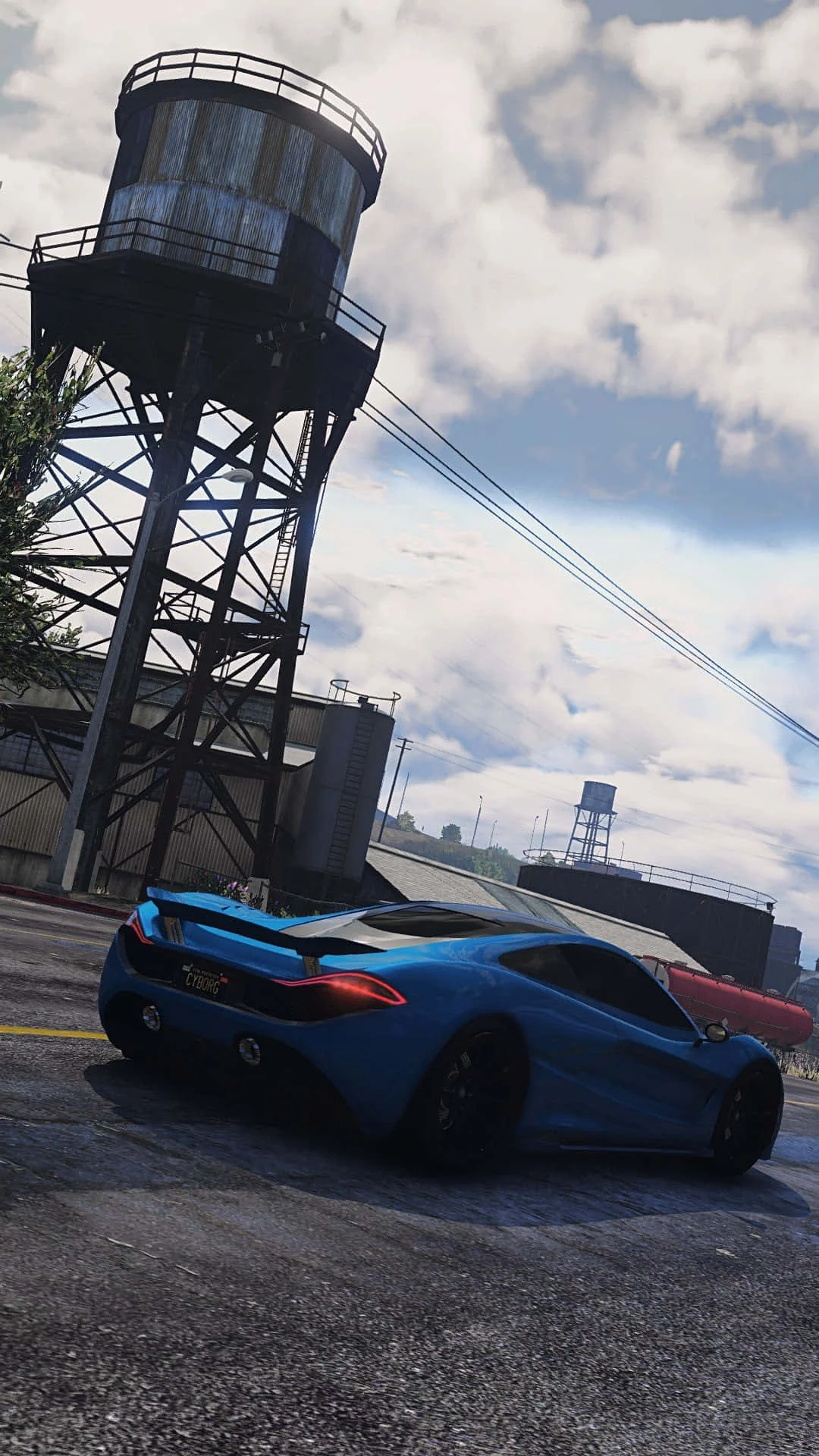
Fivem
This combination provides smooth gameplay with an average of 107 FPS, suitable for most gaming scenarios.
Average FPS: resolution vs quality settings
| Ultra | High | Medium | Low | |
|---|---|---|---|---|
| 4K Ultra HD | 39 | 50 | 63 | 80 |
| 1440p QHD | 71 | 91 | 114 | 144 |
| 1080p Full HD | 107 | 138 | 173 | 219 |
Cell color: green is 120+ FPS, teal is 60+, amber is 30+, red is below 30.
Fivem with Intel Core i7-12700KF + NVIDIA GeForce RTX 4060 Ti 8 GB, In-Depth Analysis
The Intel Core i7-12700KF paired with the NVIDIA GeForce RTX 4060 Ti 8 GB delivers a distinctive performance curve in Fivem. At 1080p, the system excels with high average frame rates, but the data shows a significant drop as resolution increases to 4K. This pattern indicates that while the CPU provides ample headroom at lower resolutions, the GPU becomes the primary limiting factor at higher graphical loads. The following analysis breaks down the measured performance, component roles, and how this specific combination ranks among other tested systems.
Resolution Scaling
The measured FPS data reveals a clear and consistent decline as resolution scales from 1920x1080 to 3840x2160. At High settings, the average frame rate drops from 138 FPS at 1080p to 91 FPS at 1440p, and finally to 50 FPS at 4K. This represents a 64% reduction in performance from 1080p to 4K at High settings, demonstrating that the rendering load increases dramatically with pixel count.
The scaling pattern becomes more pronounced when examining the Low settings tier. At 1080p Low, the system achieves 219 FPS, which is the highest average across all tested configurations. Moving to 1440p Low yields 144 FPS, and 4K Low produces 80 FPS. The drop from 1080p to 4K at Low settings is 63%, nearly identical to the High settings reduction. This consistency suggests that the performance ceiling at 1080p is not being fully utilized, as the frame rates do not plateau even at the lowest settings.
Medium settings provide the most complete dataset, including minimum and maximum FPS values. At 1080p Medium, the average is 173 FPS with a minimum of 147 FPS and maximum of 199 FPS. The 1440p Medium configuration shows an average of 114 FPS, with a minimum of 97 FPS and maximum of 131 FPS. At 4K Medium, the average drops to 63 FPS, with a minimum of 54 FPS and maximum of 73 FPS. The spread between minimum and maximum FPS narrows as resolution increases, indicating that frame time consistency improves at lower frame rates.
Ultra settings produce the lowest performance across all resolutions. The 1080p Ultra average is 107 FPS, 1440p Ultra averages 71 FPS, and 4K Ultra averages just 39 FPS. The scaling from 1080p to 4K at Ultra settings shows a 64% reduction, matching the pattern seen at High and Low settings. This uniformity across settings tiers strongly indicates that the GPU is the bottleneck at 4K, as the CPU's performance headroom cannot compensate for the increased pixel throughput required.
FAQ
Q: What is the best resolution to play Fivem with this hardware combo?
A: The data shows that 1080p provides the most comfortable experience, with average FPS ranging from 107 at Ultra settings to 219 at Low settings. At 1440p, the system remains playable with averages between 71 and 144 FPS across settings. The 4K resolution struggles, with only the Low settings tier exceeding 60 FPS at 80 average FPS.
Q: How does the RTX 4060 Ti 8 GB perform at 4K in Fivem?
A: The 4K results are mixed. At Medium settings, the average FPS is 63 with a minimum of 54, which approaches playable territory but may experience stutters. High settings drop to 50 FPS average, and Ultra settings fall to 39 FPS. Only Low settings at 4K provide a consistent experience at 80 FPS average.
Q: Is the Intel Core i7-12700KF sufficient for high FPS in Fivem?
A: Yes, the CPU demonstrates strong capability. At 1080p Low settings, the system reaches 219 FPS average, indicating that the processor can feed frames well beyond typical display refresh rates. The CPU's benchmark scores, including a Cinebench R23 multi-core score of 28838 and single-core score of 4071, support its ability to handle the game's simulation load.
Q: What settings provide the best balance of visual quality and performance?
A: Medium settings at 1440p appear to be the sweet spot, offering an average of 114 FPS with a minimum of 97 FPS. This provides smooth gameplay while maintaining reasonable visual fidelity. At 1080p, High settings at 138 FPS average also offer an excellent experience.
Q: How does this combo rank against other tested configurations?
A: The combo ranks 1413 out of 3707 tested combinations, placing it in the upper 38% of all systems. This rank reflects a capable mid-range setup that handles 1080p and 1440p gaming well but falls behind higher-end configurations at 4K.
Q: Does the 8 GB VRAM limit performance in Fivem?
A: While the GPU has a 128-bit memory bus and 288.0 GB/s bandwidth, the 8 GB VRAM capacity does not appear to be a limiting factor in these results. The consistent scaling pattern across settings suggests that raw compute throughput, not memory capacity, is the primary constraint at higher resolutions.
How This Combo Ranks
The combo rank of 1413 out of 3707 tested combinations places this system in the 38th percentile of all tested hardware pairings. This is a solid mid-pack result, indicating that the i7-12700KF and RTX 4060 Ti 8 GB form a balanced partnership for Fivem. The CPU's percentile ranking against all CPUs is 85, meaning it outperforms 85% of tested processors. However, the GPU's percentile ranking is only 19, placing it in the lower fifth of tested graphics cards.
This disparity between CPU and GPU percentiles reveals a potential imbalance. The i7-12700KF is a top-tier processor by benchmark standards, but the RTX 4060 Ti 8 GB is a mid-range card. In Fivem, which appears to be more GPU-bound at higher resolutions, this combination may not fully utilize the CPU's capabilities. The measured FPS data supports this interpretation: at 1080p, the system achieves high frame rates that leverage CPU performance, but at 4K, the GPU limits overall results.
The nearest rivals for the CPU include the Intel Core i7-13700T with a delta of -0.1%, the Intel Core i5-13600T at +0.2%, and the Intel Core i7-12700K at +0.2%. These negligible differences indicate that the i7-12700KF sits at a performance plateau where small variations in benchmark scores do not translate to meaningful FPS differences in Fivem. Similarly, the GPU's nearest rivals show minimal deltas: the RTX PRO 4000 Blackwell SFF at +0.1%, the RTX 4060 Ti 16 GB at +0.2%, and the RTX 4010 at +0.7%.
Measured FPS Breakdown
At 1920x1080, the system delivers its strongest performance across all settings tiers. Low settings produce an average of 219 FPS, which is the highest recorded value in the entire dataset. Medium settings average 173 FPS, with a minimum of 147 FPS and maximum of 199 FPS. High settings yield 138 FPS average, and Ultra settings drop to 107 FPS average. The progression from Low to Ultra at 1080p shows a 51% reduction in average FPS, from 219 to 107.
The 2560x1440 results show a clear step down from 1080p. Low settings average 144 FPS, which is 75 FPS lower than the 1080p Low result. Medium settings average 114 FPS with a minimum of 97 FPS and maximum of 131 FPS. High settings produce 91 FPS average, and Ultra settings fall to 71 FPS average. The 1440p results maintain playability across all settings, with even Ultra staying above 60 FPS.
At 3840x2160, performance becomes marginal for demanding settings. Low settings average 80 FPS, which is the only 4K configuration exceeding 60 FPS. Medium settings average 63 FPS, with a minimum of 54 FPS and maximum of 73 FPS, indicating occasional dips below smooth gameplay thresholds. High settings average 50 FPS, and Ultra settings average just 39 FPS. The 4K Ultra result represents a 82% reduction from the 1080p Low peak of 219 FPS.
The Medium settings data provides the most complete picture of frame time consistency. At 1080p, the minimum of 147 FPS and maximum of 199 FPS show a 52 FPS spread. At 1440p, the spread narrows to 34 FPS (97 to 131). At 4K, the spread is 19 FPS (54 to 73). This tightening of frame ranges at higher resolutions suggests that the GPU's rendering time becomes more consistent as it becomes the bottleneck, reducing CPU-induced frame pacing variations.
GPU Role
The NVIDIA GeForce RTX 4060 Ti 8 GB is built on the AD106 chip using the Ada Lovelace architecture on a 5 nm process from TSMC. The GPU contains 4352 shading units, 136 texture mapping units, and 48 raster output units. Its boost clock reaches 2535 MHz, with a base clock of 2310 MHz. The memory subsystem consists of 8 GB of GDDR6 memory on a 128-bit bus, providing 288.0 GB/s of bandwidth.
In Fivem, the GPU's role becomes increasingly dominant as resolution increases. The measured FPS data shows that at 1080p Low settings, the system achieves 219 FPS, which likely approaches the CPU's frame delivery limit. However, at 4K Ultra, the average drops to 39 FPS, a reduction that cannot be attributed to CPU limitations given the i7-12700KF's strong benchmark scores. The GPU's compute capabilities, rated at 22.06 TFLOPS for FP32 operations, determine the rendering throughput at higher resolutions.
The GPU's 8 GB VRAM capacity and 288.0 GB/s bandwidth appear sufficient for Fivem at these settings, as no memory-related stuttering is evident in the data. The minimum FPS values at Medium settings (147 at 1080p, 97 at 1440p, 54 at 4K) are consistent with what would be expected from compute-bound rendering rather than memory capacity issues. The GPU's percentile ranking of 19 reflects its mid-range position in the overall market, but within Fivem, it provides adequate performance at 1080p and 1440p.
The RTX 4060 Ti 8 GB's nearest rivals in benchmark scores include the RTX 4060 Ti 16 GB at +0.2% deltaPct, which indicates that the 8 GB and 16 GB versions perform nearly identically in compute workloads. The NVIDIA Quadro P600 shows a -0.3% deltaPct, and the RTX 4010 shows +0.7%, further confirming that the 4060 Ti 8 GB sits in a tight performance cluster. The GPU's boost clock of 2535 MHz and pixel rate of 121.7 GPixel/s are the primary drivers of FPS at higher resolutions, where fill rate becomes critical.
CPU Role
The Intel Core i7-12700KF is a 12-core, 20-thread processor based on the Alder Lake architecture on a 10 nm process from Intel. It features a base clock of 3.60 GHz and a boost clock of 5.00 GHz, with 25 MB of shared L3 cache. The CPU's cache hierarchy includes 80 KB of L1 cache per core and 1.25 MB of L2 cache per core. Its TDP is rated at 125 W on the Intel Socket 1700 platform.
Benchmark results show the i7-12700KF is a powerful processor. Its Cinebench R23 multi-core score of 28838 and single-core score of 4071 demonstrate strong multi-threaded and single-threaded performance. The 3DMark tests show scaling from 1043 in single-thread to 9983 in max threads, indicating effective utilization of its 12 cores and 20 threads. The Geekbench multi-core score of 14367 and single-core score of 2255 further confirm its capability.
In Fivem, the CPU's role is most evident at lower resolutions where the GPU is not the bottleneck. At 1080p Low settings, the 219 FPS average suggests the CPU can deliver frames well beyond typical monitor refresh rates. The CPU's high single-thread performance, evidenced by the Cinebench R23 single-core score of 4071, likely contributes to the game's simulation and physics calculations, which are often single-thread dependent.
The i7-12700KF's nearest rival comparisons show it performs within 0.2% of the Intel Core i7-12700K, its direct predecessor without the unlocked multiplier difference. The Intel Core i7-13700T shows a -0.1% deltaPct, and the Intel Core i5-13600T shows +0.2%, indicating that these processors are essentially equivalent in average benchmark scores. The CPU's percentile ranking of 85 places it well above the GPU's percentile of 19, suggesting that in this combination, the CPU has significant headroom that is not fully utilized at higher resolutions.
The CPU's memory support for both DDR4 and DDR5 with dual-channel architecture provides flexibility, though the Fivem performance data does not isolate memory bandwidth effects. The 125 W TDP and boost clock of 5.00 GHz represent the CPU's operational envelope, which appears sufficient to maintain high frame rates at 1080p and 1440p without becoming a limiting factor in the measured results.
Hardware Specifications
Intel Core i7-12700KF
NVIDIA GeForce RTX 4060 Ti 8 GB
FPS Benchmarks by Resolution & Settings
Performance data for Intel Core i7-12700KF + NVIDIA GeForce RTX 4060 Ti 8 GB in Fivem
| Resolution | Settings | Avg FPS |
|---|---|---|
| 3840x2160 | Low | 80.0 |
| 3840x2160 | Medium | 63.0 |
| 3840x2160 | High | 50.0 |
| 3840x2160 | Ultra | 39.0 |
| 2560x1440 | Low | 144.0 |
| 2560x1440 | Medium | 114.0 |
| 2560x1440 | High | 91.0 |
| 2560x1440 | Ultra | 71.0 |
| 1920x1080 | Low | 219.0 |
| 1920x1080 | Medium | 173.0 |
| 1920x1080 | High | 138.0 |
| 1920x1080 | Ultra | 107.0 |
Fivem with RTX 4060 Ti 8 GB + Other CPUs
See how Fivem performs with the same GPU but different processors.
Other Games with ii7-12700KF + RTX 4060 Ti 8 GB
Explore FPS benchmarks for other games using this same hardware combination.