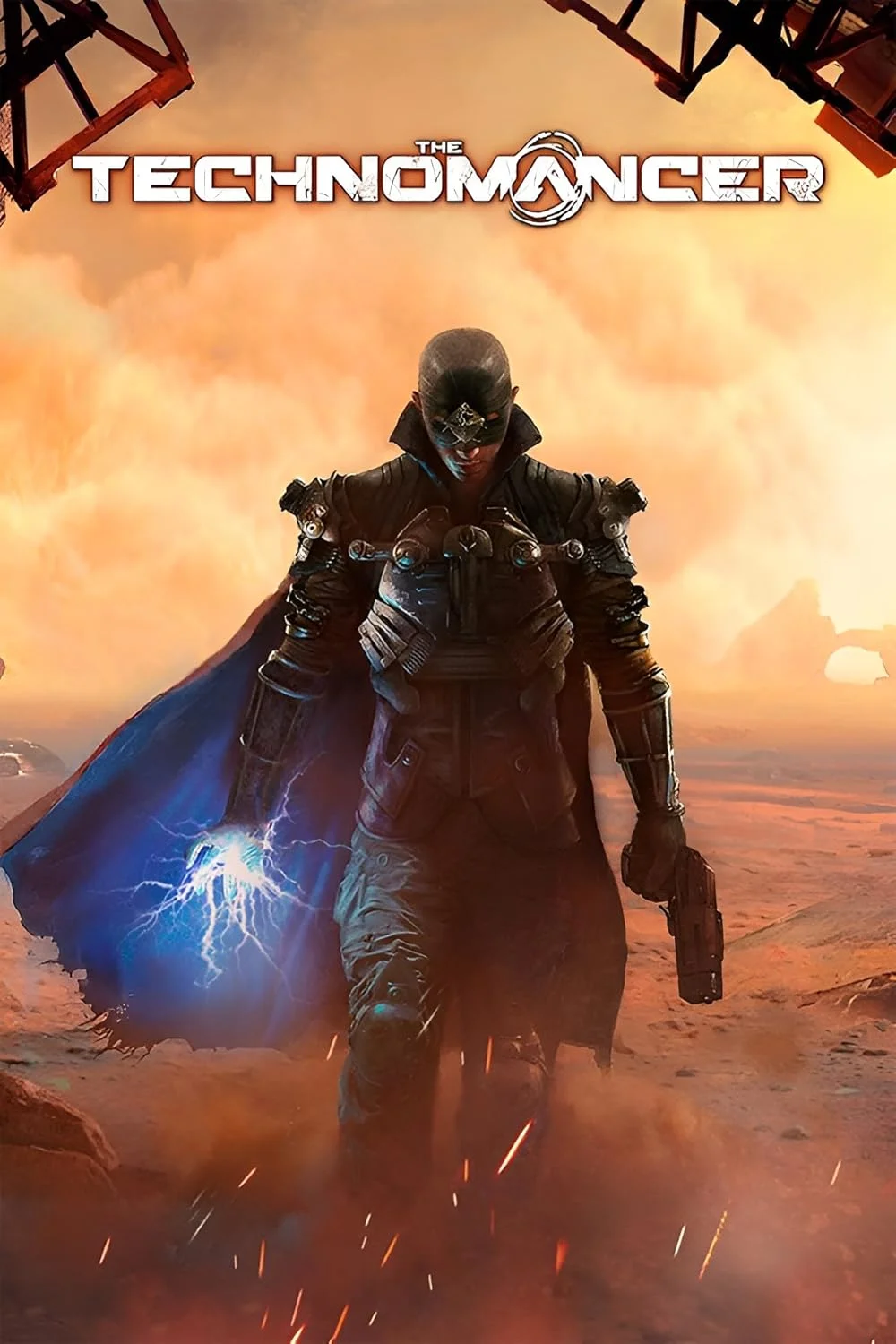
The Technomancer
This combination provides smooth gameplay with an average of 79 FPS, suitable for most gaming scenarios.
Average FPS: resolution vs quality settings
| Ultra | High | Medium | Low | |
|---|---|---|---|---|
| 4K Ultra HD | 30 | 39 | 46 | 57 |
| 1440p QHD | 53 | 69 | 82 | 103 |
| 1080p Full HD | 79 | 108 | 123 | 161 |
Cell color: green is 120+ FPS, teal is 60+, amber is 30+, red is below 30.
The Technomancer with Intel Core i5-14400F + NVIDIA GeForce GTX 1080 Ti, In-Depth Analysis
The Intel Core i5-14400F pairs 10 cores and 16 threads with a 2.50 GHz base clock and a 4.70 GHz boost clock. This configuration sits in the 88th percentile of all CPUs, with an average benchmark score of 32508. The data places it in a tight cluster with the Intel Core i7-12800H, which scores 32513 and shows a 0% deltaPct, and the AMD Ryzen 5 PRO 7645, which scores 32446 and is 0.2% behind. The AMD Ryzen 7 250 and Intel Core i7-13705H both score slightly higher at 32584 and 32586 respectively, putting them 0.2% ahead of the i5-14400F. For a game like The Technomancer, an Action RPG from 2016, the processor's multi-threaded capacity is substantial; its Cinebench R23 multi-core score of 21914 and Geekbench multi-core score of 11209 indicate strong headroom for physics and AI calculations that typically load several threads. The single-core performance, shown by a Cinebench R23 single-core score of 3093 and a Passmark single-thread score of 3723, ensures that the game's main simulation loop is not starved for responsiveness. The L3 cache is 20 MB shared, which is ample for the era's game engines. The CPU's role in the measured FPS is likely secondary, as the game's age means modern processors exceed its requirements, but the strong single and multi-core scores mean the i5-14400F will not bottleneck the GPU in most scenarios, especially at lower resolutions where frame rates are higher.
GPU Role
The NVIDIA GeForce GTX 1080 Ti is the primary driver of the measured results. This Pascal-architecture card, built on a 16 nm process at TSMC, features 11 GB of GDDR5X memory on a 352-bit bus, delivering 484.4 GB/s of bandwidth. Its memory clock runs at 1376 MHz, with an effective data rate of 11 Gbps. The GPU's base clock is 1481 MHz, boosting to 1582 MHz. With 3584 shading units, 224 texture mapping units, and 88 ROPs, the card achieves a texture rate of 354.4 GTexel/s and a pixel rate of 139.2 GPixel/s. Its FP32 performance is 11.34 TFLOPS. The GPU sits in the 61st percentile of all GPUs, with an average benchmark score of 19402. Its nearest rival is the NVIDIA GeForce GTX 780, which scores 19405 and is 0% apart, while the AMD Radeon Pro 560X is 0.1% behind at 19426. The NVIDIA TITAN Xp is 1.1% ahead at 19184. The 11 GB VRAM buffer is generous for The Technomancer, which released in 2016, meaning texture-heavy settings at high resolutions will not likely exceed this capacity. The GPU's DirectX 12 support (12_1) and Vulkan 1.4 compatibility are relevant, as the game can leverage these modern APIs. The data shows that the GTX 1080 Ti is the limiting factor in this pairing, as evidenced by the FPS scaling across resolutions and settings; the CPU's performance headroom is ample, but the GPU's raw throughput dictates the frame rates.
Resolution Scaling
The measured FPS data reveals a clear pattern of GPU-bound performance. At 1080p with Low settings, the combo achieves 160.7 FPS, which drops to 57.4 FPS at 4K with Low settings — a 64.3% reduction in frame rate. This steep decline indicates that the GTX 1080 Ti is the primary bottleneck, as the CPU's workload does not scale with resolution. The scaling from 1080p to 1440p at High settings shows a drop from 107.5 FPS to 68.9 FPS, a 35.9% decrease. Moving from 1440p to 4K at High settings, the FPS falls from 68.9 to 38.5, a 44.1% reduction. These percentage losses are consistent with a GPU that is increasingly strained by pixel throughput, not a CPU limitation. For Ultra settings, the pattern is similar: 1080p yields 79.4 FPS, 1440p yields 52.6 FPS, and 4K yields 29.6 FPS. The gap between Low and Ultra at 4K is 27.8 FPS (57.4 vs. 29.6), while at 1080p the gap is 81.3 FPS (160.7 vs. 79.4). This widening delta at lower resolutions suggests that the CPU can feed frames faster, but the GPU's rendering capacity caps the output. At 4K, the GPU is saturated even at Low settings, indicating that the resolution is the dominant factor. The data strongly suggests that for this game, the GTX 1080 Ti is the limiting component across all tested configurations, with the i5-14400F providing sufficient headroom.
FAQ
Q: What is the best resolution for this combo to maintain a playable frame rate?
A: The data shows that 1440p with High settings yields 68.9 FPS, which is above the typical 60 FPS threshold. At 4K, only Low settings (57.4 FPS) approach playability, while Medium and High fall to 46.3 and 38.5 FPS respectively. Therefore, 1440p is the highest resolution where all settings except Ultra (52.6 FPS) remain smooth.
Q: How does the GTX 1080 Ti compare to its closest rivals in benchmark scores?
A: The GTX 1080 Ti has an average benchmark score of 19402. Its nearest rival, the NVIDIA GeForce GTX 780, scores 19405, a 0% deltaPct. The AMD Radeon Pro 560X is 0.1% behind at 19426, while the NVIDIA TITAN Xp is 1.1% ahead at 19184. The scores are nearly identical, indicating that the GTX 1080 Ti's performance is closely matched to these cards in synthetic benchmarks.
Q: Is the Intel Core i5-14400F a bottleneck for the GTX 1080 Ti in this game?
A: No, the CPU is not a bottleneck. The i5-14400F has a 88th percentile ranking with an average score of 32508, and its single-thread performance (Cinebench R23 score of 3093) is strong. The measured FPS scaling from 1080p to 4K shows a continuous drop that matches GPU-bound behavior, not CPU limitations. The CPU's headroom ensures it can feed the GPU without holding it back.
Q: What is the FPS difference between Low and Ultra settings at 1080p?
A: At 1080p, Low settings produce 160.7 FPS, while Ultra settings produce 79.4 FPS. This is a difference of 81.3 FPS, meaning Ultra settings nearly halve the frame rate compared to Low. The medium setting falls in between at 122.6 FPS.
Q: Can the GTX 1080 Ti handle 4K resolution with this CPU?
A: Yes, but with compromises. At 4K, the measured FPS ranges from 57.4 FPS on Low settings to 29.6 FPS on Ultra. Only Low settings exceed 60 FPS (57.4 is close but below), while Medium (46.3 FPS) and High (38.5 FPS) are below the 60 FPS target. For smooth 4K gameplay, Low settings are the only viable option based on the data.
Q: How does the CPU's multi-core score compare to its single-core score?
A: The i5-14400F achieves a Cinebench R23 multi-core score of 21914 and a single-core score of 3093. The multi-core score is roughly 7 times higher, reflecting the benefit of 10 cores and 16 threads. The Geekbench scores show a similar ratio, with 11209 multi-core and 2333 single-core.
Settings Recommendations
Based on the measured FPS data, the optimal experience for this combo depends on the target resolution. For 1080p, High settings deliver 107.5 FPS, which is smooth and visually detailed, while Ultra drops to 79.4 FPS, still playable but with diminishing returns. Medium settings at 122.6 FPS offer a good balance for high-refresh-rate monitors. For 1440p, High settings at 68.9 FPS provide the best balance of visual quality and performance, as Medium (82.3 FPS) and Low (102.7 FPS) sacrifice too much visual fidelity, and Ultra (52.6 FPS) falls below 60 FPS. At 4K, the data recommends Low settings at 57.4 FPS as the only configuration that approaches smoothness, since Medium (46.3 FPS) and High (38.5 FPS) are noticeably stutter-prone, and Ultra (29.6 FPS) is borderline unplayable. The recommendation is to prioritize resolution over settings: 1440p High is the sweet spot, offering a 68.9 FPS average with good detail, while 1080p High (107.5 FPS) is ideal for competitive or high-refresh play. Avoid Ultra settings at all resolutions unless visual quality is paramount and frame rate is secondary.
Measured FPS Breakdown
The measured FPS data for The Technomancer with the Intel Core i5-14400F and NVIDIA GeForce GTX 1080 Ti is as follows:
At 1920x1080, Low settings produce 160.7 FPS average. Medium settings yield 122.6 FPS. High settings drop to 107.5 FPS. Ultra settings are the lowest at 79.4 FPS. The progression from Low to Ultra shows a consistent decline, with Ultra being 50.6% slower than Low.
At 2560x1440, Low settings average 102.7 FPS. Medium settings produce 82.3 FPS. High settings reach 68.9 FPS. Ultra settings fall to 52.6 FPS. The delta between Low and Ultra is 50.1 FPS, which is a smaller absolute gap than at 1080p, but the percentage drop is similar.
At 3840x2160, Low settings average 57.4 FPS. Medium settings yield 46.3 FPS. High settings produce 38.5 FPS. Ultra settings are the lowest at 29.6 FPS. The absolute gap between Low and Ultra is 27.8 FPS, which is the smallest of all resolutions, indicating that the GPU is saturated at 4K.
The data shows that the GTX 1080 Ti can handle 1080p at all settings above 60 FPS, with even Ultra maintaining 79.4 FPS. At 1440p, only Ultra falls below 60 FPS, at 52.6 FPS. At 4K, only Low settings are near 60 FPS, with all others falling below 50 FPS. The combo rank in game is 1001 out of 1656 combos, putting it in the upper-middle tier of tested configurations.
Hardware Specifications
Intel Core i5-14400F
NVIDIA GeForce GTX 1080 Ti
FPS Benchmarks by Resolution & Settings
Performance data for Intel Core i5-14400F + NVIDIA GeForce GTX 1080 Ti in The Technomancer
| Resolution | Settings | Avg FPS |
|---|---|---|
| 3840x2160 | Low | 57.4 |
| 3840x2160 | Medium | 46.3 |
| 3840x2160 | High | 38.5 |
| 3840x2160 | Ultra | 29.6 |
| 2560x1440 | Low | 102.7 |
| 2560x1440 | Medium | 82.3 |
| 2560x1440 | High | 68.9 |
| 2560x1440 | Ultra | 52.6 |
| 1920x1080 | Low | 160.7 |
| 1920x1080 | Medium | 122.6 |
| 1920x1080 | High | 107.5 |
| 1920x1080 | Ultra | 79.4 |
The Technomancer with ii5-14400F + Other GPUs
See how The Technomancer performs with the same CPU but different graphics cards.
The Technomancer with GTX 1080 Ti + Other CPUs
See how The Technomancer performs with the same GPU but different processors.
Other Games with ii5-14400F + GTX 1080 Ti
Explore FPS benchmarks for other games using this same hardware combination.