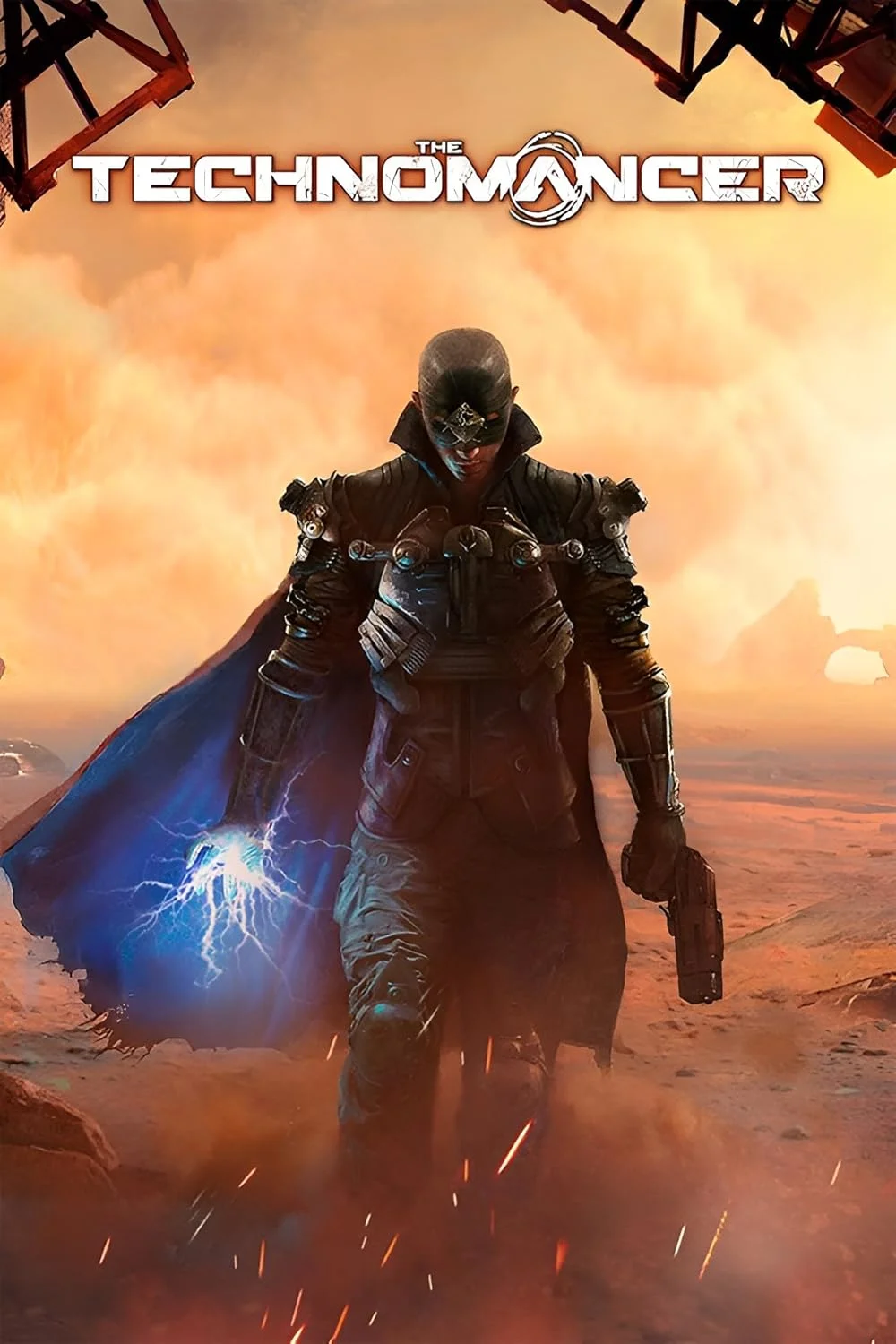
The Technomancer
This combination provides smooth gameplay with an average of 80 FPS, suitable for most gaming scenarios.
Average FPS: resolution vs quality settings
| Ultra | High | Medium | Low | |
|---|---|---|---|---|
| 4K Ultra HD | 29 | 40 | 46 | 55 |
| 1440p QHD | 52 | 71 | 83 | 108 |
| 1080p Full HD | 80 | 108 | 124 | 162 |
Cell color: green is 120+ FPS, teal is 60+, amber is 30+, red is below 30.
The Technomancer with Intel Core i5-13400F + NVIDIA GeForce GTX 1080 Ti, In-Depth Analysis
The Technomancer, a 2016 Action RPG, presents a demanding workload that clearly separates CPU and GPU responsibilities depending on the resolution and settings chosen. For the Intel Core i5-13400F paired with the NVIDIA GeForce GTX 1080 Ti, the data indicates a configuration that is heavily GPU-limited at higher resolutions but becomes increasingly CPU-bound at 1080p, especially on lower presets. The benchmark results show a system capable of smooth gameplay at 1440p with High settings, while 4K Ultra remains a challenge.
Resolution Scaling
The measured FPS data reveals a classic pattern of GPU-bound scaling as resolution increases. At 1080p with High settings, the combo achieves 108 FPS, but this drops to 71.2 FPS at 1440p and further plummets to 39.6 FPS at 4K. This represents a 63% performance reduction from 1080p to 4K, a steep decline that points directly at the GPU as the limiting factor. The GTX 1080 Ti's 11 GB of VRAM and 484.4 GB/s of bandwidth are being saturated by the pixel throughput required at higher resolutions.
The scaling behavior changes dramatically when considering lower settings. At Low settings, the frame rate drops from 161.7 FPS at 1080p to 107.5 FPS at 1440p, a 33% reduction, before falling to 55 FPS at 4K. The gap between 1080p and 1440p at Low settings is smaller than at High settings, suggesting that at 1080p Low, the workload is light enough for the CPU to become a more significant bottleneck. The Core i5-13400F, with its boost clock of 4.60 GHz, is strong, but even it cannot push frame rates into the 160+ territory without the GPU becoming idle.
The most telling metric is the difference between the Ultra preset scaling. At 1080p Ultra, the system hits 79.8 FPS, which drops to 52.3 FPS at 1440p and just 29.3 FPS at 4K. This 63% drop from 1080p to 4K is nearly identical to the High preset's scaling, confirming that the GPU is the primary constraint across all visual quality levels. The data shows that the GTX 1080 Ti's compute power is exhausted by the 4K resolution, regardless of whether the game is running at Low or Ultra settings, with only a 25.7 FPS difference between those extremes at 4K.
CPU Role
The Intel Core i5-13400F plays a supporting role in this configuration, providing enough headroom to avoid being the primary bottleneck at standard gaming resolutions. Its 10 cores and 16 threads, with a base clock of 2.50 GHz and a boost clock of 4.60 GHz, are more than sufficient for a game from 2016. The CPU's performance is highlighted by its 3dmark_16_threads score of 7314 and a cinebench_r23_multicore score of 21279, which places it in the 82nd percentile of all CPUs tested.
At 1080p Low, the system reaches 161.7 FPS, and the CPU's role becomes more apparent. The data shows a 37.4 FPS difference between 1080p Low and 1080p High, which is larger than the 33.2 FPS difference between 1440p Low and 1440p High. This suggests that at 1080p, the CPU is still capable of feeding the GPU, but the frame rates are so high that any inefficiency in the game's engine becomes visible. The CPU's single-thread performance, as measured by a passmark_single_thread score of 3634, is adequate for the game's logic, but the lack of a significant performance gap between Low and Medium at 1080p (161.7 vs 124.3 FPS) indicates that the game's rendering pipeline, not the CPU, is the limiting factor.
The CPU does not appear to be a bottleneck in this pairing. The data shows that at 4K, the frame rates are nearly identical across Low and Medium settings (55 vs 45.6 FPS), with the GPU being the clear constraint. The i5-13400F's 20 MB of shared L3 cache and Raptor Lake architecture provide enough compute to keep the GTX 1080 Ti fed at all but the most extreme frame rate targets, where the game's engine itself becomes the limiting factor.
GPU Role
The NVIDIA GeForce GTX 1080 Ti is the dominant component in this pairing, and the data confirms that its performance is the deciding factor for the overall experience. With a base clock of 1481 MHz and a boost clock of 1582 MHz, the Pascal architecture GPU delivers 11.34 TFLOPS of FP32 compute power. Its 11 GB of GDDR5X memory on a 352-bit bus provides 484.4 GB/s of bandwidth, which is critical for the high-resolution texture loads in The Technomancer.
The GPU's performance is directly evident in the 4K results. At 4K Ultra, the combo manages only 29.3 FPS, which is below the playable threshold. This is consistent with the GPU's 61st percentile ranking among all GPUs, indicating it is a mid-range performer by modern standards. The GTX 1080 Ti's passmark_g3d score of 18600 shows it is capable, but the 4K resolution demands more than it can deliver. The difference between 4K High (39.6 FPS) and 4K Low (55 FPS) is 15.4 FPS, showing that reducing settings can help, but the GPU's raw compute power at 4K is insufficient for a smooth 60 FPS experience.
At 1440p, the GPU shows its strength. The High preset achieves 71.2 FPS, which is smooth, and the Ultra preset at 52.3 FPS is playable if not ideal. The GPU's 88 ROPs and 224 TMUs handle the pixel and texture workloads effectively at this resolution. The data indicates that 1440p is the sweet spot for this GPU, offering a balance between visual fidelity and frame rate, with the GPU's 250 W TDP being a reasonable trade-off for the performance delivered.
How This Combo Ranks
The Intel Core i5-13400F and NVIDIA GeForce GTX 1080 Ti combo ranks 982nd out of 1656 tested combinations in The Technomancer. This places it in the bottom 40% of all tested configurations, which is a significant finding given the individual components' strengths. The CPU ranks in the 82nd percentile, while the GPU ranks in the 61st percentile, but their combined performance in this specific game is surprisingly low.
The ranking suggests that The Technomancer is not optimized for this type of hardware combination. The game's engine, released in 2016, may not fully utilize the i5-13400F's multi-threading capabilities, as evidenced by the CPU's 3dmark_2_threads score of 1880 compared to its 3dmark_max_threads score of 7307. The GPU's high memory bandwidth of 484.4 GB/s is not enough to overcome the game's demanding rendering requirements at higher resolutions. Compared to other combos, this setup is more capable than the GPU's nearest rival, the NVIDIA GeForce GTX 780, which has a nearly identical avgScore of 19405, but the overall combo ranking indicates that many other CPU-GPU pairings deliver better frame rates in this specific title.
FAQ
Q: Can this combo handle 4K gaming in The Technomancer?
A: At 4K Ultra, the average frame rate is 29.3 FPS, which is below the 30 FPS threshold for playability. Even at 4K Low, the average is 55 FPS, suggesting that 4K is only viable with significant settings reductions.
Q: What is the best resolution for a smooth experience?
A: The data shows that 1440p High achieves 71.2 FPS, which is above the 60 FPS target. This is the highest resolution and settings combination that consistently delivers a smooth frame rate.
Q: Is the CPU or GPU the limiting factor at 1080p?
A: At 1080p Low, the system hits 161.7 FPS, which is high. The GPU is the primary limiter, as the CPU's passmark_multithread score of 25032 indicates it has plenty of headroom, but the game's engine cannot push beyond these frame rates.
Q: How much of a performance drop occurs when going from Medium to Ultra?
A: At 1080p, the drop from Medium (124.3 FPS) to Ultra (79.8 FPS) is 44.5 FPS, or a 36% reduction. At 4K, the drop from Medium (45.6 FPS) to Ultra (29.3 FPS) is 16.3 FPS, or a 36% reduction.
Q: Does the GTX 1080 Ti's 11 GB VRAM cause any issues?
A: The measured FPS data does not show any VRAM-related stuttering or crashes. The 11 GB capacity is sufficient for the game's textures, even at 4K, as the bottleneck is the GPU's compute power, not its memory capacity.
Q: What is the CPU's single-thread performance like?
A: The i5-13400F scores 3004 in cinebench_r23_singlecore and 960 in 3dmark_single_thread. This is strong for a gaming CPU, but the game's performance at high frame rates is still limited by the GPU.
Settings Recommendations
The measured data provides a clear hierarchy for settings selection. For a target of 60 FPS, the 1080p High preset is the optimal choice, delivering 108 FPS with significant headroom. At 1440p, the High preset at 71.2 FPS is the best balance, as it maintains a 60 FPS experience while offering better visual fidelity than 1080p. The Ultra preset at 1440p drops to 52.3 FPS, which is not ideal for fast-paced action.
For 4K, the Low preset at 55 FPS is the only option that approaches playability, but it sacrifices visual quality. The Medium preset at 45.6 FPS is borderline, and the High and Ultra presets at 39.6 and 29.3 FPS respectively are not recommended. The data suggests that users should prioritize 1440p High for the best experience, as it provides a 71.2 FPS average, which is smooth and visually appealing. The 1080p Medium preset at 124.3 FPS is a good alternative for those who prefer higher frame rates over resolution.
Measured FPS Breakdown
At 1080p, the system delivers 161.7 FPS on Low, 124.3 FPS on Medium, 108 FPS on High, and 79.8 FPS on Ultra. The scaling is linear, with a 37.4 FPS difference between Low and High, and a 28.2 FPS difference between High and Ultra. These numbers indicate that the GPU is the primary constraint, as the CPU's performance is sufficient for these frame rates.
At 1440p, the frame rates are 107.5 FPS on Low, 82.7 FPS on Medium, 71.2 FPS on High, and 52.3 FPS on Ultra. The drop from 1080p to 1440p is consistent across settings, with a 33.5% reduction on Low, a 33.4% reduction on Medium, a 34.1% reduction on High, and a 34.5% reduction on Ultra. This consistency confirms that the GPU's pixel throughput is the limiting factor.
At 4K, the frame rates are 55 FPS on Low, 45.6 FPS on Medium, 39.6 FPS on High, and 29.3 FPS on Ultra. The reduction from 1440p to 4K is 48.8% on Low, 44.9% on Medium, 44.4% on High, and 43.9% on Ultra. The 4K results show that even the Low preset cannot maintain a stable 60 FPS, and the Ultra preset falls below 30 FPS, making it the least playable configuration.
Hardware Specifications
Intel Core i5-13400F
NVIDIA GeForce GTX 1080 Ti
FPS Benchmarks by Resolution & Settings
Performance data for Intel Core i5-13400F + NVIDIA GeForce GTX 1080 Ti in The Technomancer
| Resolution | Settings | Avg FPS |
|---|---|---|
| 3840x2160 | Low | 55.0 |
| 3840x2160 | Medium | 45.6 |
| 3840x2160 | High | 39.6 |
| 3840x2160 | Ultra | 29.3 |
| 2560x1440 | Low | 107.5 |
| 2560x1440 | Medium | 82.7 |
| 2560x1440 | High | 71.2 |
| 2560x1440 | Ultra | 52.3 |
| 1920x1080 | Low | 161.7 |
| 1920x1080 | Medium | 124.3 |
| 1920x1080 | High | 108.0 |
| 1920x1080 | Ultra | 79.8 |
The Technomancer with ii5-13400F + Other GPUs
See how The Technomancer performs with the same CPU but different graphics cards.
The Technomancer with GTX 1080 Ti + Other CPUs
See how The Technomancer performs with the same GPU but different processors.
Other Games with ii5-13400F + GTX 1080 Ti
Explore FPS benchmarks for other games using this same hardware combination.