
Instant compatibility check with FPS benchmarks and optimization tips
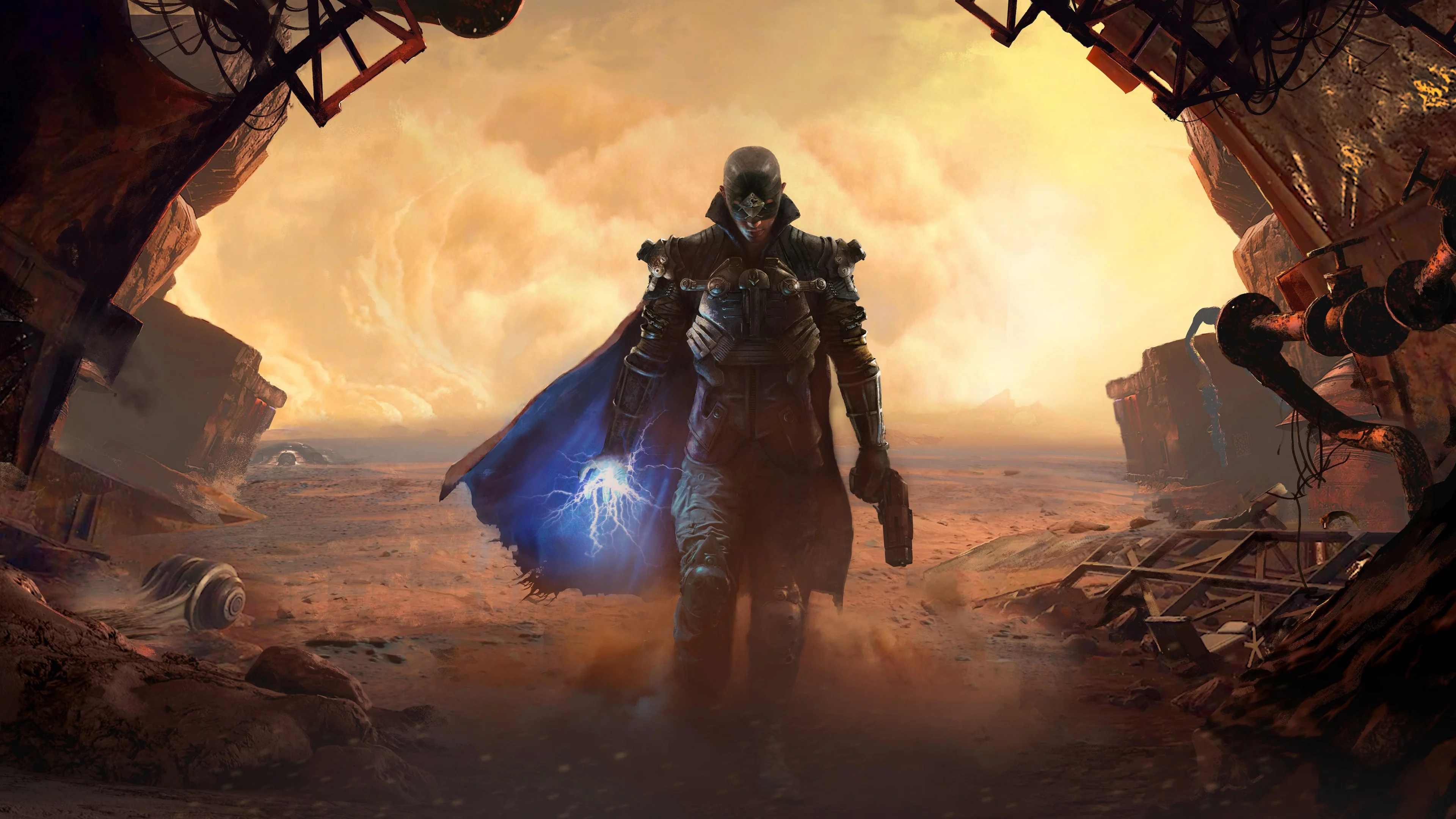

The Technomancer

Performance
1080p (Full HD)
1440p (2K / QHD)
4K (Ultra HD)

Requirements Check


Recommendations
Your hardware doesn't meet minimum requirements for this game.
Average FPS: resolution vs quality settings
| Ultra | High | Medium | Low | |
|---|---|---|---|---|
| 4K Ultra HD | 23 | 33 | 39 | 47 |
| 1440p QHD | 46 | 56 | 67 | 89 |
| 1080p Full HD | 67 | 90 | 107 | 138 |
Cell color: green is 120+ FPS, teal is 60+, amber is 30+, red is below 30. Cards marked Estimated above have no measured row and are scaled from your GPU benchmark percentile.
Performance Analysis: The Technomancer on Your System
The Intel Core i7-14700F paired with the Intel Arc B580 delivers a solid but resolution-dependent experience in The Technomancer. At 1080p, this combo is overwhelmingly capable, clearing 60 FPS at every preset tested, including Ultra. Moving to 1440p, the system remains playable but only up to Medium settings, while 4K presents a significant challenge, failing to maintain playable frame rates at any tested preset. The data indicates a clear ceiling where the GPU becomes the primary constraint as resolution increases.
Measured FPS Breakdown
The measured FPS data for this combination shows a predictable scaling pattern across resolutions and settings, with average frame rates ranging from a high of 137.9 FPS at 1080p Low to a low of 22.6 FPS at 4K Ultra. No minimum or maximum FPS values were recorded in the dataset, so this analysis relies solely on average FPS. At 1920x1080, the system delivers exceptional performance: Low settings produce 137.9 FPS, Medium drops to 107.2 FPS, High yields 89.8 FPS, and even the most demanding Ultra preset maintains a strong 67.4 FPS average. These numbers suggest headroom for high-refresh-rate displays at lower presets, while Ultra still comfortably exceeds the 60 FPS playability threshold.
Stepping up to 2560x1440, performance degrades noticeably but remains respectable for less demanding presets. Low settings achieve 88.6 FPS, a figure that remains well above the playability threshold. Medium settings drop to 66.6 FPS, still clearing 60 FPS with a small margin. High settings fall to 56 FPS, just below the threshold, and Ultra drops further to 45.6 FPS, indicating that the GPU begins to struggle as pixel count increases and graphical complexity rises. The transition from 1080p to 1440p at the same preset shows a performance hit of roughly 36% at Low, 38% at Medium, and 38% at High, illustrating the scaling cost of additional resolution.
At 3840x2160, the combination is not viable for smooth gameplay under any tested condition. Low settings produce only 46.9 FPS, Medium drops to 39.2 FPS, High falls to 33.1 FPS, and Ultra bottoms out at 22.6 FPS. The gap between Low and Ultra at 4K is 24.3 FPS, showing that even the least demanding preset fails to reach 60 FPS. The data shows a consistent pattern: every preset at 4K falls significantly below the playability threshold, with Ultra delivering less than half the required frame rate.
How This Combo Ranks
In the global database of tested CPU-GPU combinations for The Technomancer, this pairing ranks 2836 out of 3696 tested combos. This places it in the bottom quarter of all configurations, a somewhat surprising result given the strong 1080p performance. The rank reflects performance across all tested resolutions and settings, meaning that the 4K results—where all presets fail to reach 60 FPS—drag the overall standing down considerably. A combo that excels at 1080p but fails at 4K will naturally rank lower than one that performs consistently across all resolutions, even if the latter has lower peak frame rates.
The CPU itself, the Intel Core i7-14700F, holds a percentile ranking of 91 among all CPUs, indicating it sits in the top 10% of processors by average benchmark score. Its nearest rival, the Intel Xeon 6505P, scores 53701, a delta of -0.2%, while the AMD Ryzen 9 7900X scores 53288, a delta of 0.6%. The i7-14700F's average benchmark score of 53620 places it in close contention with these rivals, but the CPU's strength is not the limiting factor here. The GPU, the Intel Arc B580, ranks at the 68th percentile among all GPUs, with an average benchmark score of 23021. Its nearest rival, the AMD Radeon RX 580 2048SP, scores 23061, a delta of -0.2%, while the NVIDIA GeForce RTX 3080 scores 23172, a delta of -0.7%. The GPU's mid-pack percentile ranking aligns with the observed resolution scaling, where the card's bandwidth and compute throughput begin to bottleneck at higher resolutions.
Best Settings per Resolution
At 1920x1080, the most demanding preset that stays at or above 60 FPS is Ultra, which delivers an average of 67.4 FPS. This is the clear recommendation for 1080p gaming, as it provides the highest visual quality while maintaining a comfortable margin above the playability threshold. Lower presets are unnecessary at this resolution, as even Ultra leaves room for potential frame rate fluctuations without dipping below 60 FPS.
At 2560x1440, the best playable setting is Medium, achieving an average of 66.6 FPS. This is the only preset that balances visual fidelity with the 60 FPS requirement. Low settings run at 88.6 FPS but sacrifice graphical quality, while High falls to 56 FPS and Ultra drops to 45.6 FPS, both failing the playability threshold. Medium represents the optimal compromise, keeping the game smooth while retaining moderate graphical detail.
At 3840x2160, no preset reaches 60 FPS, and the verdict data confirms that there are no playable settings at this resolution. The closest option is Low at 46.9 FPS, but this still falls short of the threshold. Users targeting 4K would need to lower the resolution or accept a sub-60 FPS experience, as the hardware cannot deliver playable frame rates at any tested quality level.
FAQ
Q: Can this PC run The Technomancer at 1080p with Ultra settings?
A: Yes. The Intel Core i7-14700F and Intel Arc B580 combination achieves an average of 67.4 FPS at 1920x1080 with Ultra settings, which is above the 60 FPS playable threshold.
Q: What is the highest playable setting at 1440p?
A: Medium is the highest preset that clears 60 FPS at 2560x1440, with an average of 66.6 FPS. High settings drop to 56 FPS, below the playable threshold.
Q: Is 4K gaming possible with this hardware?
A: No. At 3840x2160, even Low settings only reach an average of 46.9 FPS, and Ultra falls to 22.6 FPS. None of the tested presets meet the 60 FPS requirement.
Q: How does the Intel Arc B580 compare to its nearest rivals?
A: The Arc B580 has an average benchmark score of 23021, ranking at the 68th percentile. Its nearest rival, the AMD Radeon RX 580 2048SP, scores 23061, a delta of -0.2%, while the NVIDIA GeForce RTX 2080 scores 22895, a delta of 0.6%.
Q: Does the CPU or GPU limit performance more in this game?
A: The GPU becomes the limiting factor at higher resolutions. The CPU ranks at the 91st percentile, while the GPU ranks at the 68th percentile, and the FPS drops from 137.9 at 1080p Low to 46.9 at 4K Low indicate GPU-bound scaling.
Q: What is the global ranking of this combo for The Technomancer?
A: This combination ranks 2836 out of 3696 tested combos, placing it in the lower portion of the database due to weak 4K performance despite strong 1080p results.
CPU and GPU Roles
The data shows a clear division of labor between the Intel Core i7-14700F and Intel Arc B580, with the GPU taking on increasing importance as resolution rises. At 1920x1080, the CPU has ample headroom, as evidenced by the high frame rates across all presets. The jump from Low to Ultra at 1080p costs 70.5 FPS (137.9 to 67.4), but even the most demanding preset stays above 60 FPS, indicating that neither component is severely taxed. The i7-14700F's 20 cores and 28 threads, combined with its 91st percentile CPU ranking, ensure that it is not a bottleneck at this resolution.
At 2560x1440, the GPU begins to assert its influence. The performance drop from 1080p to 1440p ranges from 35.8% at Low to 38.1% at High, a consistent scaling that points to pixel throughput as the limiting factor. The Arc B580's 68th percentile GPU ranking and 456.0 GB/s memory bandwidth are sufficient for Medium settings at 66.6 FPS, but the card's 13.67 TFLOPS FP32 compute becomes insufficient for High and Ultra, which fall to 56 and 45.6 FPS respectively. The CPU, meanwhile, continues to provide sufficient processing power, as the frame rate differences between presets at the same resolution are primarily driven by GPU workload.
At 3840x2160, the GPU is unequivocally the bottleneck. The 4K results show a performance collapse, with even Low settings reaching only 46.9 FPS. The scaling from 1440p to 4K at Low settings is a 47% drop (88.6 to 46.9), far exceeding the pixel count increase of 2.25x, which suggests that the GPU's memory bandwidth and compute resources are overwhelmed. The CPU's role becomes negligible at this resolution, as the Arc B580 cannot feed frames fast enough to utilize the i7-14700F's capabilities. The verdict data confirms this, showing no playable settings at 4K regardless of the CPU's strong benchmark scores.
The Verdict
This PC can run The Technomancer, but only under specific conditions. At 1920x1080, the system is fully capable, with all four tested presets—Low, Medium, High, and Ultra—clearing the 60 FPS threshold. The best playable setting at this resolution is Ultra, delivering an average of 67.4 FPS. At 2560x1440, the system remains playable but with fewer options: only Low and Medium settings exceed 60 FPS, with Medium being the best choice at 66.6 FPS. High and Ultra at 1440p fall short at 56 and 45.6 FPS respectively.
At 3840x2160, the verdict is clear: this combination cannot deliver a playable experience. No preset reaches 60 FPS, and the best option, Low, only manages 46.9 FPS. The data indicates that the Intel Arc B580 is the limiting component, as its mid-pack GPU ranking and performance scaling across resolutions show a clear ceiling. For gamers targeting 1080p or 1440p with Medium settings or lower, this combo is a solid choice. For 4K gaming, it is not suitable, and users would need to reduce resolution or consider a more powerful GPU.