
Instant compatibility check with FPS benchmarks and optimization tips
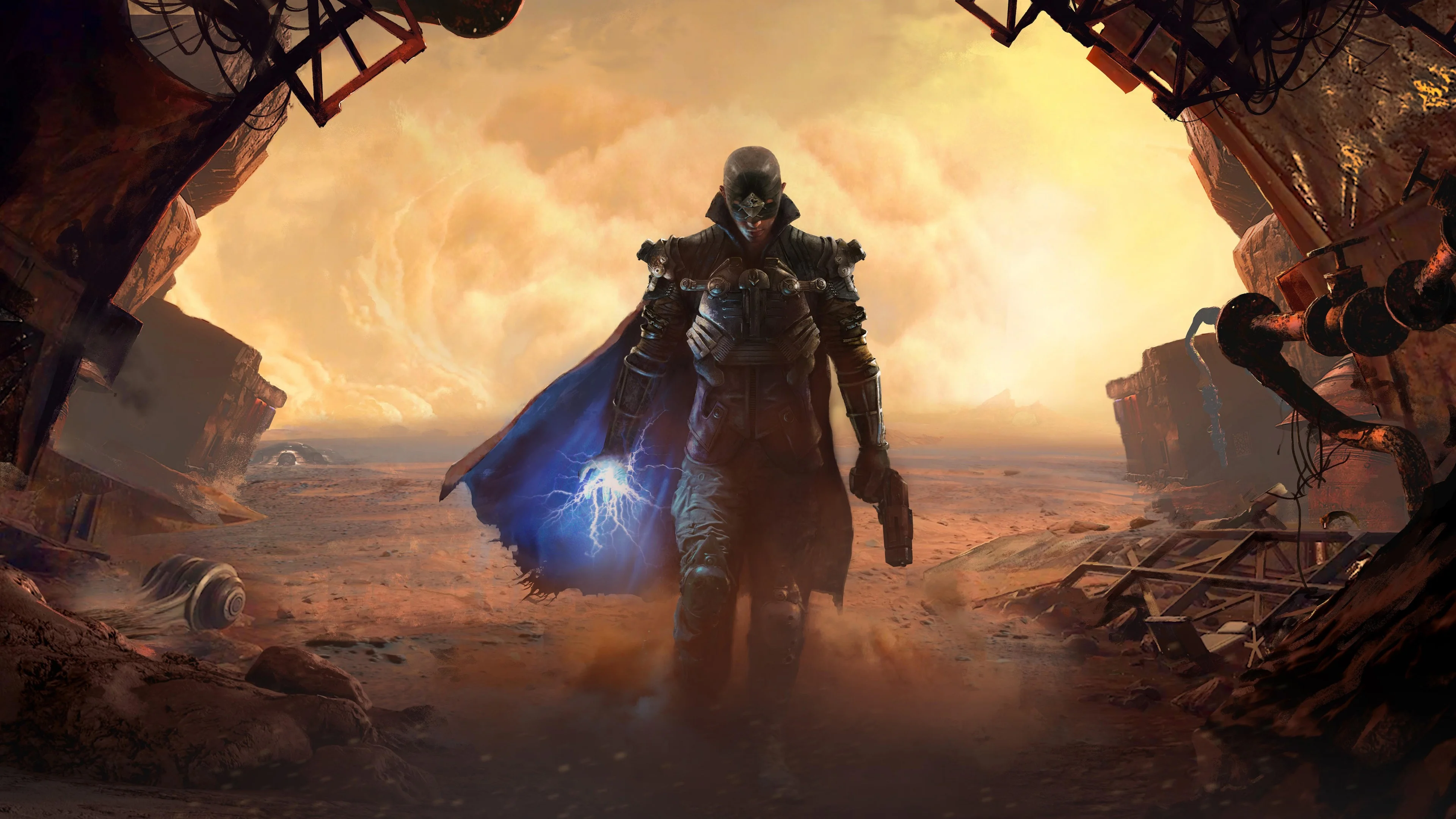

The Technomancer

Performance
1080p (Full HD)
1440p (2K / QHD)
4K (Ultra HD)

Requirements Check


Recommendations
Your hardware doesn't meet minimum requirements for this game.

Your GPU supports ray tracing.
Average FPS: resolution vs quality settings
| Ultra | High | Medium | Low | |
|---|---|---|---|---|
| 4K Ultra HD | 22 | 32 | 34 | 47 |
| 1440p QHD | 46 | 59 | 66 | 87 |
| 1080p Full HD | 68 | 84 | 100 | 129 |
Cell color: green is 120+ FPS, teal is 60+, amber is 30+, red is below 30. Cards marked Estimated above have no measured row and are scaled from your GPU benchmark percentile.
Performance Analysis: The Technomancer on Your System
Measured FPS Breakdown
The recorded data for this combination covers three resolutions and four quality presets, with average FPS values only; minimum and maximum frame times were not captured in the database. At 3840x2160, the picture is rough across the board. Low settings produce 47 FPS, Medium drops to 33.8 FPS, High sits at 31.8 FPS, and Ultra bottoms out at 21.9 FPS. None of these numbers approach the 60 FPS playable threshold, and the gap between Low and Ultra is a substantial 25.1 FPS, indicating that the GPU is heavily taxed at 4K regardless of how far you reduce the quality load.
Moving to 2560x1440, the same preset ladder shows a much healthier range. Low hits 86.9 FPS, Medium reaches 65.7 FPS, High lands at 58.7 FPS, and Ultra falls to 45.9 FPS. The step from Low to Medium costs 21.2 FPS, while the step from Medium to High costs another 7 FPS, and High to Ultra costs 12.8 FPS. This scaling pattern suggests that the transition from Low to Medium is the most punishing single step at this resolution, while the jump from High to Ultra is nearly as demanding.
At 1920x1080, the data shows a fully playable experience at every preset. Low runs at 128.8 FPS, Medium at 99.8 FPS, High at 84.1 FPS, and Ultra at 67.6 FPS. The spread from Low to Ultra is 61.2 FPS, with the largest single drop occurring between Low and Medium at 29 FPS. High to Ultra costs 16.5 FPS, and Medium to High costs 15.7 FPS, making the preset ladder fairly linear in terms of performance cost. The recorded averages indicate that this combination has ample headroom at 1080p, even at the highest quality setting, where the average still clears the 60 FPS bar by 7.6 FPS.
Best Settings per Resolution
At 3840x2160, no preset in the database achieves an average of 60 FPS or higher. The best recorded average is 47 FPS on Low settings, which falls short of the playable threshold. The database lists no playable settings for this resolution, and the best settings field is null, confirming that this combo cannot deliver a smooth experience at 4K under any tested configuration. If you must run at this resolution, Low is the only reasonable choice, but the data shows it will still feel below the target frame rate.
At 2560x1440, the most demanding preset that stays at or above 60 FPS is Medium, with an average of 65.7 FPS. Low also clears the threshold at 86.9 FPS, but Medium is the better trade-off because it provides a higher visual quality while still maintaining a comfortable margin above the playable line. High falls below the threshold at 58.7 FPS, and Ultra drops further to 45.9 FPS, so Medium is the clear ceiling for this resolution.
At 1920x1080, every preset clears the 60 FPS threshold, so the best settings are Ultra, which runs at an average of 67.6 FPS. This is the highest quality preset in the database, and it remains playable with a 7.6 FPS margin. The data indicates that this resolution is the sweet spot for this combo, allowing the full visual feature set without sacrificing frame rate. For competitive or high-refresh displays, Low at 128.8 FPS or Medium at 99.8 FPS are also viable options, but for pure visual fidelity, Ultra is the recommended choice.
CPU and GPU Roles
The Intel Core i5-14600K is a 14-core, 20-thread processor from the Core 14th Gen series, with a boost clock of 5.30 GHz and a Cinebench R23 multi-core score of 24491, placing it in the 90th percentile among all CPUs. The NVIDIA GeForce RTX 2060 is a Turing-architecture GPU with 1920 shading units, 6 GB of GDDR6 memory on a 192-bit bus, and a Passmark G3D score of 14111, placing it in the 58th percentile among all GPUs. In a game like The Technomancer, an Action RPG from 2016, the balance of responsibility between these two components shifts noticeably as resolution changes.
At 1920x1080, the GPU is the primary constraint, but the CPU still has room to push frame rates higher. The jump from Low to Ultra costs 61.2 FPS, which is a 47.5% reduction, and this scaling is driven almost entirely by GPU load. The CPU, with its high single-core performance (Cinebench R23 single-core score of 2064), is unlikely to bottleneck at this resolution, as even Ultra settings produce 67.6 FPS, a figure that a modern 14-core processor can feed without breaking a sweat. The data suggests that at 1080p, the RTX 2060 is the limiting factor, and lowering settings directly translates to higher FPS.
At 2560x1440, the GPU becomes more stressed, and the CPU's role diminishes further. The average FPS drops from 86.9 on Low to 45.9 on Ultra, a 41 FPS swing, which is a larger absolute drop than at 1080p. This indicates that the GPU is now working much harder per frame, and the CPU has even more headroom to spare. The fact that High settings at 1440p produce 58.7 FPS, only slightly below the 60 FPS threshold, while Ultra drops to 45.9 FPS, shows that the GPU is the dominant factor in this resolution range.
At 3840x2160, the GPU is almost entirely responsible for the frame rate, and the CPU is effectively idle in comparison. The best average at this resolution is 47 FPS on Low, and the worst is 21.9 FPS on Ultra. The scaling between presets is similar to lower resolutions, but the absolute FPS values are so low that the CPU cannot compensate for the GPU's inability to fill 8.3 million pixels per frame. The database shows that this combo is GPU-bound at 4K, and no amount of CPU headroom can fix that.
FAQ
Q: Can this PC run The Technomancer at 1080p with high settings?
A: Yes. The recorded average FPS at 1920x1080 with High settings is 84.1 FPS, which is well above the 60 FPS playable threshold. Ultra settings also clear the bar at 67.6 FPS.
Q: What is the best quality preset at 1440p that stays above 60 FPS?
A: Medium settings at 2560x1440 produce an average of 65.7 FPS, making it the most demanding preset that remains playable. High settings fall short at 58.7 FPS.
Q: Is 4K gaming possible with this hardware?
A: No. At 3840x2160, even Low settings only reach 47 FPS on average, which is below the 60 FPS threshold. The database lists no playable settings for this resolution.
Q: How does the RTX 2060 compare to its nearest rivals in synthetic benchmarks?
A: The RTX 2060 has an average benchmark score of 15290. The NVIDIA GeForce GTX 580 scores 15283, a 0% difference, the AMD Radeon 680M scores 15270, a 0.1% difference, and the NVIDIA GeForce RTX 3050 OEM scores 15199, a 0.6% difference. The AMD Radeon RX 7600 scores 15171, a 0.8% difference.
Q: Is the CPU or GPU more important for this game at 1080p?
A: The GPU is the limiting factor. The CPU is in the 90th percentile for all CPUs, while the GPU is in the 58th percentile for all GPUs. The frame rate scales heavily with preset quality, which is a GPU workload.
Q: What frame rate can I expect on Low settings at 1080p?
A: The recorded average is 128.8 FPS at 1920x1080 with Low settings, which is the highest average in the entire dataset for this combo.
How This Combo Ranks
In the database of tested combinations for The Technomancer, this pairing of Intel Core i5-14600K and NVIDIA GeForce RTX 2060 ranks 2861 out of 3696 tested combos. This places it in the lower-middle portion of the field, specifically in the 22.6th percentile of all tested configurations. The ranking reflects the fact that the GPU, while capable at 1080p, is a generation-older mid-range part that struggles at higher resolutions. The CPU is a strong modern processor, but the overall combo is held back by the graphics card's 58th percentile standing among all GPUs.
The rank of 2861 out of 3696 indicates that there are 835 tested combos that perform worse, but also 2860 that perform better. This is not a top-tier configuration by any measure, but it is far from the bottom of the list. For a game released in 2016, this combo sits in a position where it can handle the game at 1080p with ease, but it falls behind many other combos at 1440p and 4K. The data suggests that if you already own this CPU and GPU, the game is playable at lower resolutions, but if you are building new, there are better-performing combinations in the database.
The Verdict
Can this PC run The Technomancer? The answer depends entirely on the resolution you target. At 1920x1080, the answer is a definitive yes. The database shows that all four presets, Low, Medium, High, and Ultra, clear the 60 FPS threshold, with Ultra averaging 67.6 FPS. This means you can max out the game's settings at 1080p and still maintain a smooth, playable frame rate. The 84.1 FPS average on High settings gives you a comfortable margin, and if you prefer higher refresh rates, Low at 128.8 FPS is also available.
At 2560x1440, the answer is a qualified yes. The best playable preset is Medium, with an average of 65.7 FPS, which just clears the 60 FPS bar. Low also works at 86.9 FPS, but High and Ultra fall below the threshold at 58.7 FPS and 45.9 FPS, respectively. If you want to play at 1440p, you will need to accept Medium quality as your ceiling, and even then, the margin above 60 FPS is only 5.7 FPS, which could dip below in demanding scenes.
At 3840x2160, the answer is no. The best average FPS at 4K is 47 on Low settings, which is 13 FPS short of the playable threshold. Medium, High, and Ultra all produce averages below 34 FPS, making the game effectively unplayable at this resolution. The verdict from the database is clear: this combo is a 1080p machine for The Technomancer, with 1440p possible only at reduced quality settings. If your monitor is 4K, you will need to either lower the resolution or upgrade the GPU.