
Instant compatibility check with FPS benchmarks and optimization tips
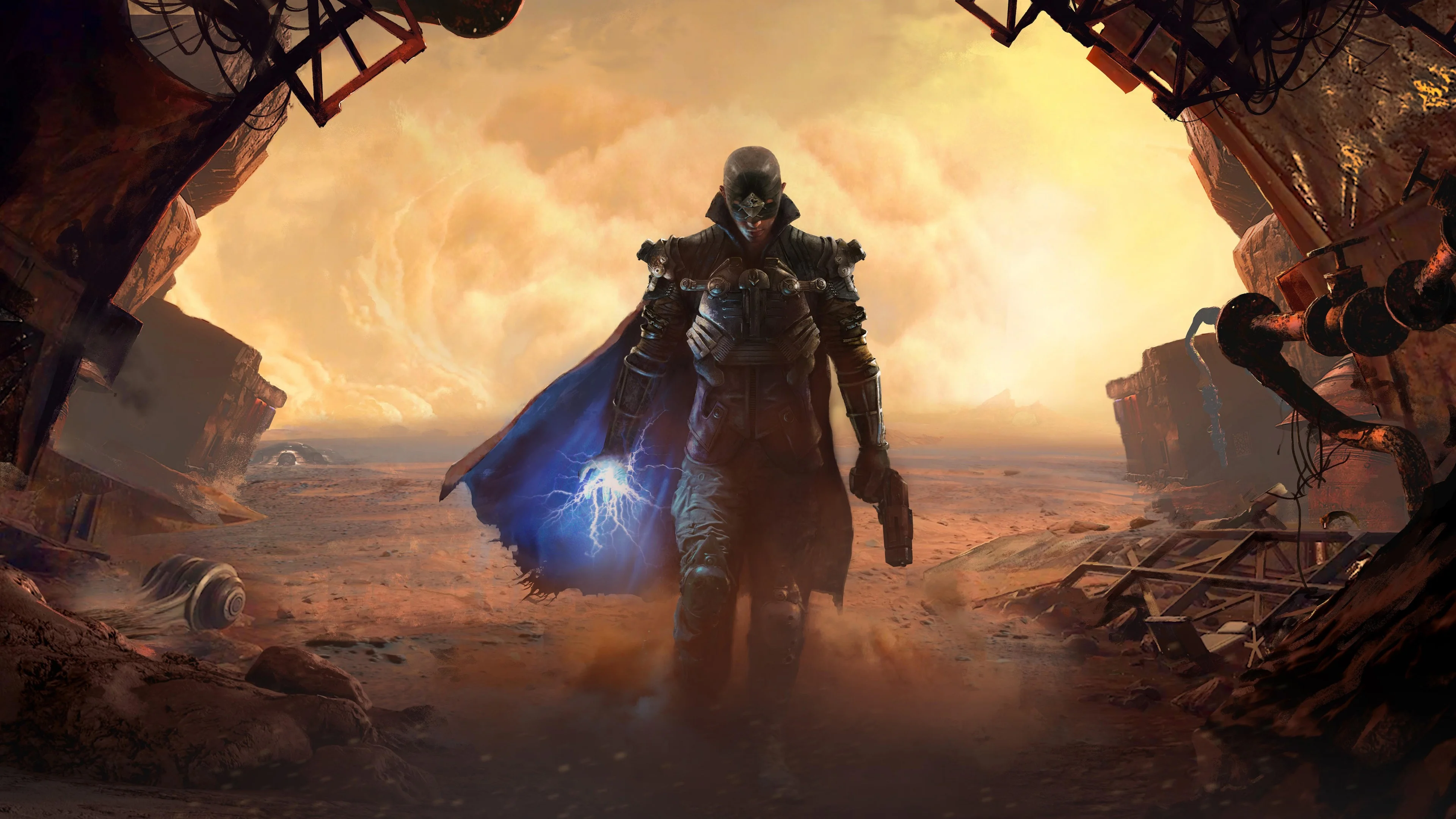

The Technomancer

Performance
1080p (Full HD)
1440p (2K / QHD)
4K (Ultra HD)

Requirements Check


Recommendations
Your hardware doesn't meet minimum requirements for this game.
Average FPS: resolution vs quality settings
| Ultra | High | Medium | Low | |
|---|---|---|---|---|
| 4K Ultra HD | 15 | 19 | 22 | 28 |
| 1440p QHD | 26 | 34 | 40 | 52 |
| 1080p Full HD | 40 | 52 | 61 | 79 |
Cell color: green is 120+ FPS, teal is 60+, amber is 30+, red is below 30. Cards marked Estimated above have no measured row and are scaled from your GPU benchmark percentile.
Performance Analysis: The Technomancer on Your System
Measured FPS Breakdown
At 3840x2160, the AMD Ryzen 5 5600G and Intel Arc B390 combination produces results that fall well short of the 60 FPS playability threshold. The recorded data shows an average of 19 FPS on High settings, 22 FPS on Medium (with a minimum of 19 and maximum of 25), 28 FPS on Low, and 15 FPS on Ultra. These figures indicate that 4K resolution is not viable for this game with this hardware, as even the lowest preset fails to reach half of the target frame rate. The spread between Low and Ultra is 13 FPS, which suggests the GPU is heavily constrained at this resolution, with settings changes yielding only modest gains.
Moving to 2560x1440, performance improves but remains below the playable threshold across all presets. The High preset averages 34 FPS, Low averages 52 FPS, Medium averages 40 FPS (with a minimum of 34 and maximum of 46), and Ultra averages 26 FPS. The gap between Low and Ultra is 26 FPS, showing that the preset selection has a larger impact at this resolution than at 4K. Still, the best case scenario, Low settings, delivers 52 FPS, which is 8 FPS short of the 60 FPS target. The data indicates that even with the least demanding settings, this resolution cannot maintain smooth gameplay.
At 1920x1080, the results finally cross the 60 FPS line. The Low preset delivers an average of 79 FPS, while Medium achieves 61 FPS (with a minimum of 52 and maximum of 70). The High preset falls to 52 FPS, and Ultra drops further to 40 FPS. The difference between Low and Ultra is 39 FPS, demonstrating that settings have a substantial effect on performance at 1080p. Notably, Medium stays above 60 FPS on average but has a minimum of 52 FPS, meaning there will be dips below the threshold during demanding scenes. Low, by contrast, maintains a comfortable margin with an average of 79 FPS. The measured data confirms that 1080p is the only resolution where this combination can deliver playable frame rates, and only with Low or Medium presets.
FAQ
Q: Can this PC run The Technomancer at 4K resolution?
A: No. At 3840x2160, the highest average FPS recorded is 28 on Low settings, which is far below the 60 FPS playability threshold. Medium averages 22 FPS, High 19 FPS, and Ultra 15 FPS, so no preset is remotely playable at this resolution.
Q: What is the best settings preset at 1080p that stays above 60 FPS?
A: The Medium preset at 1920x1080 is the most demanding preset that averages 61 FPS, just above the 60 FPS threshold. However, its minimum FPS is 52, so occasional dips below 60 will occur. The Low preset at 1080p averages 79 FPS and provides a larger safety margin.
Q: How does the Medium preset at 1440p compare to the Medium preset at 1080p?
A: At 2560x1440 Medium, the average is 40 FPS with a minimum of 34 and maximum of 46. At 1920x1080 Medium, the average is 61 FPS with a minimum of 52 and maximum of 70. The resolution increase from 1080p to 1440p reduces the average by 21 FPS, a 34% drop in performance.
Q: Which resolution offers the best performance headroom?
A: The 1920x1080 Low preset provides the highest average FPS at 79, which is 19 FPS above the playability threshold. This is the only combination of resolution and settings in the recorded data that maintains a comfortable margin above 60 FPS.
Q: Is there any preset at 1440p that reaches 60 FPS?
A: No. The best result at 2560x1440 is 52 FPS on Low settings. Medium averages 40 FPS, High 34 FPS, and Ultra 26 FPS. All presets at this resolution fall short of the 60 FPS threshold.
Q: What is the frame rate range for the Ultra preset across all resolutions?
A: At 3840x2160 Ultra, the average is 15 FPS. At 2560x1440 Ultra, the average is 26 FPS. At 1920x1080 Ultra, the average is 40 FPS. No minimum or maximum values are recorded for Ultra at any resolution.
Best Settings per Resolution
At 3840x2160, no preset reaches the 60 FPS threshold. The best average FPS is 28 on Low, which is less than half of the target. Since the verdictByResolution data lists no playable settings for 4K, there is no recommended preset.
At 2560x1440, the same situation applies: no playable settings exist. The Low preset achieves 52 FPS, which is the highest recorded average at this resolution, but it still falls 8 FPS short of 60. Medium, High, and Ultra all deliver progressively lower averages of 40, 34, and 26 FPS respectively.
At 1920x1080, the Medium preset is the most demanding option that stays at or above 60 FPS on average, with a recorded 61 FPS. The Low preset offers a higher average of 79 FPS, but Medium is the best balance of visual quality and performance according to the data. High (52 FPS) and Ultra (40 FPS) both fall below the threshold, so they are not recommended for playable frame rates.
The Verdict
The recorded data clearly indicates that this PC can run The Technomancer, but only at 1920x1080 resolution. The verdictByResolution data confirms that the playable settings at 1080p are Low and Medium, with Medium being the best settings preset at 61 FPS average. At 2560x1440 and 3840x2160, there are no playable settings; every preset at these resolutions fails to reach the 60 FPS threshold.
For users targeting smooth gameplay, 1080p Medium is the recommended choice, as it delivers an average of 61 FPS while providing higher visual quality than Low. However, the minimum FPS of 52 on Medium means that some scenes will dip below 60. For a more consistent experience, the Low preset at 1080p, with an average of 79 FPS, is the safest option. At 1440p, the best achievable average is 52 FPS on Low, which is not enough for a stable 60 FPS experience. At 4K, the hardware is severely underpowered for this game, with all presets producing averages between 15 and 28 FPS.
CPU and GPU Roles
The performance scaling across resolutions and presets reveals how the workload is distributed between the AMD Ryzen 5 5600G and the Intel Arc B390. At 3840x2160, the frame rates are uniformly low across all presets, ranging from 15 FPS on Ultra to 28 FPS on Low. The narrow spread of 13 FPS between the lowest and highest presets indicates that the GPU is the dominant bottleneck at this resolution. The pixel throughput required at 4K exceeds what the Arc B390 can deliver, and reducing settings has limited impact because the GPU is already saturated.
At 2560x1440, the spread between Low (52 FPS) and Ultra (26 FPS) widens to 26 FPS, showing that settings changes have a greater effect. This suggests that at 1440p, the GPU is still the primary constraint, but there is enough headroom for preset selection to influence performance meaningfully. The jump from 1080p to 1440p at Medium settings results in a 21 FPS drop (from 61 to 40), which is a substantial reduction that points to the GPU's limited pixel processing capability.
At 1920x1080, the spread between Low (79 FPS) and Ultra (40 FPS) is 39 FPS, the largest of any resolution. This indicates that at 1080p, the CPU has enough headroom to feed the GPU at lower settings, and the GPU becomes the limiting factor only as settings increase. The fact that Low achieves 79 FPS while Ultra drops to 40 FPS demonstrates that the Arc B390's compute units (1536 shading units, 48 TMUs, 24 ROPs) are sufficient for less demanding presets at this resolution but are overwhelmed by the higher shader and texture loads of Ultra.
The CPU, with its 6 cores and 12 threads based on Zen 3 architecture, shows strong single-thread and multi-thread performance in synthetic benchmarks, with a Cinebench R23 multi-core score of 10551 and single-core score of 1409. However, the game's performance is clearly GPU-bound at higher resolutions, as evidenced by the minimal gains from lowering settings at 4K. At 1080p, the CPU is capable of driving the GPU to 79 FPS on Low, but the GPU cannot sustain that rate at higher presets. Overall, the data indicates that the GPU is the limiting component at all resolutions, with the CPU playing a secondary role that only becomes apparent at 1080p Low settings.
How This Combo Ranks
The AMD Ryzen 5 5600G and Intel Arc B390 combination ranks 3285 out of 3696 tested combos in The Technomancer. This places it in the lower 11% of all tested systems, indicating that it performs worse than the vast majority of hardware combinations in the database. The GPU's percentile ranking is particularly low: the Arc B390 sits at the 9th percentile among all GPUs, with an average benchmark score of 1482 in 3DMark Steel Nomad DX12. This is a very weak result for a discrete-class GPU, and it explains why the combination struggles to reach 60 FPS at 1080p Medium.
The CPU, in contrast, ranks at the 74th percentile among all CPUs, with an average benchmark score of 21088. This indicates that the Ryzen 5 5600G is a relatively capable processor, but it is paired with a GPU that severely limits overall gaming performance. The combination's overall rank of 3285 out of 3696 reflects the GPU's dominance in determining game performance. In the database's rankings, this system is clearly positioned for light gaming or productivity tasks rather than demanding action RPGs at high settings.
Similar Performance Alternatives
The GPU's nearest rivals, based on the recorded benchmark data, include the NVIDIA GeForce GT 520MX (average score 1463, 1.3% slower), NVIDIA GeForce 800M (average score 1460, 1.5% slower), NVIDIA GeForce GT 625 OEM (average score 1446, 2.5% slower), and NVIDIA GeForce GT 710 (average score 1443, 2.7% slower). These GPUs would produce very similar frame rates in The Technomancer, meaning users with those components can expect nearly identical performance to the Arc B390. The delta percentages are all within 2.7%, so the differences are negligible in real-world gameplay.
For the CPU, the nearest rivals are the Intel Core i3-1220P (average score 21066, 0.1% slower), Intel Core Ultra 7 256V (average score 21112, 0.1% faster), AMD Ryzen 5 7530U (average score 21133, 0.2% faster), and Intel Core Ultra 7 155U (average score 21174, 0.4% faster). These processors are all within 0.4% of the Ryzen 5 5600G's average score of 21088, meaning they would behave essentially identically in CPU-bound scenarios. However, since The Technomancer is heavily GPU-bound on this system, swapping the CPU for any of these alternatives would not meaningfully change frame rates. The bottleneck remains the GPU, and users seeking better performance should focus on upgrading the graphics component rather than the processor.