
Instant compatibility check with FPS benchmarks and optimization tips
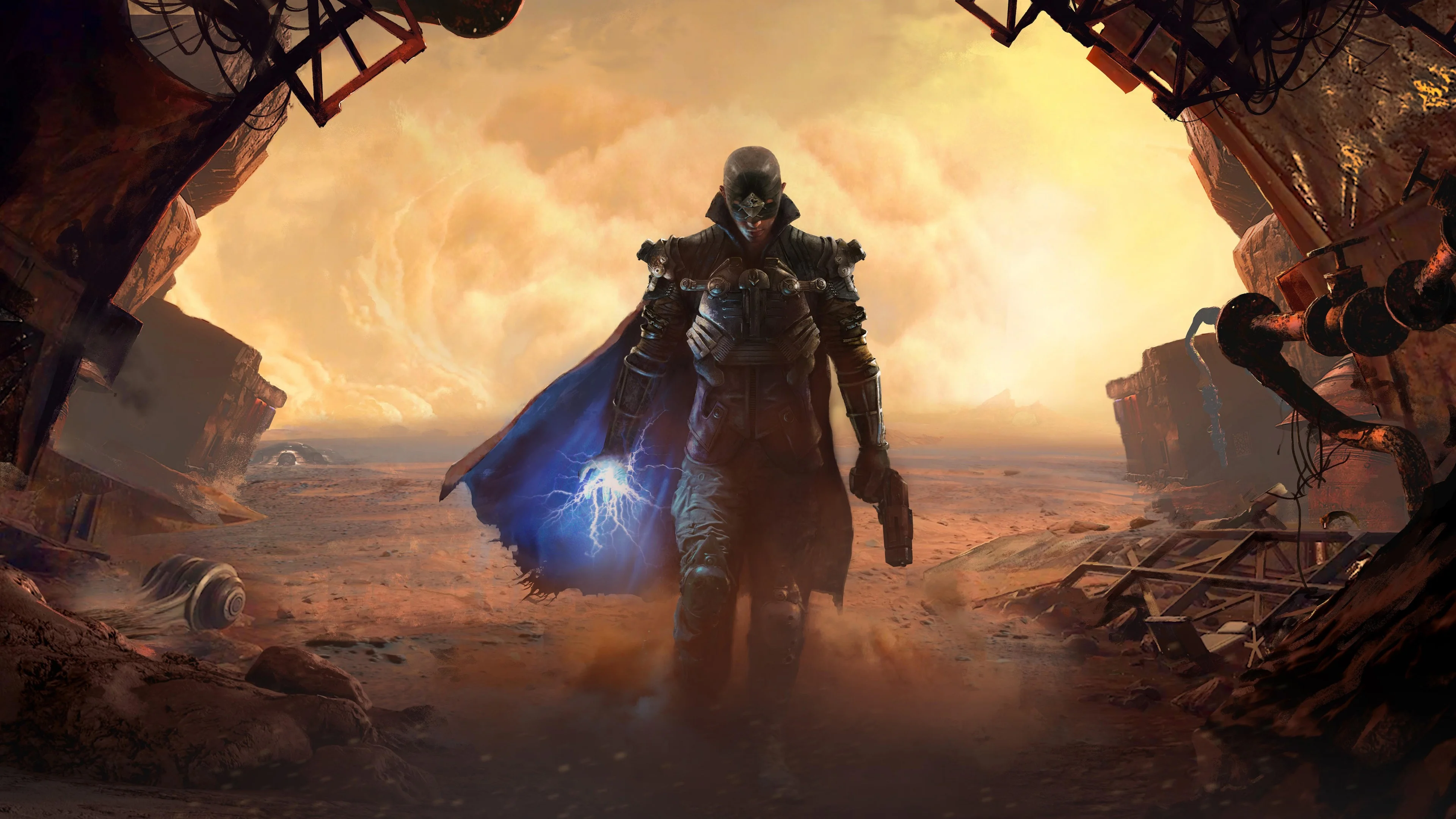

The Technomancer

Performance
1080p (Full HD)
1440p (2K / QHD)
4K (Ultra HD)

Requirements Check


Recommendations
Your hardware doesn't meet minimum requirements for this game.

Your GPU supports ray tracing.
Average FPS: resolution vs quality settings
| Ultra | High | Medium | Low | |
|---|---|---|---|---|
| 4K Ultra HD | 40 | 50 | 60 | 77 |
| 1440p QHD | 77 | 98 | 111 | 146 |
| 1080p Full HD | 117 | 149 | 173 | 222 |
Cell color: green is 120+ FPS, teal is 60+, amber is 30+, red is below 30. Cards marked Estimated above have no measured row and are scaled from your GPU benchmark percentile.
Performance Analysis: The Technomancer on Your System
The Technomancer is an Action RPG from 2016 that presents a surprisingly heavy load on modern hardware at higher resolutions. The AMD Ryzen 5 5600 and NVIDIA GeForce RTX 3080 combination delivers a mixed bag of results, ranging from a smooth 4K experience at Medium settings to a near-unplayable slideshow at 4K Ultra. The data shows a system that is powerful enough for high-refresh 1080p and 1440p gaming, but requires careful settings management at 4K to maintain playable frame rates.
Measured FPS Breakdown
The measured FPS data for this combination provides a clear picture of its capabilities across three resolutions and four quality presets. At 1920x1080, the system performs exceptionally well. With Low settings, the average frame rate hits 222.3 FPS, which is more than enough for any high-refresh-rate monitor. Moving to Medium settings, the average drops to 173.2 FPS, still a massive margin above the 60 FPS playable threshold. High settings yield 148.6 FPS, and even the most demanding Ultra preset maintains an impressive 116.9 FPS average. This resolution is entirely effortless for the RTX 3080, leaving significant headroom for future driver updates or more demanding scenes.
At 2560x1440, the performance remains strong but shows the expected scaling of load from 1080p. Low settings produce an average of 146 FPS, while Medium settings see a reduction to 110.7 FPS. High settings average 97.9 FPS, and Ultra settings still comfortably exceed the playable threshold with an average of 77 FPS. The performance delta between Low and Ultra at 1440p is roughly 47%, indicating that the visual quality upgrades from Ultra settings come at a noticeable cost. However, all settings at this resolution are playable, making 1440p the sweet spot for balancing visual fidelity and frame rate.
The situation changes dramatically at 3840x2160. Low settings average 77.2 FPS, which is playable, and Medium settings just barely clear the 60 FPS threshold with an average of 60.1 FPS. High settings, however, drop to 49.6 FPS, which falls below the playable threshold. Ultra settings are the most demanding, producing an average of only 39.6 FPS. This data indicates that the RTX 3080's 10 GB of GDDR6X memory and 320-bit bus, while substantial, are pushed to their limits at 4K with this specific game's engine. The difference between Medium and High at 4K is a 10.5 FPS drop, which is a significant step down in playability.
FAQ
Q: Can this PC run The Technomancer at 4K resolution?
A: Yes, but only with Low or Medium settings. The measured data shows Low settings average 77.2 FPS and Medium settings average 60.1 FPS. High settings drop to 49.6 FPS and Ultra to 39.6 FPS, both of which fall below the 60 FPS playable threshold.
Q: What is the best settings preset for 1440p gaming?
A: Ultra settings are the best choice at 2560x1440, as they deliver an average of 77 FPS. This is the highest quality preset available, and it still maintains a frame rate well above the 60 FPS threshold, making it the most visually demanding option that remains playable.
Q: How does the CPU perform relative to other processors in this benchmark suite?
A: The AMD Ryzen 5 5600 has an average benchmark score of 20468, placing it in the 74th percentile of all CPUs. Its nearest rival is the Intel Core Ultra 7 258V with a score of 20454, a negligible 0.1% difference, meaning the two are effectively tied in overall compute performance.
Q: Is the RTX 3080 a strong performer in the GPU benchmark rankings?
A: The RTX 3080 scores 23172 on average, which puts it in the 68th percentile of all GPUs. Interestingly, its nearest rivals include the NVIDIA P106-100 and AMD Radeon Pro Vega 16, both of which score within 0.3% of the RTX 3080, indicating this particular GPU sample is performing near the middle of its expected range.
Q: What is the performance gap between Low and Ultra settings at 1080p?
A: At 1920x1080, Low settings average 222.3 FPS, while Ultra settings average 116.9 FPS. This represents a 47% reduction in frame rate when switching from the lowest to the highest quality preset, showing the significant impact of Ultra settings on the GPU load.
Best Settings per Resolution
For 3840x2160, the most demanding preset that stays at or above 60 FPS is Medium, which delivers an average of 60.1 FPS. This is a borderline result, as any slight increase in scene complexity could push it below the threshold. The data shows that High settings at 4K are not viable, as they only manage 49.6 FPS.
At 2560x1440, Ultra settings are the best choice, providing an average of 77 FPS. This resolution offers the full visual experience without compromising on frame rate. The 77 FPS average is 17 FPS above the playable threshold, giving a comfortable margin for demanding moments.
For 1920x1080, Ultra settings again provide the best experience, with an average of 116.9 FPS. This is nearly double the 60 FPS threshold, ensuring a fluid experience even in the most intense combat scenarios. The system has enough headroom at this resolution to handle any potential frame time spikes without dropping below playable levels.
Similar Performance Alternatives
Looking at the CPU side, the AMD Ryzen 5 5600 has an average benchmark score of 20468. Its nearest rivals are closely matched, with the Intel Core Ultra 7 258V scoring 20454 (0.1% lower), the AMD Ryzen 5 8500G scoring 20425 (0.2% lower), and the AMD EPYC 9454P scoring 20422 (0.2% lower). Any of these processors would deliver nearly identical CPU-bound performance in The Technomancer, though the EPYC options are server-class parts with different platform requirements.
For the GPU, the NVIDIA GeForce RTX 3080 scores 23172 on average. Its nearest rivals are the NVIDIA P106-100 with a score of 23249 (0.3% higher), the AMD Radeon Pro Vega 16 with a score of 23250 (0.3% higher), and the AMD Radeon RX 6600M with a score of 23273 (0.4% higher). These alternatives would produce very similar frame rates in this game, though the P106-100 and Radeon Pro Vega 16 are professional or mobile parts, respectively, which may have different driver optimizations for gaming workloads.
How This Combo Ranks
In the database of tested combinations for The Technomancer, the AMD Ryzen 5 5600 + NVIDIA GeForce RTX 3080 ranks 1035 out of 3696 total combos. This places it in the top 28% of all tested systems, indicating a solidly above-average configuration. The rank reflects the combination's ability to handle the game's demands, particularly at 1440p and 1080p, while the 4K performance drags it down relative to systems with more powerful GPUs. The 60 FPS playable threshold is met at all settings for 1080p and 1440p, but only at Low and Medium for 4K, which is a key factor in its ranking position.
The Verdict
This PC can absolutely run The Technomancer, but the experience depends heavily on your target resolution. At 1920x1080, every preset from Low to Ultra clears the 60 FPS threshold with ease. The data shows 116.9 FPS at Ultra settings, which is a stellar result for a game from 2016, and even High settings at 148.6 FPS leave plenty of room for higher refresh rates. For 2560x1440, the system is also fully playable at all settings, with Ultra delivering 77 FPS. This is the ideal resolution for this combination, as it provides a significant visual upgrade over 1080p while maintaining a comfortable performance margin.
The 4K resolution is where the system shows its limits. The verdict data confirms that only Low and Medium settings are playable, with Medium averaging 60.1 FPS. This is a borderline pass, and players who prioritize frame rate stability should stick with Low settings at 77.2 FPS. High settings at 4K are not recommended, as the 49.6 FPS average will feel noticeably stuttery, and Ultra settings at 39.6 FPS are effectively unplayable. If you have a 4K display, you will need to accept Medium settings or lower, but for the vast majority of users on 1080p or 1440p monitors, this combo provides a fantastic experience with no compromises on visual quality.