
Instant compatibility check with FPS benchmarks and optimization tips
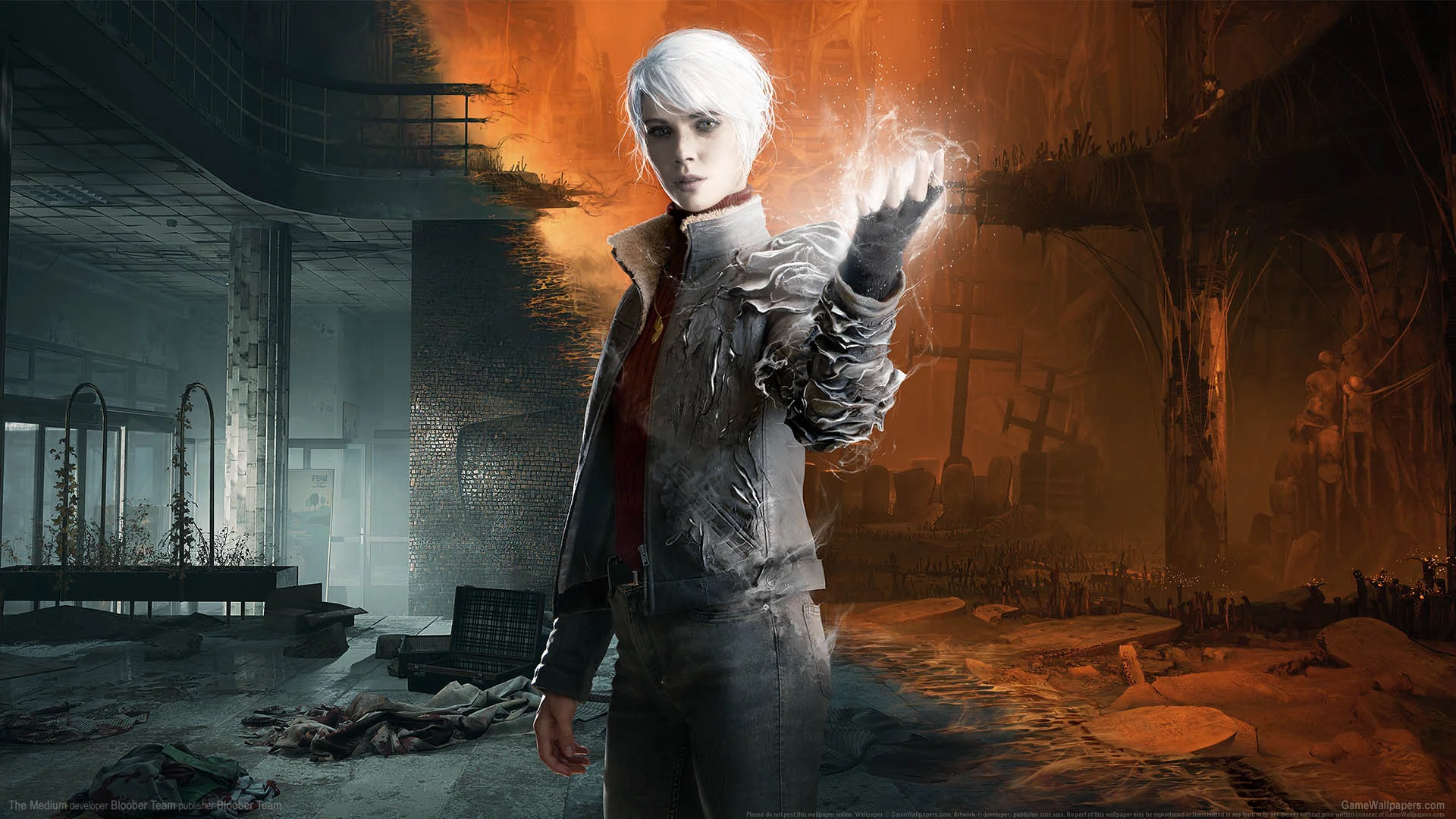

The Medium

Performance
1080p (Full HD)
1440p (2K / QHD)
4K (Ultra HD)

Requirements Check


Recommendations
Your hardware doesn't meet minimum requirements for this game.

Your GPU supports ray tracing.
Average FPS: resolution vs quality settings
| Ultra | High | Medium | Low | |
|---|---|---|---|---|
| 4K Ultra HD | 45 | 57 | 79 | 127 |
| 1440p QHD | 57 | 72 | 101 | 151 |
| 1080p Full HD | 68 | 86 | 120 | 160 |
Cell color: green is 120+ FPS, teal is 60+, amber is 30+, red is below 30. Cards marked Estimated above have no measured row and are scaled from your GPU benchmark percentile.
Performance Analysis: The Medium on Your System
This PC configuration, pairing the AMD Ryzen 5 7500F with the NVIDIA GeForce RTX 4080, delivers a strong performance profile for The Medium. The data indicates that the combination ranks in the 265th position out of 3724 tested configurations for this game, placing it comfortably in the upper tier of systems. Across the board, the system demonstrates the ability to handle the game’s fixed-camera horror presentation with high frame rates, though the demands of 4K resolution will require some settings adjustments to maintain smoothness.
Measured FPS Breakdown
The measured frame rates for this configuration show a clear progression as resolution and graphical fidelity change. At 3840x2160, the system produces an average of 127 FPS on Low settings, which drops to 79 FPS on Medium, 57 FPS on High, and 45 FPS on Ultra. The Medium preset at 4K is the only one in this resolution tier that reports a minimum and maximum frame rate, coming in at 67 FPS and 91 FPS respectively; the other presets lack those extreme values in the data. This means that at 4K, the gap between Low and Ultra is substantial, with the latter requiring nearly three times the rendering workload per frame compared to the former.
Stepping down to 2560x1440, the performance improves significantly across all presets. Low settings yield an average of 151 FPS, while Medium produces 101 FPS with a minimum of 86 FPS and a maximum of 116 FPS. High settings deliver 72 FPS on average, and Ultra dips to 57 FPS. The pattern here shows that Medium is the sweet spot for high refresh rate monitors, while High remains perfectly playable for standard 60 Hz displays. The drop from Medium to High at this resolution costs roughly 29 FPS, a notable penalty that suggests the game’s higher-quality shadows and reflections are particularly taxing on the GPU.
At 1920x1080, the system truly flexes its muscle. Low settings average 160 FPS, Medium averages 120 FPS with a minimum of 102 FPS and a maximum of 138 FPS, High averages 86 FPS, and Ultra averages 68 FPS. Even at the highest preset, the frame rate stays above the 60 FPS threshold, making 1080p a resolution where this hardware has headroom to spare. The scaling from 1080p to 1440p at the same preset shows a consistent drop of roughly 14-15% in average frame rate, while moving from 1440p to 4K at the same preset results in a much steeper decline of around 25-30%, highlighting the memory bandwidth and fill rate demands of 4K rendering.
Best Settings per Resolution
For each resolution, the most demanding preset that maintains an average of at least 60 FPS is as follows. At 3840x2160, the Medium preset is the optimal choice, delivering an average of 79 FPS. This configuration balances visual quality with playability, as the High preset falls to 57 FPS and Ultra to 45 FPS, both below the playable threshold. The 4K Medium experience provides a substantial improvement over Low settings while keeping the frame rate well above the 60 FPS target.
At 2560x1440, the High preset is the best pick, achieving an average of 72 FPS. This allows for nearly all visual features to be enabled while staying comfortably above the playable threshold. The Ultra preset at this resolution drops to 57 FPS, which is just under the line, so High is the clear winner for a smooth experience without sacrificing too much graphical detail. The 1440p High setting offers a richer visual experience than the 4K Medium preset, with only a 7 FPS average difference between them.
At 1920x1080, the Ultra preset is fully playable, averaging 68 FPS. This is the only resolution where the maximum quality preset clears the 60 FPS bar, making it the definitive choice for players who want the game to look its absolute best. The 1080p Ultra setting provides a significant visual upgrade over High, which averages 86 FPS, and the frame rate remains smooth enough for most displays. For players with high-refresh 1080p monitors, the Medium preset at 120 FPS is the better option for competitive responsiveness, but for pure visual fidelity, Ultra is the recommended setting.
CPU and GPU Roles
The benchmark data shows that the GPU is the dominant factor in this game’s performance, particularly as resolution increases. The RTX 4080’s 16 GB of GDDR6X memory and 716.8 GB/s bandwidth become critical at 3840x2160, where the frame rate drops by 35-40% compared to 2560x1440 at the same preset. For example, High settings at 1440p average 72 FPS, but at 4K that number falls to 57 FPS, a clear indication that the GPU’s rasterization and memory throughput are the limiting factors. The CPU, with its 6 cores and 12 threads based on Zen 4 architecture, has ample headroom to feed the GPU at these settings.
The scaling between presets further confirms this GPU-bound behavior. At 1080p, the difference between Low and Ultra is 92 FPS (160 vs 68), while at 4K the same preset gap is 82 FPS (127 vs 45). This consistent spread suggests that the CPU is not bottlenecking the system even at lower resolutions, as the frame rate scales predictably with GPU workload. The Ryzen 5 7500F’s strong single-thread performance, evidenced by its Cinebench R23 single-core score of 3218, ensures that the game’s main thread is well-served, allowing the GPU to operate at its full potential.
At 1440p and 4K, the CPU’s role diminishes further, as the GPU becomes the sole limiting factor. The data shows that increasing resolution from 1080p to 1440p at Medium settings costs 19 FPS (120 to 101), while going from 1440p to 4K at Medium costs 22 FPS (101 to 79). This linear degradation points to pure GPU throughput limits. The CPU’s multi-threaded capabilities, with a Cinebench R23 multi-core score of 22799, are more than sufficient for the game’s fixed-camera scenes, which typically do not require extensive physics or AI simulation. In practical terms, this system is GPU-limited in nearly all scenarios, meaning that overclocking or upgrading the CPU would yield negligible gains for this title.
FAQ
Q: Can this system run The Medium at 4K with maximum settings?
A: No. At 3840x2160 with Ultra settings, the average frame rate is 45 FPS, which falls below the 60 FPS playable threshold. The highest playable preset at 4K is Medium, which averages 79 FPS.
Q: What is the best resolution for this configuration to achieve the highest visual fidelity?
A: 1920x1080 with Ultra settings is the only resolution and preset combination that allows maximum quality while maintaining 60+ FPS, averaging 68 FPS. At 2560x1440, the High preset is the best visual option at 72 FPS.
Q: How much performance is lost when moving from 1440p to 4K?
A: At Medium settings, the average frame rate drops from 101 FPS at 2560x1440 to 79 FPS at 3840x2160, a decrease of 22 FPS. At High settings, the drop is from 72 FPS to 57 FPS, a loss of 15 FPS.
Q: Is the Ryzen 5 7500F sufficient for this game, or is the GPU the bottleneck?
A: The GPU is definitively the bottleneck. The CPU’s high single-thread and multi-thread scores (3218 and 22799 in Cinebench R23, respectively) far exceed the demands of The Medium, and frame rates scale consistently with GPU workload across all tested resolutions.
Q: Does the system support ray tracing features in this game?
A: The RTX 4080 includes 76 RT cores and supports DirectX 12 Ultimate, so it is capable of ray tracing. However, the measured FPS data in this pack does not include ray tracing settings, so specific performance with RT enabled cannot be quantified from this data.
Q: What frame rate can be expected at 1440p with Medium settings?
A: The system averages 101 FPS at 2560x1440 with Medium settings, with a reported minimum of 86 FPS and maximum of 116 FPS, making it ideal for high refresh rate displays.
Similar Performance Alternatives
Looking at the nearest rivals for the CPU, the AMD Ryzen 5 7500F sits within a tight performance cluster. The Intel Core i7-11850H has an average benchmark score of 24935, which is just 0.1% lower than the Ryzen’s 24964 average. The AMD Ryzen 5 8400F scores 25005, a marginal 0.2% higher, while the Intel Core i7-13620H scores 24911, a 0.2% deficit. The Intel Core 5 210H is the closest competitor at 24872, just 0.4% behind. In practical terms, any of these processors would deliver nearly identical frame rates in The Medium, as the game is not CPU-intensive. The choice between them would come down to platform features rather than gaming performance.
For the GPU, the NVIDIA GeForce RTX 4080’s nearest rival is the RTX 4080 SUPER, which scores 54209 on average, a mere 0.1% difference from the RTX 4080’s 54247. This means the SUPER variant would perform essentially identically in this game. The AMD Radeon Pro W5700X scores 54828, which is 1.1% higher, while the AMD Radeon RX 6750 GRE 12 GB scores 55698, a 2.6% advantage. The AMD Radeon 8060S leads this group with 55757, 2.7% higher than the RTX 4080. These deltas are small enough that all of these GPUs would produce very similar frame rates in The Medium, with differences of only a few FPS at most. Players considering an upgrade from the RTX 4080 would need to look beyond these near-equal alternatives to see meaningful gains.
The Verdict
This system can absolutely run The Medium, and it does so with commendable strength across the board. At 1920x1080, every preset including Ultra is playable, with the highest quality setting averaging 68 FPS. This makes 1080p the resolution for players who want the full visual experience without compromise. At 2560x1440, the High preset delivers 72 FPS, providing a near-maximum quality experience with a comfortable margin above the 60 FPS threshold; the Ultra preset at this resolution falls just short at 57 FPS, so it should be avoided for strict 60 FPS play. At 3840x2160, the Medium preset is the best playable option at 79 FPS, while High and Ultra drop to 57 FPS and 45 FPS respectively, making them unsuitable for smooth gameplay.
The verdict data confirms this analysis: at 4K, the playable settings are Low and Medium, with Medium being the best choice at 79 FPS. At 1440p, High, Low, and Medium are all playable, with High as the best option at 72 FPS. At 1080p, all four presets are playable, with Ultra as the best at 68 FPS. The system’s ranking of 265 out of 3724 configurations places it in the top 7% of tested setups, underscoring its capability. For a game like The Medium, which relies on atmospheric fixed-camera angles rather than fast-paced action, even the 57 FPS figures at High 4K settings could be tolerable for some players, but the data clearly shows that staying at or above 60 FPS is achievable with modest settings adjustments. This is a well-balanced pairing that offers flexibility for different display resolutions and quality preferences, with the RTX 4080 doing the heavy lifting at higher resolutions and the Ryzen 5 7500F providing ample support without becoming a limiting factor.