
Instant compatibility check with FPS benchmarks and optimization tips
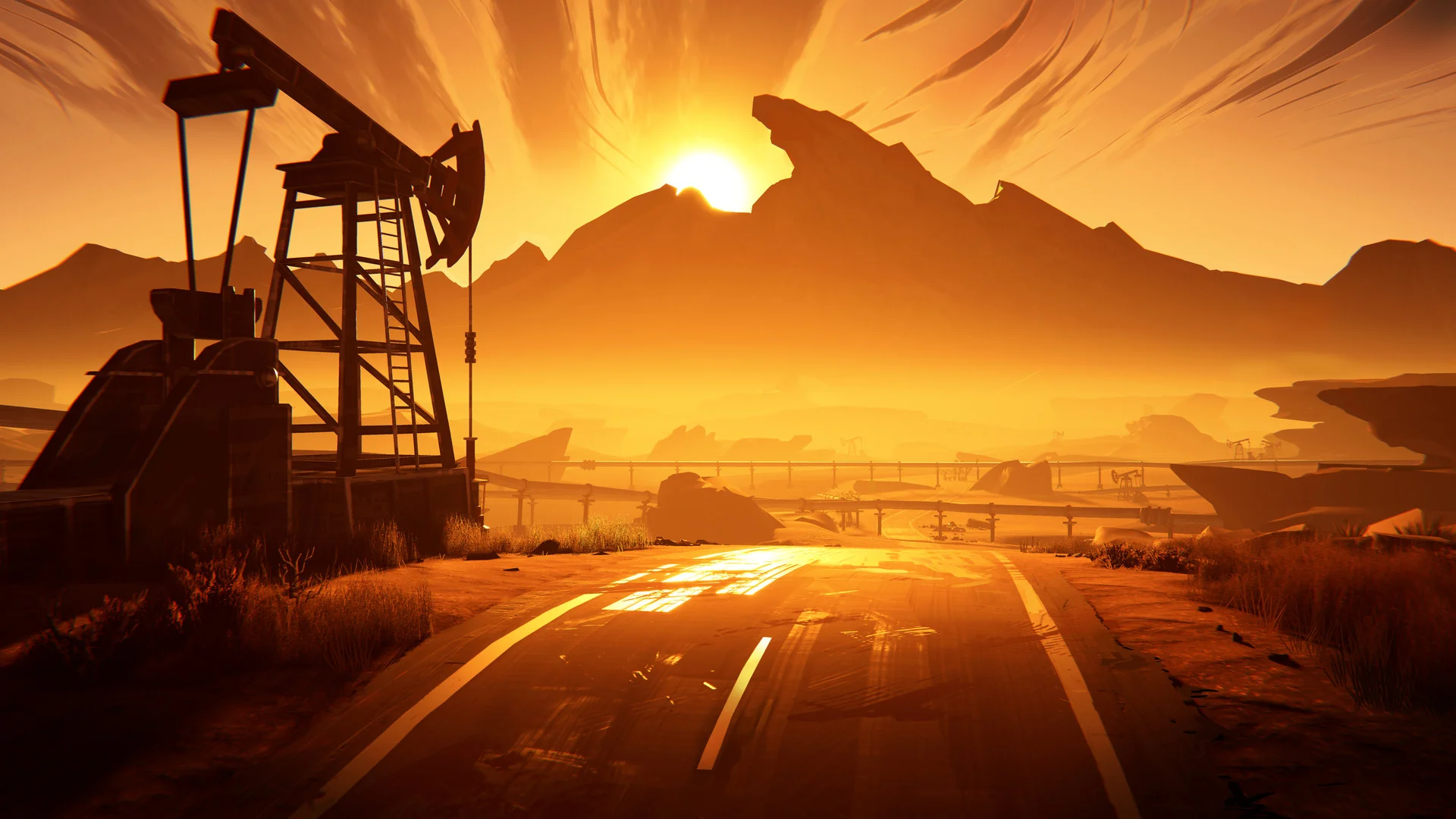

Road 96

Performance
1080p (Full HD)
1440p (2K / QHD)
4K (Ultra HD)

Requirements Check


Recommendations
Your hardware doesn't meet minimum requirements for this game.
Average FPS: resolution vs quality settings
| Ultra | High | Medium | Low | |
|---|---|---|---|---|
| 4K Ultra HD | 15 | 19 | 23 | 32 |
| 1440p QHD | 28 | 35 | 44 | 60 |
| 1080p Full HD | 43 | 56 | 69 | 94 |
Cell color: green is 120+ FPS, teal is 60+, amber is 30+, red is below 30. Cards marked Estimated above have no measured row and are scaled from your GPU benchmark percentile.
Performance Analysis: Road 96 on Your System
The Intel Core i7-14700KF paired with the Intel Arc B390 presents a particularly unbalanced profile for Road 96, with the CPU offering top-tier compute performance while the integrated GPU delivers entry-level graphics throughput. The recorded framerates confirm that this combination is heavily constrained by the graphics side at higher settings, though the CPU’s strong single-thread and multi-thread scores ensure that the system is never processor-limited in this title. The data shows a playable experience only at lower settings and resolutions, with a clear ceiling that prevents high-fidelity gameplay.
Measured FPS Breakdown
At 3840x2160, the Arc B390 struggles to maintain playable framerates across all tested presets. On High settings, the average FPS is 19, which falls dramatically below the 60 FPS playable threshold. Lowering to Medium settings improves the average to 23 FPS, with a recorded minimum of 20 FPS and a maximum of 27 FPS, indicating consistent sub-30 FPS performance without meaningful fluctuations. The Low preset yields an average of 32 FPS, still far from smooth, while the Ultra preset drops to an average of 15 FPS, making the game nearly unresponsive at maximum detail. None of these settings approach the 60 FPS target, and even the best case at Low remains 28 FPS short of playable.
At 2560x1440, the situation improves but remains limited. The Low preset is the only configuration that reaches the 60 FPS target, achieving an average of exactly 60 FPS. Medium settings average 44 FPS, with a minimum of 37 and a maximum of 50, showing that the GPU cannot sustain a stable frame rate even at this reduced resolution. High settings average 35 FPS, which is a 25 FPS deficit from playable, while Ultra averages 28 FPS. The gap between Low and Medium is 16 FPS, which indicates a steep performance cost for the additional visual features in the Medium preset.
At 1920x1080, the combination performs best, though still with significant caveats. The Low preset averages 94 FPS, providing a comfortable margin above the 60 FPS threshold. Medium settings average 69 FPS, with a minimum of 59 FPS and a maximum of 79 FPS, meaning the average clears the threshold but the minimum occasionally dips just below it. High settings average 56 FPS, which is 4 FPS short of playable, while Ultra averages 43 FPS, a 17 FPS deficit. The progression from Low to Ultra shows a consistent decline, with each preset tier costing roughly 25 FPS at this resolution, from 94 down to 43.
CPU and GPU Roles
The data clearly indicates that the Intel Arc B390 is the dominant bottleneck in this configuration for Road 96. The CPU, with its 20 cores, 28 threads, and a Cinebench R23 multi-core score of 44167, ranks in the 94th percentile among all CPUs, meaning it has far more processing headroom than this game requires. Conversely, the GPU’s 3DMark Steel Nomad DX12 score of 1482 places it in the 9th percentile among all GPUs, a stark contrast that explains the low framerates at higher settings.
The scaling between resolutions confirms this imbalance. Moving from 1920x1080 to 2560x1440 at the same settings reduces performance by 38-41%: High drops from 56 to 35 FPS, Medium from 69 to 44 FPS, and Low from 94 to 60 FPS. This steep decline with a 1.78x increase in pixel count is characteristic of a GPU-bound scenario, where the render workload grows faster than the GPU’s fill rate can accommodate. The further drop from 2560x1440 to 3840x2160, another 2.25x pixel increase, yields even more severe reductions, such as High falling from 35 to 19 FPS, a 46% loss.
The preset scaling at each resolution reinforces this conclusion. At 1920x1080, the difference between Low and Ultra is 51 FPS (94 to 43), while at 2560x1440 it is 32 FPS (60 to 28), and at 3840x2160 it is 17 FPS (32 to 15). The diminishing absolute gaps at higher resolutions occur because the GPU is already saturated by the base resolution workload, leaving less headroom for additional settings to have an impact. The CPU’s role is essentially passive; even at 1080p Low with 94 FPS, the recorded performance matches what the GPU can output, with no evidence of a CPU ceiling given the processor’s benchmark scores.
Similar Performance Alternatives
For the CPU, the nearest rivals in the database show that the i7-14700KF is positioned among top-tier desktop processors. The AMD Ryzen 7 9700F has an average score of 69996, which is 0.2% lower than the i7-14700KF’s 70163, making it a near-identical match in synthetic workloads. The AMD Ryzen 9 7940HX scores 69875, a 0.4% deficit, while the AMD Ryzen 9 7950X scores 69515, a 0.9% deficit. On the other side, the Intel Core Ultra 7 265K scores 70879, which is 1% higher than the i7-14700KF. In practice, all four alternatives would deliver indistinguishable performance in Road 96, since the game does not stress CPU resources enough to differentiate between these processors.
For the GPU, the nearest rivals are all legacy or low-end NVIDIA parts, which underscores the Arc B390’s limited graphics capability. The NVIDIA GeForce GT 520MX has an average score of 1463, which is 1.3% lower than the Arc B390’s 1482. The GeForce 800M scores 1460, a 1.5% deficit, the GeForce GT 625 OEM scores 1446, a 2.5% deficit, and the GeForce GT 710 scores 1443, a 2.7% deficit. These margins are small enough that all four GPUs would produce very similar framerates in Road 96 at the same settings and resolution. The data suggests that swapping the Arc B390 for any of these alternatives would yield nearly identical results, meaning the system’s overall performance would remain unchanged.
The Verdict
According to the verdict data, this PC can run Road 96, but only under specific conditions. At 3840x2160, no settings preset clears the 60 FPS threshold, and the best average FPS recorded is 32 at Low, which is far below the playable threshold. Therefore, 4K gameplay is not viable for this combination, as even the lowest settings produce a stuttery experience.
At 2560x1440, the system is marginally playable, with only the Low preset reaching the 60 FPS target exactly. Medium, High, and Ultra all fall short, with averages of 44, 35, and 28 FPS respectively. Users who require 60 FPS must accept the Low preset and its visual compromises, as any higher detail level will result in sub-60 FPS performance.
At 1920x1080, the system offers the most flexibility. The Low preset averages 94 FPS, providing a comfortable buffer above the threshold, while the Medium preset averages 69 FPS, still clearing the 60 FPS target despite a minimum of 59 FPS. High and Ultra presets do not meet the playable threshold, averaging 56 and 43 FPS respectively. The verdict confirms that 1080p Medium is the best playable setting, achieving 69 FPS on average, which indicates that the game is playable at 1080p with moderate visual quality.
Best Settings per Resolution
At 3840x2160, there is no playable setting. The verdict lists no playable settings for this resolution, and the best average FPS across all presets is 32 on Low, which does not meet the 60 FPS requirement. The database records no best settings or average FPS at best for 4K, confirming that this resolution is unsupported for smooth gameplay.
At 2560x1440, the best and only playable setting is Low, which achieves an average of exactly 60 FPS. This is the most demanding preset that stays at or above 60 FPS, but it is also the least demanding preset available, meaning there is no headroom for higher quality. The data shows that Medium averages 44 FPS, so users must stay on Low to maintain the threshold.
At 1920x1080, the best playable setting is Medium, which averages 69 FPS with a minimum of 59 and a maximum of 79. This preset provides a meaningful visual upgrade over Low while still clearing the 60 FPS average threshold. The High preset averages 56 FPS, which is below the playable threshold, so Medium represents the optimal balance between fidelity and performance at this resolution.
How This Combo Ranks
In the database of tested combinations for Road 96, this specific pairing of the Intel Core i7-14700KF and Intel Arc B390 ranks 3302 out of 3713 total combos. This places the system in the bottom 11% of all tested configurations, a reflection of the GPU’s severe limitation relative to the CPU’s high-end standing. The rank is driven almost entirely by the GPU’s 9th percentile performance among all GPUs, which caps the system’s ability to deliver high framerates despite the CPU’s 94th percentile ranking. The data indicates that most other tested combos, including those with much weaker CPUs but stronger GPUs, would outperform this system in Road 96, particularly at higher resolutions and settings where the GPU bottleneck becomes pronounced.
FAQ
Q: Can this PC run Road 96 at 60 FPS on a 4K monitor?
A: No. At 3840x2160, the highest average FPS recorded is 32 on the Low preset, which is far below the 60 FPS playable threshold. No settings preset at 4K reaches 60 FPS.
Q: What is the best settings preset for 1440p gameplay?
A: The Low preset is the only playable option at 2560x1440, achieving an average of exactly 60 FPS. Medium settings average 44 FPS, High averages 35 FPS, and Ultra averages 28 FPS, all below the threshold.
Q: How does the Intel Arc B390 compare to its nearest GPU rivals?
A: The Arc B390 has a benchmark score of 1482, which is 1.3% higher than the NVIDIA GeForce GT 520MX (1463), 1.5% higher than the GeForce 800M (1460), 2.5% higher than the GeForce GT 625 OEM (1446), and 2.7% higher than the GeForce GT 710 (1443). These differences are negligible in real-world gameplay.
Q: Is the CPU or GPU the limiting factor for this game?
A: The GPU is the limiting factor. The Intel Arc B390 ranks in the 9th percentile among GPUs, while the Intel Core i7-14700KF ranks in the 94th percentile among CPUs. The framerate drops sharply with resolution increases, which is characteristic of a GPU bottleneck.
Q: What average FPS does the Medium preset produce at 1080p?
A: At 1920x1080, the Medium preset averages 69 FPS, with a minimum of 59 FPS and a maximum of 79 FPS. This is the best playable setting at this resolution, as the High preset averages only 56 FPS.
Q: How does this system rank compared to other tested combinations for Road 96?
A: This combination ranks 3302 out of 3713 tested combos, placing it in the bottom 11% of all systems in the database. The low ranking is attributed to the GPU’s limited performance, which prevents the high-end CPU from being fully utilized in this game.