
Instant compatibility check with FPS benchmarks and optimization tips
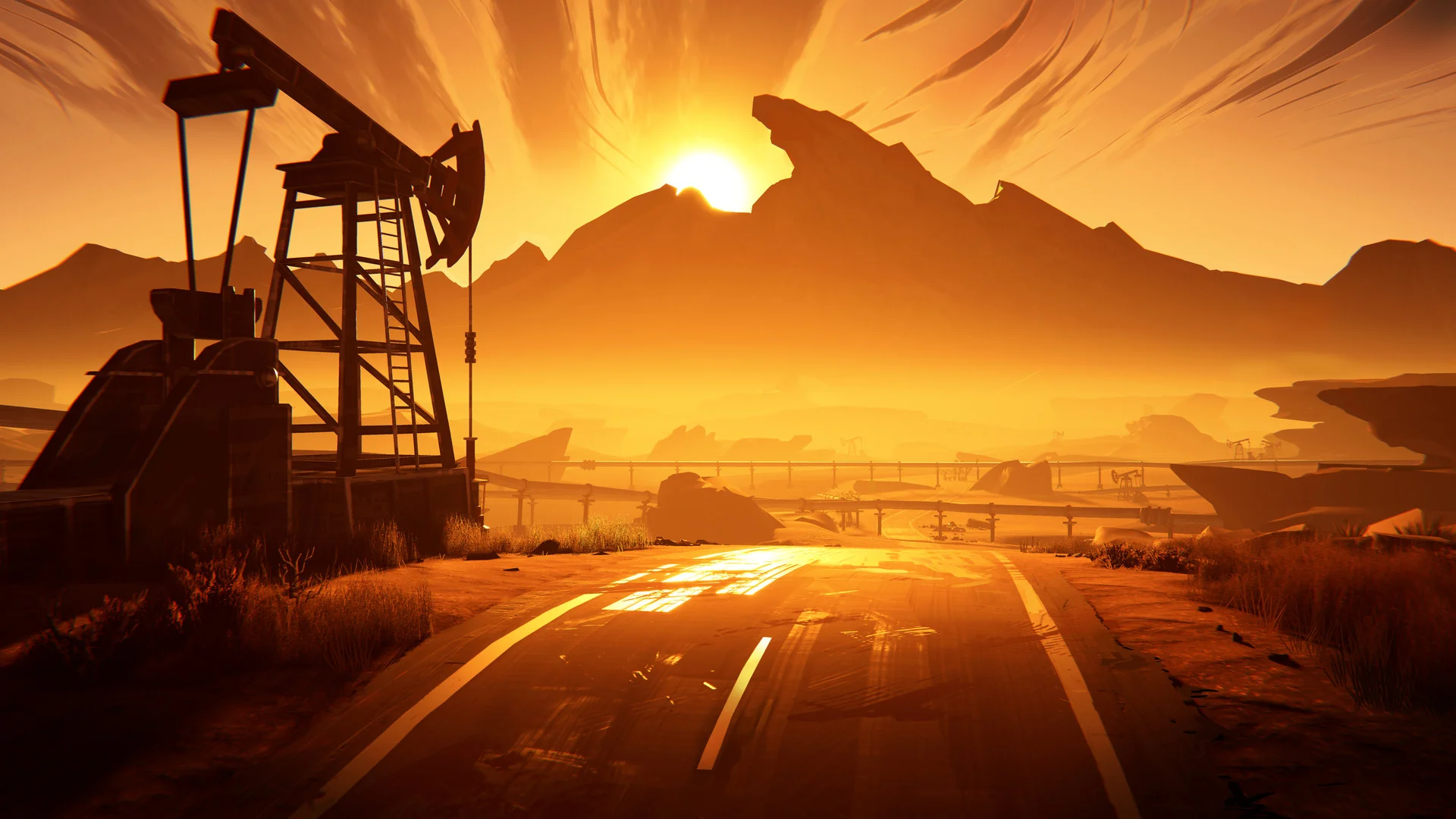

Road 96

Performance
1080p (Full HD)
1440p (2K / QHD)
4K (Ultra HD)

Requirements Check


Recommendations
Your hardware doesn't meet minimum requirements for this game.
Average FPS: resolution vs quality settings
| Ultra | High | Medium | Low | |
|---|---|---|---|---|
| 4K Ultra HD | 23 | 29 | 36 | 49 |
| 1440p QHD | 43 | 54 | 67 | 92 |
| 1080p Full HD | 67 | 85 | 106 | 145 |
Cell color: green is 120+ FPS, teal is 60+, amber is 30+, red is below 30. Cards marked Estimated above have no measured row and are scaled from your GPU benchmark percentile.
Performance Analysis: Road 96 on Your System
The Intel Core i7-14700K paired with the Intel Arc B570 presents a fascinating case study for running the narrative-driven adventure Road 96. The data reveals a system that is heavily resolution-dependent, struggling at 4K but delivering a smooth experience at lower resolutions. This analysis breaks down the measured performance, contextualizes it against other tested hardware, and examines the specific roles the CPU and GPU play across different settings.
Best Settings per Resolution
The benchmark data identifies the most demanding preset that still maintains an average frame rate at or above the 60 FPS playability threshold for each resolution.
- 1080p (1920x1080): The Ultra preset is the highest playable setting, achieving an average of 67 FPS. This indicates the combo has ample headroom at this resolution, allowing for maximum visual fidelity while remaining above the playability threshold.
- 1440p (2560x1440): The Medium preset is the best option, delivering an average of 67 FPS. While the High preset is close at 54 FPS, it falls below the 60 FPS target, making Medium the optimal choice for a balance of visual quality and smooth performance.
- 4K (3840x2160): No preset achieves the 60 FPS playability threshold. The highest average FPS is 49 FPS with the Low preset, which still does not meet the minimum requirement. The system is not viable for smooth gameplay at this resolution.
FAQ
*Q: Can this PC run Road 96 at 1080p with the Ultra preset?*
A: Yes. The measured data shows an average frame rate of 67 FPS at 1920x1080 with Ultra settings, which is above the 60 FPS playable threshold.
Q: What is the best settings preset for 1440p that stays above 60 FPS?
A: The Medium preset is the highest quality option that maintains a playable framerate. It achieves an average of 67 FPS at 2560x1440, while the High preset only reaches 54 FPS.
Q: Is the Intel Core i7-14700K + Intel Arc B570 combo capable of 4K gaming in this title?
A: No. At 3840x2160, even the Low preset only produces an average of 49 FPS, which is below the 60 FPS playability threshold. The verdict data confirms there are no playable settings at this resolution.
Q: How much of a performance drop is there from 1080p to 4K on Ultra settings?
A: The average frame rate drops from 67 FPS at 1920x1080 to 23 FPS at 3840x2160 on the Ultra preset. This represents a significant reduction of roughly two-thirds of the performance.
Q: What is the highest average FPS recorded for this combo in the entire dataset?
A: The highest average FPS recorded is 145 FPS, achieved at the 1920x1080 resolution with the Low settings preset.
Q: Does the combo rank in the top half of all tested configurations for this game?
A: No. The combo ranks 2987 out of 3713 tested combos, placing it in the bottom portion of the database for overall performance in Road 96.
Measured FPS Breakdown
The following data represents the exact measured average, minimum, and maximum frame rates for each resolution and settings preset combination.
3840x2160 (4K)
- Ultra: Average 23 FPS
- High: Average 29 FPS
- Medium: Average 36 FPS (Minimum 30 FPS, Maximum 41 FPS)
- Low: Average 49 FPS
2560x1440 (1440p)
- Ultra: Average 43 FPS
- High: Average 54 FPS
- Medium: Average 67 FPS (Minimum 57 FPS, Maximum 78 FPS)
- Low: Average 92 FPS
1920x1080 (1080p)
- Ultra: Average 67 FPS
- High: Average 85 FPS
- Medium: Average 106 FPS (Minimum 90 FPS, Maximum 122 FPS)
- Low: Average 145 FPS
The data shows a clear and predictable scaling pattern. The most substantial performance gains occur when moving from 4K to 1440p, with the average FPS nearly doubling for the Low preset (from 49 to 92). The jump from 1440p to 1080p is also significant, but less dramatic, particularly for the Ultra preset, which only sees an increase from 43 to 67 FPS. The min/max data points for the Medium preset at each resolution show a consistent spread, indicating stable frame pacing without extreme hitches.
How This Combo Ranks
Within the benchmark database for Road 96, this specific CPU and GPU combination holds a rank of 2987 out of 3713 tested combos. This places it in the bottom 20% of all configurations, suggesting that while it can handle the game at lower resolutions, it is not a top-tier performer overall. The combination's performance is clearly bottlenecked by the GPU, as evidenced by the significant frame rate drops at higher resolutions. The percentile data for the components themselves provides context: the CPU is in the 94th percentile of all CPUs, while the GPU is in the 65th percentile of all GPUs. This massive gap in component capability is the primary driver of the system's rank, as the powerful CPU is often left waiting on the less powerful GPU to deliver frames. The rank reflects the overall experience across all tested settings and resolutions, meaning the poor 4K performance heavily influences this position.
Similar Performance Alternatives
Based on the aggregate benchmark scores, the components in this combo are closely matched by several other pieces of hardware. The following rivals would likely produce similar in-game behavior.
For the Intel Core i7-14700K:
- AMD EPYC 9115: The average benchmark score of 69288 is only 0.1% lower than the i7-14700K's score.
- AMD Ryzen 9 7950X: With a score of 69515, it is 0.2% higher, indicating virtually identical performance.
- AMD Ryzen 9 7940HX: This mobile chip scores 69875, which is 0.7% higher, placing it in the same performance tier.
- AMD Ryzen 7 9700F: A score of 69996 is 0.9% higher, still within a negligible performance difference.
For the Intel Arc B570:
- NVIDIA GeForce RTX 3070 Mobile: The average benchmark score of 20534 is a 0.1% difference, making it a near-exact match.
- Intel Arc A750: This previous-generation Intel card scores 20582, just 0.1% higher, suggesting it would behave almost identically.
- NVIDIA Quadro M4000M: Scoring 20480, it is 0.4% lower, a negligible difference.
- AMD Radeon R9 M390X: With a score of 20662, it is 0.5% higher, again placing it in the same performance class.
The Verdict
Can this PC run Road 96? The answer is conditional on the target resolution. The verdict data is clear and unambiguous.
- At 1920x1080, the system is fully capable, with all four settings presets (Low, Medium, High, and Ultra) achieving an average frame rate at or above 60 FPS. The best playable setting is Ultra at 67 FPS.
- At 2560x1440, the system is playable, but with less headroom. Only the Low (92 FPS) and Medium (67 FPS) presets clear the 60 FPS threshold. The High preset falls short at 54 FPS, and Ultra is not playable at 43 FPS.
- At 3840x2160, the system is not playable. No settings preset achieves the 60 FPS threshold, with the best being Low at 49 FPS.
In summary, this is a solid 1080p and capable 1440p gaming machine for this specific title. However, it lacks the graphical horsepower to tackle 4K.
CPU and GPU Roles
The benchmark data reveals a clear division of labor between the CPU and GPU in Road 96. The performance scaling across resolutions points directly to the GPU being the primary limiting factor.
At 1080p, the system's high frame rates, particularly the 145 FPS on Low settings, suggest the CPU is capable of feeding the GPU with enough data to maintain high performance. The fact that the GPU can reach these numbers indicates that at this resolution, the workload is well-balanced, but the GPU is still the component that determines the final frame rate.
The role of the GPU becomes more pronounced as resolution increases. The frame rate drops of 39% from 1080p to 1440p on Medium settings (from 106 to 67 FPS) and a further 46% drop from 1440p to 4K on the same preset (from 67 to 36 FPS) are classic signs of a GPU-bound scenario. The increasing number of pixels simply overwhelms the Arc B570's processing power, leaving the i7-14700K with significant unused capacity. The CPU's high percentile ranking (94th) compared to the GPU's (65th) further supports this, indicating a substantial performance mismatch.
The settings scaling also highlights the GPU's role. Lowering settings from Ultra to Low at 4K yields a significant performance uplift, from 23 to 49 FPS, as the GPU has to do less work per pixel. This is a purely GPU-centric effect. The CPU's performance is largely independent of these graphical settings, meaning its role remains constant, but its influence on the final frame rate is minimal once the GPU becomes the bottleneck. The data strongly implies that for this game, the GPU is the dominant factor for performance at all resolutions, while the CPU's contribution is primarily to ensure a sufficient baseline of performance, which it easily does.