
Instant compatibility check with FPS benchmarks and optimization tips
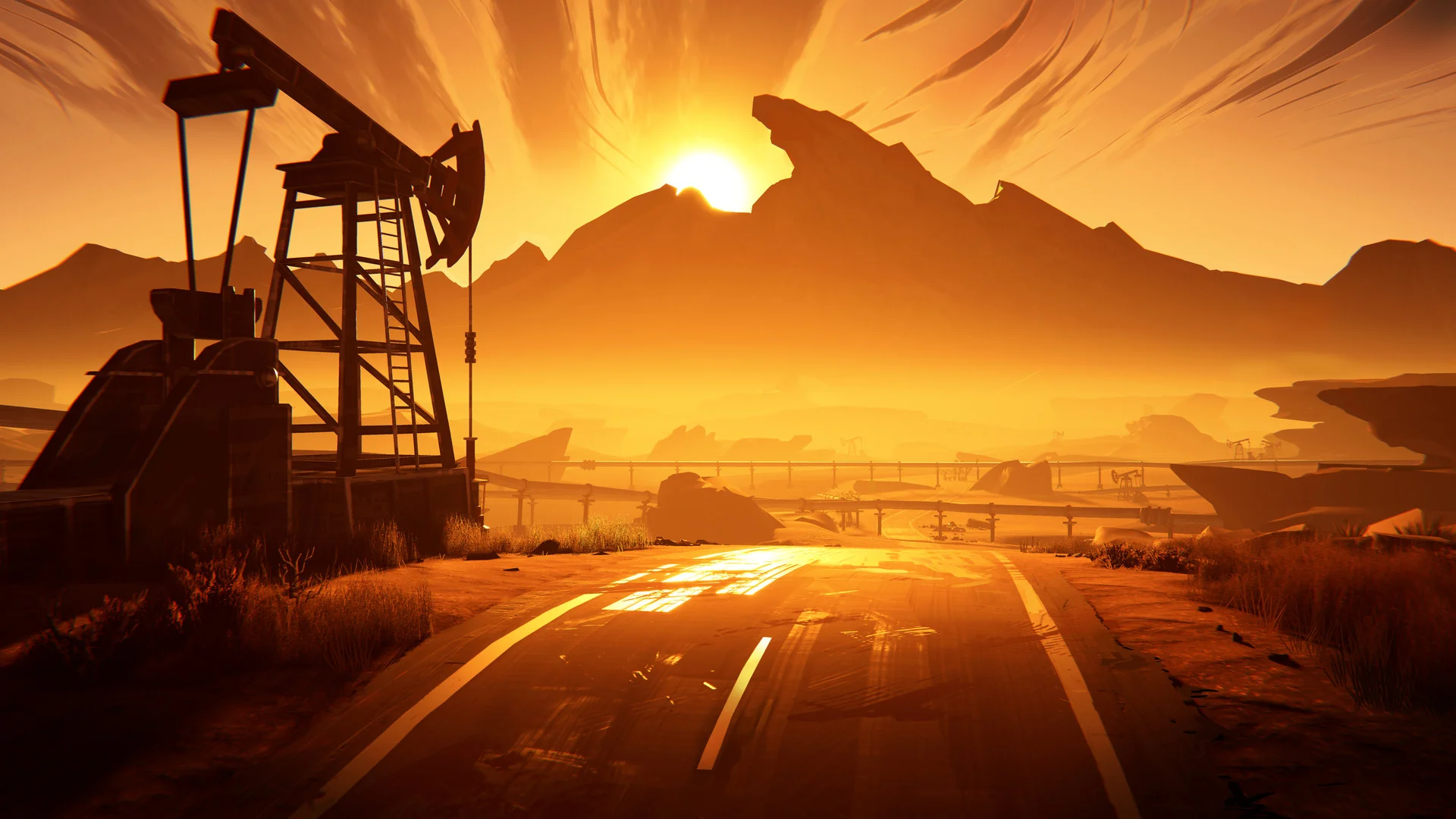

Road 96

Performance
1080p (Full HD)
1440p (2K / QHD)
4K (Ultra HD)

Requirements Check


Recommendations
Your hardware doesn't meet minimum requirements for this game.
Average FPS: resolution vs quality settings
| Ultra | High | Medium | Low | |
|---|---|---|---|---|
| 4K Ultra HD | 15 | 19 | 23 | 32 |
| 1440p QHD | 28 | 35 | 44 | 60 |
| 1080p Full HD | 43 | 56 | 69 | 94 |
Cell color: green is 120+ FPS, teal is 60+, amber is 30+, red is below 30. Cards marked Estimated above have no measured row and are scaled from your GPU benchmark percentile.
Performance Analysis: Road 96 on Your System
Best Settings per Resolution
The recorded data for Road 96 with the Intel Core i7-13700K and Intel Arc B390 combination shows a clear ceiling at 4K. At 3840x2160, no settings preset reaches the 60 FPS playable threshold. The highest average frame rate recorded at this resolution is 32 FPS on Low settings, which falls well short of smooth gameplay. High settings produce 19 FPS, Medium drops to 23 FPS, and Ultra bottoms out at 15 FPS. None of these are viable for a 60 FPS target.
At 2560x1440, the situation improves slightly. The only preset that clears 60 FPS is Low, with an average of exactly 60 FPS. This is the recommended setting for 1440p if the goal is to maintain the playable threshold. Medium averages 44 FPS, High averages 35 FPS, and Ultra averages 28 FPS. The data indicates that Low is the sole option for a locked 60 FPS experience at this resolution.
For 1920x1080, the best preset that stays at or above 60 FPS is Medium, with an average of 69 FPS. This is the highest quality setting that maintains playability. Low runs at 94 FPS, which is faster but visually less demanding. High averages 56 FPS, just under the threshold, and Ultra averages 43 FPS. Medium at 1080p is the sweet spot, delivering both the visual upgrade over Low and a comfortable margin above 60 FPS.
FAQ
Q: Can this PC run Road 96 at 4K with 60 FPS?
A: No. At 3840x2160, the best recorded average is 32 FPS on Low settings. Medium averages 23 FPS, High averages 19 FPS, and Ultra averages 15 FPS. None of these approach the 60 FPS playable threshold.
Q: What is the maximum resolution that maintains 60 FPS?
A: Based on the verdict data, 2560x1440 on Low settings achieves exactly 60 FPS average. This is the highest resolution where the playable threshold is met. At 1920x1080, Medium settings reach 69 FPS, which is also playable.
Q: Which settings preset at 1080p provides the best balance of quality and performance?
A: The recorded data shows Medium at 1920x1080 averages 69 FPS, with a minimum of 59 FPS and a maximum of 79 FPS. This is the most demanding preset that stays above 60 FPS on average. Low runs at 94 FPS, but Medium offers higher visual quality while still clearing the threshold.
Q: How does the GPU compare to its closest rivals in benchmark scores?
A: The Intel Arc B390 has an average benchmark score of 1482. Its nearest rival, the NVIDIA GeForce GT 520MX, scores 1463, which is 1.3% lower. The GeForce 800M scores 1460 (1.5% lower), the GeForce GT 625 OEM scores 1446 (2.5% lower), and the GeForce GT 710 scores 1443 (2.7% lower). The Arc B390 leads this group by a small margin.
Q: What is the frame rate range at 1440p Medium settings?
A: At 2560x1440 with Medium settings, the average FPS is 44, with a minimum of 37 and a maximum of 50. This preset does not reach the 60 FPS threshold.
Q: Is the CPU a bottleneck at any resolution?
A: The CPU, Intel Core i7-13700K, has a percentile rank of 89 among all CPUs and an average benchmark score of 46881. Its nearest rival, the AMD Ryzen 9 5900, scores 46971, which is only 0.2% higher. The data suggests the CPU is far more capable than the GPU, as the frame rates are consistently low across all resolutions, indicating the GPU is the limiting factor.
Measured FPS Breakdown
The measured frame rates for Road 96 with this hardware combination are recorded across three resolutions and four settings presets. At 3840x2160, the frame rates are uniformly low. Low settings produce an average of 32 FPS, with no minimum or maximum recorded. Medium settings average 23 FPS, with a minimum of 20 and a maximum of 27. High settings average 19 FPS, and Ultra settings average 15 FPS. The gap between Low and Ultra is 17 FPS, showing a steep drop as visual quality increases.
At 2560x1440, the frame rates climb but remain modest. Low settings hit exactly 60 FPS on average. Medium settings average 44 FPS, with a minimum of 37 and a maximum of 50. High settings average 35 FPS, and Ultra settings average 28 FPS. The progression from Low to Ultra shows a 32 FPS difference, indicating that the GPU struggles with higher presets even at 1440p.
At 1920x1080, the data becomes more usable. Low settings average 94 FPS, which is the highest recorded frame rate in the entire dataset. Medium settings average 69 FPS, with a minimum of 59 and a maximum of 79. High settings average 56 FPS, just below the 60 FPS threshold. Ultra settings average 43 FPS. The scaling from Low to Ultra at 1080p is a 51 FPS drop, demonstrating that the GPU has enough headroom at the lowest preset but quickly runs out of steam as settings increase.
The minimum and maximum values are only recorded for Medium settings at each resolution. At 4K Medium, the range is 20 to 27 FPS. At 1440p Medium, the range is 37 to 50 FPS. At 1080p Medium, the range is 59 to 79 FPS. These ranges show that the frame pacing is relatively stable at Medium settings, with the spread growing as resolution decreases.
Similar Performance Alternatives
The CPU and GPU each have their own set of nearest rivals based on average benchmark scores. For the Intel Core i7-13700K, the closest alternatives are the AMD Ryzen 9 5900, which scores 46971 and is 0.2% lower than the i7-13700K's 46881. The AMD Ryzen AI 9 HX PRO 375 scores 47022, which is 0.3% lower. The AMD Ryzen 9 7845HX scores 46654, which is 0.5% higher. The Intel Xeon w3-2535 scores 46653, which is also 0.5% higher. These deltas are minimal, meaning any of these CPUs would deliver nearly identical performance in Road 96, which is a lightly threaded game.
For the Intel Arc B390, the nearest rivals are all older NVIDIA discrete GPUs. The GeForce GT 520MX scores 1463, which is 1.3% lower than the Arc B390's 1482. The GeForce 800M scores 1460, 1.5% lower. The GeForce GT 625 OEM scores 1446, 2.5% lower. The GeForce GT 710 scores 1443, 2.7% lower. These deltas are small, so swapping the Arc B390 for any of these GPUs would result in very similar frame rates in Road 96. The Arc B390 is the strongest of this group, but the margin is narrow.
In practical terms, the CPU is far from being a limiting factor. Its nearest rivals are all high-end processors that would perform identically in this game. The GPU, however, sits at the 9th percentile among all GPUs, meaning it is in the bottom tier of performance. Its rivals are all entry-level or legacy parts, which aligns with the low frame rates observed in the measured data.
CPU and GPU Roles
The data shows a clear division of labor between the CPU and GPU in Road 96. The Intel Core i7-13700K is a high-end desktop processor with a percentile rank of 89 among all CPUs. Its average benchmark score of 46881 places it near the top of the charts, and its nearest rivals are all within 0.5% of its score. This CPU has ample headroom for any game, including Road 96, which is not a demanding title in terms of processor load.
The Intel Arc B390, by contrast, is an integrated GPU with a percentile rank of 9 among all GPUs. Its average benchmark score of 1482 is extremely low, and its nearest rivals are all legacy NVIDIA parts from a decade ago. The GPU is clearly the bottleneck in this combination.
Looking at the scaling between resolutions, the frame rates drop consistently as resolution increases. At 1080p Low, the average is 94 FPS. At 1440p Low, it drops to 60 FPS. At 4K Low, it falls to 32 FPS. This pattern indicates that the GPU is the primary constraint, as the CPU would not cause such drastic drops from resolution scaling alone.
The settings presets at each resolution reinforce this conclusion. At 1080p, the frame rate drops from 94 FPS on Low to 43 FPS on Ultra, a 54% reduction. At 1440p, the drop is from 60 FPS on Low to 28 FPS on Ultra, a 53% reduction. At 4K, the drop is from 32 FPS on Low to 15 FPS on Ultra, a 53% reduction. The consistent percentage drop across resolutions suggests that the GPU's shading units and memory bandwidth are the limiting factors, not the CPU.
The CPU's role is minimal in this scenario. At 1080p Low, the CPU is likely idle while the GPU works at its limit. At 4K Ultra, the CPU still has plenty of headroom, as the frame rate is only 15 FPS. The recorded data does not show any scenario where the CPU would bottleneck the GPU, given that the CPU is nearly 32 times more powerful in average benchmark score than the GPU.
The Verdict
The Intel Core i7-13700K and Intel Arc B390 combination can run Road 96, but only at specific resolutions and settings. At 3840x2160, no preset achieves 60 FPS. The best average is 32 FPS on Low, which is not playable under the 60 FPS threshold. The verdict data confirms that 4K is not viable for this hardware.
At 2560x1440, Low settings achieve exactly 60 FPS on average, making this the only playable preset at this resolution. Medium settings average 44 FPS, High averages 35 FPS, and Ultra averages 28 FPS. The verdict lists Low as the best settings at 1440p, with an average FPS of 60.
At 1920x1080, the situation is more favorable. Low settings run at 94 FPS, and Medium settings run at 69 FPS. Both clear the 60 FPS threshold. The verdict identifies Medium as the best settings at 1080p, with an average of 69 FPS. High settings average 56 FPS, just below the threshold, and Ultra averages 43 FPS.
In summary, this PC can run Road 96 at 1080p with Medium settings for a smooth experience, and at 1440p with Low settings for a barely playable experience. The GPU is the limiting factor, and the CPU has no trouble keeping up. For players who prioritize visual quality, 1080p Medium is the recommended configuration. For those who want higher resolution, 1440p Low is the only option that maintains 60 FPS. 4K is not recommended, as the frame rates are too low for comfortable gameplay.