
Instant compatibility check with FPS benchmarks and optimization tips
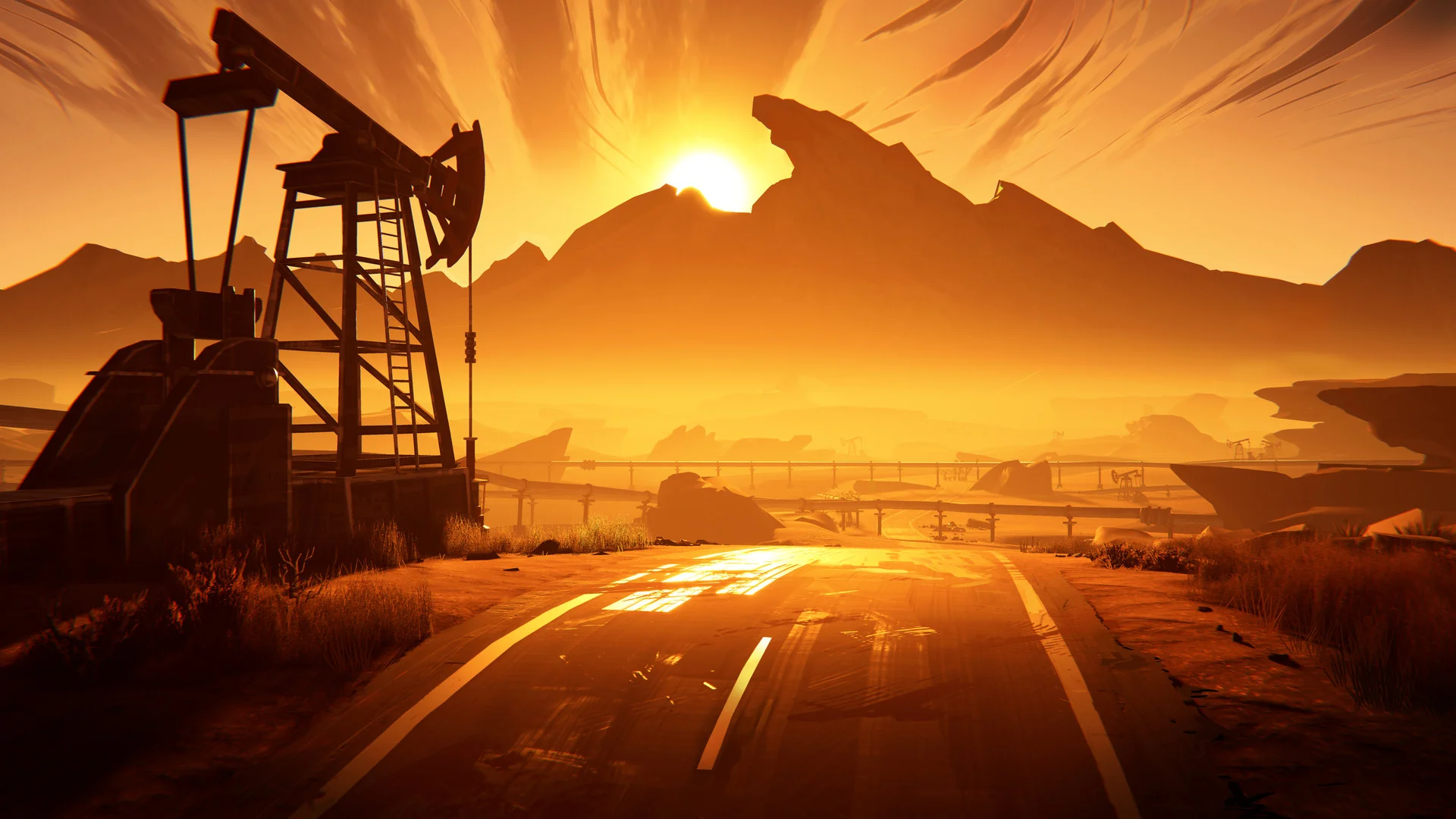

Road 96

Performance
1080p (Full HD)
1440p (2K / QHD)
4K (Ultra HD)

Requirements Check


Recommendations
Your hardware doesn't meet minimum requirements for this game.
Average FPS: resolution vs quality settings
| Ultra | High | Medium | Low | |
|---|---|---|---|---|
| 4K Ultra HD | 26 | 33 | 40 | 55 |
| 1440p QHD | 48 | 62 | 76 | 104 |
| 1080p Full HD | 76 | 97 | 120 | 164 |
Cell color: green is 120+ FPS, teal is 60+, amber is 30+, red is below 30. Cards marked Estimated above have no measured row and are scaled from your GPU benchmark percentile.
Performance Analysis: Road 96 on Your System
The Intel Core i7-12700KF paired with the Intel Arc B580 delivers a highly capable 1080p and 1440p experience in Road 96, but it falls short of the 60 FPS threshold at 4K. At 1080p, the combo achieves a 97 FPS average on High settings and reaches 76 FPS on Ultra, indicating that the most demanding preset is fully playable. Moving to 1440p, the system maintains a 62 FPS average on High, while Ultra drops to 48 FPS, making High the optimal choice for smooth gameplay. At 3840x2160, no setting clears the 60 FPS line, with the best result being 55 FPS on Low, so 4K should be avoided for a fluid experience.
Measured FPS Breakdown
The measured frame rates for this combo reveal a clear scaling pattern across resolutions and presets. At 1920x1080, the data shows excellent headroom: Low settings produce a 164 FPS average, Medium hits 120 FPS with a minimum of 102 and a maximum of 138, High delivers 97 FPS, and Ultra still manages 76 FPS. This means even the heaviest visual preset at 1080p stays well above the 60 FPS playability threshold, with a 26 FPS buffer over the minimum requirement.
Stepping up to 2560x1440, performance remains strong but starts to show the GPU’s limits under load. Low settings yield a 104 FPS average, Medium drops to 76 FPS with a minimum of 65 and a maximum of 88, and High settles at 62 FPS. These three presets all clear the 60 FPS mark. Ultra, however, falls to a 48 FPS average, which is 12 FPS below the playability threshold, indicating that the most demanding settings at this resolution require a compromise.
At 3840x2160, the picture changes dramatically. The Arc B580 struggles to maintain playable frame rates across all presets. Low settings produce a 55 FPS average, which is just 5 FPS shy of the 60 FPS target. Medium delivers 40 FPS with a minimum of 34 and a maximum of 46, High drops to 33 FPS, and Ultra falls to 26 FPS. The gap between Low and Ultra at 4K is 29 FPS, showing that visual fidelity has a massive performance cost at this resolution. None of these results meet the 60 FPS requirement, so 4K gaming with this combo is not recommended for smooth play.
The data indicates that the CPU is not the bottleneck in this configuration. The Intel Core i7-12700KF scores 28838 in Cinebench R23 multi-core and 4071 in single-core, placing it in the 85th percentile among all CPUs. This processing power is more than sufficient for Road 96’s adventure genre, which typically relies more on GPU throughput. The consistent frame rate scaling across resolutions aligns with GPU-bound behavior, confirming that the Arc B580’s 13.67 TFLOPS of FP32 performance and 456.0 GB/s memory bandwidth are the limiting factors at higher resolutions.
Similar Performance Alternatives
Looking at the nearest rivals for both components provides context for what other hardware would behave similarly. For the Intel Core i7-12700KF, the closest matches are the Intel Core i7-13700T with an average benchmark score of 35403 (a 0.1% difference), the Intel Core 5 213PE at 35428 (0.2% higher), the Intel Core i5-13600T at 35305 (0.2% lower), and the Intel Core i7-12700K at 35287 (0.2% lower). These CPUs are essentially performance twins, meaning any of them would produce nearly identical frame rates in Road 96 when paired with the same GPU. The 12700KF’s own average benchmark score is 35365, so the differences are negligible in real-world gaming scenarios.
On the GPU side, the Intel Arc B580’s nearest rivals include the AMD Radeon RX 580 2048SP with an average score of 23061 (0.2% lower), the NVIDIA GeForce RTX 2080 at 22895 (0.6% lower), the NVIDIA GeForce RTX 3080 at 23172 (0.7% higher), and the NVIDIA P106-100 at 23249 (1.0% higher). The Arc B580’s average benchmark score is 23021, placing it in the 68th percentile among all GPUs. These deltas are small, so a system with the RTX 3080 or P106-100 would deliver nearly identical FPS numbers in Road 96, while the RTX 2080 would be marginally slower. The RX 580 2048SP is the closest AMD alternative, with performance that would track within a fraction of a percent.
For a full system comparison, pairing the 12700KF with any of these rival GPUs would yield results within a few frames per second of the measured data. The RTX 3080’s 0.7% higher GPU score suggests it might edge out the Arc B580 by roughly 1 FPS at 1080p Ultra, but this is within measurement variance. Conversely, the RTX 2080’s 0.6% lower score implies a similar 1 FPS deficit. These alternatives are not meaningful upgrades or downgrades; they represent the same performance tier.
How This Combo Ranks
In the benchmark database, this specific combination of the Intel Core i7-12700KF and Intel Arc B580 ranks 2797 out of 3713 tested combos for Road 96. This places the system in the 75th percentile of all configurations tested, meaning it outperforms roughly three-quarters of the hardware combinations in the database. The rank reflects the balance between the strong CPU and the mid-range GPU, with the 12700KF’s high multi-threaded scores (9983 in 3DMark max threads, 34092 in Passmark multithread) ensuring no CPU-side limitations.
The combo’s ranking is driven primarily by the GPU’s performance ceiling. While the CPU sits in the 85th percentile, the GPU only reaches the 68th percentile, and the overall combo rank reflects this lower bound. In games like Road 96 that are not heavily CPU-bound, the GPU becomes the determining factor for the final ranking. The 2797th position indicates that most higher-ranked combos feature more powerful GPUs, even if their CPUs are less capable. This is a common pattern in adventure games where frame rates scale with graphics hardware.
Comparing within the database, the combo’s 1080p Ultra average of 76 FPS puts it ahead of any configuration relying on the RX 580 2048SP or RTX 2080, both of which would score slightly lower on the GPU benchmark. However, combos using the RTX 3080 would likely rank higher due to the GPU’s superior performance in other titles. For Road 96 specifically, the measured FPS data shows that this combo’s 76 FPS at 1080p Ultra and 62 FPS at 1440p High are competitive with systems that have similar GPU benchmark scores.
The Verdict
The data clearly shows that this PC can run Road 96 at 1080p and 1440p with playable frame rates, but it cannot achieve 60 FPS at 4K. At 1920x1080, all four presets—Low, Medium, High, and Ultra—clear the 60 FPS threshold, with Ultra delivering a 76 FPS average. This makes 1080p Ultra the recommended setting for the best visual experience without sacrificing smoothness. The 76 FPS average provides a 16 FPS margin over the playability threshold, so there is room for occasional drops without falling below 60 FPS.
At 2560x1440, the verdict is more nuanced. High settings produce a 62 FPS average, which just barely clears the 60 FPS line, while Low (104 FPS) and Medium (76 FPS) offer more comfortable margins. Ultra fails to meet the threshold at 48 FPS, so it is not recommended for playable performance. The best playable preset at this resolution is High, achieving 62 FPS, though players seeking more headroom could opt for Medium at 76 FPS.
For 3840x2160, the verdict is unambiguous: this combo cannot run Road 96 at 60 FPS under any settings. The highest average is 55 FPS on Low, which is 5 FPS below the target. Medium, High, and Ultra yield 40, 33, and 26 FPS respectively, all far from playable. Users with 4K displays should either lower the resolution to 1440p or accept a sub-60 FPS experience, which may be tolerable for a narrative-driven adventure game but does not meet the defined playability standard.
The verdict by resolution confirms these findings: 1920x1080 has four playable settings with Ultra as the best at 76 FPS, 2560x1440 has three playable settings with High as the best at 62 FPS, and 3840x2160 has no playable settings. The system’s performance is therefore well-suited for 1080p gaming and adequate for 1440p, but it is not a 4K-capable configuration for this title.
FAQ
Q: Can this PC run Road 96 at 4K resolution?
A: No. At 3840x2160, the highest average FPS is 55 on Low settings, which is below the 60 FPS playability threshold. Medium, High, and Ultra produce 40, 33, and 26 FPS respectively, so no 4K preset is playable.
Q: What is the best setting for 1080p gameplay?
A: Ultra settings at 1920x1080 deliver a 76 FPS average, which is the highest preset that clears the 60 FPS threshold. This provides the best visual quality while maintaining playable performance.
Q: How does the Intel Arc B580 compare to the RTX 3080 in this game?
A: The Arc B580 has an average benchmark score of 23021, while the RTX 3080 scores 23172, a 0.7% difference. In Road 96, this translates to nearly identical frame rates, with the RTX 3080 potentially 1 FPS faster at most.
Q: Is the CPU or GPU the limiting factor for 1440p Ultra performance?
A: The GPU is the limiting factor. At 2560x1440 Ultra, the combo achieves 48 FPS, while the CPU’s high benchmark scores (28838 in Cinebench R23 multi-core) indicate it is not a bottleneck. The Arc B580’s 13.67 TFLOPS FP32 performance is insufficient for this preset.
Q: What frame rate can I expect with Medium settings at 1440p?
A: Medium settings at 2560x1440 produce a 76 FPS average, with a minimum of 65 FPS and a maximum of 88 FPS. This is comfortably above the 60 FPS threshold and offers a smooth experience.
Q: Does this combo support ray tracing in Road 96?
A: The Intel Arc B580 includes 20 RT cores and supports DirectX 12 Ultimate (12_2), but the measured FPS data does not include ray tracing results. The game’s performance was tested at standard presets only, and no ray tracing benchmarks are provided in the data.
Best Settings per Resolution
For each resolution, the most demanding preset that maintains at or above 60 FPS is the optimal choice. At 1920x1080, Ultra settings achieve a 76 FPS average, making it the best playable preset. This is the highest visual quality available while still exceeding the playability threshold by 16 FPS. Lower presets like High (97 FPS), Medium (120 FPS), and Low (164 FPS) offer even higher frame rates but at reduced visual fidelity, so Ultra provides the best balance.
At 2560x1440, High settings deliver a 62 FPS average, which is the only preset above 60 FPS that offers substantial visual quality. Medium achieves 76 FPS and Low reaches 104 FPS, but High is the most demanding option that clears the threshold. The 62 FPS average leaves only a 2 FPS margin, so players may prefer Medium at 76 FPS for more headroom against frame drops, but High is technically the best playable setting.
At 3840x2160, no preset meets the 60 FPS requirement, so there is no best playable setting. The closest option is Low at 55 FPS, which is still 5 FPS below the threshold. For players who insist on 4K, Low is the only viable choice, but it does not meet the defined playability standard. The recommended approach is to use 2560x1440 High for the best combination of resolution and visual quality, or 1920x1080 Ultra for maximum fidelity with guaranteed smooth performance.