
Instant compatibility check with FPS benchmarks and optimization tips
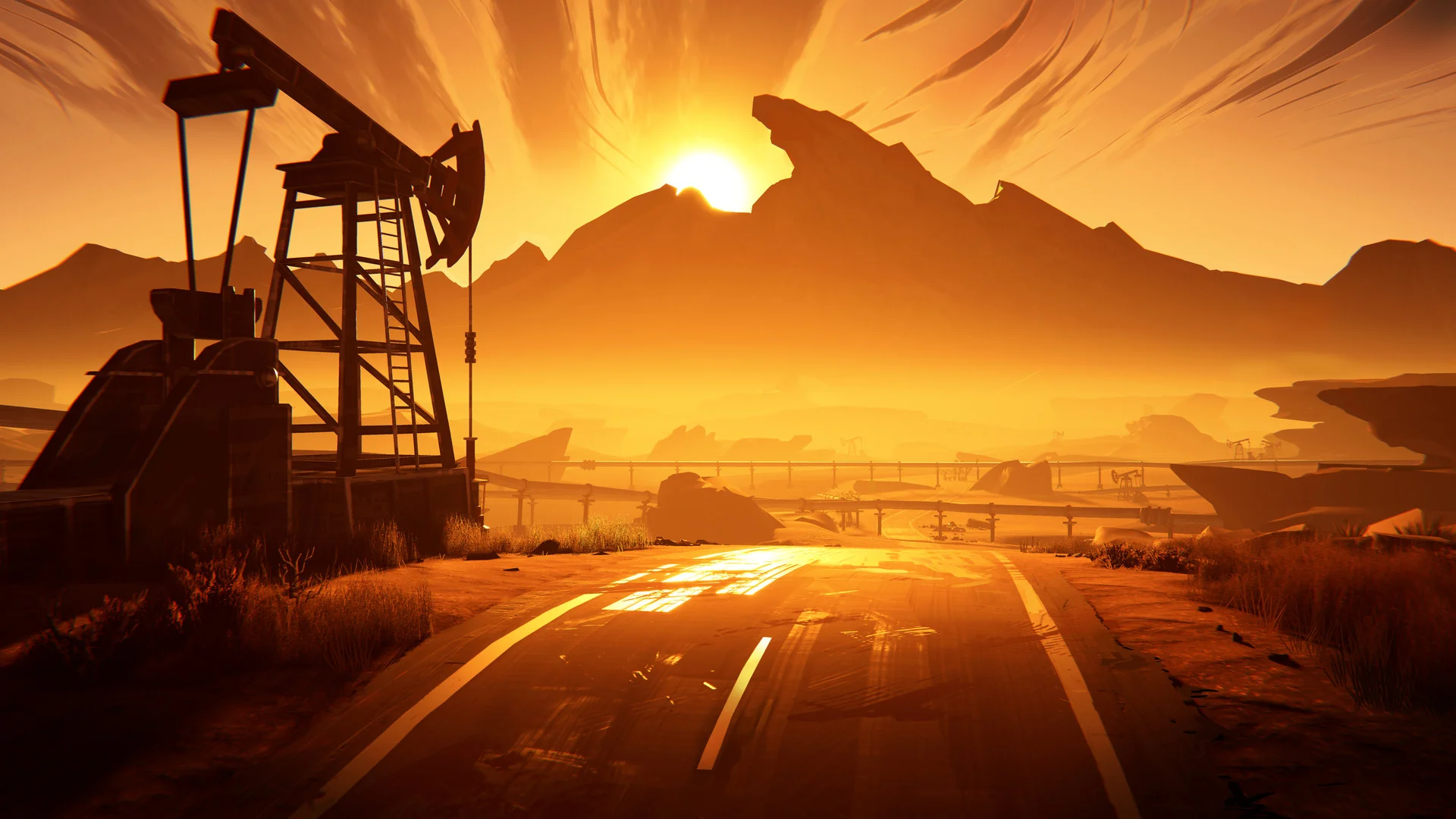

Road 96

Performance
1080p (Full HD)
1440p (2K / QHD)
4K (Ultra HD)

Requirements Check


Recommendations
Your hardware doesn't meet minimum requirements for this game.
Average FPS: resolution vs quality settings
| Ultra | High | Medium | Low | |
|---|---|---|---|---|
| 4K Ultra HD | 24 | 35 | 41 | 56 |
| 1440p QHD | 47 | 59 | 77 | 106 |
| 1080p Full HD | 74 | 97 | 119 | 163 |
Cell color: green is 120+ FPS, teal is 60+, amber is 30+, red is below 30. Cards marked Estimated above have no measured row and are scaled from your GPU benchmark percentile.
Performance Analysis: Road 96 on Your System
Intel Core i5-14600KF and Intel Arc B580 is a combination that delivers a wide spread of frame rates in Road 96 depending on how much resolution and visual fidelity you demand from it. The data shows a clear pattern: this pairing comfortably handles the game at 1080p across every preset, remains playable at 1440p with some settings compromises, but falls short of the 60 FPS target at 4K regardless of the graphics level chosen. The following analysis breaks down the measured performance, contextualizes it against comparable hardware, and provides a definitive answer on what settings you can run at each resolution.
FAQ
Q: Can this PC run Road 96 at 4K resolution?
A: No. At 3840x2160, the best average frame rate achieved is 55.8 FPS on Low settings. The High preset drops to 35.2 FPS, Medium yields 41.2 FPS, and Ultra falls to 24 FPS. None of these meet the 60 FPS playable threshold, and the verdict data confirms no playable settings exist at this resolution.
Q: What is the highest graphical preset that maintains 60 FPS at 1440p?
A: Medium settings is the most demanding preset that stays at or above 60 FPS. The measured average at 1440p Medium is 77.1 FPS. Low settings also clear the bar with 106 FPS, but High (58.6 FPS) and Ultra (47 FPS) both fall below the playable threshold.
Q: Does the game run at 60 FPS on Ultra settings at 1080p?
A: Yes. At 1920x1080 with Ultra settings, the average frame rate is 74.3 FPS. This is the most demanding preset tested, and it remains comfortably above the 60 FPS playable threshold. All other 1080p presets also exceed 60 FPS: High (97.1 FPS), Medium (118.7 FPS), and Low (163.4 FPS).
Q: How does the Intel Arc B580 compare to the NVIDIA GeForce RTX 2080 in this context?
A: The Arc B580's average benchmark score is 23021, while the RTX 2080's average score is 22895. The delta is 0.6%, meaning the Arc B580 is marginally ahead of the RTX 2080 in overall GPU benchmark performance. This places them as direct rivals in compute capability.
Q: What is the performance difference between the i5-14600KF and the AMD Ryzen 9 7900?
A: The i5-14600KF has an average benchmark score of 49394, while the Ryzen 9 7900 scores 49228. The delta is 0.3%, meaning the Intel chip is essentially tied with the Ryzen 9 7900, being just 0.3% ahead in aggregate CPU benchmarks.
Q: Is the game more demanding on the CPU or GPU at lower resolutions?
A: The data shows that as resolution decreases, frame rates scale up dramatically, indicating the GPU becomes less of a bottleneck at 1080p. For instance, moving from 1440p Ultra (47 FPS) to 1080p Ultra (74.3 FPS) represents a 58% increase in performance, while the CPU workload remains constant, suggesting the GPU is the primary limiting factor at higher resolutions.
CPU and GPU Roles
The performance scaling across resolutions reveals how the balance shifts between the Intel Core i5-14600KF and the Intel Arc B580. At 3840x2160, the GPU is clearly the dominant constraint. The frame rate at 4K Low is 55.8 FPS, which is only 58% of the 1080p Low result of 163.4 FPS. This large drop indicates that the Arc B580's rasterization throughput becomes the limiting factor as pixel count increases, and the CPU has ample headroom to feed frames.
Moving to 2560x1440, the balance starts to even out but the GPU still exerts significant pressure. The 1440p Medium result of 77.1 FPS is exactly 65% of the 1080p Medium result of 118.7 FPS. This proportional scaling suggests that for this game, the GPU workload scales almost linearly with resolution, and the CPU is not introducing any meaningful bottleneck at 1440p. The i5-14600KF, with its 14 cores and 20 threads, provides more than enough processing power for Road 96's adventure genre workloads.
At 1920x1080, the CPU and GPU combination reaches its most balanced state. The 1080p Ultra result of 74.3 FPS is the highest preset that still clears 60 FPS, and the 163.4 FPS at Low settings shows that the pairing can push very high frame rates when the GPU load is light. The fact that the 1080p Low result is more than double the 4K Low result (163.4 vs 55.8 FPS) highlights that the GPU is the primary scaling factor. The CPU's role is to ensure the GPU is fed with data, and its 125W TDP and high boost clock of 5.30 GHz are sufficient to avoid becoming the limiting factor in any tested configuration.
The preset scaling also tells a story about GPU and CPU roles. At 1080p, moving from Low to Ultra settings only drops the frame rate from 163.4 to 74.3 FPS, a 54% reduction. At 4K, the same preset change drops the frame rate from 55.8 to 24 FPS, a 57% reduction. This consistency in relative performance degradation across resolutions indicates that the graphics settings are primarily affecting GPU load, and the CPU is not struggling to keep up even at the highest preset settings.
Measured FPS Breakdown
3840x2160 (4K): The data shows no playable configurations at this resolution. On Low settings, the average frame rate is 55.8 FPS, which is just shy of the 60 FPS threshold. Medium settings drop to 41.2 FPS, High settings yield 35.2 FPS, and Ultra settings produce 24 FPS. The gap between Low and Ultra is substantial, representing a 57% reduction in performance. This resolution is clearly beyond what this combination can handle for smooth gameplay.
2560x1440 (1440p): Two settings clear the 60 FPS bar. Low settings deliver 106 FPS on average, providing significant headroom above the playable threshold. Medium settings achieve 77.1 FPS, which is the best setting that maintains playability while improving visual quality. High settings fall just short at 58.6 FPS, missing the 60 FPS target by a narrow margin. Ultra settings drop to 47 FPS, making them the least playable option at this resolution. The transition from Low to Ultra represents a 56% performance drop, from 106 to 47 FPS.
1920x1080 (1080p): Every preset tested at this resolution exceeds the 60 FPS threshold. Low settings produce 163.4 FPS, which is the highest frame rate recorded for this combination. Medium settings achieve 118.7 FPS, High settings reach 97.1 FPS, and even the most demanding Ultra preset maintains 74.3 FPS. The scaling from Low to Ultra shows a 55% reduction in frame rate, but the absolute numbers remain high enough that even the worst case is comfortably playable. This resolution is where the CPU and GPU combination shines, offering smooth performance across the entire settings range.
Similar Performance Alternatives
Looking at the CPU's nearest rivals, the Intel Core i5-14600KF is bracketed by several AMD and Intel options. The AMD Ryzen 9 7900 is the closest competitor with an average score of 49228, just 0.3% below the i5-14600KF's 49394. The AMD Ryzen 7 PRO 5755G scores 49196, a 0.4% deficit. The Intel Core Ultra 5 245 scores 48995, which is 0.8% lower. On the other side, the AMD Ryzen AI Max+ 388 scores 49796, which is 0.8% higher than the i5-14600KF. In practice, any of these CPUs would deliver nearly identical performance in Road 96, as the game's workload is unlikely to expose the small differences between these processors.
For the GPU, the Intel Arc B580's nearest rivals show an interesting mix of older and newer hardware. The AMD Radeon RX 580 2048SP has an average score of 23061, which is 0.2% higher than the Arc B580's 23021. The NVIDIA GeForce RTX 2080 scores 22895, putting it 0.6% behind the Arc B580. The NVIDIA GeForce RTX 3080 scores 23172, which is 0.7% higher, and the NVIDIA P106-100 scores 23249, which is 1% higher. The delta between the lowest and highest scoring rival is only 1.7%, meaning all of these GPUs would produce very similar frame rates in Road 96. The RTX 3080 would be the strongest alternative, offering a marginal performance edge, while the RTX 2080 would be the weakest, but the differences are so small that they would not change the playability verdict at any resolution.
How This Combo Ranks
The Intel Core i5-14600KF and Intel Arc B580 combination ranks 2831 out of 3713 tested combos for Road 96. This places it in the 24th percentile of all combinations tested, meaning roughly three-quarters of the tested system configurations perform better in this game. This ranking reflects the fact that while the CPU is quite strong (the i5-14600KF sits in the 90th percentile versus all CPUs), the GPU is more modest (the Arc B580 is in the 68th percentile versus all GPUs). For a game like Road 96, which is not particularly demanding on hardware, this combination is sufficient for 1080p and 1440p gaming but does not have the raw GPU power to handle 4K.
The ranking also suggests that many other hardware pairings will offer better performance, particularly those with more powerful GPUs. However, the rank is not a measure of whether the game is playable, but rather where this combo stands relative to all other tested combos. The fact that it clears 60 FPS at 1080p on all settings and 1440p on two settings demonstrates that a below-average ranking does not preclude a good gaming experience at moderate resolutions.
The Verdict
This PC can absolutely run Road 96, but the experience depends heavily on your target resolution. At 1920x1080, the combination delivers a flawless experience across all settings, with even Ultra settings maintaining 74.3 FPS on average. This is the resolution where the system performs best, offering smooth gameplay with no compromises needed. At 2560x1440, the system remains playable but requires settings adjustments. Medium settings are the sweet spot at 77.1 FPS, and Low settings provide even more headroom at 106 FPS. High and Ultra settings fall short of the 60 FPS target, so you would need to accept lower visual fidelity to maintain smooth gameplay. At 3840x2160, the system cannot maintain 60 FPS at any setting. The closest result is 55.8 FPS on Low, which is below the playable threshold, and all other presets are significantly worse. For 4K gaming, this hardware combination is not sufficient for Road 96.
Best Settings per Resolution
At 3840x2160, no setting achieves 60 FPS, so there is no recommended configuration. The highest frame rate is 55.8 FPS on Low, which falls short of the playable threshold.
At 2560x1440, the best setting that stays at or above 60 FPS is Medium, with an average frame rate of 77.1 FPS. This provides a good balance between visual quality and performance. Low settings would also be viable at 106 FPS if you prioritize frame rate over fidelity, but Medium offers the best visual experience while maintaining playability.
At 1920x1080, Ultra settings achieve 74.3 FPS on average, making it the most demanding preset that clears the 60 FPS threshold. This is the recommended configuration for 1080p gaming, as it provides the highest visual quality while still maintaining smooth performance. All other presets also exceed 60 FPS, so you have the flexibility to choose between even higher frame rates on Medium (118.7 FPS) or Low (163.4 FPS) if you prefer.