
Instant compatibility check with FPS benchmarks and optimization tips
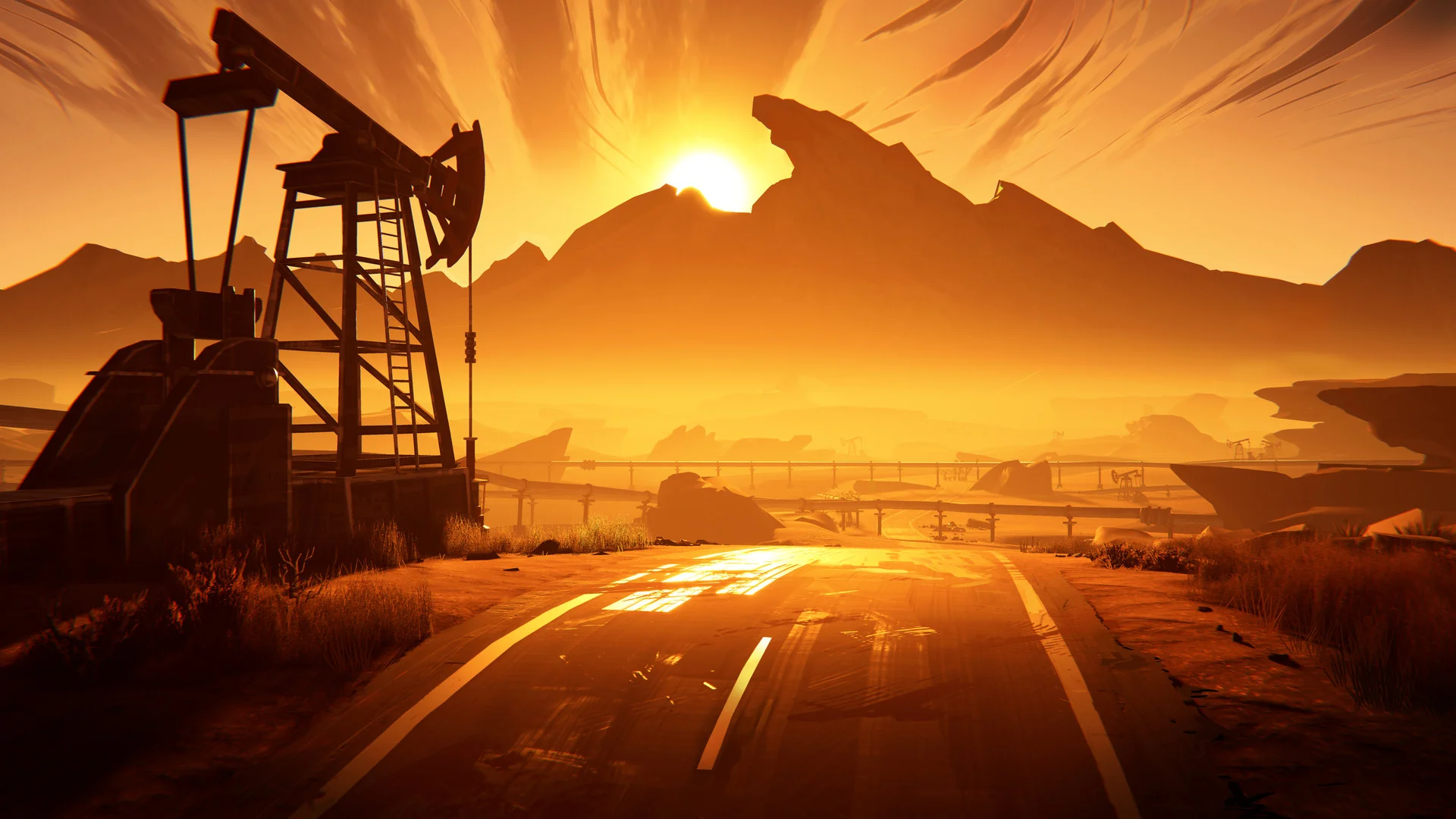

Road 96

Performance
1080p (Full HD)
1440p (2K / QHD)
4K (Ultra HD)

Requirements Check


Recommendations
Your hardware doesn't meet minimum requirements for this game.
Average FPS: resolution vs quality settings
| Ultra | High | Medium | Low | |
|---|---|---|---|---|
| 4K Ultra HD | 13 | 17 | 21 | 29 |
| 1440p QHD | 25 | 32 | 40 | 54 |
| 1080p Full HD | 39 | 50 | 62 | 85 |
Cell color: green is 120+ FPS, teal is 60+, amber is 30+, red is below 30. Cards marked Estimated above have no measured row and are scaled from your GPU benchmark percentile.
Performance Analysis: Road 96 on Your System
The Intel Core i5-14600KF paired with the Intel Arc B370 presents a distinct performance profile in Road 96, characterized by a significant dependence on resolution and graphics settings. The recorded data shows that this combination is only viable for smooth gameplay at a 1080p resolution, with higher resolutions falling short of the 60 FPS threshold.
Measured FPS Breakdown
At 3840x2160, the results are consistently below playable levels. With High settings, the average FPS is 17. Dropping to Medium settings yields an average of 21 FPS, with a minimum of 18 and a maximum of 24. Low settings improve the average to 29 FPS, while Ultra settings reduce it to an average of 13 FPS. None of these configurations approach 60 FPS.
At 2560x1440, performance improves but remains insufficient for smooth play. High settings deliver an average of 32 FPS. Medium settings produce an average of 40 FPS, with a minimum of 34 and a maximum of 46. Low settings reach an average of 54 FPS, and Ultra settings drop to an average of 25 FPS. The highest average here, 54 FPS at Low, still falls short of the 60 FPS target.
At 1920x1080, the combination finally reaches playable territory. Low settings deliver an average of 85 FPS. Medium settings achieve an average of 62 FPS, with a minimum of 53 and a maximum of 72. High settings produce an average of 50 FPS, and Ultra settings yield an average of 39 FPS. The data shows a clear drop-off from Medium to High, where the average FPS falls by 12 points, and a further drop to Ultra.
CPU and GPU Roles
The performance scaling across resolutions indicates that the Intel Arc B370 is the limiting factor in this configuration. The game's demands scale heavily with pixel count, and the GPU's integrated nature, with its System Shared memory, becomes a bottleneck as resolution increases. The transition from 1920x1080 to 2560x1440 at Low settings shows a significant drop from 85 FPS to 54 FPS, a reduction of 31 FPS. This trend continues to 3840x2160, where the same Low setting yields only 29 FPS.
The CPU, the Intel Core i5-14600KF, is a high-performance desktop processor with 14 cores and 20 threads, capable of a boost clock of 5.30 GHz. Its benchmark scores, such as a Cinebench R23 multicore score of 32544 and a single-core score of 4594, place it in the 90th percentile of all CPUs. This processing power is likely not the primary constraint in this game. The more relevant factor is the GPU's performance, which sits in the 5th percentile of all GPUs based on its average benchmark score.
The role of the CPU becomes more apparent at lower resolutions and settings, where the GPU has less work to do per frame. At 1920x1080 with Low settings, the 85 FPS average suggests the system is capable of high frame rates, but the GPU's limitations prevent this from scaling to higher resolutions. The data indicates that the CPU can feed frames quickly enough, but the Arc B370 cannot render them at higher resolutions with the same efficiency.
Best Settings per Resolution
For 3840x2160, no settings preset achieves an average of 60 FPS or higher. The best average FPS recorded at this resolution is 29 with Low settings, which is not playable per the database's threshold.
For 2560x1440, the situation is similar. No preset reaches the 60 FPS threshold. The highest average is 54 FPS with Low settings, which is a close miss but still below the playable standard.
For 1920x1080, the most demanding preset that stays at or above 60 FPS is Medium. This setting delivers an average FPS of 62, with a minimum of 53 and a maximum of 72. This is the only resolution and preset combination that meets the playable threshold while maintaining a higher visual quality than the Low preset.
FAQ
Q: Can this PC run Road 96 at 4K resolution?
A: No. At 3840x2160, the highest average FPS recorded is 29 with Low settings. All other presets, High, Medium, and Ultra, produce averages of 17, 21, and 13 FPS respectively, all far below the 60 FPS playable threshold.
Q: What is the best playable settings preset at 1440p?
A: There is no playable preset at 2560x1440. The highest average FPS at this resolution is 54 with Low settings, which is below the 60 FPS threshold. Medium settings yield an average of 40 FPS, and High and Ultra produce 32 and 25 FPS respectively.
Q: What settings should I use for a smooth experience at 1080p?
A: The Medium preset is the most demanding option that maintains an average of 60 FPS or higher. It achieves an average of 62 FPS. Using the Low preset will provide a higher average of 85 FPS. The High preset drops to an average of 50 FPS, and Ultra falls to 39 FPS.
Q: How does the Intel Core i5-14600KF compare to other CPUs in the database?
A: The CPU is in the 90th percentile of all CPUs. Its average benchmark score is 49394, which is 0.3% higher than the AMD Ryzen 9 7900 and 0.4% higher than the AMD Ryzen 7 PRO 5755G. It is 0.8% higher than the Intel Core Ultra 5 245 and 0.8% lower than the AMD Ryzen AI Max+ 388.
Q: How does the Intel Arc B370 compare to other GPUs in the database?
A: The GPU is in the 5th percentile of all GPUs. Its average benchmark score is 1184. This is 0.2% lower than the ATI Mobility Radeon HD 5570, 0.5% lower than the ATI Radeon HD 5770, and 0.7% lower than the AMD Radeon HD 7650M. It is 1.4% higher than the AMD FirePro M2000.
Q: Is the CPU or GPU more responsible for the performance in this game?
A: The data suggests the GPU is the limiting factor. Performance scales significantly with resolution, dropping from 85 FPS at 1080p Low to 29 FPS at 4K Low. The CPU's high benchmark scores and 90th percentile ranking indicate it is likely not the bottleneck, while the GPU's 5th percentile ranking and low scores align with the performance limitations observed.
How This Combo Ranks
In the database's ranking for Road 96, this specific combination of the Intel Core i5-14600KF and Intel Arc B370 is ranked 3427 out of 3713 tested combos. This places it in the lower percentile of tested systems, indicating that it performs worse than the vast majority of other hardware combinations tested for this game. This low ranking is consistent with the measured FPS data, which shows that the system struggles to maintain playable frame rates at higher resolutions.
The Verdict
This PC can run Road 96, but only under specific conditions. The verdict by resolution is clear: at 3840x2160 and 2560x1440, there are no playable settings. The system fails to reach the 60 FPS threshold at these resolutions with any preset.
At 1920x1080, the system is capable of running the game smoothly. The playable settings are Low and Medium. The best settings, meaning the most demanding preset that still clears 60 FPS, is Medium, which produces an average FPS of 62. For users with a 1080p display, this combination is viable. For higher resolutions, the Intel Arc B370 is not sufficient to deliver a playable experience, and the data indicates that users should stick to 1080p to get a consistent frame rate above the playable threshold.