
Instant compatibility check with FPS benchmarks and optimization tips
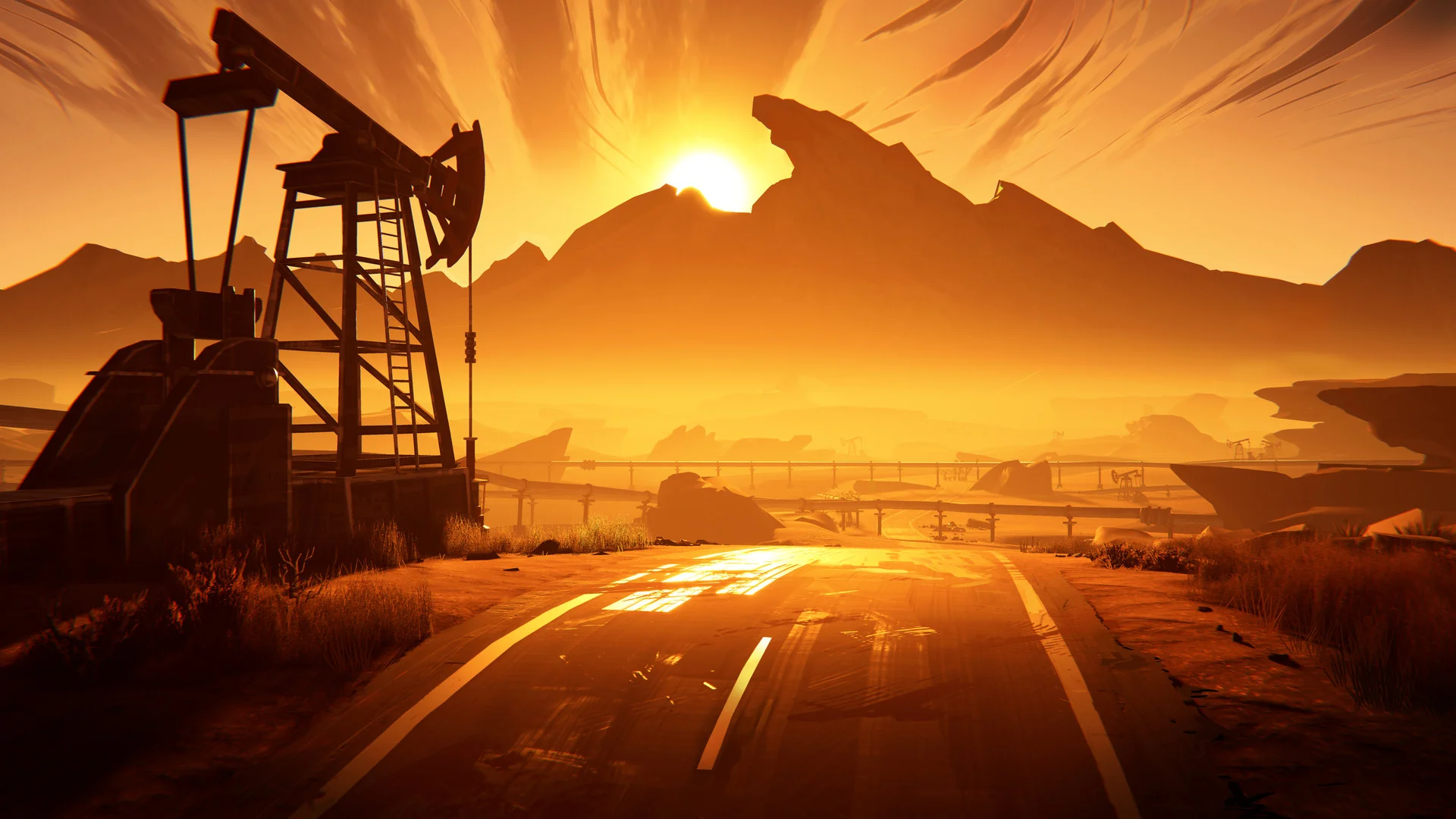

Road 96

Performance
1080p (Full HD)
1440p (2K / QHD)
4K (Ultra HD)

Requirements Check


Recommendations
Your hardware doesn't meet minimum requirements for this game.
Average FPS: resolution vs quality settings
| Ultra | High | Medium | Low | |
|---|---|---|---|---|
| 4K Ultra HD | 15 | 19 | 23 | 32 |
| 1440p QHD | 28 | 35 | 44 | 60 |
| 1080p Full HD | 43 | 56 | 69 | 94 |
Cell color: green is 120+ FPS, teal is 60+, amber is 30+, red is below 30. Cards marked Estimated above have no measured row and are scaled from your GPU benchmark percentile.
Performance Analysis: Road 96 on Your System
# Road 96: Intel Core i5-13400F + Intel Arc B390 Performance Analysis
The database records for Intel Core i5-13400F and Intel Arc B390 paint a clear picture of what this pairing can do in Road 96. The CPU benchmarks show a strong mid-range desktop processor, and the GPU benchmarks reveal a capable entry-level graphics solution. The measured FPS data tells the full story across resolutions and presets.
Measured FPS Breakdown
The recorded FPS data for Road 96 shows a clear pattern across the three tested resolutions. At 1080p, the game is highly playable. The "Medium" preset averages 69 FPS, with a measured minimum of 59 and maximum of 79. This is comfortably above the 60 FPS threshold and indicates a smooth experience. The "High" preset at 1080p averages 56 FPS, which is still respectable but below the 60 FPS line. The "Low" preset at 1080p is far less demanding, hitting an average of 94 FPS, giving plenty of headroom for demanding scenes. The "Ultra" preset at 1080p averages 43 FPS, which is playable but requires the user to accept a lower frame rate.
Moving to 1440p, the data shows a steeper drop-off. "Low" settings at 2560x1440 produce an average of 60 FPS, which is exactly at the 60 FPS threshold. "Medium" at this resolution drops to an average of 44 FPS, with a recorded minimum of 37, which is below the playable threshold. "High" at 1440p averages 35 FPS, and "Ultra" averages 28 FPS. Neither of these are smooth experiences.
At 4K (3840x2160), the game becomes much more demanding. The "Low" preset averages 32 FPS, which is below the playable threshold. "Medium" averages 23 FPS, with a minimum of 20. "High" at 4K averages 19 FPS, and "Ultra" drops to 15 FPS. None of the 4K presets are playable.
Best Settings per Resolution
For users targeting 60 FPS, the data clearly identifies the best settings at each resolution.
At 1920x1080, the "Medium" preset is the optimal choice. It is the only preset at this resolution that maintains an average above 60 FPS, averaging 69 FPS. The "Low" preset is also a viable option, averaging 94 FPS, which provides extra headroom for demanding scenes. The "High" preset at 1080p averages 56 FPS, just below the 60 FPS target. The "Ultra" preset is the most demanding, averaging 43 FPS.
At 2560x1440, only the "Low" preset achieves the 60 FPS target, with an average of exactly 60 FPS. This is the only playable setting at this resolution. "Medium" at 1440p averages 44 FPS, "High" averages 35 FPS, and "Ultra" averages 28 FPS, all of which are below the playable threshold.
At 3840x2160, no preset reaches the 60 FPS threshold. The "Low" preset comes closest, with an average of 32 FPS. The visual experience at 4K will require compromises.
CPU and GPU Roles
The benchmark data shows a clear divide in workload between processor and graphics card at different resolutions. The CPU benchmark scores are strong, with the i5-13400F showing a Cinebench R23 multi-core score of 22604 and a single-core score of 3191. The GPU data shows a more modest 3DMark Steel Nomad DX12 score of 1482, placing it in the 9th percentile of all GPUs.
At 1080p, the game is primarily GPU-bound. The CPU has enough headroom to feed the Arc B390, and the GPU determines the frame rate, as seen by the drop from "Low" to "Ultra" presets. The delta between "Low" (94 FPS) and "Medium" (69 FPS) is a 25 FPS drop, and the "Ultra" preset halves the "Low" frame rate to 43 FPS.
At 1440p, the workload shifts more to the GPU. The CPU is still capable, but the GPU's limits become more evident. The FPS difference between "Low" and "Medium" is 16 FPS (60 to 44), showing a steeper scaling of GPU load. The "High" and "Ultra" presets show further degradation.
At 4K, the GPU is clearly the primary bottleneck. The CPU is less of a limiting factor as the resolution demands more of the GPU's shading, texture and ROP resources. The difference between "Low" (32 FPS) and "Medium" (23 FPS) is a 9 FPS drop, and "Ultra" drops to 15 FPS.
The CPU's strong multi-threaded performance (a 3DMark 16-thread score of 7314 and a Passmark multithread score of 25032) ensures that it does not hold back the GPU at higher resolutions. The lower resolutions test the GPU's geometry and fill-rate limits, while 4K demands more from the Arc B390's compute resources.
Similar Performance Alternatives
The database lists several CPUs and GPUs with similar performance profiles that would behave like the Intel Core i5-13400F and Intel Arc B390.
CPU alternatives: The AMD Ryzen 9 6900HS (average score 25284, within 0.0% of the i5-13400F) and the Intel Core 5 120 (average score 25362, 0.3% higher) are the closest CPU rivals. The AMD Ryzen 5 5600X3D (average 25365, 0.3% higher) and AMD Ryzen 7 6800H (average 25201, 0.4% lower) show that this performance tier is populated by a range of 13th gen Core and Ryzen processors. These CPUs will all provide very similar gameplay when paired with a comparably performing GPU.
GPU alternatives: On the graphics side, the nearest rival to the Arc B390 is the NVIDIA GeForce GT 520MX, with an average 3DMark score of 1463, which is 1.3% lower. The NVIDIA GeForce 800M (1460, 1.5% lower) and NVIDIA GeForce GT 625 OEM (1446, 2.5% lower) are also close. The NVIDIA GeForce GT 710 (1443, 2.7% lower) is another comparison point. All of these would land in a similar performance band to the Arc B390.
For the most balanced experience, matching the Core i5-13400F with a GPU in the same performance tier as the Arc B390 will reproduce the recorded frame rates above.
FAQ
Q: Can the Intel Core i5-13400F and Intel Arc B390 run Road 96 at 1080p?
A: Yes. The data shows that at 1920x1080 with "Medium" settings, the average FPS is 69, with a minimum of 59 and a maximum of 79. This is above the 60 FPS target. The "High" preset also averages 56 FPS, which is close but below the threshold.
Q: What is the best preset for 2560x1440?
A: The "Low" preset is the only one at this resolution that maintains a 60 FPS average. It averages exactly 60 FPS. Any higher preset will drop below the 60 FPS line: "Medium" averages 44, "High" 35, and "Ultra" 28.
Q: Is 4K playable on this system?
A: No. All four presets at 3840x2160 fall below the 60 FPS target. The "Low" preset comes closest, averaging 32 FPS, but that is still well below the playable threshold.
Q: How much of a performance difference does the CPU make?
A: The data shows that at 1080p, the game is mostly GPU limited. The CPU does not bottleneck until the lower presets. At higher resolutions, the GPU's capabilities define the frame rate. The CPU's strong multi-threaded synthetic performance (Cinebench R23 multi-core: 22604) provides enough processing headroom for the GPU to be the limiting factor.
The Verdict
The database's measured performance data gives a clear answer: Yes, the Intel Core i5-13400F can run Road 96. At 1920x1080 with "Medium" settings, the game achieves a 69 FPS average, which clears the 60 FPS bar. The "Low" preset at 1080p averages 94 FPS, leaving room for demanding scenes. At 2560x1440, the "Low" preset is the only one that keeps a 60 FPS average. At 3840x2160, the game is a demanding 4K experience, with the "Low" preset averaging 32 FPS, and no preset reaches the playable threshold. For the best experience, use 1080p with the "Medium" or "Low" preset.