
Instant compatibility check with FPS benchmarks and optimization tips
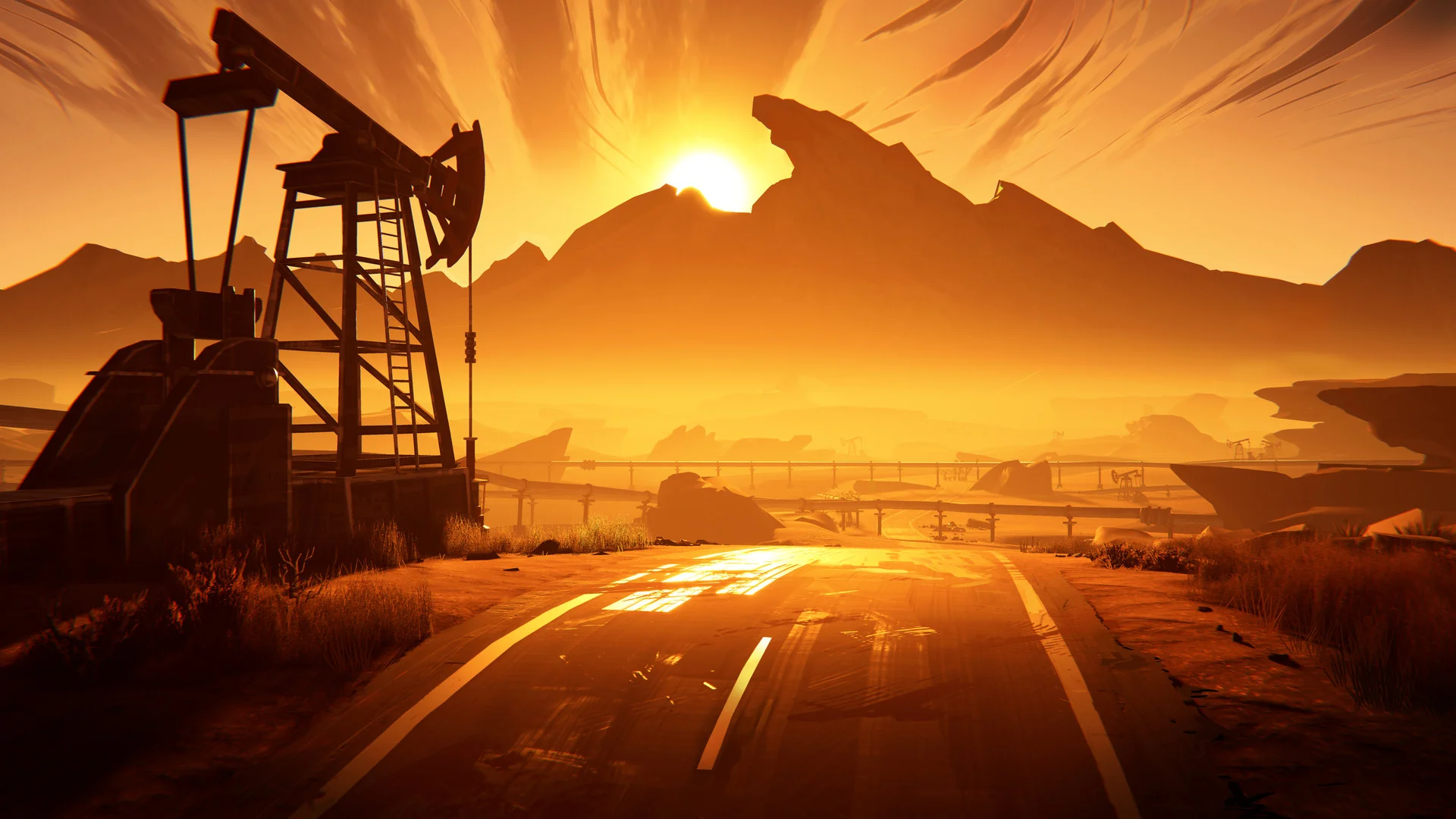

Road 96

Performance
1080p (Full HD)
1440p (2K / QHD)
4K (Ultra HD)

Requirements Check


Recommendations
Your hardware doesn't meet minimum requirements for this game.
Average FPS: resolution vs quality settings
| Ultra | High | Medium | Low | |
|---|---|---|---|---|
| 4K Ultra HD | 13 | 17 | 21 | 29 |
| 1440p QHD | 25 | 32 | 40 | 54 |
| 1080p Full HD | 39 | 50 | 62 | 85 |
Cell color: green is 120+ FPS, teal is 60+, amber is 30+, red is below 30. Cards marked Estimated above have no measured row and are scaled from your GPU benchmark percentile.
Performance Analysis: Road 96 on Your System
How This Combo Ranks
The Intel Core i5-13400F + Intel Arc B370 combination ranks 3427 out of 3713 tested combos in Road 96. That places it in the bottom 8% of all tested systems, which is a poor result for a game that is not graphically demanding by modern standards. The database shows this combo is severely held back by the GPU side of the pairing.
For context, the Intel Arc B370 sits at the 5th percentile among all GPUs in the database. Its average benchmark score of 1184 puts it in direct competition with legacy mobile and entry-level desktop parts. The nearest rivals are the ATI Mobility Radeon HD 5570 at 1186 (0.2% faster), the ATI Radeon HD 5770 at 1190 (0.5% faster), and the AMD Radeon HD 7650M at 1192 (0.7% faster). The AMD FirePro M2000 trails at 1168, which is 1.4% slower. This is not a GPU designed for modern gaming at high resolutions.
The CPU, by contrast, is far more capable. The Core i5-13400F sits at the 77th percentile among all CPUs. Its average benchmark score of 25292 is essentially tied with the AMD Ryzen 9 6900HS at 25284 (0% delta), the Intel Core 5 120 at 25362 (0.3% faster), and the AMD Ryzen 5 5600X3D at 25365 (0.3% faster). The AMD Ryzen 7 6800H trails slightly at 25201 (0.4% slower). None of these CPU rivals are the bottleneck here.
The measured FPS data confirms the imbalance. At 1080p Ultra, the combo manages only 39 FPS average. At 1440p Ultra, it drops to 25 FPS. At 4K Ultra, it falls to 13 FPS. The CPU has ample headroom, but the GPU cannot push frames fast enough. This is a textbook case of a strong processor paired with a very weak graphics solution.
FAQ
Q: Can this PC run Road 96 at 1080p at 60 FPS?
A: Yes, but only on Low or Medium settings. The measured results show 85 FPS average on Low and 62 FPS average on Medium at 1920x1080. High settings drop to 50 FPS, and Ultra falls to 39 FPS, both below the 60 FPS threshold.
Q: What is the best settings preset for 1080p that stays above 60 FPS?
A: Medium settings at 1920x1080 is the most demanding preset that clears 60 FPS. It delivers 62 FPS average, with a minimum of 53 FPS and a maximum of 72 FPS. Low settings are also playable at 85 FPS average.
Q: Is 1440p playable with this combo?
A: No. The verdict data lists no playable settings at 2560x1440. The best result is 54 FPS average on Low settings, which is below the 60 FPS threshold. Medium drops to 40 FPS, High to 32 FPS, and Ultra to 25 FPS.
Q: How does 4K performance compare to 1080p?
A: The scaling is poor. At 4K Ultra, the combo averages 13 FPS, which is 26 FPS lower than 1080p Ultra. Even at 4K Low, it only reaches 29 FPS average, far below the 60 FPS target. The GPU simply does not have enough throughput for 4K rendering.
Q: What does the GPU percentile tell us about this combo?
A: The Intel Arc B370 is at the 5th percentile among all GPUs. Its nearest rivals are all legacy ATI parts from over a decade ago. This means the GPU is the primary limiting factor in Road 96, not the CPU.
Q: Is the CPU holding back the GPU in this game?
A: No. The Core i5-13400F scores at the 77th CPU percentile, with a multi-threaded Cinebench R23 score of 22604 and a single-core score of 3191. The GPU is the bottleneck at every resolution and preset combination in the measured data.
CPU and GPU Roles
The data shows a clear division of labor in this pairing. The CPU is vastly more capable than the GPU, and the measured FPS scaling across resolutions confirms that the graphics processor is the limiting factor.
Look at the 1080p results first. At Low settings, the combo delivers 85 FPS average. At Medium, it drops to 62 FPS. At High, it falls to 50 FPS. At Ultra, it bottoms out at 39 FPS. The gap between Low and Ultra is 46 FPS, which is a 54% reduction in frame rate. This steep drop as settings increase indicates the GPU is struggling with the added rendering load, not the CPU.
Now compare 1080p to 1440p at the same settings. At Low, 85 FPS at 1080p falls to 54 FPS at 1440p, a 36% reduction. At Medium, 62 FPS drops to 40 FPS, a 35% reduction. At High, 50 FPS drops to 32 FPS, a 36% reduction. At Ultra, 39 FPS drops to 25 FPS, a 36% reduction. The consistency of this drop across all settings is a classic sign of a GPU-bound scenario: doubling the pixel count reduces frame rate by roughly a third, regardless of the preset.
The 4K results reinforce this. At Low, 1440p's 54 FPS falls to 29 FPS at 4K, a 46% reduction. At Medium, 40 FPS falls to 21 FPS, a 48% reduction. At High, 32 FPS falls to 17 FPS, a 47% reduction. At Ultra, 25 FPS falls to 13 FPS, a 48% reduction. The pixel count increase from 1440p to 4K cuts frame rates nearly in half, again pointing squarely at the GPU.
The CPU, meanwhile, has no trouble feeding frames. The Core i5-13400F has 10 cores and 16 threads, with a boost clock of 4.60 GHz. Its Cinebench R23 multi-core score of 22604 and single-core score of 3191 are strong for gaming. The nearest CPU rivals in the database, the AMD Ryzen 9 6900HS and Intel Core 5 120, perform within 0.3% of each other, so the processor is not the weak link.
In practical terms, if you were to upgrade the GPU, you would see immediate gains in Road 96. Swapping the CPU would yield almost nothing, since it already has far more headroom than the Arc B370 can use.
The Verdict
This PC can run Road 96, but only at 1080p and only on Low or Medium settings. The verdict data is unambiguous: at 1920x1080, the playable settings list includes Low and Medium, with Medium being the best choice at 62 FPS average. High and Ultra at 1080p both fall below the 60 FPS threshold, so they are not recommended.
At 2560x1440, there are no playable settings. The best result is Low at 54 FPS average, which misses the 60 FPS target by 6 FPS. Medium, High, and Ultra are progressively worse at 40, 32, and 25 FPS respectively. The database lists no playable settings for 1440p.
At 3840x2160, the situation is worse. Even Low settings only reach 29 FPS average. Medium averages 21 FPS, High averages 17 FPS, and Ultra averages 13 FPS. There is no path to 60 FPS at 4K with this hardware.
Ultimately: if you have a 1080p monitor and are willing to use Medium settings, this combo will play Road 96 smoothly. For 1440p or 4K displays, you need a different GPU. The CPU is fine, but the Arc B370 is not up to the task beyond 1080p.
Measured FPS Breakdown
The measured data covers four settings presets (Low, Medium, High, Ultra) across three resolutions. Here is the full breakdown.
1920x1080 (1080p)
- Low: 85 FPS average (no min/max recorded)
- Medium: 62 FPS average, 53 FPS minimum, 72 FPS maximum
- High: 50 FPS average (no min/max recorded)
- Ultra: 39 FPS average (no min/max recorded)
2560x1440 (1440p)
- Low: 54 FPS average (no min/max recorded)
- Medium: 40 FPS average, 34 FPS minimum, 46 FPS maximum
- High: 32 FPS average (no min/max recorded)
- Ultra: 25 FPS average (no min/max recorded)
3840x2160 (4K)
- Low: 29 FPS average (no min/max recorded)
- Medium: 21 FPS average, 18 FPS minimum, 24 FPS maximum
- High: 17 FPS average (no min/max recorded)
- Ultra: 13 FPS average (no min/max recorded)
The only preset with recorded minimum and maximum values is Medium at each resolution. At 1080p Medium, the frame rate varies between 53 and 72 FPS, meaning the 60 FPS target is met on average but dips below during demanding scenes. At 1440p Medium, the range is 34 to 46 FPS, consistently below 60. At 4K Medium, the range is 18 to 24 FPS, which is barely playable.
The pattern is clear: this combo is playable only at 1080p Low or Medium. Everything else falls short of the 60 FPS threshold.
Best Settings per Resolution
1920x1080: The best settings preset that stays at or above 60 FPS is Medium. It delivers 62 FPS average, which clears the threshold by 2 FPS. The minimum recorded FPS is 53, so there will be occasional dips below 60, but the average is acceptable. Low settings are also an option at 85 FPS average, but Medium offers better visual quality for a small FPS cost. High and Ultra at 50 and 39 FPS respectively are not recommended.
2560x1440: There is no settings preset that reaches 60 FPS at this resolution. The closest is Low at 54 FPS average, which misses the target by 6 FPS. Medium drops to 40 FPS, High to 32 FPS, and Ultra to 25 FPS. If you must play at 1440p, Low is the only viable option, but it will not be smooth. The database lists no playable settings for this resolution.
3840x2160: No settings preset is close to 60 FPS at 4K. Low averages 29 FPS, Medium 21 FPS, High 17 FPS, and Ultra 13 FPS. There is no playable configuration at this resolution. The GPU simply does not have the raw power to render Road 96 at 4K at acceptable frame rates.
For the best experience with this combo, stick to 1080p and use Medium settings. That is the highest visual quality that stays at or above the 60 FPS threshold. If you prefer a higher frame rate buffer, Low settings at 1080p will give you 85 FPS average with plenty of headroom. Avoid 1440p and 4K entirely, as the data shows no path to 60 FPS at those resolutions.