
Instant compatibility check with FPS benchmarks and optimization tips
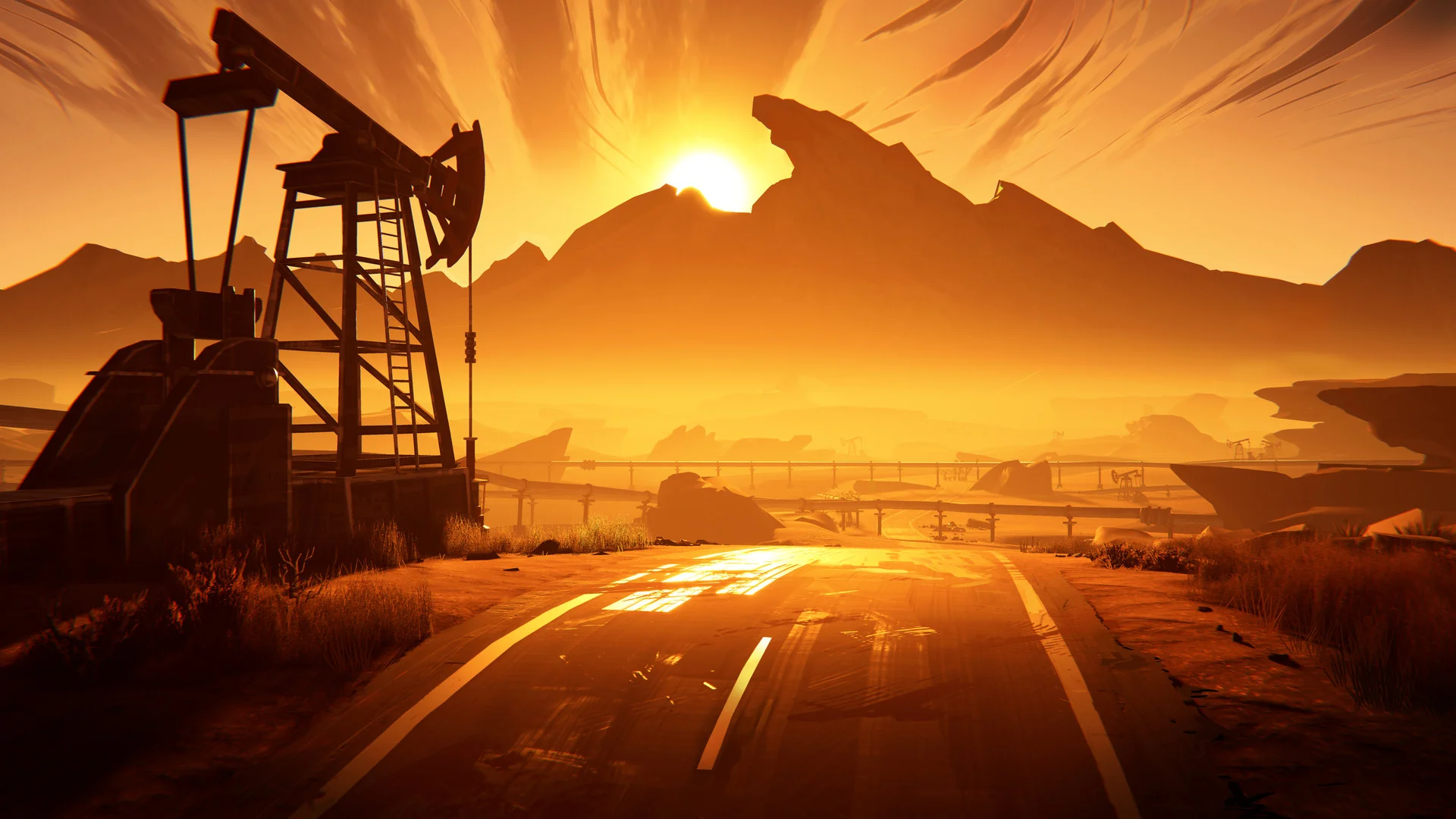

Road 96

Performance
1080p (Full HD)
1440p (2K / QHD)
4K (Ultra HD)

Requirements Check


Recommendations
Your hardware doesn't meet minimum requirements for this game.
Average FPS: resolution vs quality settings
| Ultra | High | Medium | Low | |
|---|---|---|---|---|
| 4K Ultra HD | 15 | 19 | 23 | 32 |
| 1440p QHD | 28 | 35 | 44 | 60 |
| 1080p Full HD | 43 | 56 | 69 | 94 |
Cell color: green is 120+ FPS, teal is 60+, amber is 30+, red is below 30. Cards marked Estimated above have no measured row and are scaled from your GPU benchmark percentile.
Performance Analysis: Road 96 on Your System
Similar Performance Alternatives
The Intel Core i5-12400 processor sits in a tightly clustered portion of the database. Its average benchmark score of 18683 places it within 1% of several other CPUs. The closest match is the AMD EPYC 7643, which scores 18697, a difference of only 0.1%. The Intel Core i7-1355U is nearly identical at 18730, just 0.3% higher. The AMD Ryzen AI 5 330 trails slightly at 18811, a 0.7% gap, while the Intel Core i3-14100F comes in at 18519, which is 0.9% lower. In practical terms, any of these processors would deliver indistinguishable frame pacing in Road 96 when paired with the same graphics card, since the CPU is not the limiting factor at most settings.
The Intel Arc B390 graphics component is far more distinctive in its positioning. Its benchmark score of 1482 places it in the 9th percentile of all GPUs, which indicates a very modest graphics solution. The nearest rivals are all older NVIDIA parts: the GeForce GT 520MX at 1463 (1.3% slower), the GeForce 800M at 1460 (1.5% slower), the GeForce GT 625 OEM at 1446 (2.5% slower), and the GeForce GT 710 at 1443 (2.7% slower). The Arc B390 is thus slightly ahead of these legacy parts, but the differences are small enough that a user moving from any of those GPUs would see only marginal gains in Road 96. The data suggests this is an integrated-class graphics solution, given its shared memory architecture and system-dependent bandwidth.
CPU and GPU Roles
The recorded measurements for Road 96 show a clear pattern: the graphics solution is the dominant constraint at every resolution, while the CPU has ample headroom. This is an adventure game with modest threading demands, and the Core i5-12400 with 6 cores and 12 threads is far more capable than what the Arc B390 can feed.
At 3840x2160, the frame rates collapse quickly as settings rise. Low settings average 32 FPS, Medium drops to 23 FPS, High falls to 19 FPS, and Ultra bottoms out at 15 FPS. The scaling from Low to Ultra represents a 53% reduction in performance, which points entirely at the GPU's pixel throughput and fill rate limits. The Arc B390 has only 24 ROPs and a pixel rate of 60.00 GPixel/s, so 4K resolution overwhelms it regardless of CPU strength.
At 2560x1440, the pattern repeats but with higher absolute numbers. Low settings hit exactly 60 FPS average, Medium averages 44 FPS, High averages 35 FPS, and Ultra averages 28 FPS. The drop from Low to Medium is 16 FPS, from Medium to High is 9 FPS, and from High to Ultra is 7 FPS. This shows diminishing returns as the GPU becomes progressively more saturated.
At 1920x1080, the CPU starts to matter slightly more, but the GPU still leads. Low settings average 94 FPS, which is well beyond the 60 FPS threshold. Medium averages 69 FPS, High averages 56 FPS, and Ultra averages 43 FPS. The fact that Medium at 1080p (69 FPS) outperforms Low at 1440p (60 FPS) by 15% indicates that resolution scaling has a larger impact than preset scaling, a hallmark of GPU-bound rendering. The CPU's 3DMark scores, such as 910 in single-thread and 5890 in max-threads, suggest it could handle much higher frame rates if the GPU were faster.
Measured FPS Breakdown
At 3840x2160, the results are uniformly below the playable threshold. Low settings produce an average of 32 FPS with no recorded minimum or maximum. Medium settings average 23 FPS with a minimum of 20 and a maximum of 27. High settings average 19 FPS, and Ultra averages 15 FPS. None of these configurations approach 60 FPS, and even the best case (Low) is 47% below the target.
At 2560x1440, the situation improves but remains limited. Low settings achieve exactly 60 FPS on average, which meets the threshold but leaves no margin for demanding scenes. Medium settings average 44 FPS with a minimum of 37 and a maximum of 50, so the frame time variance is noticeable but consistent. High settings average 35 FPS, and Ultra averages 28 FPS. The recorded data shows no minimum or maximum values for Low, High, or Ultra at this resolution, meaning only the Medium preset provided frame capture data.
At 1920x1080, the most usable results appear. Low settings average 94 FPS, which is 57% above the 60 FPS target. Medium settings average 69 FPS with a minimum of 59 and a maximum of 79, so the minimum dips just 1 FPS below the threshold, indicating occasional stutter. High settings average 56 FPS, which is 4 FPS short of playable. Ultra averages 43 FPS, a 28% deficit from the target. The spread from Low to Ultra is 51 FPS, showing that preset selection has a substantial impact at this resolution.
The Verdict
The database verdict is unambiguous. At 3840x2160, no settings preset reaches 60 FPS, and the verdict list of playable settings is empty. The best recorded average is 32 FPS on Low, which is far below the threshold. This PC cannot run Road 96 at 4K with acceptable smoothness.
At 2560x1440, exactly one preset clears the bar. Low settings average 60 FPS, which is the definition of playable but with no headroom. Medium, High, and Ultra all fall short, with averages of 44, 35, and 28 FPS respectively. The verdict marks Low as the best settings at this resolution, with an average FPS of 60.
At 1920x1080, two presets are playable: Low at 94 FPS and Medium at 69 FPS. The verdict selects Medium as the best settings, since it stays above 60 FPS while offering higher visual quality. High (56 FPS) and Ultra (43 FPS) are not recommended. Overall, this combo can run Road 96 comfortably at 1080p with medium settings, marginally at 1440p with low settings, and not at all at 4K.
How This Combo Ranks
In the database of tested combinations for Road 96, this particular pairing ranks 3302 out of 3713 total combos. That places it in the lower 11% of all tested systems. The rank reflects the Arc B390's severe GPU limitation, which holds back the otherwise capable Core i5-12400. Many systems with weaker CPUs but stronger GPUs would outperform this combo in this game, since Road 96 is graphically bound. The 9th percentile GPU ranking is the primary driver of the low combo rank, while the CPU's 72nd percentile ranking is effectively wasted in this configuration.
FAQ
Q: Can this PC run Road 96 at 1920x1080 with high settings?
A: No. The recorded average FPS at 1080p High is 56, which is 4 FPS below the 60 FPS playable threshold. Medium settings are the highest playable preset at this resolution.
Q: What is the best resolution for this combo?
A: The database shows 1920x1080 with Medium settings yields 69 FPS average, which is the highest quality preset that stays above 60 FPS. At 2560x1440, only Low settings reach 60 FPS.
Q: How does the Arc B390 compare to its nearest GPU rivals?
A: The Arc B390 scores 1482 in the database, which is 1.3% higher than the GeForce GT 520MX, 1.5% higher than the GeForce 800M, 2.5% higher than the GeForce GT 625 OEM, and 2.7% higher than the GeForce GT 710.
Q: Is the CPU or GPU the bottleneck in Road 96?
A: The GPU is the limiting factor. The Core i5-12400 has a max-threads 3DMark score of 5890, while the Arc B390 sits in the 9th GPU percentile. Frame rates drop dramatically with resolution increases, which is characteristic of GPU-bound performance.
Q: What frame rate does the game achieve at 4K with the lowest settings?
A: At 3840x2160 with Low settings, the average FPS is 32. This is 47% below the 60 FPS threshold, and no 4K preset is considered playable.
Q: Does the Medium preset at 1080p ever drop below 60 FPS?
A: The recorded minimum FPS for 1080p Medium is 59, which is 1 FPS below the threshold. The average is 69 FPS, but the minimum indicates occasional brief dips.
Best Settings per Resolution
At 3840x2160, no preset achieves 60 FPS, so there is no recommended setting. The best recorded average is 32 FPS on Low, but this fails the playable threshold.
At 2560x1440, the only playable preset is Low, which averages exactly 60 FPS. This leaves no margin for demanding scenes, but it is the sole option that meets the threshold. Medium averages 44 FPS and is not recommended.
At 1920x1080, the best playable preset is Medium, which averages 69 FPS with a minimum of 59. This is the most demanding preset that stays at or above 60 FPS on average. Low averages 94 FPS and is also playable, but Medium offers higher visual quality while still clearing the threshold. High (56 FPS) and Ultra (43 FPS) are not recommended for smooth gameplay.