
Instant compatibility check with FPS benchmarks and optimization tips
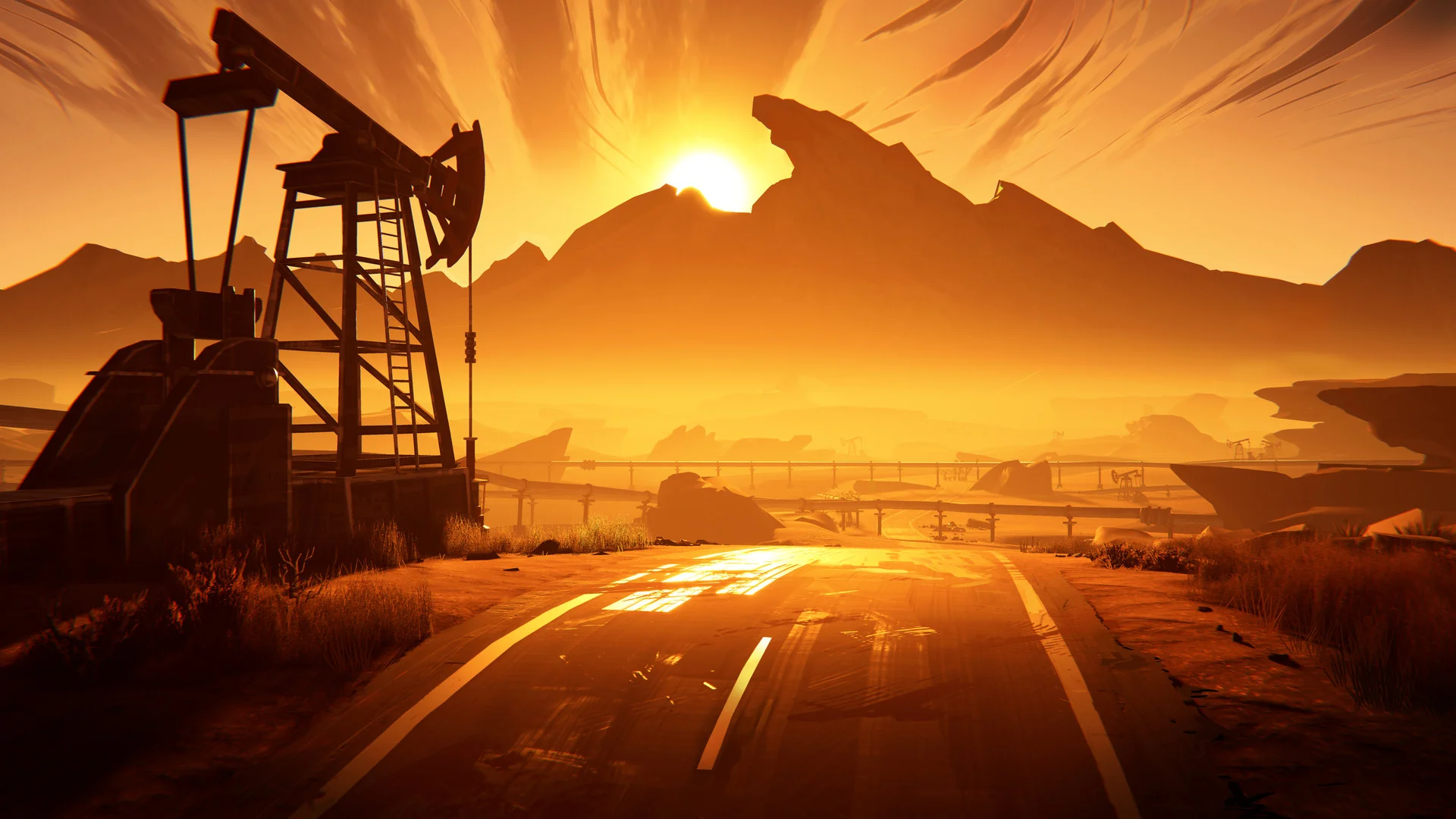

Road 96

Performance
1080p (Full HD)
1440p (2K / QHD)
4K (Ultra HD)

Requirements Check


Recommendations
Your hardware doesn't meet minimum requirements for this game.
Average FPS: resolution vs quality settings
| Ultra | High | Medium | Low | |
|---|---|---|---|---|
| 4K Ultra HD | 13 | 17 | 21 | 29 |
| 1440p QHD | 25 | 32 | 40 | 54 |
| 1080p Full HD | 39 | 50 | 62 | 85 |
Cell color: green is 120+ FPS, teal is 60+, amber is 30+, red is below 30. Cards marked Estimated above have no measured row and are scaled from your GPU benchmark percentile.
Performance Analysis: Road 96 on Your System
Road 96 is an adventure title that leans heavily on atmosphere and narrative, making frame pacing and smoothness more important than raw graphical fidelity. The recorded data for the Intel Core i5-10400F paired with the Intel Arc B370 paints a clear picture of a system that is strictly limited to 1080p gaming for a consistently smooth experience. The benchmark results show a steep performance cliff as resolution increases, with the combination struggling to maintain playable frame rates beyond Full HD.
Measured FPS Breakdown
The database contains measured frame rates for four settings presets (Low, Medium, High, Ultra) across three resolutions. The data reveals a linear scaling pattern that is heavily influenced by the GPU's integrated nature, as the Arc B370 relies on system shared memory.
At 1920x1080, the combination delivers its best performance. The Low preset averages 85 FPS, which is the highest recorded average across the entire test matrix. The Medium preset averages 62 FPS, with a recorded minimum of 53 FPS and a maximum of 72 FPS, indicating some frame time variance but generally stable performance. The High preset drops to an average of 50 FPS, while the Ultra preset falls further to 39 FPS. The gap between Low and Ultra at this resolution is 46 FPS, showing that the settings slider has a dramatic impact on the final frame rate.
Moving to 2560x1440, the performance drops significantly across all presets. The Low preset averages 54 FPS, which is just below the playable threshold. The Medium preset averages 40 FPS, with a minimum of 34 FPS and a maximum of 46 FPS. High settings yield an average of 32 FPS, and Ultra drops to 25 FPS. The scaling from 1080p to 1440p shows a reduction of approximately 36% to 37% across all presets, indicating a strong dependence on pixel throughput rather than CPU limitations.
At 3840x2160, the results are largely unplayable. The Low preset averages 29 FPS, Medium averages 21 FPS (with a minimum of 18 FPS and a maximum of 24 FPS), High averages 17 FPS, and Ultra averages 13 FPS. The delta between Low and Ultra at 4K is only 16 FPS, suggesting that the system is severely bottlenecked by the GPU's memory bandwidth and compute resources at this resolution, making preset adjustments less impactful than at lower resolutions.
Best Settings per Resolution
The playable threshold is defined as 60 FPS average. Based on the measured data, the best settings that maintain this threshold vary by resolution.
At 1920x1080, the Medium preset is the most demanding configuration that stays at or above 60 FPS, averaging exactly 62 FPS. The Low preset also clears the threshold with 85 FPS, but Medium offers a better visual quality trade-off while still maintaining headroom above the minimum playable frame rate.
At 2560x1440, no preset achieves an average of 60 FPS. The closest is the Low preset at 54 FPS, which is below the threshold. This means the system cannot deliver a consistently smooth experience at this resolution, regardless of settings.
At 3840x2160, the situation is worse, with the highest average being 29 FPS on Low settings. None of the presets come close to the playable threshold, and the frame rates are too low for a responsive experience.
The data implies that 1080p is the only viable resolution for this hardware combination in Road 96, and even then, the user is limited to Medium settings or below to maintain a 60 FPS average.
CPU and GPU Roles
The benchmark results indicate that the GPU is the primary bottleneck at higher resolutions, while the CPU has sufficient headroom to handle the game's logic. The Intel Core i5-10400F has 6 cores and 12 threads, with a boost clock of 4.30 GHz. Its Cinebench R23 multi-core score is 10283, and its single-core score is 1451. These scores suggest that the CPU is not the limiting factor for a narrative-driven adventure game like Road 96, which typically does not require intense multi-threaded physics or simulation.
The evidence for GPU dominance comes from the scaling between resolutions. When moving from 1080p to 1440p, the average FPS drops by roughly 36% for the same settings preset. When moving from 1440p to 4K, the drop is another 45% to 50%. This consistent degradation with pixel count is a classic sign of a GPU-limited scenario. If the CPU were the bottleneck, the frame rate would remain relatively flat across resolutions, as the CPU workload would not increase with resolution.
The Intel Arc B370 has 1280 shading units, 40 texture mapping units, and 20 raster output pipelines. Its FP32 performance is rated at 6.144 TFLOPS. The GPU's memory is system shared, meaning it relies on the CPU's DDR4 memory bandwidth of 42.7 GB/s. This shared memory architecture explains why the GPU struggles at higher resolutions, as the memory bandwidth becomes a limiting factor for texture fetch and pixel fill rates.
At 1080p, the CPU's single-thread performance is sufficient to feed the GPU, allowing it to reach 85 FPS on Low settings. The fact that the FPS drops from 85 on Low to 50 on High at 1080p, while the CPU workload remains similar, further confirms that the GPU's shader and texture units are the limiting factor, not the CPU's processing capacity.
How This Combo Ranks
In the database's rankings for Road 96, this specific combination of the Intel Core i5-10400F and Intel Arc B370 ranks at 3427 out of 3713 tested combos. This places it in the bottom 8% of all tested configurations, indicating that it is far below average for this game.
The GPU's percentile ranking versus all GPUs is 5, which means it performs better than only 5% of all GPUs in the database. This is a very low score, reflecting the Arc B370's limited processing power. The CPU's percentile ranking is 68, meaning it outperforms 68% of all CPUs, showing that the processor is a relatively capable component. The massive gap between the CPU and GPU percentiles highlights the severe imbalance in this pairing.
The combo's low rank is directly attributable to the GPU's poor performance. The CPU is doing its part, but the GPU cannot keep up with the demands of the game at higher resolutions or settings. The recorded data shows that even at 1080p Low, the system is only achieving 85 FPS, which is not exceptional for a game from 2021 with relatively simple visuals.
FAQ
Q: Can this PC run Road 96 at 60 FPS on High settings?
A: No. At 1920x1080 with High settings, the average frame rate is 50 FPS, which is below the 60 FPS playable threshold. The best settings that achieve 60 FPS or higher at 1080p are Low (85 FPS) and Medium (62 FPS).
Q: What is the highest resolution this combination can play at?
A: Based on the measured data, only 1920x1080 is playable. At 2560x1440, the best average FPS is 54 on Low settings, which is below the 60 FPS threshold. At 3840x2160, the maximum average FPS is 29.
Q: Is the CPU or the GPU the limiting factor?
A: The GPU is the limiting factor. The Intel Arc B370 has a percentile ranking of 5 versus all GPUs, while the Intel Core i5-10400F has a percentile ranking of 68 versus all CPUs. The frame rate drops significantly with each resolution increase, which indicates GPU-bound performance.
Q: How does the frame rate change between Low and Ultra at 1080p?
A: At 1920x1080, the Low preset averages 85 FPS, while the Ultra preset averages 39 FPS. This is a difference of 46 FPS, showing a significant performance cost for higher visual fidelity.
Q: What is the average FPS at 1440p with Medium settings?
A: At 2560x1440 with Medium settings, the average FPS is 40, with a minimum of 34 FPS and a maximum of 46 FPS. This is below the playable threshold of 60 FPS.
Q: Does the game have any frame rate data at 4K with V-Sync?
A: No, the database only contains average, minimum, and maximum FPS data for the tested presets at each resolution. No V-Sync or frame pacing data is included.
The Verdict
The verdict is clear: this PC can run Road 96, but only at 1920x1080 resolution. The data shows that at 1080p, the Low and Medium presets both clear the 60 FPS threshold, with averages of 85 FPS and 62 FPS respectively. The Medium preset is the recommended choice as it offers a good balance of visual quality and performance, maintaining an average of 62 FPS with a minimum of 53 FPS.
At 2560x1440, the system is not playable. No preset achieves a 60 FPS average, with the best being Low at 54 FPS. This is a 10% shortfall from the playable threshold, which would likely result in noticeable stutter during intense scenes. At 3840x2160, the system is severely underpowered, with the best average being 29 FPS on Low settings, which is less than half the required frame rate.
The verdict by resolution confirms this analysis: the database lists playable settings only for 1920x1080, with the best settings being Medium at 62 FPS. For users who own a 1440p or 4K monitor, this combination would require lowering the resolution to 1080p to achieve a smooth experience, which negates the benefit of a higher-resolution display.
Similar Performance Alternatives
The nearest rivals for the Intel Core i5-10400F, based on average benchmark scores, include the Intel Xeon 6756E, which is 0.2% faster, and the AMD EPYC 7552, which is 0.5% faster. The AMD Ryzen 3 7320C is 0.6% slower, and the Intel Core 7 160UL is 0.3% slower. These CPUs would provide nearly identical CPU-bound performance in Road 96, meaning the GPU would remain the primary bottleneck.
For the Intel Arc B370, the nearest rivals are all older or lower-end GPUs. The ATI Mobility Radeon HD 5570 is 0.2% faster, the ATI Radeon HD 5770 is 0.5% faster, and the AMD Radeon HD 7650M is 0.7% faster. The AMD FirePro M2000 is 1.4% slower. These GPUs would deliver very similar frame rates in Road 96, reinforcing that the Arc B370 is positioned at the very bottom of the performance spectrum.
When considering alternative hardware, pairing the i5-10400F with any of these similarly performing GPUs would yield essentially the same results: playable at 1080p with Medium or Low settings, but not at higher resolutions. The data suggests that to improve performance in Road 96, a significant GPU upgrade is necessary, as the CPU still has substantial headroom for more demanding graphics cards.