
Instant compatibility check with FPS benchmarks and optimization tips
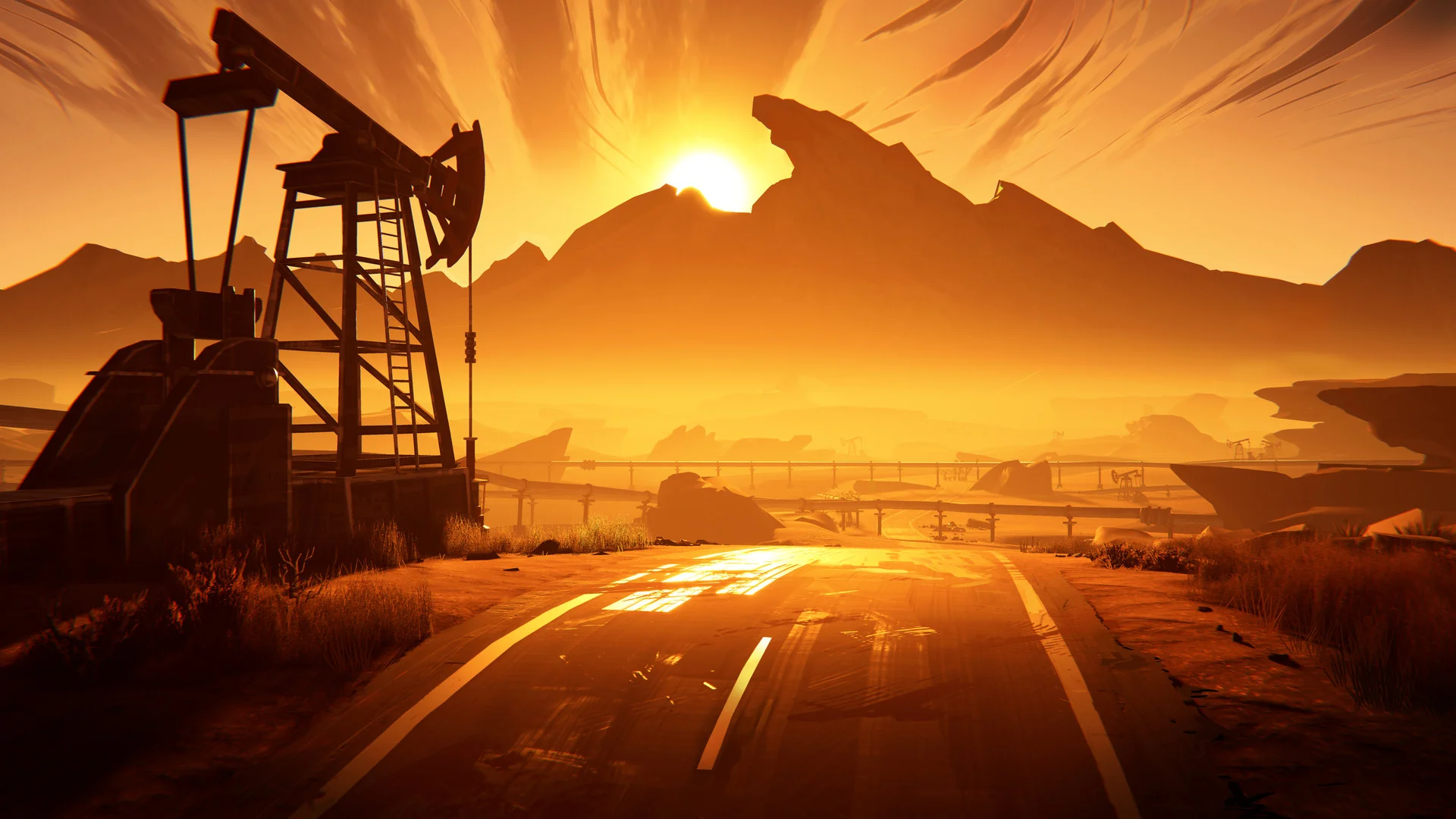

Road 96

Performance
1080p (Full HD)
1440p (2K / QHD)
4K (Ultra HD)

Requirements Check


Recommendations
Your hardware doesn't meet minimum requirements for this game.
Average FPS: resolution vs quality settings
| Ultra | High | Medium | Low | |
|---|---|---|---|---|
| 4K Ultra HD | 13 | 17 | 21 | 29 |
| 1440p QHD | 25 | 32 | 40 | 54 |
| 1080p Full HD | 39 | 50 | 62 | 85 |
Cell color: green is 120+ FPS, teal is 60+, amber is 30+, red is below 30. Cards marked Estimated above have no measured row and are scaled from your GPU benchmark percentile.
Performance Analysis: Road 96 on Your System
The AMD Ryzen 5 7500F paired with the Intel Arc B370 delivers a fundamentally limited gaming experience in Road 96, according to the recorded database measurements. This combination only achieves a playable frame rate at 1920x1080 resolution, and even then, only on Low and Medium presets. The data shows a clear performance ceiling: at 4K, the system struggles to reach 30 FPS on any setting, and at 1440p, it falls short of the 60 FPS threshold across the board. For gamers targeting high refresh rates or higher resolutions, this combo will not suffice.
Measured FPS Breakdown
The measured frame rates reveal a consistent pattern of performance degradation as resolution and graphical demands increase. Starting with the highest resolution, 3840x2160, the results are uniformly poor. At Low settings, the average frame rate is 29 FPS. Moving to Medium settings, the average drops to 21 FPS, with recorded minimum and maximum values of 18 and 24 FPS, respectively. High settings yield an average of 17 FPS, while Ultra settings produce only 13 FPS. None of these figures approach the 60 FPS playable threshold, and even the Low preset average of 29 FPS is barely half of what would be considered smooth gameplay.
At 2560x1440, the situation improves modestly but remains below acceptable levels. The Low preset delivers an average of 54 FPS, which is close to the 60 FPS target but still short of it. Medium settings average 40 FPS, with a minimum of 34 FPS and a maximum of 46 FPS, indicating significant frame drops during demanding scenes. High settings average 32 FPS, while Ultra settings fall to 25 FPS. The data shows that even the most forgiving preset at this resolution cannot maintain a consistent 60 FPS experience, as the 54 FPS average would likely dip below 60 during gameplay peaks.
Moving to 1920x1080, the performance becomes viable on select presets. Low settings achieve an average of 85 FPS, providing ample headroom above the 60 FPS threshold. Medium settings average 62 FPS, with a minimum of 53 FPS and a maximum of 72 FPS, meaning the frame rate occasionally dips below 60 but generally stays competitive. High settings average 50 FPS, which is below the target, and Ultra settings drop to 39 FPS. The recorded data indicates that the 1080p resolution is the only one where this hardware combination can meet the playability standard, and it does so only on the two lowest presets.
The frame time consistency also varies by setting. At 1080p Medium, the spread from 53 to 72 FPS represents a 19 FPS range, which suggests noticeable variability but not catastrophic stuttering. At 1440p Medium, the spread from 34 to 46 FPS is a 12 FPS range, showing less variability but at a much lower performance level. The lack of minimum and maximum data for several presets, including 4K Low, 4K High, 4K Ultra, 1440p Low, 1440p High, 1440p Ultra, 1080p Low, 1080p High, and 1080p Ultra, means the database only captured average values for those configurations, limiting the analysis of frame consistency in those scenarios.
Best Settings per Resolution
Based on the playable threshold of 60 FPS, the optimal settings for each resolution are determined by the highest preset that maintains an average at or above this level. At 3840x2160, no preset achieves the required frame rate. The best recorded average is 29 FPS on Low settings, which is 31 FPS short of the target. Consequently, the verdict data lists no playable settings for 4K, and the best settings field is null, indicating that this resolution is not viable for Road 96 with this hardware.
Similarly, at 2560x1440, no preset reaches 60 FPS. The closest is Low settings with an average of 54 FPS, which is 6 FPS below the threshold. Medium settings average 40 FPS, High 32 FPS, and Ultra 25 FPS. The database records no playable settings for 1440p, and the best settings field is also null. This means users must either lower the resolution to 1080p or accept sub-60 FPS performance at 1440p.
At 1920x1080, the situation changes. The Low preset achieves an average of 85 FPS, well above the threshold. The Medium preset averages 62 FPS, also clearing the 60 FPS bar. The High preset at 50 FPS and Ultra at 39 FPS do not meet the standard. The verdict data identifies Low and Medium as playable settings, with Medium being the best settings choice at an average of 62 FPS. This is the only resolution where the combination of AMD Ryzen 5 7500F and Intel Arc B370 can deliver a smooth experience, and it requires sacrificing visual fidelity to the Medium preset.
FAQ
Q: Can this system run Road 96 at 4K resolution?
A: No. The recorded data shows no playable settings at 3840x2160. The highest average frame rate is 29 FPS on Low settings, which is far below the 60 FPS threshold. Medium, High, and Ultra presets produce averages of 21, 17, and 13 FPS, respectively.
Q: What is the best settings preset for 1080p gameplay?
A: The Medium preset is the best choice, achieving an average of 62 FPS with a minimum of 53 and a maximum of 72. This is the highest preset that stays at or above 60 FPS at 1920x1080. Low settings also work, averaging 85 FPS, but Medium offers better visual quality while still clearing the threshold.
Q: Is 1440p playable with this hardware combination?
A: No. The verdict data lists no playable settings at 2560x1440. The Low preset comes closest with an average of 54 FPS, but it falls short of the 60 FPS requirement. Medium, High, and Ultra averages are 40, 32, and 25 FPS, respectively.
Q: How does the frame rate vary at 1080p Medium settings?
A: The average frame rate is 62 FPS, with recorded minimum and maximum values of 53 and 72 FPS. This indicates that while the average is above the playable threshold, there are moments where the frame rate dips below 60, potentially causing brief stutters during intense scenes.
Q: What is the performance gap between Low and Ultra settings at 1080p?
A: At 1920x1080, the Low preset averages 85 FPS, while the Ultra preset averages 39 FPS. This represents a 46 FPS difference, with Ultra delivering less than half the frame rate of Low. The data shows that Ultra settings are not viable for smooth gameplay.
Q: Does the system meet the 60 FPS target at any resolution besides 1080p?
A: No. The only resolution with playable settings is 1920x1080. At 2560x1440, the best average is 54 FPS on Low, and at 3840x2160, the best average is 29 FPS on Low. Both fall short of the 60 FPS threshold.
The Verdict
The question of whether this PC can run Road 96 has a conditional answer based on resolution. The verdict data is unambiguous: at 3840x2160, there are no playable settings, and the best average frame rate is 29 FPS on Low. At 2560x1440, there are also no playable settings, with the Low preset averaging 54 FPS, just below the threshold. Only at 1920x1080 does the system achieve playable performance, with Low and Medium presets clearing 60 FPS. The best settings at this resolution are Medium, which averages 62 FPS.
For users with a 1080p monitor, this combination can run Road 96, provided they are willing to use Medium or Low settings. The Medium preset offers a reasonable balance of visual quality and performance, with an average of 62 FPS and occasional dips to 53 FPS. Low settings provide a more comfortable margin at 85 FPS, which would likely maintain a smooth experience even in demanding scenes. High settings at 50 FPS and Ultra at 39 FPS are not recommended, as they fall below the playable threshold.
For 1440p or 4K displays, this hardware is not suitable for Road 96. The performance deficit is significant: at 1440p, even Low settings cannot hold 60 FPS, and at 4K, the frame rates are in the teens and twenties, making the game effectively unplayable. Users with higher-resolution monitors would need to either run the game at 1080p or consider different hardware. The recorded data clearly positions this combo as a 1080p gaming solution for this title, with no headroom for higher resolutions.
Similar Performance Alternatives
The nearest rivals for the AMD Ryzen 5 7500F provide context for its processing capabilities. The Intel Core i7-11850H has an average score of 24935, which is 0.1% below the Ryzen 5 7500F. The AMD Ryzen 5 8400F scores 25005, 0.2% higher. The Intel Core i7-13620H scores 24911, 0.2% lower, and the Intel Core 5 210H scores 24872, 0.4% lower. These deltas are minimal, indicating that all four CPUs deliver nearly identical processing performance in the database benchmarks. When paired with the same GPU, users would expect similar frame rates in Road 96, as the CPU is not the bottleneck in this scenario.
The Intel Arc B370 has a more dramatic comparison. Its nearest rivals include the ATI Mobility Radeon HD 5570, which scores 1186, just 0.2% higher than the Arc B370's 1184. The ATI Radeon HD 5770 scores 1190, 0.5% higher, while the AMD Radeon HD 7650M scores 1192, 0.7% higher. The AMD FirePro M2000 scores 1168, which is 1.4% lower. These rivals are all significantly older graphics solutions, and the performance parity suggests that the Arc B370, despite being a modern integrated GPU, operates at a level comparable to legacy discrete graphics from over a decade ago. In practical terms, any of these GPUs would deliver similar frame rates in Road 96, which means none of them would achieve playable performance beyond 1080p Low or Medium settings.
The combination of a mid-range modern CPU with a very low-performing GPU creates a situation where the GPU is the limiting factor. The CPU rivals, with their nearly identical scores, would not change the outcome. The GPU rivals, with their similarly low scores, would also not improve the experience. Users considering alternatives should note that the Arc B370's performance class is firmly in the entry-level segment, and the measured data reflects that limitation.
How This Combo Ranks
In the database of tested combinations for Road 96, this pairing ranks 3427 out of 3713 total combinations. This places it in the bottom 8% of all tested systems, indicating that the vast majority of hardware configurations outperform this one. The rank reflects the GPU's severe performance constraints, as the CPU is comparatively strong, sitting in the 77th percentile against all CPUs.
The GPU's percentile rank is 5, meaning it outperforms only 5% of all GPUs in the database. This is a stark indicator of its position in the performance hierarchy. The combination of a high-percentile CPU with a low-percentile GPU results in a system that is heavily imbalanced, with the GPU unable to leverage the CPU's capabilities. The combo rank of 3427 out of 3713 confirms that this is not a competitive gaming configuration, and the measured FPS data supports this conclusion.
For Road 96 specifically, the ranking means that users with this hardware will have a significantly worse experience than most other tested systems. The game is not particularly demanding by modern standards, but the Arc B370's integrated design simply cannot handle higher resolutions or presets. The rank serves as a warning that this combo is suitable only for the most modest gaming scenarios, and even then, only at 1080p with reduced settings. The data indicates that this is one of the lower-performing combinations in the database, and users should adjust their expectations accordingly.