
Can I Run It?
Instant compatibility check with FPS benchmarks and optimization tips
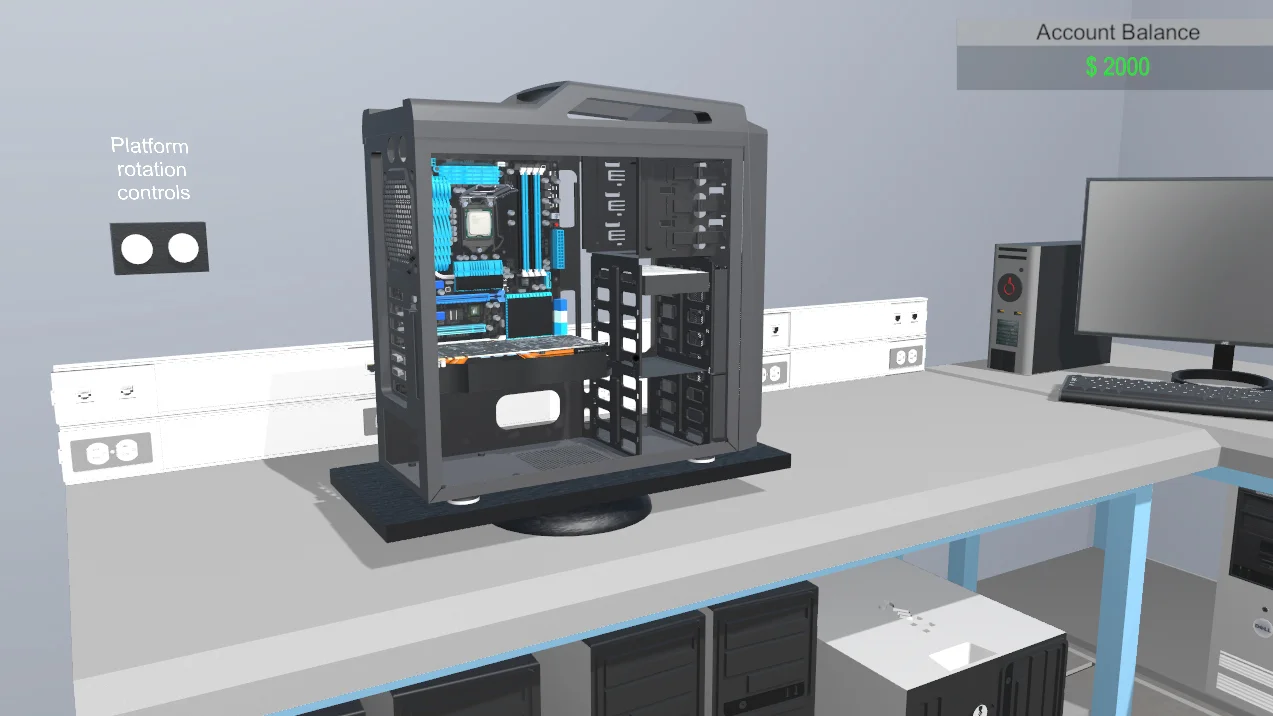

Pc Building Simulator

Performance
1080p (Full HD)
1440p (2K / QHD)
4K (Ultra HD)

Requirements Check


Recommendations
Your system exceeds recommended specs. Enjoy max settings!

Your GPU supports ray tracing.
Performance Analysis: Pc Building Simulator on Your System
Wondering if your computer can play Pc Building Simulator? This Simulation game from 2019 requires adequate processing power to deliver realistic gameplay. Based on our analysis, your Core i7 12700K paired with the RTX 4070 SUPER reaches a compatibility score of 100%.
The benchmarks show outstanding results for Pc Building Simulator. FPS spans from buttery smooth 406 FPS at low to incredibly fluid 196 FPS at ultra. Best experience lies at high settings with exceptionally smooth 204 FPS, great for realistic gameplay.
Analyzing your setup, each of your main parts meet and exceed requirements. Your Intel Core i7-12700K delivers competent processing power, managing physics simulations effortlessly. Additionally, your RTX 4070 SUPER provides reliable rendering power, enabling stunning visuals at full quality.
Final verdict: Pc Building Simulator performs excellently on your hardware. Target 4K with maximum presets for the best realistic gameplay. Your components delivers fluid realistic controls throughout. Plus, your GPU can handle ray tracing, adding realistic reflections for those who want it. This is a definite go-ahead!