
Can I Run It?
Instant compatibility check with FPS benchmarks and optimization tips
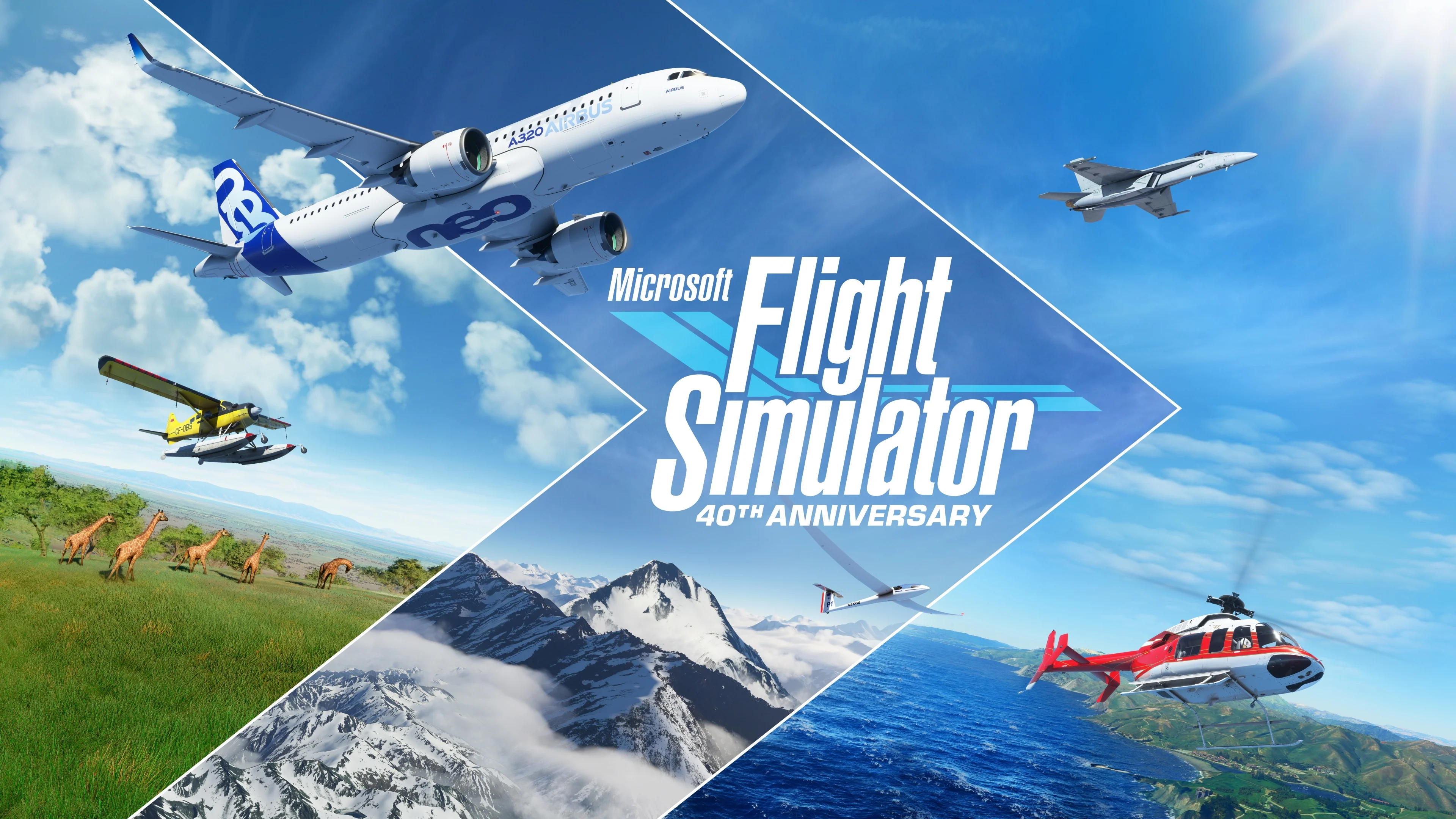

Microsoft Flight Simulator

Performance
1080p (Full HD)
1440p (2K / QHD)
4K (Ultra HD)

Requirements Check


Recommendations
Your hardware doesn't meet minimum requirements for this game.

Your GPU supports ray tracing.
Performance Analysis: Microsoft Flight Simulator on Your System
Wondering if your PC can play Microsoft Flight Simulator? This Flight Simulation game from 2020 requires adequate processing power to deliver detailed experiences. According to our benchmarks, your 7700 paired with the GeForce RTX 2060 achieves a compatibility score of 71%.
Looking at the numbers, your setup runs Microsoft Flight Simulator competently. At low quality expect fluid 92 FPS, with high settings offering adequate 53 FPS. Ultra settings produce passable 52 FPS. For optimal detailed interactions, we recommend high settings.
Video card performance is the limiting factor here. The 7700 isn't fully utilized but the GeForce RTX 2060 reaches its limits displaying Microsoft Flight Simulator's visuals. Better graphics card would allow significantly better frame rates.
Our recommendation: Microsoft Flight Simulator runs well on your setup. For best results setting 4K at adjusted high settings. This balances graphics fidelity with consistent system management. Small adjustments might enhance specific scenarios. Plus, your GPU can handle ray tracing, adding realistic reflections for those who want it.