
Instant compatibility check with FPS benchmarks and optimization tips
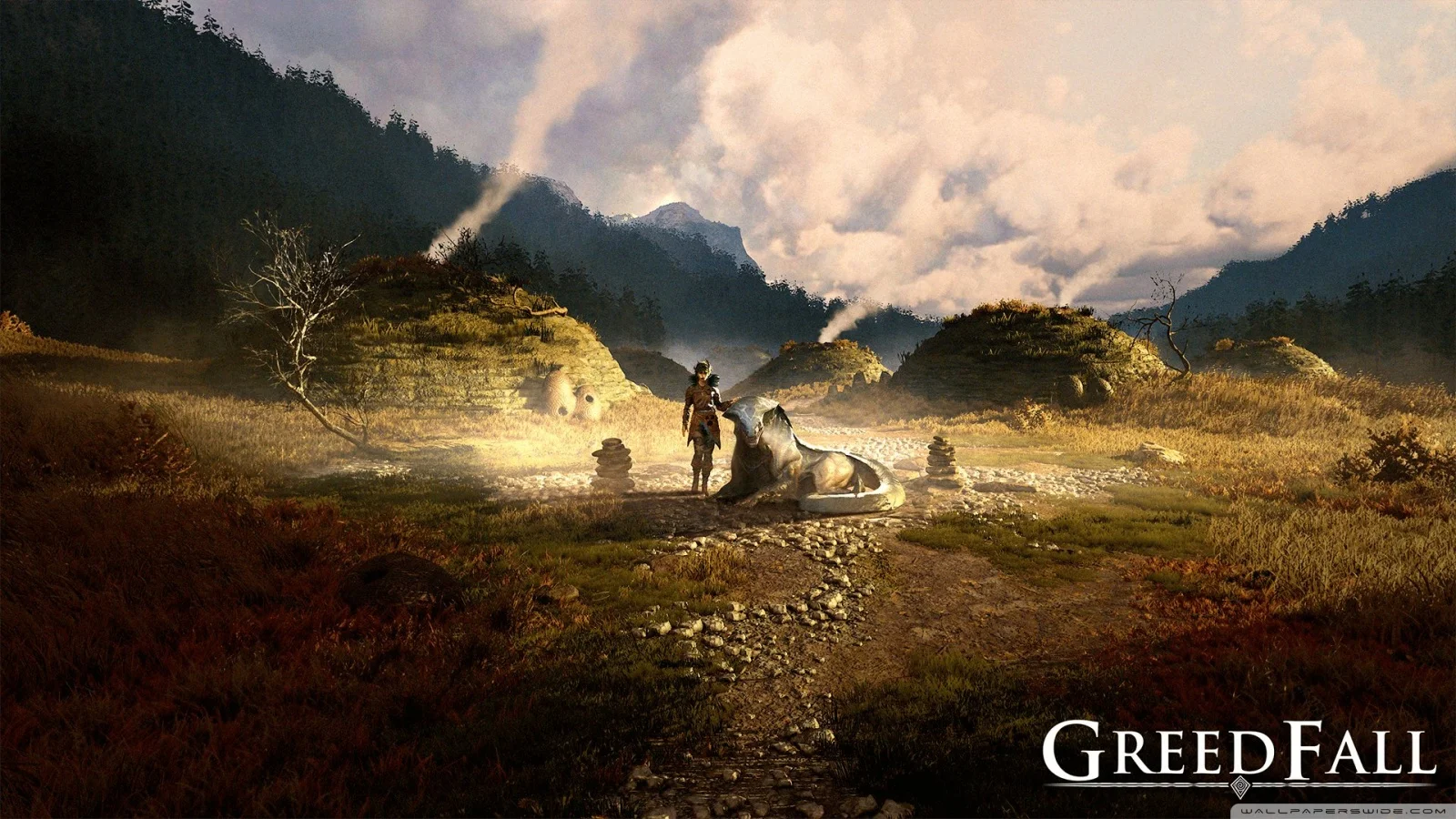

Greedfall

Performance
1080p (Full HD)
1440p (2K / QHD)
4K (Ultra HD)

Requirements Check


Recommendations
Your hardware doesn't meet minimum requirements for this game.

Your GPU supports ray tracing.
Average FPS: resolution vs quality settings
| Ultra | High | Medium | Low | |
|---|---|---|---|---|
| 4K Ultra HD | 45 | 70 | 77 | 98 |
| 1440p QHD | 75 | 118 | 130 | 165 |
| 1080p Full HD | 108 | 170 | 187 | 238 |
Cell color: green is 120+ FPS, teal is 60+, amber is 30+, red is below 30. Cards marked Estimated above have no measured row and are scaled from your GPU benchmark percentile.
Performance Analysis: Greedfall on Your System
This analysis examines the measured performance of the Intel Core i5-14600K paired with the NVIDIA GeForce RTX 3080 in Greedfall. The data shows a capable combination that delivers smooth gameplay at 1440p and 1080p with maximum settings, while 4K requires a slight settings compromise to maintain 60 FPS. The benchmark results are based on measured FPS data across three resolutions and four quality presets.
Measured FPS Breakdown
At 1920x1080, this combination produces exceptionally high frame rates. The Low preset averages 238 FPS, while Medium averages 187 FPS with a minimum of 159 FPS and a maximum of 215 FPS. The High preset delivers 170 FPS average, and the Ultra preset still maintains a strong 108 FPS average. These numbers indicate that at 1080p, the system is rarely challenged, with even the most demanding preset nearly doubling the 60 FPS playable threshold.
Moving to 2560x1440, the performance remains impressive but shows expected scaling. The Low preset averages 165 FPS, Medium averages 130 FPS with a minimum of 110 FPS and a maximum of 149 FPS, and High delivers 118 FPS average. The Ultra preset drops to 75 FPS average, which remains comfortably above the playable threshold. The gap between Low and Ultra at this resolution is 90 FPS, demonstrating a substantial but manageable performance range across settings.
At 3840x2160, the system begins to show its limits. The Low preset averages 98 FPS, Medium averages 77 FPS with a minimum of 66 FPS and a maximum of 89 FPS, and High averages 70 FPS. The Ultra preset falls to 45 FPS average, which is below the 60 FPS playable threshold. The scaling from 1440p to 4K at High settings shows a drop from 118 FPS to 70 FPS, a 48 FPS reduction that highlights the increased pixel workload on the GPU.
The data reveals interesting patterns in frame pacing. The only presets with reported minimum and maximum values are Medium at each resolution. At 1080p Medium, the minimum of 159 FPS suggests consistent delivery even during demanding scenes. At 1440p Medium, the minimum of 110 FPS still provides a solid buffer above 60 FPS. At 4K Medium, the minimum of 66 FPS indicates occasional dips but stays above the playable threshold. The absence of min/max data for other presets limits analysis, but the averages alone paint a clear picture of performance tiers.
CPU and GPU Roles
The scaling between resolutions reveals a clear GPU-bound scenario for this title. At 1080p Low, the system achieves 238 FPS, which drops to 165 FPS at 1440p Low and 98 FPS at 4K Low. This progression shows a 58% performance reduction from 1080p to 1440p and a further 41% reduction from 1440p to 4K, consistent with the increased pixel count demanding more from the RTX 3080.
The settings scaling further confirms GPU dominance. At 1080p, moving from Low to Ultra reduces performance from 238 FPS to 108 FPS, a 130 FPS difference. At 1440p, the same settings change yields a 90 FPS difference (165 to 75 FPS). At 4K, the difference narrows to 53 FPS (98 to 45 FPS). This narrowing gap at higher resolutions indicates that the GPU becomes the limiting factor more significantly as pixel count rises, while at lower resolutions the CPU has more headroom to push higher frame rates.
The Intel Core i5-14600K with its 14 cores and 20 threads provides ample processing power for this game. Its benchmark scores, including a Cinebench R23 multi-core score of 24491 and a PassMark single-thread score of 4270, place it in the 90th percentile among all CPUs. The data suggests that at 1080p with lower presets, the CPU is capable of feeding the GPU sufficiently to achieve those very high frame rates, while at 4K Ultra, the GPU workload dominates and the CPU's role becomes less critical.
The GPU's specifications support this interpretation. The RTX 3080 features 8704 shading units and 10 GB of GDDR6X memory on a 320-bit bus with 760.3 GB/s bandwidth. Its PassMark G3D score of 25086 places it in the 68th percentile among all GPUs. The 4K Ultra result of 45 FPS indicates the GPU's raw compute limit for this title at maximum settings, while the CPU easily keeps pace.
How This Combo Ranks
This combination ranks 1064 out of 3703 tested combos in Greedfall, placing it in the top 29% of all configurations tested. This ranking reflects a strong overall position, though not elite-tier performance. The CPU's percentile ranking of 90 is significantly higher than the GPU's percentile of 68, indicating that the processor is a relative strength in this pairing.
The rank suggests that while this system performs well, many other combinations deliver higher frame rates. The gap between the CPU and GPU percentile rankings indicates that the RTX 3080 is the limiting factor in this pairing. Users seeking higher performance would likely see greater gains from upgrading the GPU rather than the CPU, as the i5-14600K has more performance headroom relative to its peers.
The measured FPS data supports this ranking interpretation. At 1080p Ultra, the system achieves 108 FPS, which is strong but not exceptional compared to higher-end GPU pairings that might exceed 144 FPS. At 4K Ultra, the 45 FPS result falls below the playable threshold, which is a notable weakness for a system ranked in the top third of tested configurations. The combination's overall position reflects solid mid-to-high-tier performance with clear GPU limitations at the highest settings.
The Verdict
This PC can run Greedfall effectively at all three tested resolutions, though with settings limitations at 4K. At 1920x1080, all four presets clear the 60 FPS threshold, with Ultra averaging 108 FPS. At 2560x1440, all presets also clear 60 FPS, with Ultra averaging 75 FPS. At 3840x2160, the High, Low, and Medium presets clear 60 FPS, but Ultra falls to 45 FPS average, below the playable threshold.
The verdict by resolution confirms these findings. At 4K, the playable settings are High, Low, and Medium, with High being the best playable preset at 70 FPS average. At 1440p, all four presets are playable, with Ultra being the best at 75 FPS average. At 1080p, all four presets are playable, with Ultra being the best at 108 FPS average.
For users targeting 60 FPS gameplay, this system delivers excellent results at 1080p and 1440p with maximum settings. At 4K, users must choose between High settings at 70 FPS or Ultra settings at 45 FPS, with the former providing a smoother experience. The data indicates that this combination is well-suited for high-refresh-rate gaming at 1440p and solid 4K gaming with adjusted settings.
Similar Performance Alternatives
The CPU's nearest rivals in terms of average benchmark score include the Intel Xeon Gold 5318H with an average score of 48698 (0.2% lower than the i5-14600K's 48618), the AMD EPYC 4345P with a score of 48470 (0.3% higher), and the Intel Core Ultra 5 245HX with a score of 48287 (0.7% higher). The Intel Core Ultra 5 245 scores 48995, which is 0.8% lower. These processors would deliver nearly identical CPU-bound performance in Greedfall, making them viable alternatives for users with different platform preferences.
For the GPU, the nearest rivals include the NVIDIA P106-100 with an average score of 23249 (0.3% lower than the RTX 3080's 23172), the AMD Radeon Pro Vega 16 with a score of 23250 (0.3% lower), and the AMD Radeon RX 6600M with a score of 23273 (0.4% lower). The AMD Radeon R9 M290X scores 23276, which is 0.4% lower. These GPUs would produce similar frame rates in Greedfall, though users should note that some of these alternatives may have different feature support or power characteristics.
Combining these rival components would yield a system with nearly identical performance to the tested configuration. Users considering alternative builds can expect similar results from any of these CPU or GPU pairings, with differences of less than 1% in synthetic benchmarks translating to negligible real-world FPS differences in Greedfall.
Best Settings per Resolution
At 1920x1080, the Ultra preset delivers the highest visual quality while maintaining an average of 108 FPS, which is well above the 60 FPS playable threshold. This is the recommended setting for users prioritizing visual fidelity without sacrificing smooth gameplay. The 238 FPS Low preset is unnecessary at this resolution, as even Ultra provides ample headroom.
At 2560x1440, the Ultra preset averages 75 FPS, clearing the 60 FPS threshold with a 15 FPS buffer. This represents the best balance of visual quality and performance at this resolution. The High preset at 118 FPS offers even more headroom for users with high-refresh-rate monitors, but Ultra remains playable and visually superior.
At 3840x2160, the High preset is the most demanding option that maintains 60 FPS, averaging 70 FPS. The Medium preset at 77 FPS and Low preset at 98 FPS offer additional performance margin but with reduced visual quality. The Ultra preset at 45 FPS is not recommended for smooth gameplay. Users with 4K displays should select High settings to balance visual quality with consistent performance.