
Instant compatibility check with FPS benchmarks and optimization tips
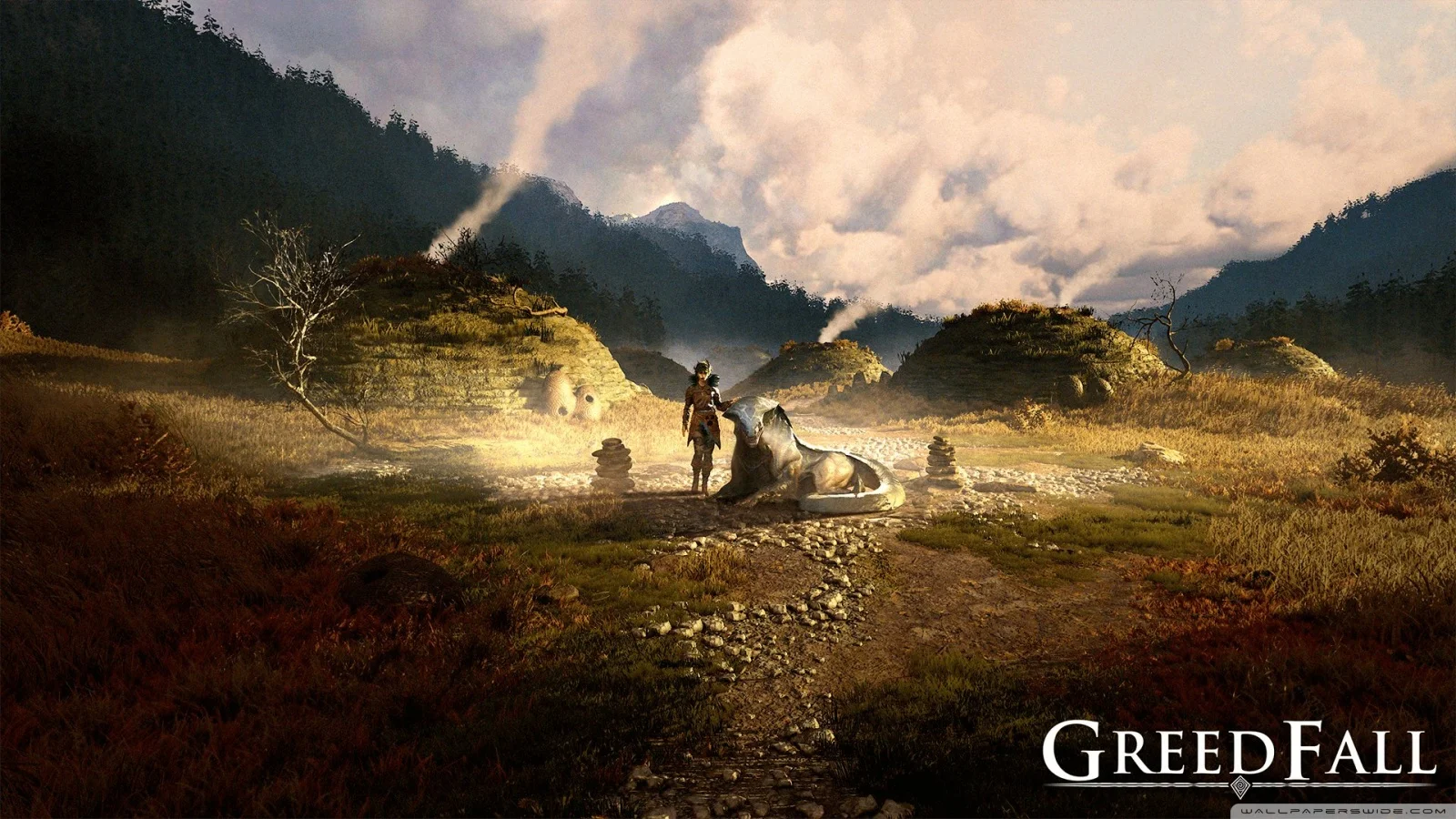

Greedfall

Performance
1080p (Full HD)
1440p (2K / QHD)
4K (Ultra HD)

Requirements Check


Recommendations
Your hardware doesn't meet minimum requirements for this game.
Average FPS: resolution vs quality settings
| Ultra | High | Medium | Low | |
|---|---|---|---|---|
| 4K Ultra HD | 24 | 38 | 42 | 54 |
| 1440p QHD | 41 | 64 | 71 | 90 |
| 1080p Full HD | 59 | 92 | 102 | 130 |
Cell color: green is 120+ FPS, teal is 60+, amber is 30+, red is below 30. Cards marked Estimated above have no measured row and are scaled from your GPU benchmark percentile.
Performance Analysis: Greedfall on Your System
The Intel Core i5-13400F paired with the Intel Arc B570 presents a clear performance profile for Greedfall, a 2019 Action RPG. Benchmark data shows this combination is fully capable of delivering smooth gameplay at 1080p and 1440p, but it falls short of the 60 FPS threshold at 4K. The measured results indicate a system that scales predictably with resolution and settings, with the most demanding preset proving too heavy for the highest resolutions.
Measured FPS Breakdown
The measured frame rates for this combination show a clear progression across resolutions. At 1080p, the system handles Greedfall comfortably across all settings. The Low preset delivers an average of 130 FPS, while Medium drops slightly to 102 FPS with a minimum of 87 FPS and a maximum of 117 FPS. High settings still produce a very playable 92 FPS average. The Ultra preset, however, brings the average down to 59 FPS, just under the 60 FPS playable threshold.
Moving to 1440p, the frame rates remain respectable but begin to show the strain of higher resolution. Low settings produce 90 FPS, Medium drops to 71 FPS with a minimum of 60 FPS and maximum of 81 FPS, and High settings hit exactly 64 FPS average. The Ultra preset falls significantly short at 41 FPS, making it unplayable at this resolution.
At 4K, the data shows a steep decline. Low settings manage 54 FPS, Medium drops to 42 FPS with a 36 FPS minimum and 48 FPS maximum, High achieves just 38 FPS, and Ultra bottoms out at 24 FPS. None of the 4K presets reach the 60 FPS playable threshold. The frame rate data for Low, High, and Ultra at 4K lacks min and max values in the dataset, but the averages alone demonstrate the system's limitations at this resolution.
It is worth remembering the 1080p Medium preset provides a very stable experience, with the 87 FPS minimum indicating that even during intense scenes, the frame rate does not dip below comfortable playability. In contrast, the 1440p Medium preset's minimum of 60 FPS is right at the edge, indicating occasional dips that might be noticeable on a high refresh rate monitor.
FAQ
Q: Can this PC run Greedfall at 4K resolution?
A: No. At 3840x2160, the highest average FPS is 54 on Low settings, and the High preset only achieves 38 FPS. All 4K presets fall below the 60 FPS playable threshold.
Q: What is the best playable setting at 1440p?
A: The High preset is the most demanding playable option at 2560x1440, delivering a 64 FPS average. This is the best setting, as it clears the 60 FPS bar.
Q: How does the 1080p Ultra preset compare to High?
A: At 1920x1080, Ultra averages 59 FPS, missing the 60 FPS threshold, while High averages 92 FPS. The 33 FPS difference between the two presets indicates a significant performance hit for the Ultra preset.
Q: Which preset offers the highest stability at 1080p?
A: The Medium preset at 1920x1080 provides the most stable data with a 102 FPS average and a minimum of 87 FPS. This ensures the frame rate stays well above 60 FPS even in demanding scenes.
Q: Is the CPU or GPU more important for this game?
A: The benchmark data for this specific configuration shows that frame rates scale heavily with resolution. At 1080p, all presets perform well, but at 4K, even Low settings fail to hit 60 FPS, indicating the GPU becomes the limiting factor at higher resolutions.
Q: Can this PC achieve 60 FPS at 1080p with High settings?
A: Yes. The measured average is 92 FPS at 1920x1080 with High settings, meaning it can maintain the 60 FPS threshold with a comfortable margin.
CPU and GPU Roles
The data shows a clear shift in system bottleneck. At 1920x1080, the CPU and GPU work in tandem to produce high frame rates, with the system achieving 130 FPS on Low settings. The relatively modest 22% frame rate drop from Low to High at 1080p suggests that the CPU, a Core i5-13400F with 10 cores and 16 threads, is providing enough headroom to keep the GPU fed. The 13400F's single-thread score of 960 in the 3dmark test and its PassMark single-thread score of 3634 indicate solid per-core performance, which is crucial for game logic and draw calls.
As resolution increases to 2560x1440, the GPU workload becomes more demanding. The frame rate drops from 130 FPS at 1080p Low to 90 FPS at 1440p Low, a 31% reduction. This is primarily due to the GPU rendering 78% more pixels. The GPU, an Intel Arc B570 with 2304 shading units and an 11.52 TFLOPS FP32 rating, is clearly the dominant component here. The 64 FPS average at High settings in 1440p shows that the GPU can handle the load, but the 23 FPS difference between Low and High at this resolution shows the GPU's limits.
At 3840x2160, the GPU is thoroughly saturated. The scaling from 1080p Low (130 FPS) to 4K Low (54 FPS) is a 58% reduction. The 4K High preset at 38 FPS is 59% slower than 1440p High at 64 FPS. This dramatic drop indicates the GPU is the primary bottleneck. The B570's 10 GB of GDDR6 memory and 380.0 GB/s bandwidth are sufficient, but the raw compute power is insufficient for 4K in this title. The CPU, meanwhile, is likely not the limiting factor at 4K, as the available compute is fully utilized by the GPU's rendering workload.
Similar Performance Alternatives
The Intel Core i5-13400F sits alongside the AMD Ryzen 9 6900HS in terms of average benchmark score. The Ryzen 9 6900HS has an average score of 25284, which is identical to the i5-13400F's 25292. This means in CPU-bound scenarios, these two processors will deliver virtually the same performance in Greedfall. The Intel Core 5 120 is slightly faster, with a deltaPct of -0.3, indicating its score of 25362 is marginally higher. The AMD Ryzen 5 5600X3D also has a deltaPct of -0.3, with a score of 25365. The AMD Ryzen 7 6800H is slightly slower, with a deltaPct of 0.4, its score of 25201 being a hair lower.
On the GPU side, the Intel Arc B570 has a benchmark score of 20556. Its closest rival is the NVIDIA GeForce RTX 3070 Mobile, which has a score of 20534, a deltaPct of 0.1, meaning the B570 is about 0.1% faster. In practical terms, these two graphics cards would produce nearly identical frame rates in this game. The Intel Arc A750 is also very close, with a score of 20582, a deltaPct of -0.1, indicating it is slightly slower than the B570. The NVIDIA Quadro M4000M and AMD Radeon R9 M390X are also listed as rivals, with scores of 20480 and 20662 respectively, but these are older professional or mobile GPUs and would likely behave differently in a full system context.
For a builder looking at this configuration, swapping the i5-13400F for a Ryzen 9 6900HX would yield no change in performance. Similarly, the Arc B570 could be swapped for an RTX 3070 Mobile with no practical difference in FPS. The performance profile of this setup is thus unique.
Best Settings per Resolution
For each resolution, the most demanding preset that stays at or above 60 FPS is the goal. At 1920x1080, the High preset is the most demanding playable option, achieving an average of 92 FPS. The Ultra preset at 59 FPS does not meet the threshold. So, for 1080p, High is the best setting.
At 2560x1440, the High preset also makes the cut, with an average of 64 FPS. The Medium preset at 71 FPS is also playable, but High offers the same FPS with the better visuals, so it is the better choice. The Ultra preset at 41 FPS is not playable. Therefore, for 1440p, High is the best setting.
At 3840x2160, no preset reaches the 60 FPS target. The Low preset comes closest with 54 FPS, but this does not meet the playable threshold. Therefore, there is no playable setting at 4K.
This configuration is best used at 1080p or 1440p, where it offers a high-quality experience with a good frame rate.
The Verdict
This PC configuration can run Greedfall without issues at 1080p and 1440p, but the results are not as strong at 4K. The data clearly shows that the 60 FPS threshold is met with High settings at 1080p and 1440p. At 1080p, the system achieves a 92 FPS average with High settings, providing a fluid experience. At 1440p, the High preset also holds, with a 64 FPS average, which is a comfortable margin above the 60 FPS target. The Medium presets at both resolutions also work, but the High preset is the more demanding and visually appealing option that still stays above the threshold.
For 4K, the system is not playable. All presets, from Low to Ultra, fall below 60 FPS, with the best being 54 FPS on Low settings. The data shows that this configuration is not suited for 4K gaming in Greedfall. Users with a 1080p or 1440p monitor will have a good experience. The 1080p Low setting at 130 FPS offers a very high frame rate for competitive play, while 1440p High at 64 FPS provides the best balance of visuals and smoothness. The Intel Arc B570's 10 GB VRAM is sufficient for these resolutions, though the GPU's raw power is the main constraint at 4K.