
Instant compatibility check with FPS benchmarks and optimization tips
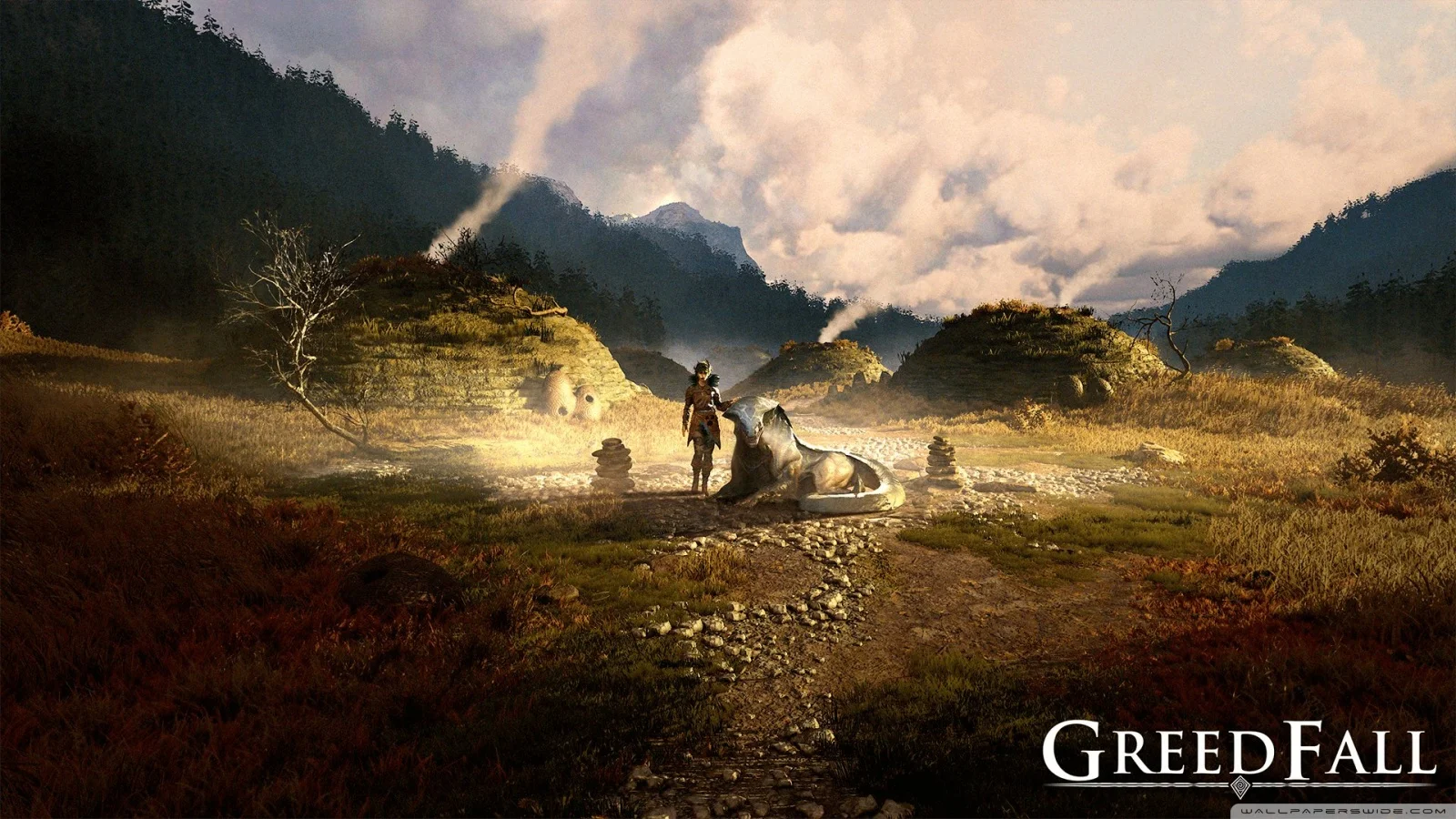

Greedfall

Performance
1080p (Full HD)
1440p (2K / QHD)
4K (Ultra HD)

Requirements Check


Recommendations
Your hardware doesn't meet minimum requirements for this game.

Your GPU supports ray tracing.
Average FPS: resolution vs quality settings
| Ultra | High | Medium | Low | |
|---|---|---|---|---|
| 4K Ultra HD | 34 | 54 | 57 | 77 |
| 1440p QHD | 56 | 89 | 97 | 126 |
| 1080p Full HD | 80 | 131 | 142 | 182 |
Cell color: green is 120+ FPS, teal is 60+, amber is 30+, red is below 30. Cards marked Estimated above have no measured row and are scaled from your GPU benchmark percentile.
Performance Analysis: Greedfall on Your System
How This Combo Ranks
The AMD Ryzen 5 3600 paired with the NVIDIA GeForce RTX 4060 lands at rank 1999 out of 3703 tested combinations for Greedfall. That places this system in the upper-middle portion of the database, roughly the 46th percentile of all tested combos. For a game released in 2019, this pairing is more than adequate, but the rank reflects that there are many stronger configurations available, particularly at higher resolutions where the GPU becomes the limiting factor.
The CPU itself sits at the 71st percentile among all processors tested, while the GPU rests at the 61st percentile among all graphics cards. The combination of a strong mid-range CPU and a solid mainstream GPU produces a system that handles Greedfall comfortably at 1080p and 1440p, but struggles to maintain a smooth experience at 4K on higher presets. The recorded data shows this is not a top-tier combo, but it is far from a weak one, and the bottleneck distribution shifts meaningfully depending on the resolution and settings chosen.
Similar Performance Alternatives
Looking at the nearest rivals for the CPU, the Ryzen 5 3600 performs nearly identically to the Intel Core i7-1260P, which scores 0.2% higher in average benchmark score. The Intel Core i5-11400 sits 0.2% behind, and the AMD EPYC 7573X also trails by 0.2%. The AMD EPYC 7742 is essentially a tie at 0.2% ahead. In practical terms, any of these processors would deliver almost the same frame rates in Greedfall when paired with the same GPU, since the game is not heavily CPU-bound at most settings.
For the GPU, the RTX 4060's nearest rivals are surprising: the AMD Radeon HD 7790 scores 0.2% higher, the AMD Radeon 780M trails by 0.3%, the AMD Radeon Pro 560 is 0.5% behind, and the AMD Radeon Pro 460 sits 0.7% lower. These deltas are small enough that in real gaming scenarios, the differences would be within run-to-run variance. Users considering alternatives to the RTX 4060 should expect similar behavior from these cards in Greedfall, though the RTX 4060 brings modern feature support that older cards lack.
The practical takeaway is that swapping the Ryzen 5 3600 for any of its nearest CPU rivals would produce no perceptible change in Greedfall performance. Likewise, the GPU alternatives listed would land within a few frames of the RTX 4060. The system's overall ranking is therefore representative of a broad cluster of similar-performing hardware, not a unique sweet spot.
CPU and GPU Roles
The data reveals a clear division of labor between the Ryzen 5 3600 and the RTX 4060 depending on resolution. At 1920x1080, the system delivers 182 FPS on Low settings, 142.1 FPS on Medium, 130.5 FPS on High, and 80.2 FPS on Ultra. The scaling from Low to Ultra shows a 56% drop in frame rate, which indicates the GPU is doing most of the work even at this resolution, but the CPU is still keeping up adequately given the high frame rates involved.
Moving to 2560x1440, the frame rates drop to 125.7 FPS on Low, 96.5 FPS on Medium, 88.7 FPS on High, and 56.3 FPS on Ultra. The drop from 1080p to 1440p at the same settings is approximately 31% at Low, 32% at Medium, 32% at High, and 30% at Ultra. This consistent reduction across presets points to the GPU becoming progressively more important as pixel count increases, while the CPU maintains its role without becoming a constraint.
At 3840x2160, the picture changes dramatically. Low settings yield 76.8 FPS, Medium drops to 56.8 FPS, High falls to 53.6 FPS, and Ultra bottoms out at 33.5 FPS. The scaling from 1440p to 4K shows a 39% drop at Low, 41% at Medium, 40% at High, and 40% at Ultra. This consistent 40% penalty across all presets strongly indicates that the RTX 4060 is now the sole limiting factor. The CPU is no longer relevant at this resolution, as even the lowest settings cannot push the GPU past 77 FPS.
The conclusion is straightforward: at 1080p, the CPU and GPU share the load, with the GPU becoming more prominent as settings rise. At 1440p, the GPU is clearly dominant. At 4K, the GPU is entirely responsible for the frame rate, and the Ryzen 5 3600 has ample headroom. Users upgrading from a weaker GPU would see the largest gains at 1440p and 4K, while those upgrading from a weaker CPU would only notice a difference at 1080p Low or Medium settings.
The Verdict
This system can run Greedfall, and it does so with clear margins at most settings. The recorded data shows that at 1920x1080, every preset from Low to Ultra stays above 60 FPS, with Ultra averaging 80.2 FPS. At 2560x1440, High settings remain comfortably above the threshold at 88.7 FPS, while Medium and Low also clear 60 FPS. Only Ultra at 1440p falls short at 56.3 FPS.
At 3840x2160, the picture is more limited. Only Low settings manage to stay above 60 FPS, averaging 76.8 FPS. Medium and High both fall below the threshold at 56.8 FPS and 53.6 FPS respectively, while Ultra drops to 33.5 FPS. The verdict is therefore: playable at 4K only on Low settings, playable at 1440p up to High settings, and playable at 1080p on all settings including Ultra.
The playable threshold in the database is set at 60 FPS, and this system clears it in 7 out of 12 tested configurations. For a 2019 action RPG, this is a solid result. The RTX 4060 is the deciding factor at higher resolutions, while the Ryzen 5 3600 provides enough headroom to avoid becoming a bottleneck at any setting below 4K Ultra.
Measured FPS Breakdown
The database contains measured average frame rates for four presets across three resolutions, with no minimum or maximum values recorded. The following numbers represent the average FPS for each configuration.
At 1920x1080, Low settings produce 182 FPS, which is the highest frame rate recorded for this combo. Medium settings drop to 142.1 FPS, a 22% reduction from Low. High settings further reduce to 130.5 FPS, which is 8% below Medium. Ultra settings produce 80.2 FPS, which is 39% below High. The gap between Low and Ultra is 101.8 FPS, or 56%, indicating that Greedfall's Ultra preset is significantly more demanding than Low.
At 2560x1440, Low settings average 125.7 FPS, Medium drops to 96.5 FPS (23% lower), High falls to 88.7 FPS (8% lower than Medium), and Ultra produces 56.3 FPS (37% lower than High). The Low to Ultra gap is 69.4 FPS, or 55%, which closely mirrors the 1080p scaling. This consistency suggests the preset scaling is uniform across resolutions, and the GPU is handling the increased pixel count in a linear fashion.
At 3840x2160, Low settings average 76.8 FPS, Medium drops to 56.8 FPS (a 26% reduction), High falls to 53.6 FPS (5% below Medium), and Ultra produces 33.5 FPS (38% below High). The Low to Ultra gap here is 43.3 FPS, or 56%, again matching the pattern seen at lower resolutions. However, the absolute values are much lower, and only Low clears the 60 FPS threshold.
The data shows that Greedfall scales predictably with resolution and preset. The drop from Low to Medium is consistently the largest single step, around 22-26%, while the drop from Medium to High is smaller at 5-8%, and the drop from High to Ultra is substantial at 37-39%. This pattern holds across all three resolutions, indicating the game's settings have a consistent computational cost profile.
Best Settings per Resolution
For 1920x1080, the best settings that stay at or above 60 FPS are Ultra, with an average of 80.2 FPS. This is the most demanding preset available, and it clears the threshold by a healthy 20.2 FPS. Users can run Greedfall at maximum quality on a 1080p display without any concerns about frame rate drops below the playable threshold.
For 2560x1440, the best settings that stay at or above 60 FPS are High, with an average of 88.7 FPS. This clears the threshold by 28.7 FPS, providing a comfortable margin. Ultra at 1440p falls short at 56.3 FPS, so users must choose between High quality at 88.7 FPS or Ultra quality at 56.3 FPS. The data suggests High is the optimal choice for smooth gameplay, as the 32.4 FPS penalty for Ultra is substantial and pushes the frame rate below 60.
For 3840x2160, the best settings that stay at or above 60 FPS are Low, with an average of 76.8 FPS. This is the only preset at 4K that clears the threshold. Medium falls to 56.8 FPS, High drops to 53.6 FPS, and Ultra is effectively unplayable at 33.5 FPS. Users with 4K displays must accept Low settings to maintain smooth performance, which represents a significant visual compromise but keeps the gameplay fluid.
The overall recommendation is straightforward: at 1080p, run Ultra; at 1440p, run High; at 4K, run Low. These settings provide the highest visual quality while maintaining frame rates above 60 FPS. The RTX 4060 is capable of handling Greedfall well at mainstream resolutions, but its 8 GB memory and 128-bit bus limit its 4K potential, as evidenced by the steep drop-off between Low and Medium at that resolution. The Ryzen 5 3600 never appears to be the limiting factor in these results, as the frame rate differences between resolutions and presets align closely with GPU-bound scaling.