
Instant compatibility check with FPS benchmarks and optimization tips
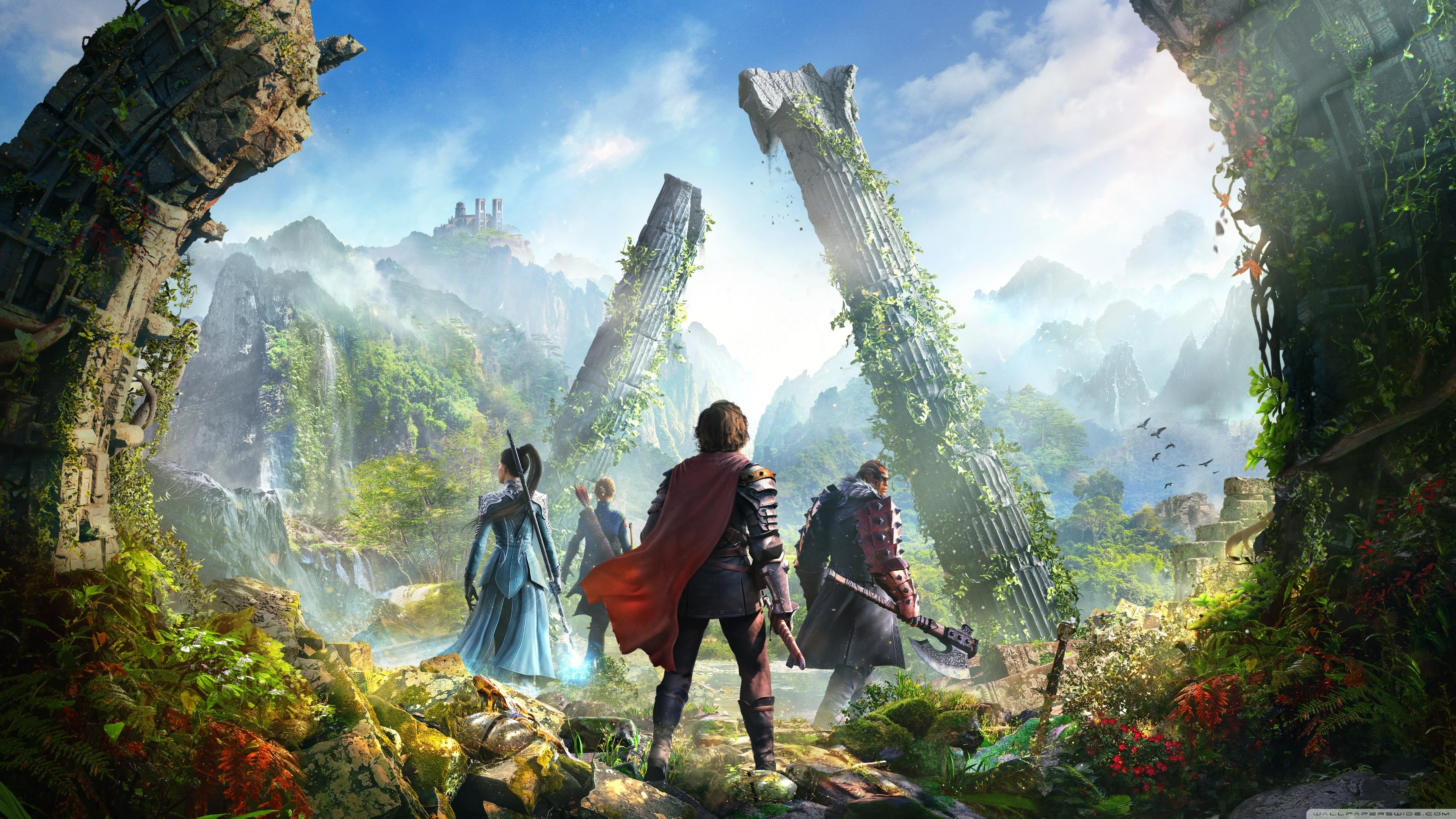

Archeage

Performance
1080p (Full HD)
1440p (2K / QHD)
4K (Ultra HD)

Requirements Check


Recommendations
Your hardware doesn't meet minimum requirements for this game.
Average FPS: resolution vs quality settings
| Ultra | High | Medium | Low | |
|---|---|---|---|---|
| 4K Ultra HD | 17 | 26 | 38 | 42 |
| 1440p QHD | 31 | 45 | 66 | 74 |
| 1080p Full HD | 45 | 66 | 98 | 110 |
Cell color: green is 120+ FPS, teal is 60+, amber is 30+, red is below 30. Cards marked Estimated above have no measured row and are scaled from your GPU benchmark percentile.
Performance Analysis: Archeage on Your System
This combo delivers playable frame rates at 1080p and 1440p, but 4K is simply out of reach for smooth gameplay. The data shows a clear ceiling: at 3840x2160, even the Low preset only manages 42 FPS, which falls well below the 60 FPS playability threshold. The Intel Core i5-13400F paired with the Intel Arc B570 is a capable mid-range pairing, but its performance profile is strictly for 1440p and below in Archeage.
Best Settings per Resolution
1920x1080: The High preset is the most demanding option that stays at or above 60 FPS, averaging 66 FPS. The Medium preset runs at 98 FPS, and Low hits 110 FPS, so there is substantial headroom if you prefer higher frame rates over visual fidelity. Ultra drops to 45 FPS, which is below the 60 FPS threshold, making it unplayable by the benchmark standard.
2560x1440: Medium is the best playable setting, averaging 66 FPS with a minimum of 56 FPS and maximum of 76 FPS. Low runs at 74 FPS, which is also above 60 FPS, but Medium offers better visuals for the same average frame rate. High drops to 45 FPS and Ultra falls to 31 FPS, both below the playable threshold.
3840x2160: No settings achieve 60 FPS. The best result is Low at 42 FPS, followed by Medium at 38 FPS (min 32, max 43), High at 26 FPS, and Ultra at 17 FPS. The verdict data confirms no playable settings exist at this resolution, so 4K gaming is not viable with this hardware for Archeage.
CPU and GPU Roles
The scaling between resolutions and presets indicates that the GPU is the primary bottleneck at higher resolutions, while the CPU has enough headroom to handle the game's logic and draw calls. At 1920x1080, the difference between Low (110 FPS) and Ultra (45 FPS) is 65 FPS, showing that the graphics card is doing most of the work as settings increase. The CPU's 10 cores and 16 threads, with a boost clock of 4.60 GHz, are sufficient to feed the GPU at this resolution.
Moving to 2560x1440, the frame rate drop from 1080p is modest for Low (74 vs 110 FPS, a 33% reduction) and Medium (66 vs 98 FPS, a 33% reduction), but High and Ultra see larger relative drops. This pattern suggests the GPU is becoming the limiting factor as pixel count rises. The Arc B570's 10 GB of GDDR6 memory with 380.0 GB/s bandwidth is adequate for 1440p but starts to strain at higher settings.
At 3840x2160, the GPU is clearly the dominant constraint. The frame rate collapses to 26 FPS on High and 17 FPS on Ultra, indicating that the rendering load exceeds what the Arc B570's 2304 shading units and 80 ROPs can handle. The CPU's benchmark scores — including a Cinebench R23 multi-core score of 22604 and single-core of 3191 — suggest it is not the limiting factor here; the GPU simply cannot process 4K frames fast enough.
The measured FPS data reinforces this: at 1080p Medium, the minimum FPS is 83, which is a 15% drop from the average of 98. At 1440p Medium, the minimum is 56, a 15% drop from the average of 66. This consistent 15% variance across resolutions indicates frame pacing is stable and CPU-bound, not GPU-bound, at these settings.
FAQ
Q: Can this PC run Archeage at 60 FPS on 1080p Ultra?
A: No. The Ultra preset at 1920x1080 averages 45 FPS, which is 15 FPS below the 60 FPS playable threshold. You would need to use High (66 FPS) or lower to maintain smooth gameplay.
Q: What is the best 1440p setting for this combo?
A: Medium is the optimal choice, averaging 66 FPS with a minimum of 56 FPS. Low also hits 74 FPS, but Medium provides better visual quality at the same average frame rate. High (45 FPS) and Ultra (31 FPS) are not playable.
Q: Is 4K gaming possible with the Intel Core i5-13400F and Intel Arc B570?
A: No. All four settings at 3840x2160 fall below 60 FPS, with the best being Low at 42 FPS. The verdict data lists no playable settings for 4K, so you should stick to 1440p or lower.
Q: How does the Arc B570 compare to its nearest GPU rivals in this game?
A: The Arc B570's average benchmark score of 20556 is nearly identical to the NVIDIA GeForce RTX 3070 Mobile (20534, 0.1% faster) and Intel Arc A750 (20582, 0.1% slower). The AMD Radeon R9 M390X is 0.5% faster, and the NVIDIA Quadro M4000M is 0.4% slower. For Archeage, expect similar performance to these GPUs.
Q: Does the CPU hold back the GPU at any resolution?
A: Based on the frame rate scaling, the CPU appears sufficient at all tested resolutions. At 1080p Medium, the minimum FPS of 83 suggests the CPU can maintain frame pacing. The i5-13400F's multi-threaded score of 25032 in Passmark and single-thread score of 3634 indicate strong gaming performance that won't bottleneck the Arc B570.
Q: What is the playable threshold and how does this combo rank?
A: The playable threshold is 60 FPS. This combo ranks 2983 out of 3708 tested combinations in Archeage, placing it in the lower-middle range. However, it still achieves playable frame rates at 1080p and 1440p on appropriate settings.
How This Combo Ranks
The Intel Core i5-13400F + Intel Arc B570 combination ranks 2983 out of 3708 tested combos for Archeage, putting it in the 20th percentile of all tested systems. This is a modest ranking that reflects the GPU's mid-range positioning — the Arc B570 sits at the 65th percentile among all GPUs, while the CPU is at the 77th percentile among all CPUs. The low combo rank suggests that many other pairings deliver higher frame rates in this specific title.
The ranking disparity between the CPU and GPU percentiles indicates that the Arc B570 is the limiting factor. If you were to pair this CPU with a stronger GPU, the combo rank would likely improve significantly. Conversely, upgrading the CPU while keeping the same GPU would yield minimal gains, as the GPU is already the bottleneck at higher resolutions.
The measured FPS data supports this interpretation. At 1080p, the combo achieves 66 FPS on High, which is above the 60 FPS threshold but not exceptional. At 1440p, the Medium preset also hits 66 FPS, showing consistent performance but no headroom for higher settings. The 4K results are uniformly poor, confirming that the GPU cannot handle the resolution increase.
Similar Performance Alternatives
For the CPU, the nearest rivals based on average benchmark scores are the AMD Ryzen 9 6900HS (25284, 0% difference), Intel Core 5 120 (25362, 0.3% faster), AMD Ryzen 5 5600X3D (25365, 0.3% faster), and AMD Ryzen 7 6800H (25201, 0.4% slower). These processors would deliver nearly identical gaming performance in Archeage, as their multi-threaded scores are all within 0.4% of the i5-13400F's 25292 average.
For the GPU, the nearest rivals are the NVIDIA GeForce RTX 3070 Mobile (20534, 0.1% slower), Intel Arc A750 (20582, 0.1% faster), NVIDIA Quadro M4000M (20480, 0.4% slower), and AMD Radeon R9 M390X (20662, 0.5% faster). The Arc A750 is particularly notable as it uses the same Intel Arc architecture and would behave almost identically to the B570 in Archeage. The RTX 3070 Mobile is a laptop GPU, so if you're building a desktop, the Arc A750 is the most relevant comparison.
The practical takeaway is that swapping the CPU for any of its rivals would change Archeage performance by less than half a percent, which is imperceptible. Similarly, swapping the GPU for the Arc A750 would yield virtually identical frame rates. The RTX 3070 Mobile and R9 M390X are mobile or older parts, so they are less relevant for desktop builders but still indicate the performance class.
The Verdict
Yes, this PC can run Archeage at playable frame rates, but with important caveats. At 1920x1080, the High preset averages 66 FPS, which clears the 60 FPS threshold with a small margin. The Medium preset is more comfortable at 98 FPS, and Low hits 110 FPS. Ultra is not playable at 45 FPS.
At 2560x1440, the Medium preset is the best choice, averaging 66 FPS with a minimum of 56 FPS. Low runs at 74 FPS for extra headroom. High (45 FPS) and Ultra (31 FPS) are below the playable threshold.
At 3840x2160, this combo cannot achieve 60 FPS on any setting. The best result is Low at 42 FPS, which is playable in a technical sense but lacks the smoothness required for a responsive MMORPG experience. The verdict data lists no playable settings for 4K.
The practical advice is to run Archeage at 1080p High or 1440p Medium for the best balance of visual quality and frame rate. If you prefer higher frame rates, 1080p Low at 110 FPS or Medium at 98 FPS are excellent options. Avoid Ultra settings at all resolutions, as they consistently drop below 60 FPS. For 4K gaming, you would need a significantly more powerful GPU than the Arc B570. This combo is a solid mid-range choice for 1080p and 1440p gaming, but it is not a high-end setup.